




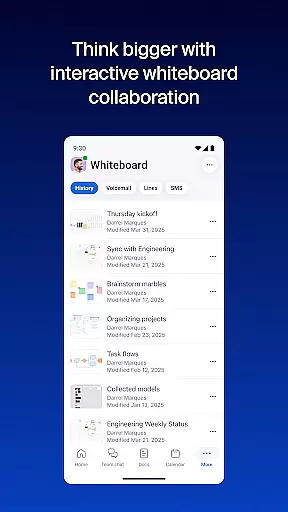

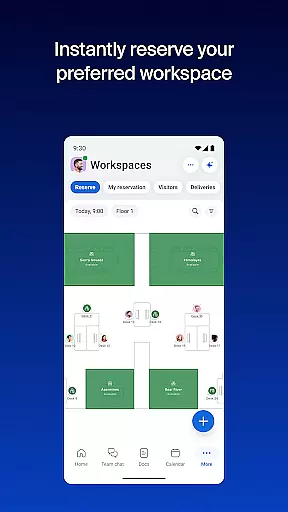


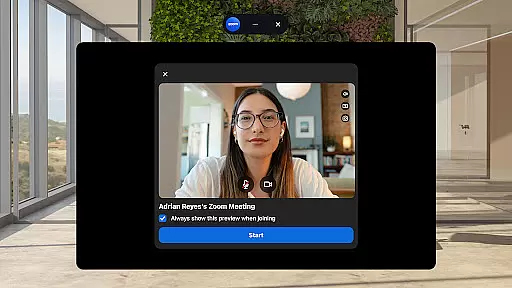
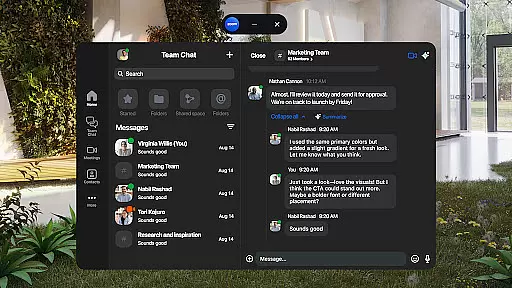
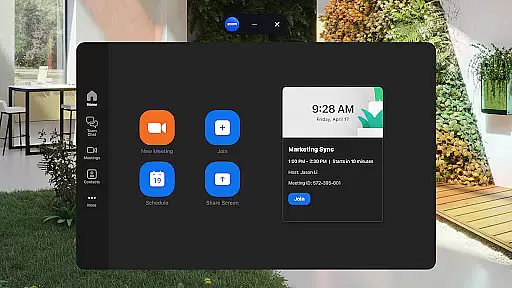
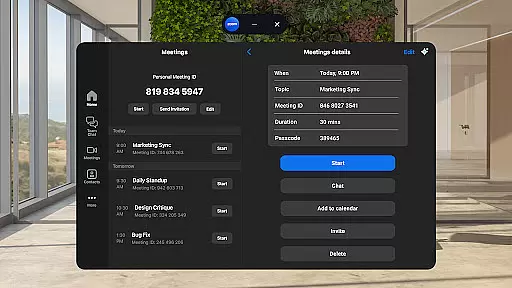
Zoom Workplace is an AI-first collaboration platform that integrates team chat, meetings, phone capabilities, whiteboard, calendar, mail, and docs into a single solution. Designed for both free and paid Zoom users, it enables seamless teamwork across devices while offering enhanced productivity features through its AI Companion.
With a Pro or Business license, users gain access to advanced functionalities such as AI-generated summaries of unread messages, content drafting assistance, and automated meeting recaps. The app ensures secure communication with enterprise-grade security protocols and supports multitasking via Picture in Picture on phones and Split Screen on tablets.
Whether you're managing projects, organizing virtual brainstorming sessions, or handling communications on the go, Zoom Workplace provides tools to streamline workflows and improve efficiency. Its cross-device compatibility allows users to transition between mobile, tablet, and desktop effortlessly.
Zoom Workplace stands out with its comprehensive integration of essential business tools like video conferencing, team chat, and collaborative whiteboards. These features are accessible from a single interface, reducing the need to switch between multiple apps.
The AI Companion enhances productivity by summarizing unread messages, generating draft content, and preparing users for upcoming meetings. Additionally, Zoom Docs allows teams to organize and share information efficiently, while virtual whiteboards foster creative brainstorming sessions.
For professionals who work across locations, the app offers seamless transitions between devices using one-tap functionality. Users can also leverage hands-free controls with 'Hey Google' voice commands and ensure data safety with enterprise-grade security measures.
Collaborative work features are essential for modern businesses, enabling teams to work together efficiently regardless of location. Zoom Workplace excels in this area by integrating multiple communication tools into a single platform.
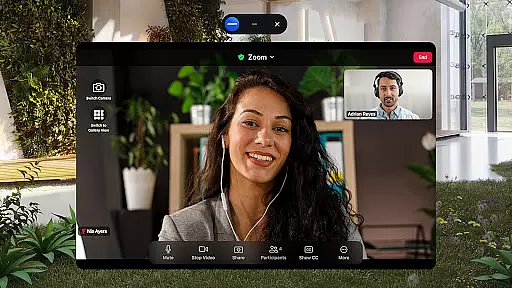
The app allows users to schedule or join video meetings with a single tap, making remote collaboration seamless. Team members can chat with colleagues and external contacts, place phone calls, and send SMS messages, all within the same application.
With AI Companion, users can receive automated meeting summaries and generate first drafts of content, significantly improving productivity. The virtual whiteboard feature enables teams to brainstorm ideas visually, while Zoom Docs helps organize and share information at scale.
This comprehensive suite of collaborative tools ensures that teams can maintain momentum and focus, whether working from home, in the office, or on the go. The ability to move live meetings between devices with one tap further enhances workflow continuity.
Effective task management is crucial for maintaining productivity and meeting deadlines in business environments. Zoom Workplace addresses this need through its integrated calendar and mail features, which help users stay organized.
The application's AI Companion provides intelligent assistance by summarizing unread team chat messages and highlighting key points. This feature enables users to quickly catch up on important communications and prioritize their tasks accordingly.
Users can draft new content with AI assistance, ensuring that communications remain focused and impactful. Automated meeting summaries help track progress and decisions made during discussions, serving as valuable reference points for future tasks.
Furthermore, the ability to assign meeting co-hosts and schedulers in Zoom Workplace Pro subscription plans enhances task delegation and coordination. These features collectively contribute to more efficient project management and team collaboration.
User-friendly interface
Integrated communication tools
AI-powered productivity features
Secure data management
Cross-device compatibility
Paid features require subscription
AI Companion has regional restrictions
Some features not available globally
Enterprise focus may overwhelm casual users
Dependent on stable internet connection

viewing and sharing of PDFs
 3.60
3.60
AI-powered document scanner with auto enhance for perfect PDFs.
4.60
Earn crypto with secure cloud mining. Monitor, track & withdraw easily
4.40
The All-in-One File Manager for Phone, TV, Watch, Cars, XR / VR, Chromebook
4.10
BuildCalc - the easiest AND the most advanced construction calculator app.
4.80
viewing and sharing PDFs and other files—anytime, anywhere!
4.0
Recover what matters — quickly and easily.
4.70
Use Generative Summary to understand your rental or insurance docs in seconds.
4.70
view, manage, and share every PDF file you have
3.60
The MyWalmart App is available for all associates in stores.
4.70
USPS Mobile®Access USPS.com’s most popular tools on-the-go.
4.70
Earn money with the driver & delivery partner app for Uber, UberEats & Postmates
4.60
Chat, meet, and collaborate to achieve more together, all in one place on Teams
4.60
From Gone to Back Again — In Just a Few Taps
4.50
Collaborate seamlessly with Google Chat, part of Google Workspace
4.50
Measure distances, surfaces and draw plans in seconds with CamToPlan!
4.40
On the go? Take FedEx with you.
4.00
We are a dynamic team of creatives people of design, marketing, web & apps
3.00
Convert Your Lovable.dev Website into a Mobile App Instantly!
4.5


User Reviews