
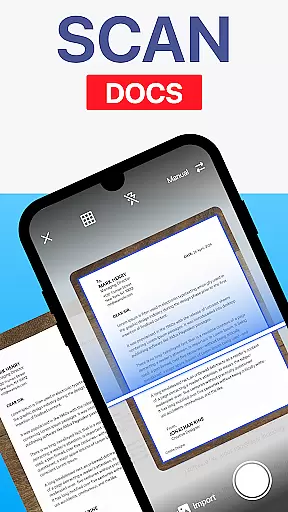
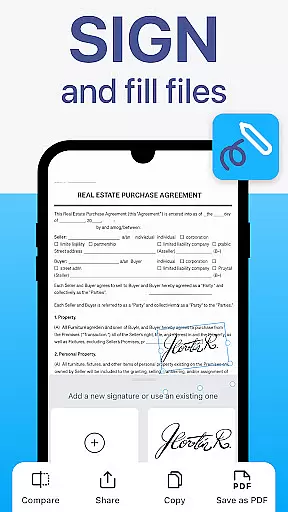
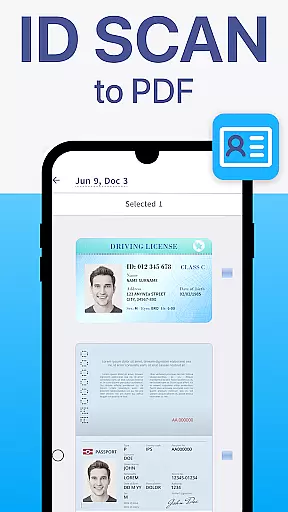
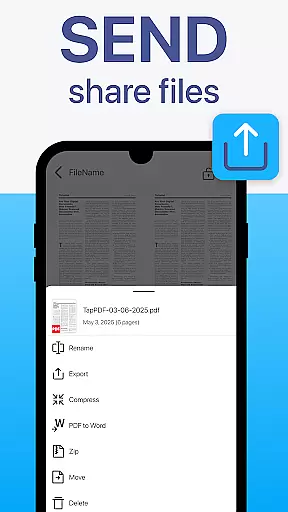
TapScanner is a powerful mobile application that transforms your device into a professional document scanner and comprehensive PDF management tool. Trusted by millions globally, this app allows users to capture, edit, organize, and share documents with ease.
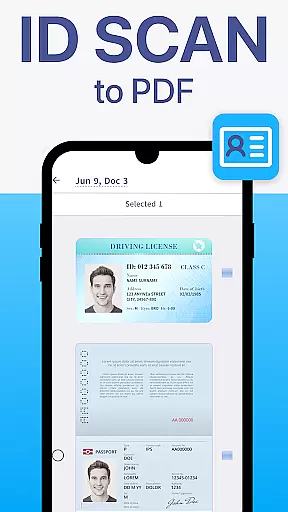
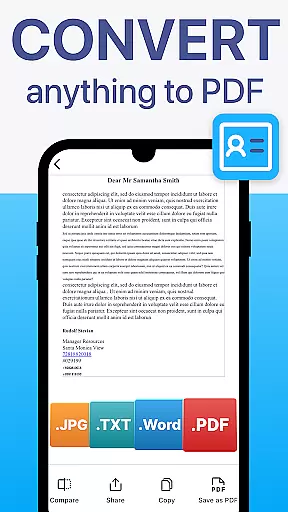
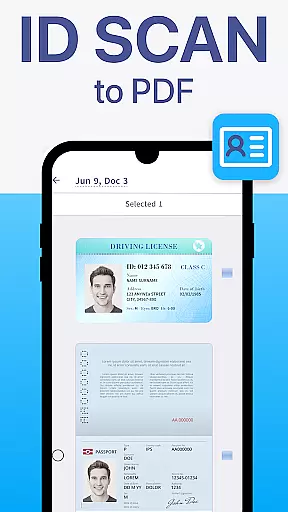
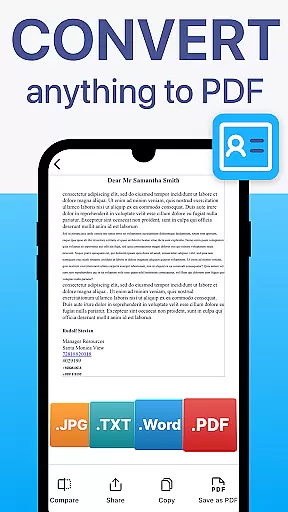
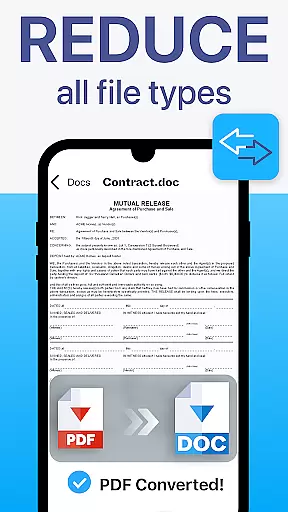
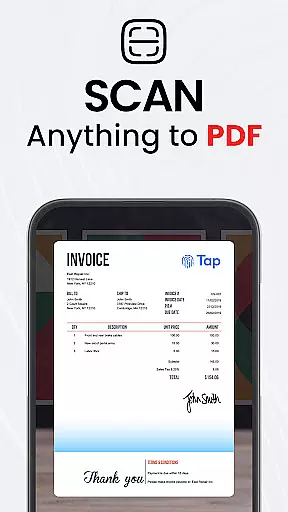
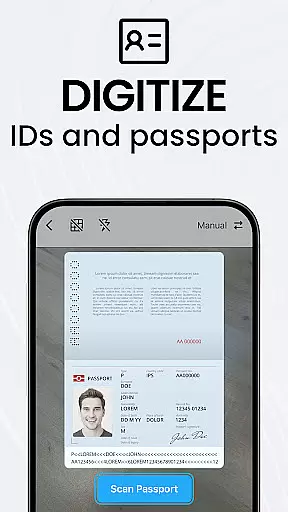
The app's core functionality includes high-quality scans with automatic edge detection and image correction, making it ideal for digitizing receipts, contracts, business cards, and multi-page documents. TapScanner also offers advanced PDF tools such as merging, splitting, reordering, signing, and annotating files. Its OCR technology supports over 110 languages, enabling users to convert images into editable and searchable text.
With features like secure cloud backup, multi-page support, and instant sharing capabilities, TapScanner is particularly useful for professionals who need to manage paperwork efficiently while on the go. The app's intuitive interface ensures that both students and working professionals can utilize its full potential without any learning curve.
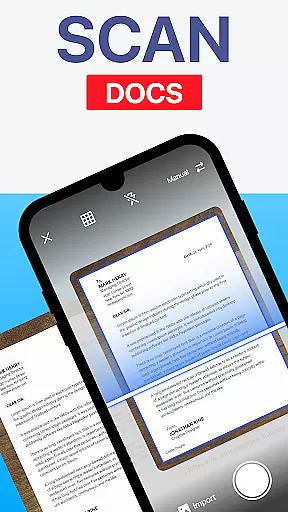
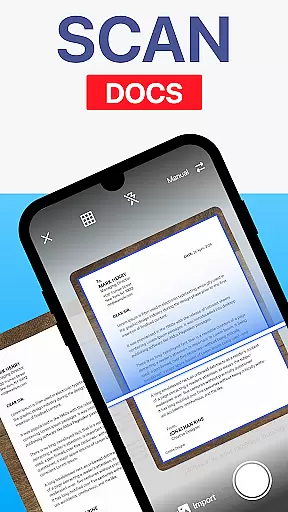
TapScanner stands out with its complete suite of document management features. The app's scanning capability automatically detects document edges and applies smart corrections to produce clear, professional-quality scans every time. Users can enhance images by adjusting brightness, contrast, and applying filters to remove shadows.
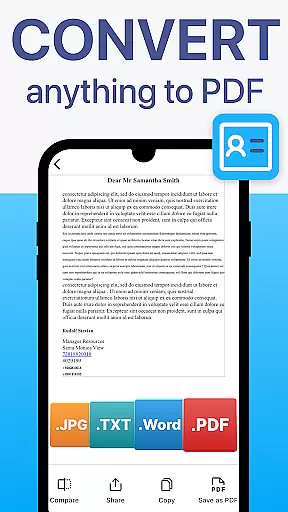
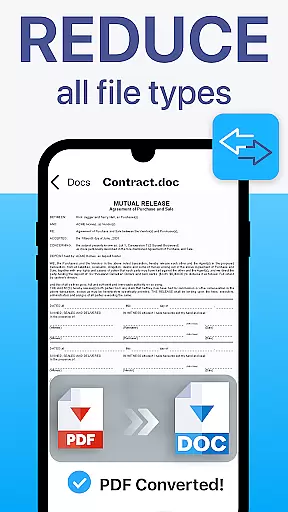
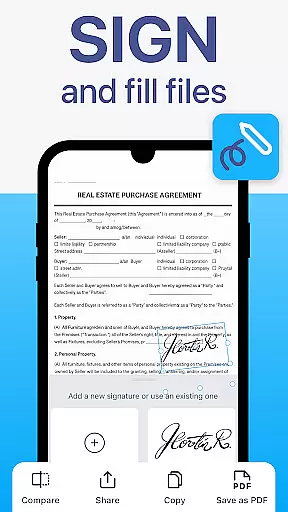
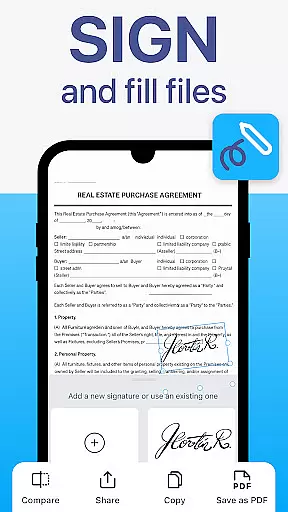
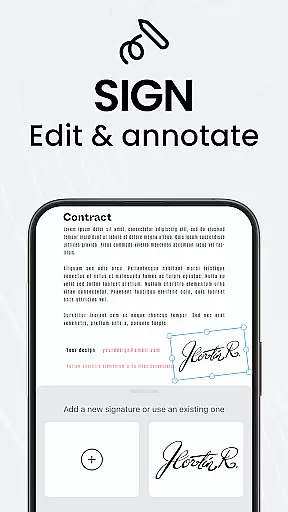
As a comprehensive PDF workspace, TapScanner enables users to perform various operations directly within the app. You can merge multiple files, split large documents, reorder pages, add digital signatures, and annotate PDFs with ease. The app maintains original quality when exporting to standard PDF formats.
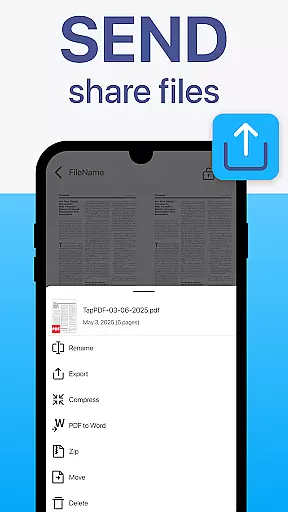
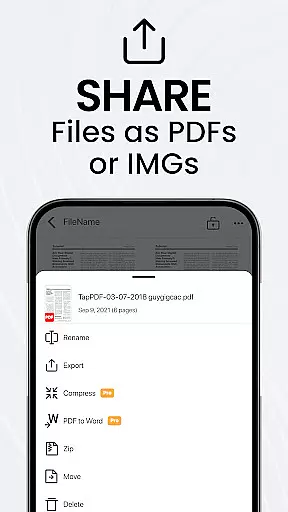
Productivity is further enhanced through batch scanning, automated file organization, and one-tap renaming functions. The built-in OCR technology supports over 110 languages, allowing users to extract text from images and make them fully searchable. With integration to popular cloud services and Wi-Fi printing capabilities, TapScanner provides a seamless document management experience across devices.
TapScanner offers a comprehensive suite of collaborative work features that streamline document management for teams and professionals. The app allows multiple users to access, edit, and manage PDFs simultaneously, ensuring seamless teamwork.
One of the standout collaborative features is the ability to merge, split, reorder, sign, and annotate PDFs directly within the app. This functionality enables teams to handle complex document workflows without needing additional software, thus enhancing productivity and reducing turnaround times.
Furthermore, TapScanner supports secure cloud backup and synchronization with popular services like Google Drive, Dropbox, and OneDrive. This ensures that all team members have access to the latest versions of documents, regardless of their location, thereby facilitating remote work and collaboration.
With its user-friendly interface, TapScanner makes these advanced tools accessible not only to professionals but also to students and everyday users, promoting efficient and effective collaborative efforts across various user groups.
Effective task management is crucial for maintaining productivity, and TapScanner excels in this area by providing robust tools designed to save time and organize workflows efficiently. The app's batch scanning feature allows users to scan multiple documents quickly, making it easier to handle large volumes of paperwork.
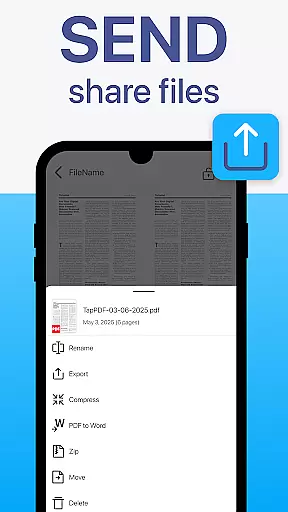
In addition to batch scanning, TapScanner offers one-tap renaming and automated file organization, which significantly reduce the time spent on manual document management tasks. These features ensure that files are systematically arranged and easily retrievable, contributing to a more organized digital workspace.
The app also supports multi-page scanning, enabling users to compile dozens of pages into a single, neatly ordered PDF. This is particularly useful for managing extensive reports or contracts, as it consolidates related documents into one manageable file.
By integrating these task management features, TapScanner helps users maintain an efficient workflow, allowing them to focus more on their core responsibilities and less on administrative tasks. This results in increased overall productivity and better time management.
User-friendly interface
Advanced PDF editing tools
Multi-language OCR support
Secure cloud integration
Batch scanning capability
Premium features require subscription
Free version has limitations
Some advanced tools are complex
Occasional scanning inaccuracies
Large file size may cause slowdowns

The revolutionary flexible staffing platform
 4.40
4.40
Get your benefits on-the-go.
3.80
Employee Management Made Easy
4.80
enjoy effortless PDF reading anytime, anywhere
3.90
A secure, all-in-one team collaboration app
4.30
All your team communication in one place
4.70
Find jobs near you and temp work in minutes, from your phone.
4.50
We help people get jobs
4.70
Make money as a delivery driver with DoorDash and work when you want as a Dasher
4.30
Job search app that finds jobs for you! Takes the work out of looking for a job!
4.90
Start earning fast. Apply Today.
4.80
Earn crypto with secure cloud mining. Monitor, track & withdraw easily
4.40
Deliver and earn money
4.30
Scan Business Cards & Conference Badges - Capture Leads at Events & Tradeshows
4.20
VSD Viewer - Visio Drawings Viewer for Android Preview VSD, VDX, VSDX drawings
4.10
Simple, Fast & Lightweight
3.90
viewing and sharing of PDFs
3.60
view, manage, and share every PDF file you have
3.60
We are a dynamic team of creatives people of design, marketing, web & apps
3.00


User Reviews