
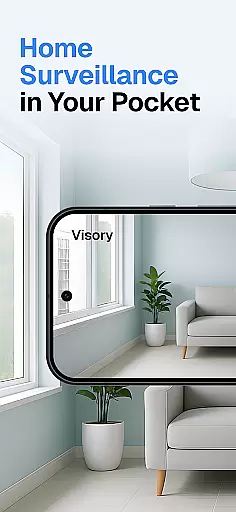
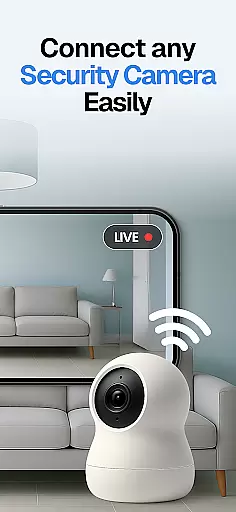
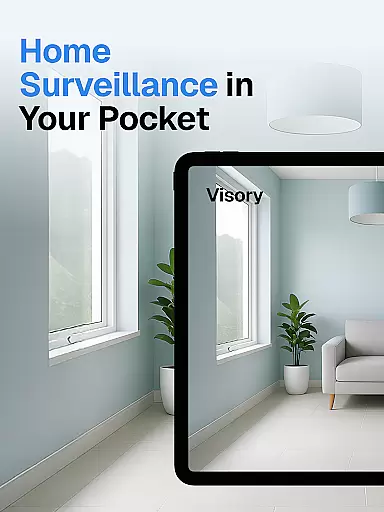
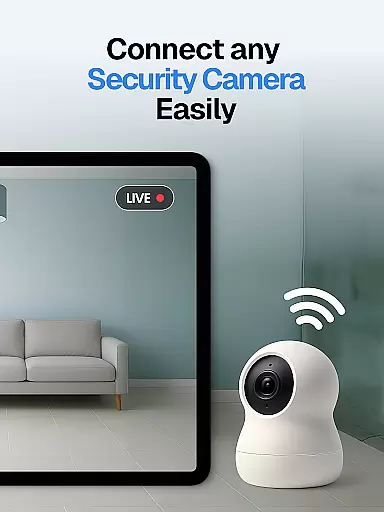
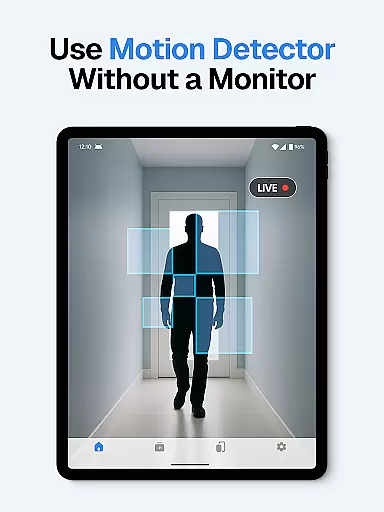
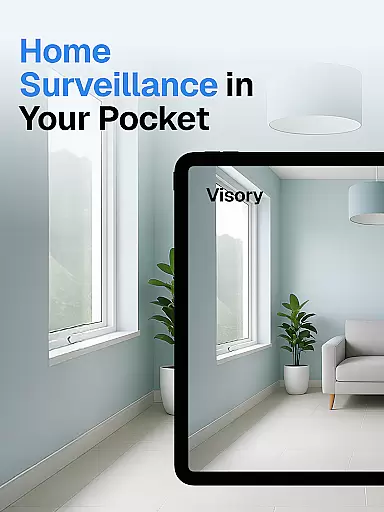
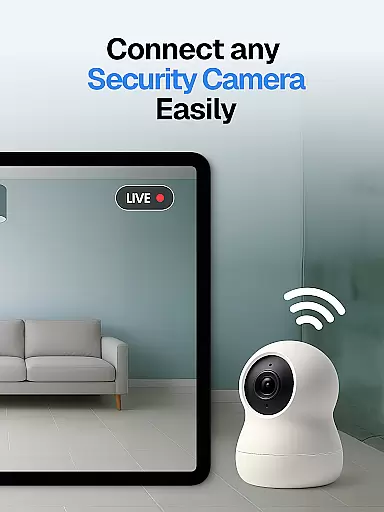
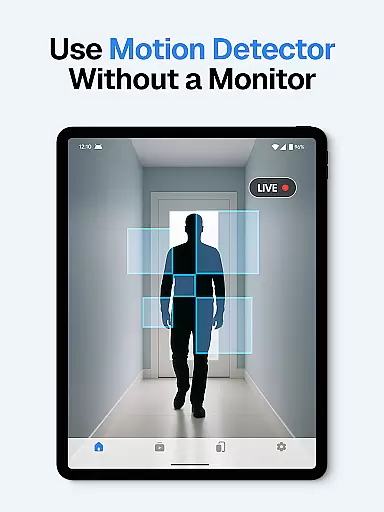
Surveillance Camera is a feature-rich home monitoring solution that transforms your mobile devices into a smart CCTV system. This HD wireless IP camera app allows users to remotely monitor their homes, pets, and loved ones with ease. By linking two devices together, one as the camera and the other as the viewer, it creates a seamless surveillance experience.
The app's standout capability lies in its versatile monitoring features. Whether you need to check on your dog during the day, keep an eye on elderly family members, or set up a discreet security system, this app delivers reliable performance. With support for cross-platform functionality between Android and iOS devices, instant alerts, cloud storage, and night vision, Surveillance Camera provides comprehensive home protection.
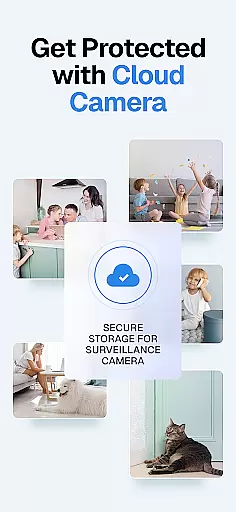
This application is particularly useful for pet owners who want to monitor their animals while away from home. The motion detection and bark alerts notify you of any unusual activity, giving you peace of mind. The ability to access recorded footage anytime through cloud storage ensures you never miss important moments or potential security threats.
Surveillance Camera stands out with its robust feature set designed for modern home security needs. One of its key strengths is the compatibility across Android and iOS devices, allowing users to link different smartphones or tablets effortlessly. This flexibility makes it easy to create a customized monitoring network tailored to individual requirements.
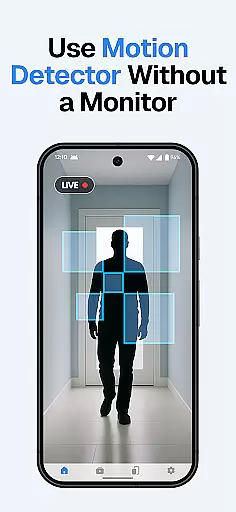
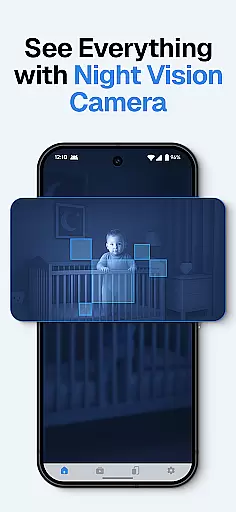
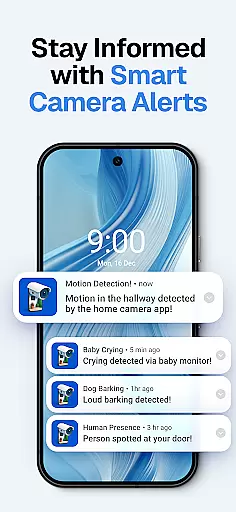
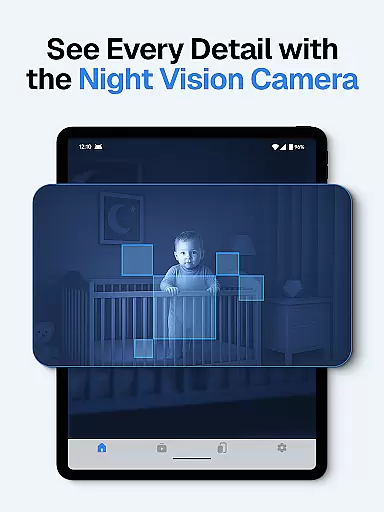
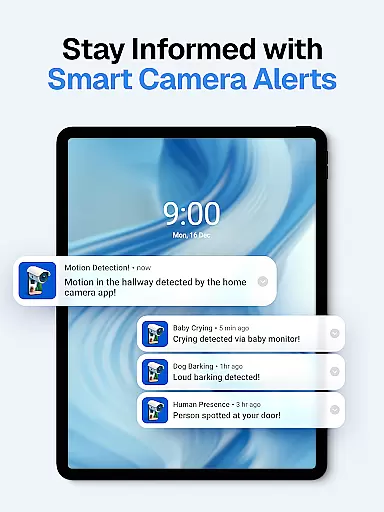
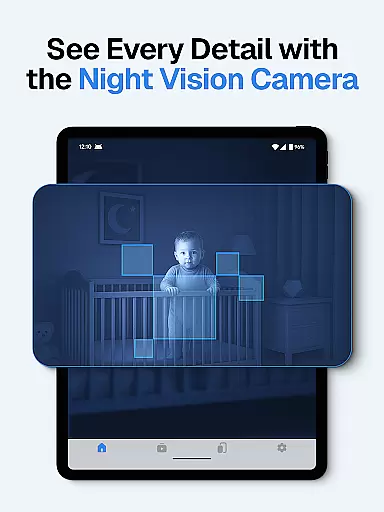
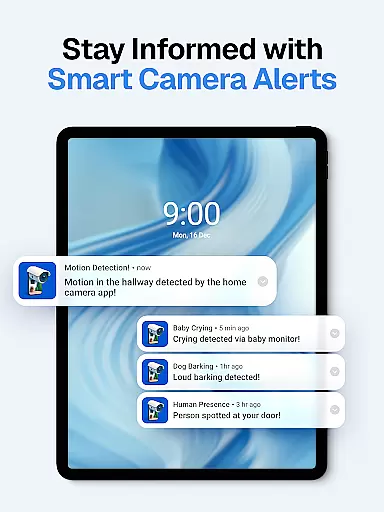
The app includes advanced detection capabilities such as sound, motion, baby cry, and dog bark detection. These features ensure real-time notifications for various events, whether it's an intruder, a crying baby, or your pet barking at something unusual. Additionally, the automatic night vision mode provides uninterrupted monitoring even in low-light conditions, delivering clear footage 24/7.
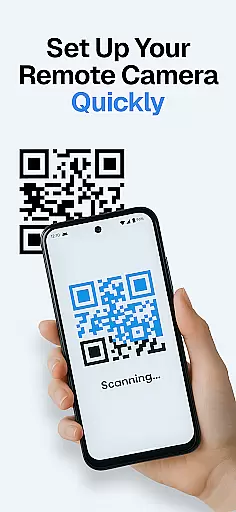
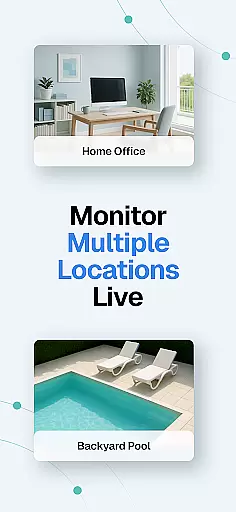
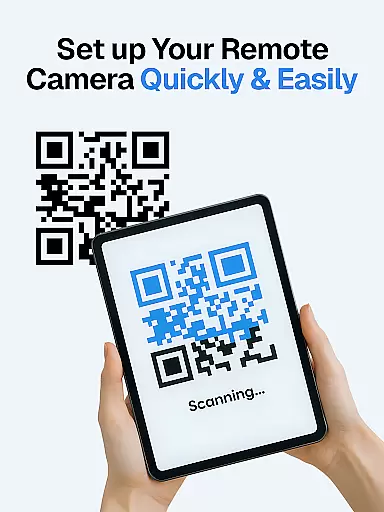
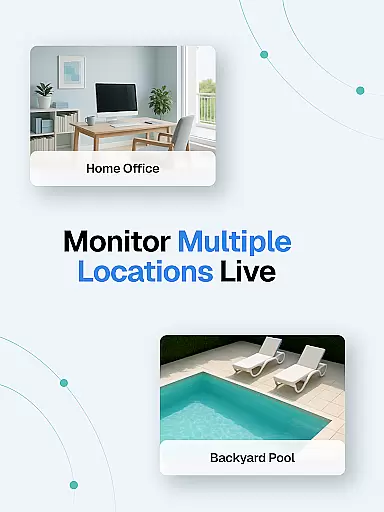
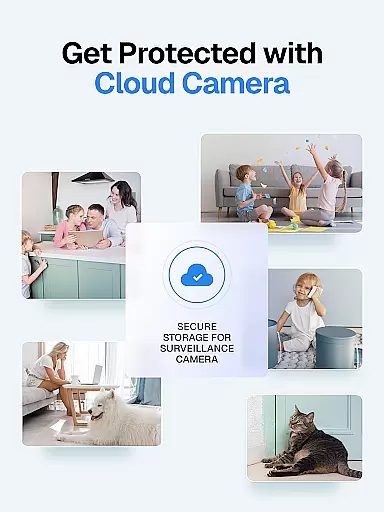
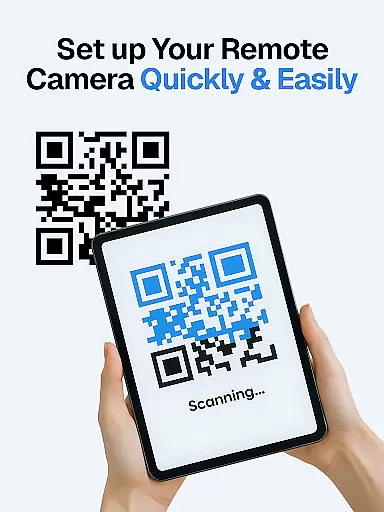
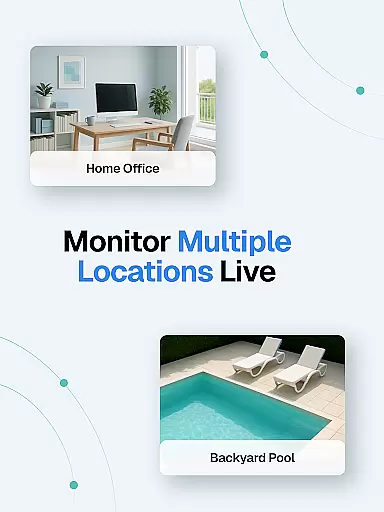
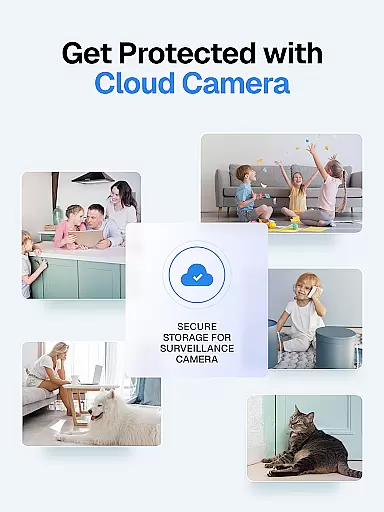
Security and convenience are further enhanced by the app's cloud-based infrastructure. All recordings are automatically saved to secure cloud storage, accessible anytime and anywhere. The quick setup via QR code and support for multiple live streams make it simple to manage several cameras simultaneously. With one-time payment and no data collection, Surveillance Camera offers both affordability and privacy assurance.
In the context of home security applications like Visory, ensuring property listing authenticity is crucial for establishing trust and reliability. This feature guarantees that all connected devices and their corresponding surveillance capabilities are verified and accurately represented within the app.
Visory achieves this by implementing a secure QR code linking system that connects two or more devices seamlessly. Each device is authenticated through this process, ensuring that users can rely on the integrity of their home monitoring setup. The compatibility across Android and iOS platforms further enhances this authenticity by allowing diverse devices to function together as a cohesive security system.
For users, this means peace of mind knowing that their home surveillance system is both genuine and effective. Whether monitoring pets, elderly family members, or securing a home against intruders, the assurance of authentic device listings ensures optimal performance and reliability.
The value of property listing authenticity in Visory lies in its ability to provide users with a dependable remote monitoring experience. By verifying each device's connection and compatibility, users can focus on what matters most u2013 the safety and security of their homes and loved ones.
Effective home management features are essential for modern smart home applications, enabling users to maintain control over various aspects of their living environment. In Visory, these features encompass a range of functionalities designed to enhance home security and convenience through innovative technology.
The application offers comprehensive home management through sound and motion detection, automatic night vision mode, and smart alerts. These features work together to create an intelligent monitoring system that adapts to users' needs. For instance, the baby cry and dog bark detection provides specific alerts tailored to unique household situations, while cloud recording ensures all events are securely stored and accessible at any time.
Users benefit from these sophisticated home management features by gaining unprecedented control over their home security. The ability to monitor multiple live streams simultaneously and receive instant notifications about suspicious activities empowers homeowners to respond quickly to potential threats or concerns.
Ultimately, Visory's home management features offer both security and convenience. By combining advanced detection technologies with user-friendly interfaces and reliable cloud storage, the application creates a comprehensive solution for modern home management, making it an invaluable tool for maintaining a safe and well-monitored living space.
User-friendly interface
Cross-platform support
Instant motion alerts
Secure cloud storage
Automatic night vision
Requires multiple devices
No free version
Limited offline access
Premium subscription cost
Dependent on internet

Draw house plans, floor plans 3d & house design with house plan drawing 3d app
 3.60
3.60
PRO Version of GLB AR Viewer
4.2
Technology powering many in-home services for residents across the United States
3.80
B-hyve Pro App for landscape irrigation professionals
4.70
Download today to join the community to help bring lost pets home faster.
4.70
Parcel Pending Resident App
4.50
Apartment finder for apartments for rent. Compare prices, amenities & rentals.
4.50
Turn old phones into security cameras, baby monitors, pet cams, and more.
4.70
A Smarter Home in Seconds
4.70
Houses for Sale & Homes for Rent: Buy Homes, Rent Apartments & Sell Real Estate
4.80
Plants, Beauty, Collectibles
4.60
Resident Center, powered by Buildium, is designed with simplicity in mind.
4.50
The only mappable smart lights for custom decoration.
4.50
SmartRent - Opening Doors To A Smarter World
4.40
WiZ smart light system
4.40
This Fire TV Remote control's your Fire TV Device and Insignia Fire TV Remote
3.70
Find paints using a Color Muse & ColorSnap® Match
3.60
Universal TV remote Control for Roku TV brands via WiFi remote
4.2
Calculate baluster spacing with ease and precision.
4.3


User Reviews