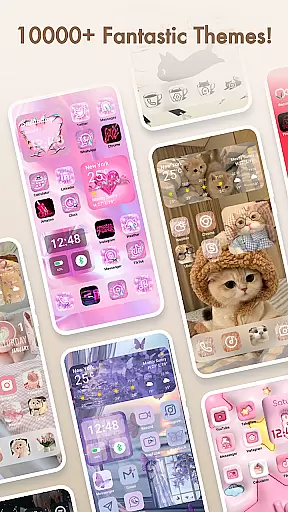
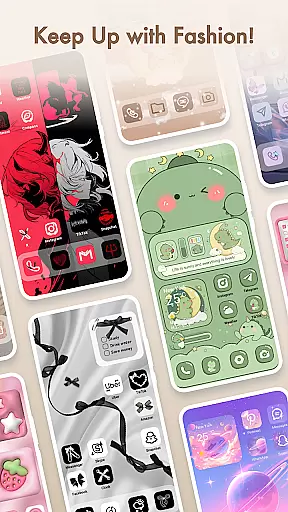
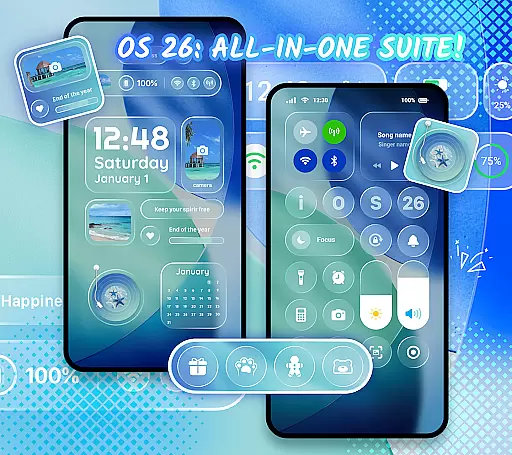
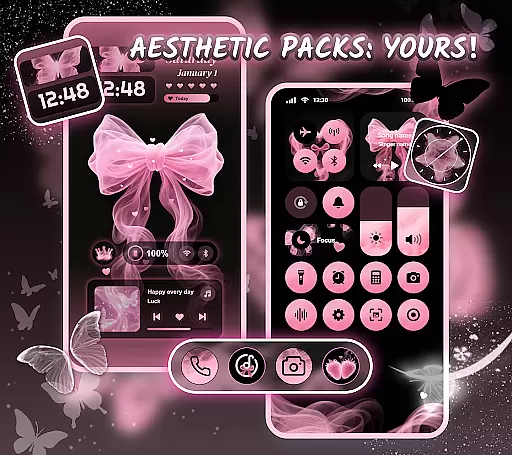
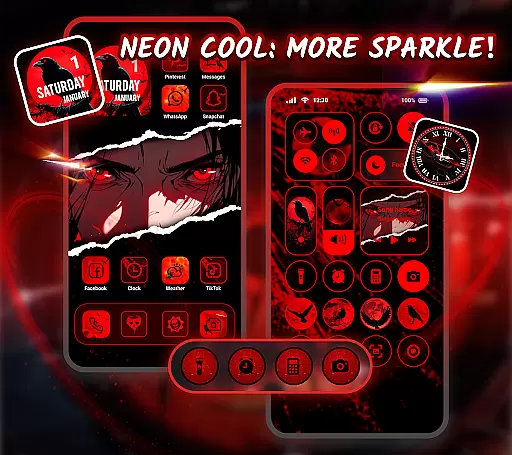
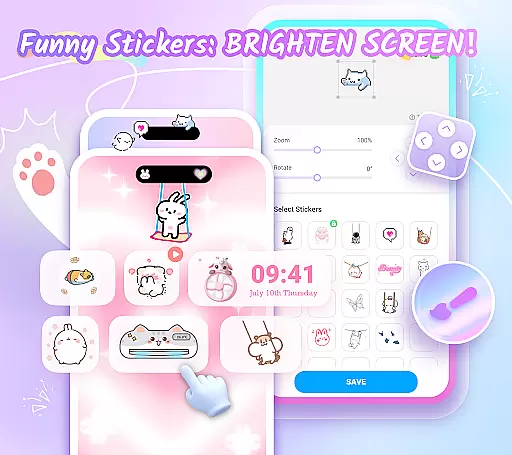
Themepack - App Icons, Widgets is a comprehensive personalization app for Android users who want to design their unique home screen. With over 10,000 functional widgets, icons, and wallpapers, the app offers extensive customization options that cater to various styles and preferences. Users can choose from pre-designed themes or create their own personalized layouts.
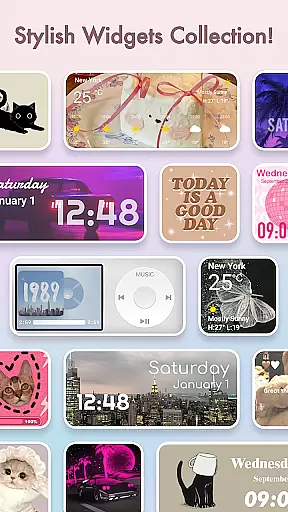
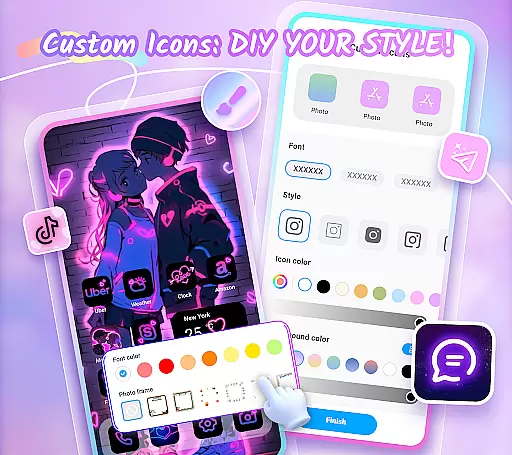
The app's standout feature is its ability to transform the traditional appearance of device screens through dynamic widgets. These include battery indicators, image effects, calendar displays, clocks, weather updates, and control panels. The DIY icon functionality allows users to modify icon styles, fonts, colors, and backgrounds, giving them complete creative freedom.
Themepack is particularly useful for those who want to express their personality through their device's interface. Whether you're interested in aesthetic backgrounds, K-pop wallpapers, anime themes, or festival-inspired designs, this app provides one-click solutions that save time while offering professional-grade customization.
Themepack stands out with its diverse range of features designed to enhance user experience. The app offers thousands of customizable widgets that serve both functional and aesthetic purposes. Battery widgets provide real-time power information, while dynamic image effect widgets add visual interest to the home screen. Calendar, clock, and weather widgets keep users informed and organized.
One of the most innovative aspects of Themepack is its DIY icon capability. Users can customize every aspect of their icons, including style, font, color, transparency, and background. This level of customization extends to creating personalized widgets using images from their gallery, allowing for truly unique home screen designs.
The app also boasts an impressive collection of professionally designed wallpapers and themes. From K-pop to anime, neon to sports themes, users can find designs that match their interests. The one-click replacement feature makes it easy to apply these customizations quickly. Additionally, the app's accessibility service permissions enable advanced system modification capabilities while maintaining strict privacy standards.
Themepack offers an extensive range of customization options that allow users to personalize their Android home screens like never before. With over 10,000 functional widgets, icons, and wallpapers, the app provides a comprehensive suite for those looking to express their unique style.
The app includes various widget categories such as battery indicators, dynamic image effects, calendars, clocks, weather updates, and control panels. These widgets not only serve practical purposes but also add an element of surprise by transforming the traditional appearance of the screen.
Users can further customize their experience by selecting images from their gallery to create personalized widgets. This feature encourages creativity and ensures that each user's home screen is a true reflection of their personal taste and preferences.
By offering diverse icon styles, fonts, colors, transparency levels, and background options, Themepack empowers users to design distinctive icons and rename apps with cool fonts, enhancing both aesthetics and usability.
Theme compatibility in Themepack ensures that all customizations, including widgets, icons, and wallpapers, integrate seamlessly with the user's device. The app supports a wide array of themes, from aesthetic backgrounds to K-pop, anime, neon, sports, and festival themes.
This compatibility allows users to apply one-click additions that save time and effort while maintaining visual harmony across their home screens. Whether you're looking for a cohesive look or a themed setup for special occasions, Themepack has you covered.
With regular updates and speedy addition of new themes, users can keep their devices fresh and up-to-date with current trends without worrying about compatibility issues. This commitment to compatibility and variety sets Themepack apart as a versatile tool for personalization.
Moreover, the app's assurance of system modification capabilities through Accessibility Service permissions means that users can enjoy advanced features like do-not-disturb mode and volume controls without compromising on safety or functionality.
User-friendly interface
Extensive customization options
Regular content updates
Professional design quality
Privacy-conscious development
Requires multiple permissions
Some features may drain battery
Premium themes cost extra
Occasional performance issues
Steep learning curve for beginners
Customizable Glass widgets. Over 360+ stunning widgets and more!
 4.70
4.70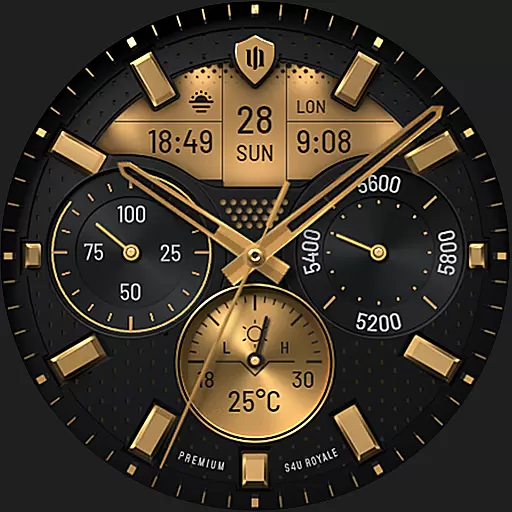
Beautiful realistic hybrid watch face with numerous customization options.
4.50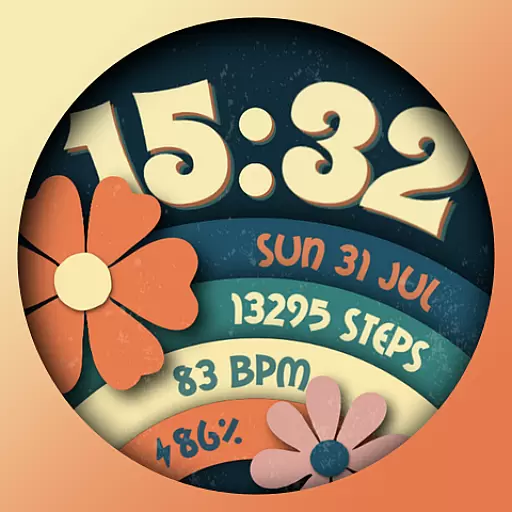
Customizable flower power digital watch face for Wear OS watches.
4.00
3D, live, and moving wallpapers & themes in 4K and HD for your device.
4.50
Dark icon pack based on One 8
4.80
More than 3000+ themes and 9000+ wallpapers for everybody!
4.10
App Icon Changer & Shortcut Creator. Customize your icons without any watermarks
4.30
Create unique, fun emojis with Funny Emoji Maker! Unlimited creativity!
4.00
Fast SMS & group chat - use GIFs and emojis from your home screen launcher.
4.50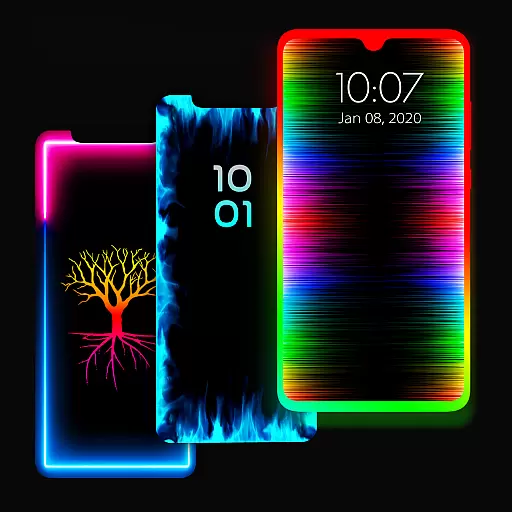
Enjoy a variety of amazing live wallpapers and colorful EDGE lighting borders!
4.80
A minimalist productivity launcher. One-hand-friendly. Zero ads.
4.70
Add cute Shimeji pets to screen, interact with them and relax with cute motions
4.60
300+ widgets inspired by Material You and Material 3 expressive design.
4.60 4.50
4.50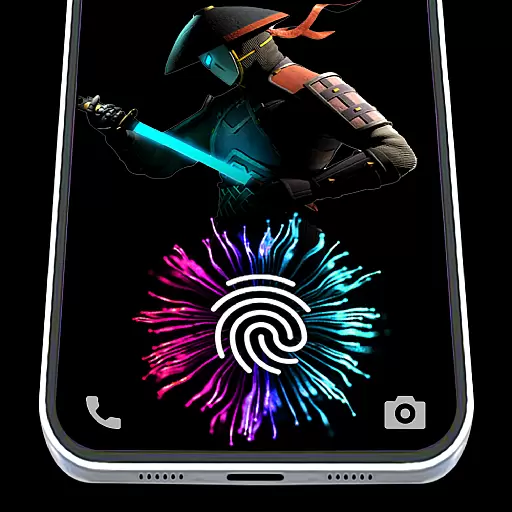
Fingerprint Lock Screen & Live Animations with 4K Wallpapers as Live Wallpaper
4.40
AI-powered Copilot. Personalized keyboard with gifs, stickers & themes
4.40
Adult video chat, dating, making friends, random matching
4.20
Unique Fonts, typefaces and stylish text. Fonts for Instagram, Whatsapp & others
4.20
Turn your lock screen into fun with smile live wallpapers & animated wallpapers!
2.50


User Reviews