
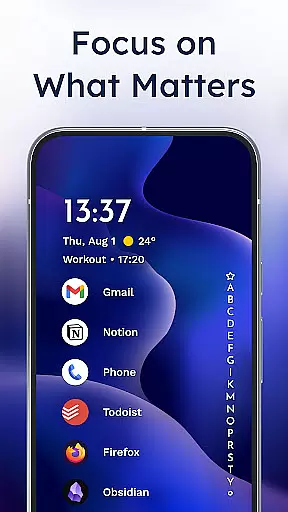
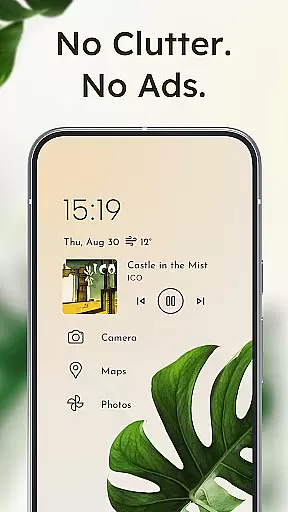
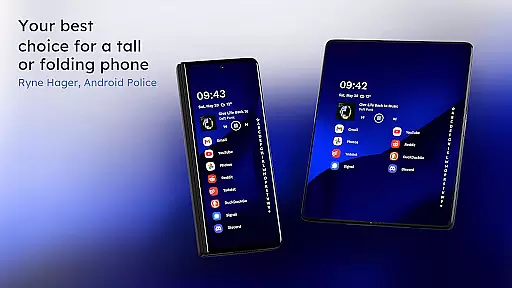
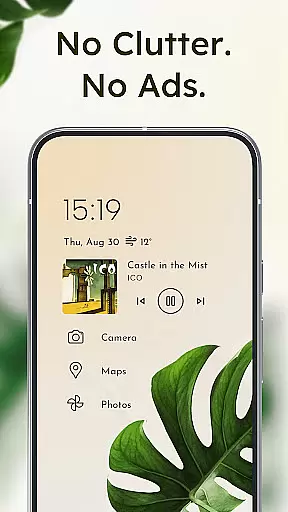
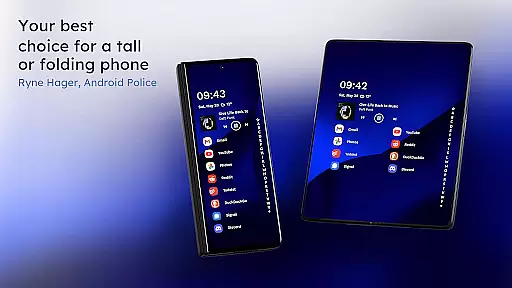
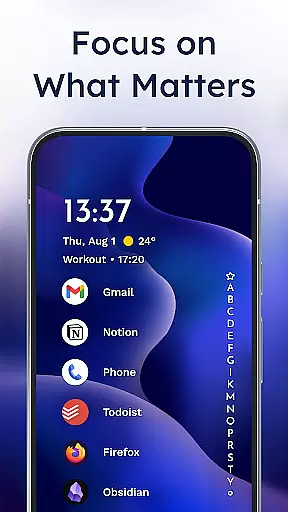
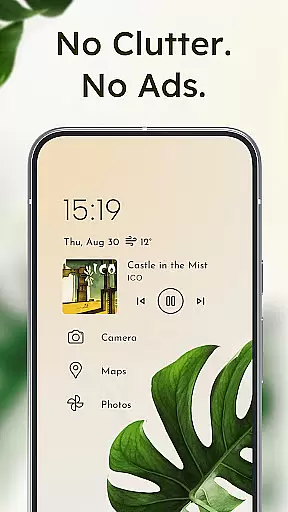
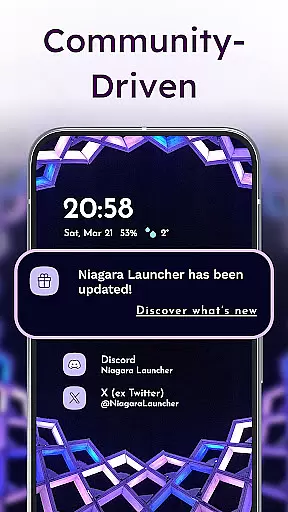
Niagara Launcher is a minimalist home screen app designed for modern smartphones. It emphasizes one-hand usability, allowing users to access all features easily regardless of phone size. The launcher replaces the traditional grid layout with an adaptive list that dynamically displays important information like media controls and notifications.
Key features include ergonomic design, embedded notifications, and Material You theming. Niagara Launcher helps users stay focused by decluttering their home screens while offering extensive customization options. Its lightweight architecture ensures smooth performance on all devices, making it an ideal choice for those seeking simplicity and efficiency in their mobile experience.
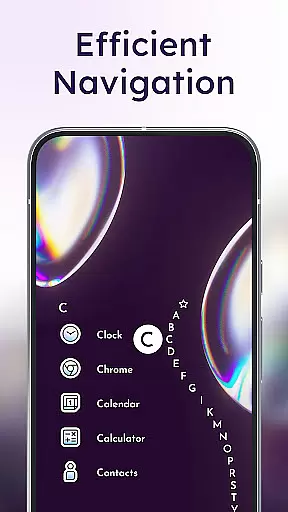
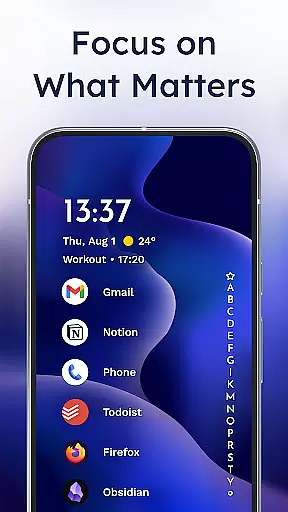
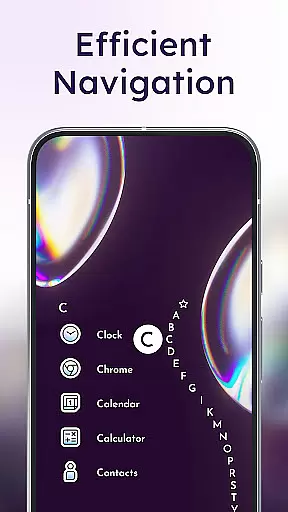
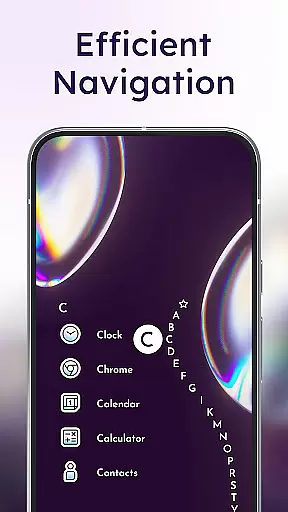
The launcher's standout feature is its wave alphabet navigation, which allows efficient access to apps without needing an app drawer. This unique approach, combined with adaptive list elements, creates a dynamic home screen experience. Users can personalize their interface with custom icon packs, fonts, and wallpapers.
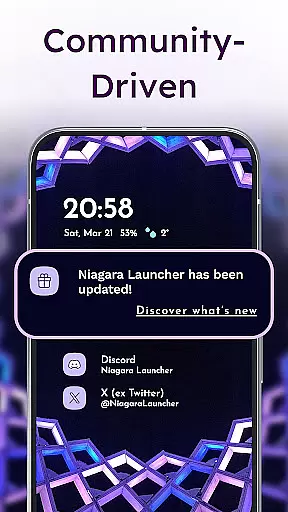
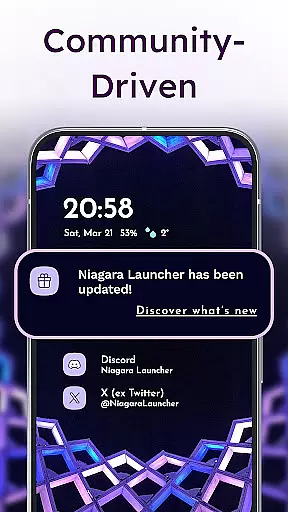
Advanced functionality includes embedded notifications that let users read and respond directly from the home screen. The app also offers comprehensive theming options through Material You, automatically adapting colors based on user-selected wallpapers. These features, combined with active development and community support, make Niagara Launcher a compelling alternative to traditional launchers.
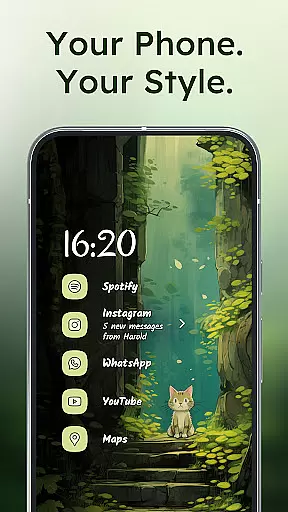
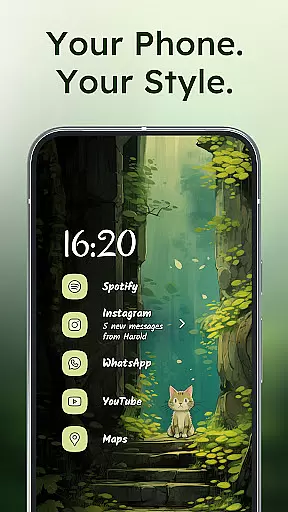
Niagara Launcher offers a wide array of customization options that allow users to tailor their home screen experience according to their preferences. The launcher supports Material You Theming, which means it can adapt its appearance based on the wallpaper you choose, providing a personalized and visually cohesive look.
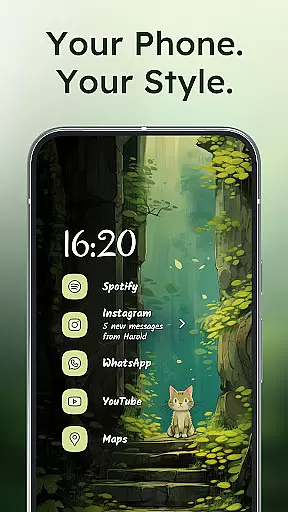
Users have access to integrated icon packs, various fonts, and customizable wallpapers, enabling them to create a unique interface that reflects their style. This level of personalization ensures that your device stands out from the crowd while maintaining usability and aesthetic appeal.
Beyond just visual tweaks, Niagara Launcher also allows for functional personalizations such as embedded notifications and adaptive lists. These features ensure that important information is always at hand without cluttering the screen, thus enhancing both form and function of your smartphone's home screen.
The theme compatibility of Niagara Launcher is one of its standout features, thanks to its adoption of Androidu2019s new Material You design system. This approach allows themes to be dynamically generated based on the user's chosen wallpaper, creating an immersive and harmonious visual experience across all elements of the home screen.
This dynamic theming extends beyond mere color schemes; it encompasses every aspect of the UI, including icons, widgets, and even third-party apps when supported. As a result, users enjoy a seamless transition between different sections of their device with consistent aesthetics throughout.
Moreover, Niagara Launcher brings this advanced theming capability not only to the latest Android versions but has backported it to work with older iterations too. This inclusivity guarantees that more users can benefit from cutting-edge personalization regardless of their current OS version, ensuring broad accessibility and satisfaction among diverse user bases.
One-handed usability
Adaptive interface
Lightweight performance
Customizable themes
Active development
Limited widget support
No native Google integration
Learning curve for new users
Fewer animation options
Basic enterprise features

Customizable Glass widgets. Over 360+ stunning widgets and more!
 4.70
4.70
A Colorful and Minimal icon pack in an Outline Style - Over 13,600 icons!
4.70
Romantic Kiss Stickers App. Start romantic messaging now!
4.30 3.50
3.50
Launcher OS™ Pro without ads help make your phone simple and pretty
4.30
Your go to Weather App & Home Screen. Get your weather at a swipe of a finger!
3.80
300+ widgets inspired by Material You and Material 3 expressive design.
4.60
350+ widgets with a premium glass-style finish, perfect for home & lock screens.
4.70
Fast SMS & group chat - use GIFs and emojis from your home screen launcher.
4.50
Gun Chase - Let the chase begin.
4.80
100+ Stylish Fonts, Emojis, Symbols keyboard for Instagram & TikTok!
4.80
Classic analogue watch face. For wear os devices.
4.60
A retro cartoon style watch face and a punch right in the face of the copyright
4.60
Unique Android Launcher
4.60
Handcrafted pixel art icons, widgets & wallpapers
4.60
The definitive Icon pack maker and editor
4.30
Organize and manage your photos and videos effortlessly with Photo Gallery
4.20
Transform your phone with stunning video wallpapers and a unique, personal touch
3.80
Adorable pets roam and play right on your phone screen!
3.30


User Reviews