
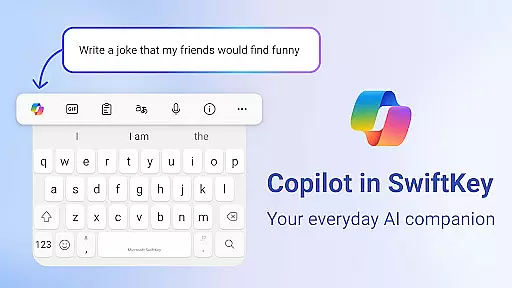
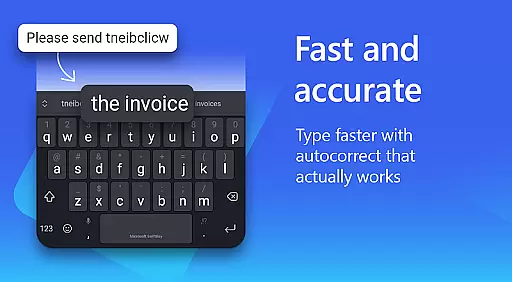
Microsoft SwiftKey AI Keyboard is an advanced personalization tool designed to enhance typing efficiency and style. This intelligent keyboard learns your unique writing patterns, offering personalized autocorrect and predictive text features that adapt to your slang, nicknames, and frequently used emoji.
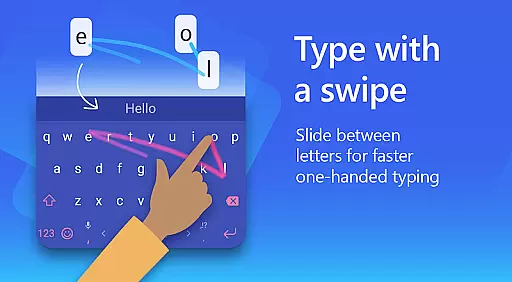
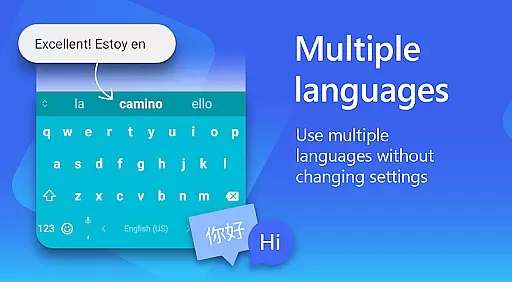
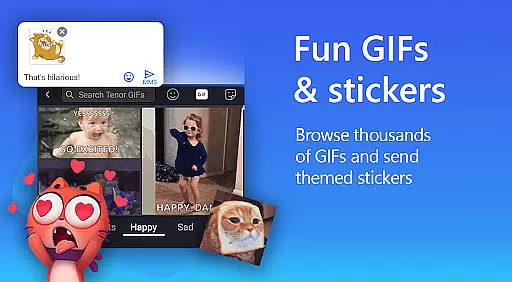
The app goes beyond basic typing with its AI-powered Copilot companion, allowing users to interact with AI in their favorite apps. With support for over 700 languages and the ability to enable up to five languages simultaneously, it caters to multilingual users. The swipe-to-type functionality, customizable themes, and rich content options like GIFs and stickers make typing faster and more expressive.
Whether you're looking to type more efficiently or express yourself creatively through digital communication, Microsoft SwiftKey provides a versatile typing experience that matches your personal style while maintaining accuracy and speed.
Microsoft SwiftKey AI Keyboard offers a comprehensive set of features designed to improve typing efficiency and personal expression. Its AI-driven prediction engine provides highly accurate suggestions, while the spell checker ensures error-free typing. The custom keyboard toolbar includes quick shortcuts for easy access to frequently used functions.
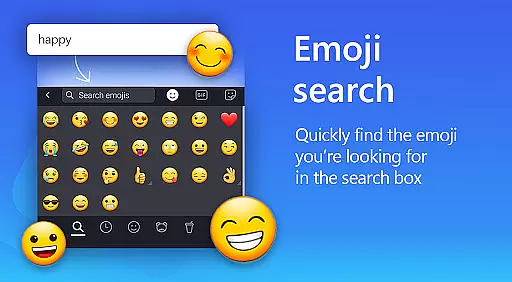
For creative expression, the app supports searchable emojis, GIFs, and stickers, allowing users to find the perfect reaction for any conversation. The adaptive emoji keyboard predicts your favorite emoticons, and the AI-powered image creation tool helps you stand out with unique memes.
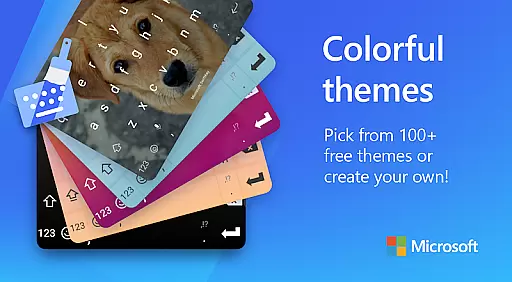
Customization options are extensive, with over 100 colorful themes available. Users can create their own custom keyboard layout by adjusting size and layout settings or using personal photos as keyboard backgrounds. Multilingual support enables seamless switching between languages, making this keyboard suitable for global users seeking both functionality and personalization.
Microsoft SwiftKey AI Keyboard offers an extensive range of customization options that cater to individual preferences and styles. With over 100 colorful keyboard themes, users can select a design that best reflects their personality or mood.
Beyond the preset themes, the application allows for a personalized touch by enabling users to create their own custom keyboard theme. This feature lets users set personal photos as the background, ensuring a unique typing experience that is truly their own.
The ability to customize the keyboard size and layout further enhances user comfort and typing efficiency. Whether you prefer a compact keyboard or need larger keys for ease of use, Microsoft SwiftKey provides the flexibility to adjust these settings according to your needs.
This level of customization not only improves the aesthetic appeal of the keyboard but also contributes to a more intuitive and enjoyable typing experience. Users can type and text in their preferred style, with features like swipe-to-type, tap-to-type, and searchable emojis and GIFs, making communication both efficient and expressive.
Theme compatibility in Microsoft SwiftKey AI Keyboard ensures that all selected themes and customizations work seamlessly across different devices and Android versions. This compatibility is crucial for maintaining a consistent user experience, regardless of the device being used.
Users can switch between various themes without worrying about functionality issues or design inconsistencies. Each theme is crafted to integrate smoothly with the keyboard's predictive text, autocorrect, and other intelligent features, preserving the app's performance while enhancing its visual appeal.
Moreover, the adaptive nature of themes means they can evolve with user preferences over time. As users' tastes change or new trends emerge, Microsoft SwiftKey supports updating themes to keep the typing interface fresh and engaging.
By prioritizing theme compatibility, Microsoft SwiftKey guarantees that its customization options do not compromise the core functionalities of the keyboard. Instead, they enhance the overall usability, allowing users to enjoy a personalized yet reliable typing experience on their Android devices.
AI-powered predictions
Customizable themes
Multilingual support
Swipe-to-type feature
Rich content options
Optional permissions needed
Feature limitations without permissions
Premium theme costs
Learning curve for new users
Occasional input lag

Vertically oriented rectangular icons
 4.70
4.70
Add cute Shimeji pets to screen, interact with them and relax with cute motions
4.60
Ultimate widget creator. Design custom widgets for a truly unique home screen!
3.90
Unique Fonts, typefaces and stylish text. Fonts for Instagram, Whatsapp & others
4.20
Aesthetic Widgets, HD Wallpapers, Themes in Mico Widget for Home and Lock Screen
4.50
Customize glowing edges, wallpapers, and caller screen with EdgeAura.
3.50 4.10
4.10
Enjoy a variety of amazing live wallpapers and colorful EDGE lighting borders!
4.80
Your home screen, just the way you like it.
3.80
One 8 icons glass color version
4.80
Sparkle your screen with Glitter Wallpapers For Girls and Cute Backgrounds!
4.80
Personalize your phone with stunning HD and 4K wallpapers!
4.70
Stunningly Different look with Line Icons and Neon Colors
4.60
Zip lock screen with magic wallpaper to decorate your phone with fun zipper lock
4.60
Icons made of colorful linear lines
4.60
Customizable screen pets that play, climb, and keep you company.
4.50
Yandex Browser — stylish and secure, with voice search and data compression
4.40
Your home screen, just the way you like it.
4.30
Adaptive Dot Style IconPack with Light & Dark Theme.
3.70


User Reviews