
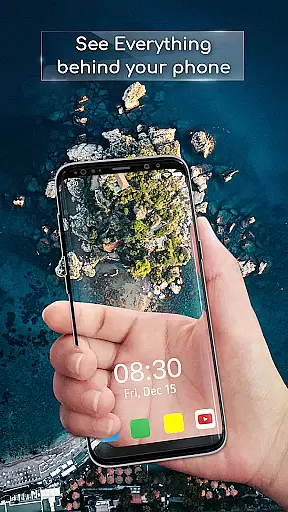
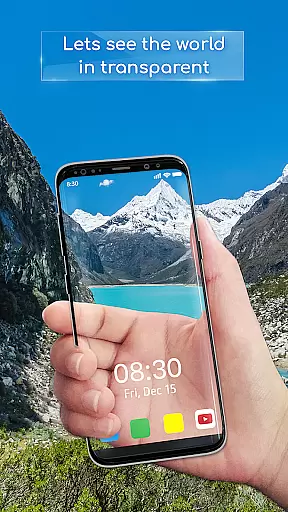
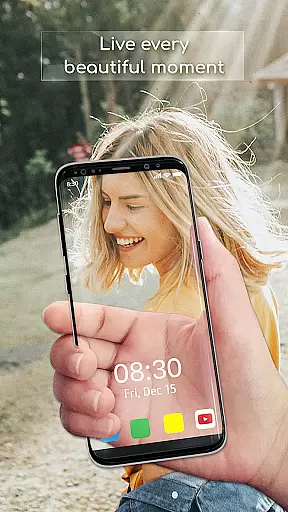
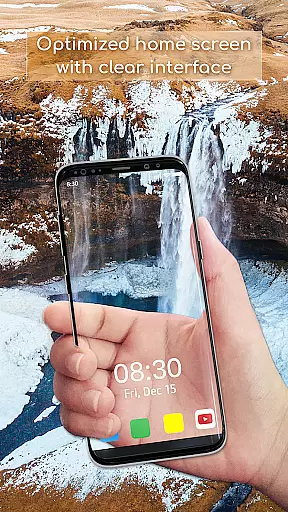
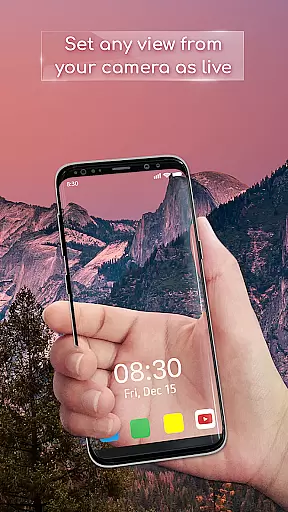
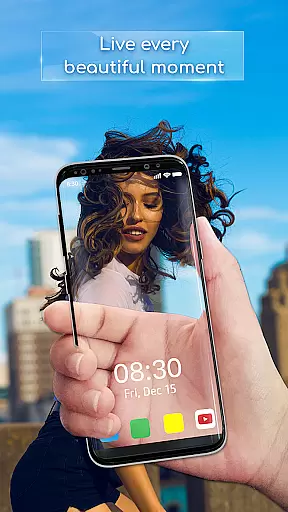
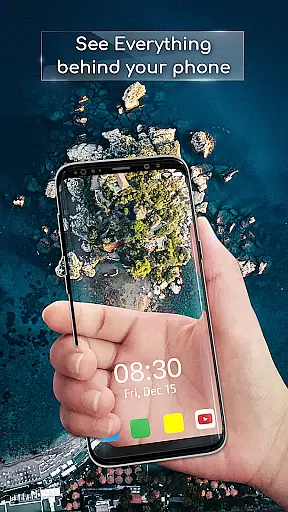
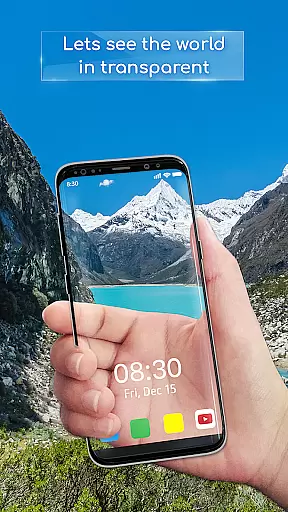
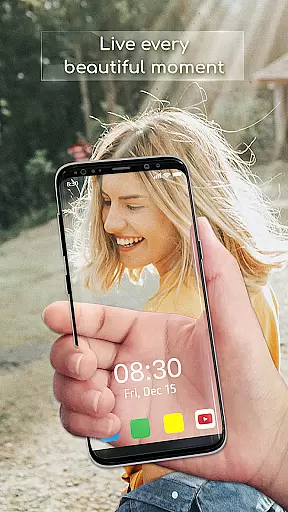
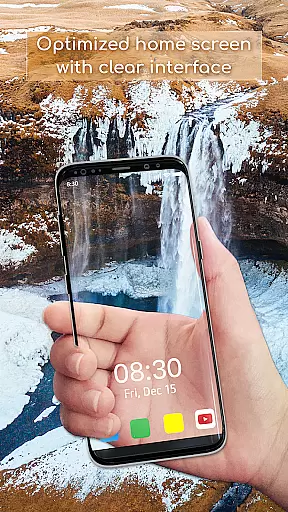
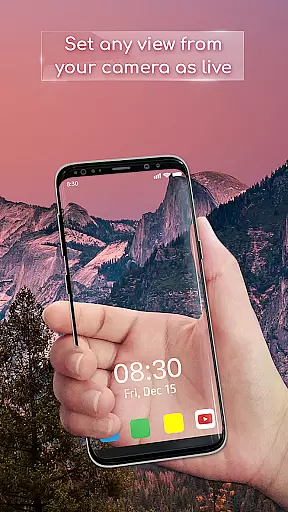
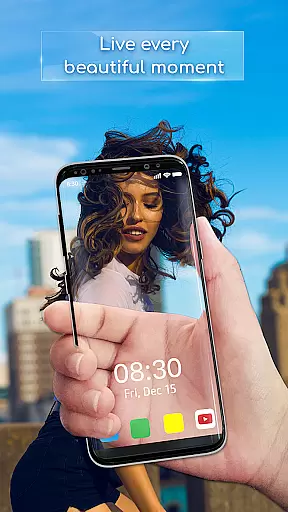
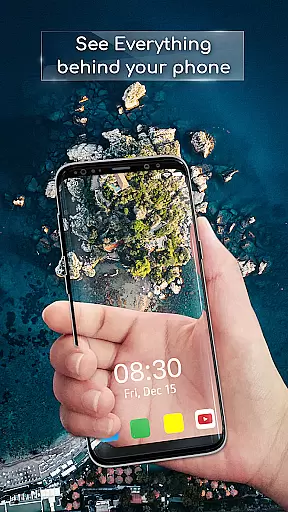
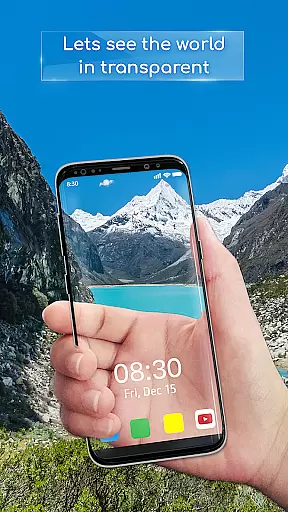
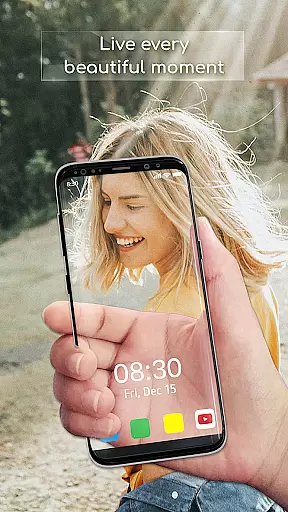
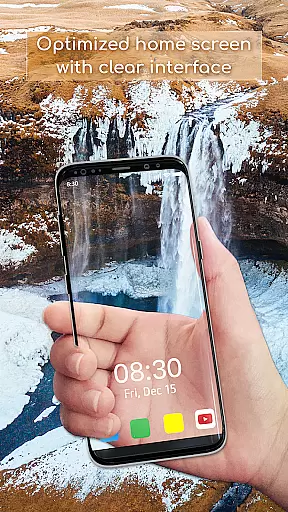
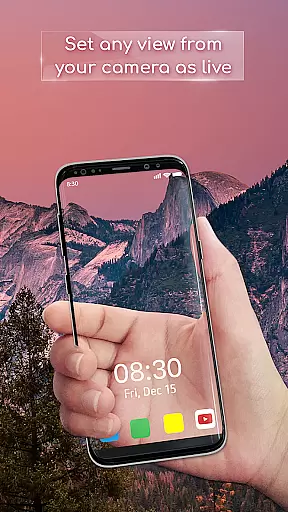
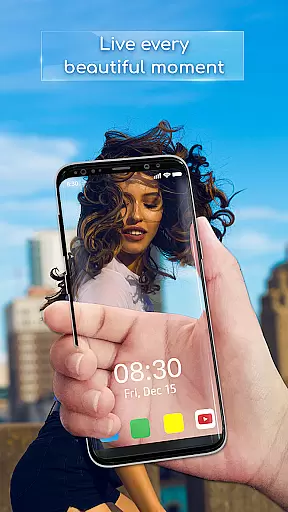
Transparent Wallpaper is a unique personalization app that transforms your device's screen into a transparent window using the device's back camera. This innovative feature creates an immersive see-through effect, offering users a completely new way to interact with their mobile screens.
The app stands out with its easy-to-use interface and smooth performance. Users can choose between front or back cameras and set the live wallpaper with just a few taps. The high-resolution visuals ensure a crystal-clear transparent effect, making it more realistic than other similar apps on the market.
This app is perfect for those looking to customize their device with something truly unique. Whether you want to impress your friends or simply enjoy a novel user experience, Transparent Wallpaper delivers both functionality and aesthetic appeal.
Transparent Wallpaper offers several distinctive features that set it apart from other personalization apps. The most notable feature is the Transparent Live Wallpaper, which uses the device's camera to create a stunning see-through effect. This feature provides a more authentic transparent experience compared to other apps.
User experience is at the core of this app. It boasts a user-friendly interface that makes setting up the wallpaper intuitive and straightforward. With just a few taps, users can select their preferred camera and activate the live wallpaper. Additionally, the app ensures smooth performance, delivering a seamless and fluid experience even while using the camera.
Another key feature is the high-resolution visuals. The app supports crystal-clear display quality, enhancing the overall transparency effect. These features collectively provide users with a unique, visually appealing way to personalize their devices, making Transparent Wallpaper a must-try for anyone interested in innovative mobile technology.
Transparent Wallpaper offers a unique approach to device personalization through its innovative customization options. The app allows users to transform their device's background into a transparent live view, creating an illusion of a see-through screen. This feature leverages the device's back camera to project real-time visuals as wallpapers, providing an immersive and interactive experience.
The level of customization is further enhanced by allowing users to choose between front or back cameras for the live wallpaper effect. This flexibility ensures that users can tailor the transparency feature according to their preferences and device capabilities. Additionally, the easy setup process makes it accessible even to non-tech-savvy individuals, ensuring a broad user base can enjoy this novel concept.
By offering high-resolution visuals and a seamless performance, Transparent Wallpaper guarantees a visually appealing experience without compromising on quality. Users benefit from crystal-clear display effects that enhance the overall aesthetic of their devices while maintaining optimal functionality. This combination of visual appeal and practical usability demonstrates the app's commitment to delivering diverse customization options.
Theme compatibility is a crucial aspect of any personalization app, and Transparent Wallpaper excels in this area. The application seamlessly integrates with various device themes, ensuring that the transparent live wallpaper effect complements existing visual settings. This compatibility extends across different Android devices and OS versions, making it a versatile choice for users seeking a cohesive look for their smartphones or tablets.
One of the standout features is how the app maintains visual consistency regardless of the device's theme settings. Whether using light mode, dark mode, or custom color schemes, the transparent background adapts naturally to these variations. This adaptability ensures that users don't have to compromise their preferred theme settings to enjoy the unique wallpaper effect.
Furthermore, the app's compatibility extends beyond basic theme integration. It works harmoniously with other personalization elements such as icon packs and widget styles, creating a unified visual experience. This comprehensive approach to theme compatibility enhances the overall user experience, allowing for complete creative freedom while maintaining professional-grade visual coherence across all device interfaces.
Unique transparent effect
User-friendly interface
Smooth performance
High-resolution visuals
Easy setup process
Battery consumption may increase
Privacy concerns with camera use
Limited customization options
Potential overheating during extended use
Compatibility issues with older devices

Customizable Glass widgets. Over 360+ stunning widgets and more!
 4.70
4.70
Customize glowing edges, wallpapers, and caller screen with EdgeAura.
3.50
Adaptive Dot Style IconPack with Light & Dark Theme.
3.70
Color phone with cool effects for call screen, flash alert & ringtones music
4.50
HappyLighting is a Bluetooth lamp control software.
3.40
Yandex Browser — stylish and secure, with voice search and data compression
4.40
Handcrafted pixel art icons, widgets & wallpapers
4.60
Amazing letter fonts in your messages and social statuses
4.70
Install amazing sticker packs: endless styles, always cool.
4.70
Dark icon pack based on One 8
4.80
Vertically oriented rectangular icons
4.70
Classic analogue watch face. For wear os devices.
4.60
Bring adorable pets to life on your screen. Playful, interactive and full of fun
4.60
Icons made of colorful linear lines
4.60
Ultra realistic gold analog watch face with lots of customization options.
4.50
Transform your device in a game console
4.40
Themes - Widget & Wallpaper: Customize home screen, icon changer w unique themes
4.30
Adult video chat, dating, making friends, random matching
4.20
Organize and manage your photos and videos effortlessly with Photo Gallery
4.20


User Reviews