
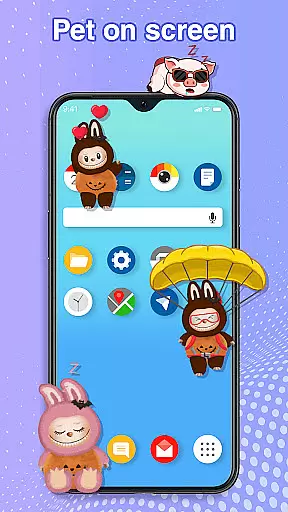
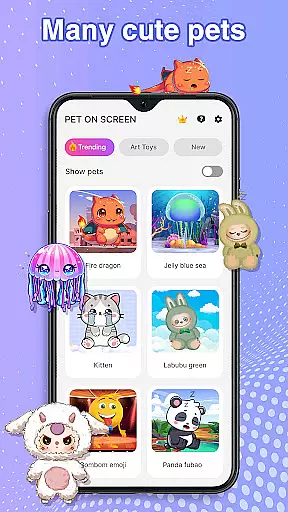
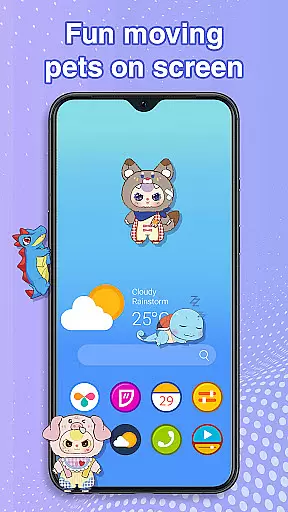
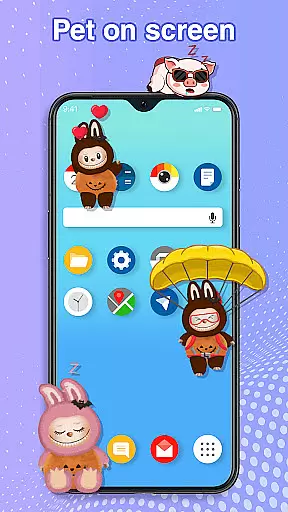
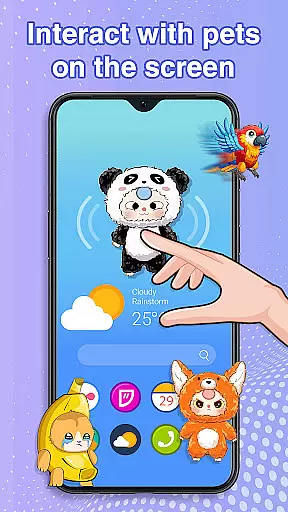
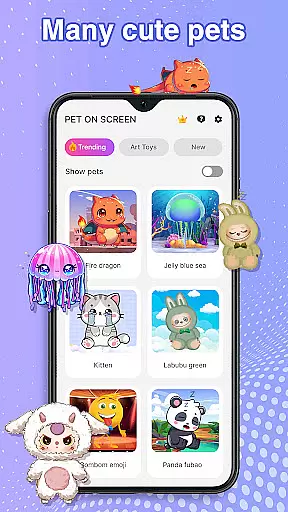
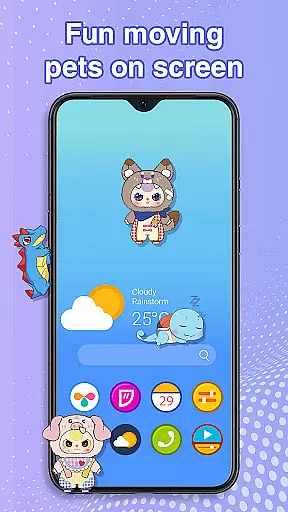
Pet On Screen - Desktop Pet is a delightful personalization app that brings charming virtual pets to your mobile device. With an extensive collection of unique and colorful creatures, this app allows users to customize their phone screens with playful companions such as Jellyfish, Fire Dragons, Labubu, Pandas, Turtles, and Parrots.
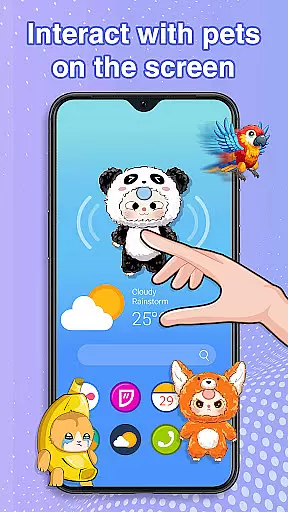
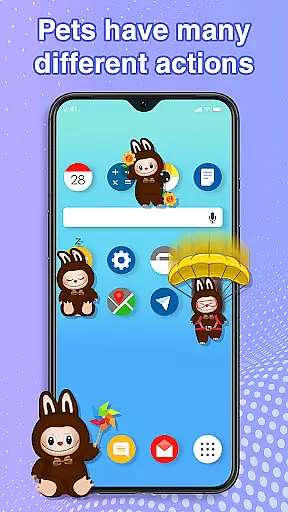
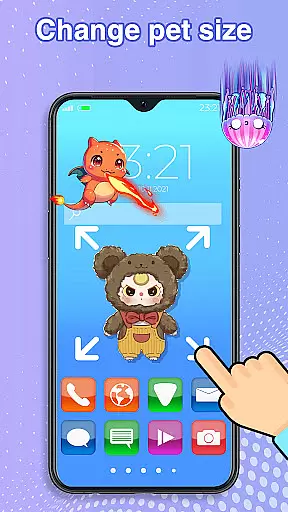
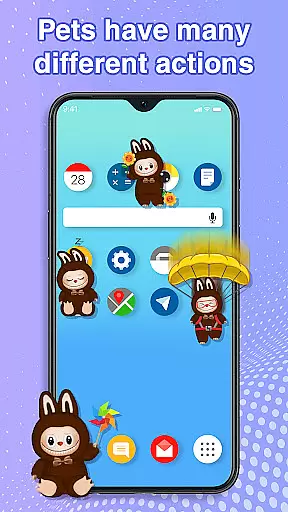
Each pet offers distinct animations and interactions, responding to touch and moving freely across the screen. The app provides customization options for size and movement speed, ensuring seamless integration with your daily activities without disrupting work or entertainment.
Ideal for those seeking a more lively and engaging smartphone experience, Pet On Screen serves as both a source of amusement and relaxation during busy days.
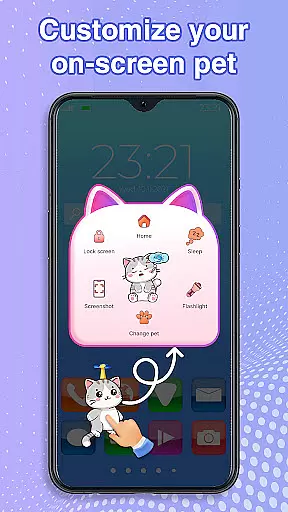
The standout feature of Pet On Screen - Desktop Pet is its diverse range of interactive pets. Users can freely drag and drop these digital companions anywhere on their screen, watch them respond playfully to taps, and even care for them by putting them to sleep or waking them up when desired.
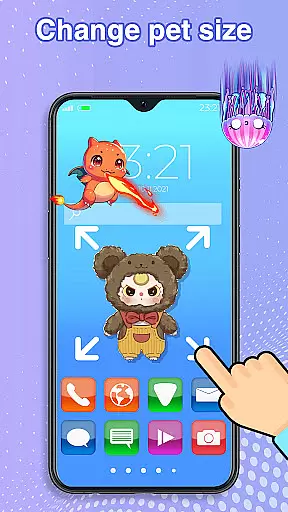
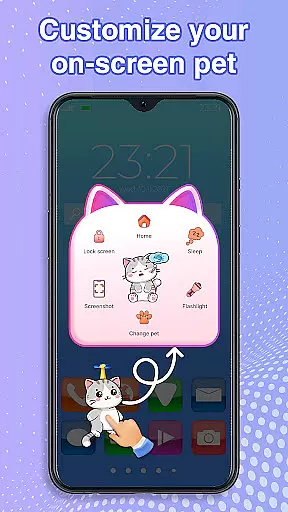
Beyond basic interaction, the app allows detailed customization. You can adjust the size and movement speed of each pet, switch between different species effortlessly, and enjoy random movements that keep the experience fresh and entertaining.
Designed for smooth performance, Pet On Screen ensures that these adorable additions do not interfere with your regular phone usage while adding a layer of fun and personality to your device.
Customization is at the heart of Pet On Screen - Desktop Pet, allowing users to tailor their experience with a wide array of options. The app provides an extensive selection of pets, each with unique characteristics and animations, ensuring that every user can find a companion that suits their personality. From majestic Fire Dragons to playful Labubus, customization extends beyond mere aesthetics.
The app enables users to adjust various attributes of their on-screen pets. You have the power to modify the size and movement speed of your chosen pet, tailoring its presence to fit your device usage style. Whether you prefer a subtle companion or a lively friend bouncing across your screen, these settings put you in control.
Furthermore, the ability to switch between pets effortlessly adds another layer of personalization. This feature ensures that your digital companion evolves with your preferences over time. Such comprehensive customization not only enhances user engagement but also fosters a deeper connection between users and their virtual pets.
Pet On Screen - Desktop Pet excels in theme compatibility, seamlessly integrating with various device themes and interfaces. Regardless of whether you're using a light or dark mode on your mobile device, these adorable pets adapt to their environment without losing visual appeal. This adaptability ensures that your chosen pet remains visually pleasing and functional across different display settings.
The app's design prioritizes smooth performance alongside aesthetic integration. It operates efficiently without interfering with other applications or system functions, maintaining consistent behavior across diverse themes. Users can enjoy their favorite pets while working, browsing, or relaxing, knowing that the app won't disrupt their digital experience.
Moreover, the app's commitment to accessibility enhances its theme compatibility. By requesting necessary permissions to draw on the home screen and status bar, it guarantees that pets can move freely across all interface elements. This thoughtful approach to compatibility demonstrates how Pet On Screen - Desktop Pet elevates personalization while respecting different user preferences and device configurations.
User-friendly interface
Wide variety of pets
Highly customizable settings
Smooth performance
Fun and relaxing experience
Limited to Android devices
Requires accessibility permission
Potential battery consumption
No multiplayer functionality
Some features may need in-app purchases

Prank your friends with realistic broken screen and cracked HD effects!
 4.2
4.2
Transform your phone with Launcher iOS 26 - Smooth & elegant iOS experience
4.50 4.50
4.50
Vibrant Adaptive Icons with Material You and Enhanced Monet Colors.
4.50
Choose your keyboard with RGB colors effect, themes, fonts, emojis.
4.60
Transform your device in a game console
4.40
Your home screen, just the way you like it.
4.30
Amazing letter fonts in your messages and social statuses
4.70
Cool custom fonts & keyboard themes! Symbols & font changer for Instagram
4.50
A minimalist productivity launcher. One-hand-friendly. Zero ads.
4.70
Over 28,000 high quality icons to bring color & homogeneity to your phone.
4.60
Customize your home screen with stunning themes, blur, widgets & icons.
4.60
Icons made of colorful linear lines
4.60
Themes - Widget & Wallpaper: Customize home screen, icon changer w unique themes
4.30
Adult video chat, dating, making friends, random matching
4.20
Unleash Your Creativity and Connect with Loved Ones with Lockscreen Drawing!
4.20
Design your screen with unique, vibrant clocks
3.80
Struggling to find apps? Use this app to locate and open any app on your phone!
2.20
Custom edge gestures for volume control, brightness, apps, and shortcuts.
4.5


User Reviews