
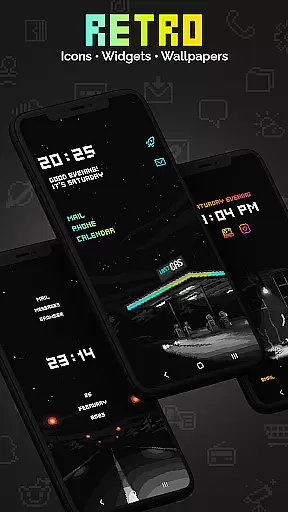
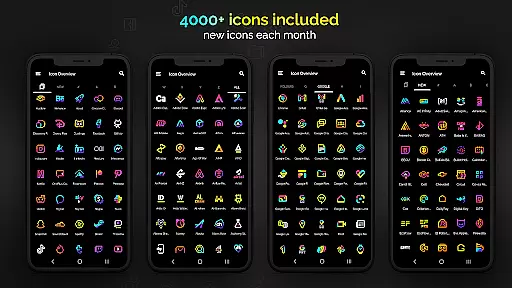
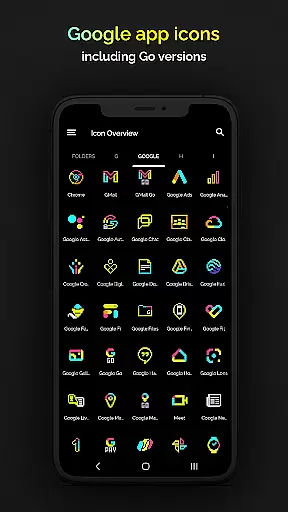
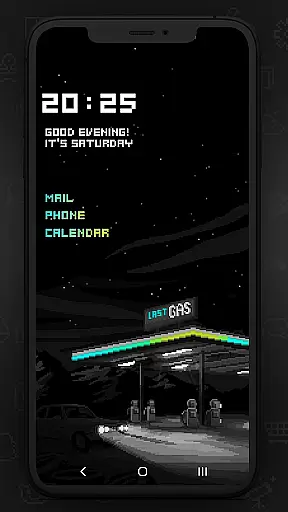
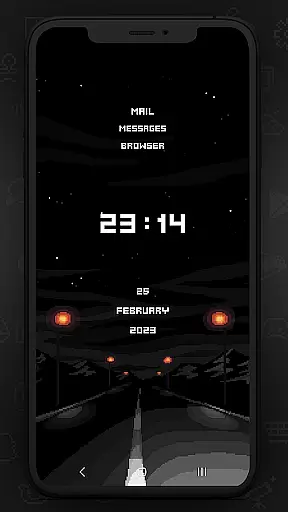
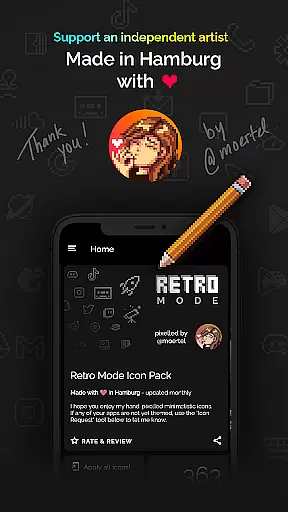
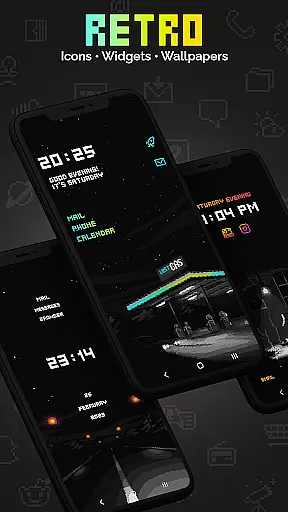
Retro Mode - Icon Pack (Neon) is a premium pixel art icon pack meticulously crafted by pixel artist Moertel. With over 4050 hand-drawn icons, it offers the most complete collection on the Play Store, updated monthly to ensure you have the latest designs. The neon-colored icons bring a vibrant 90s aesthetic to your device, making it a must-have for anyone looking to customize their Android experience.
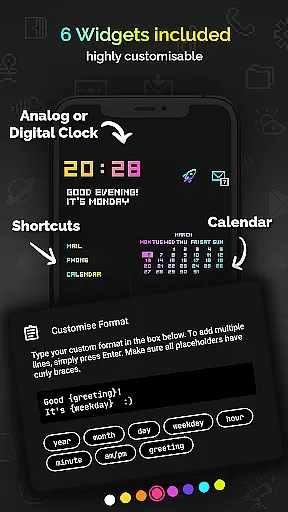
This icon pack supports more than 20 launchers and includes additional features like widgets for digital clock, analog clock, date, greeting, calendar, and text shortcuts. Whether you're using a Google Pixel, Samsung, or other Android devices, Retro Mode provides a seamless way to give your phone a unique retro look while maintaining modern functionality.
The Retro Mode - Icon Pack stands out with its crisp pixel art design in vibrant neon colors. Each icon is meticulously drawn on a 20x20 pixel canvas and then upscaled to ensure clarity and precision on any screen size. This attention to detail results in an unmatched level of quality that enhances the overall aesthetic of your device.
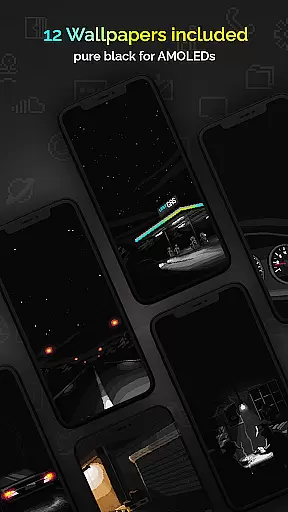
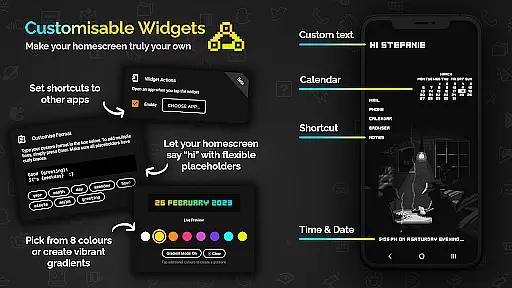
In addition to the extensive icon library, the pack includes 12 wallpapers and 6 customizable widgets. Users can choose from 8 different widget colors or combine them into gradients. Text within widgets is freely configurable, allowing up to 500 characters, and placeholders include day, month, year, hour, minute, am/pm, greeting, and weekday. These features provide users with endless customization possibilities to truly make their device their own.
Customization is at the heart of Retro Mode - Icon Pack (Neon), offering users an extensive array of options to personalize their device's appearance. With over 4050 pixel-perfect icons, this pack ensures that almost every app on your phone can be transformed to fit a vibrant neon aesthetic reminiscent of the 90s digital era.
In addition to the vast icon library, the pack includes 12 unique wallpapers and 6 versatile widgets, such as a digital clock, analog clock, date display, greeting messages, calendar view, and text shortcuts. These elements collectively provide a cohesive look and feel across your deviceu2019s interface, allowing for deep personalization that goes beyond mere icons.
The inclusion of multiple widget color choices and gradient combinations means users can tailor their home screens precisely to their liking. The ability to configure widget text with up to 500 characters and select from various placeholders adds another layer of customization, ensuring each user's experience is truly one-of-a-kind.
Retro Mode - Icon Pack (Neon) boasts impressive theme compatibility, supporting over 20 different launchers including popular options like Nova, Action, ADW, and more. This wide-ranging support ensures that regardless of the launcher you prefer, you can seamlessly integrate this icon pack into your system without compatibility concerns.
For users with specific devices such as Google Pixel or Samsung phones running certain versions of Android, clear guidance is provided regarding which launchers are needed to fully utilize the icon pack. For instance, Samsung users on OneUI 4.0 or newer can apply these icons using the Theme Park app, while others might need to switch to a compatible launcher like Nova for full functionality.
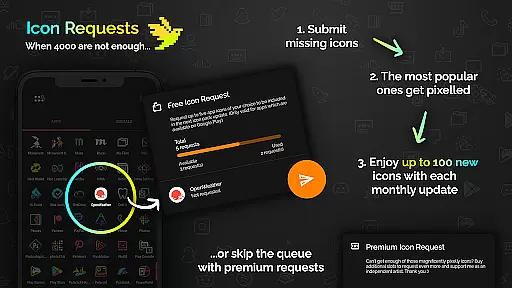
This level of compatibility extends not only to launchers but also to regular updates and new feature additions. Monthly updates bring fresh icons and improvements based on user feedback, keeping the pack relevant and expanding its applicability across various devices and systems. Such dedication to broad compatibility makes Retro Mode a reliable choice for those seeking consistent theming across diverse platforms.
Extensive icon library
Vibrant neon colors
Monthly updates
Customizable widgets
Wide launcher support
Not compatible with all launchers
Limited to Android devices
Additional icon requests cost extra
No shadow or outline effects
Requires third-party launchers for some devices

Classic analogue watch face. For wear os devices.
 4.60
4.60
A retro cartoon style watch face and a punch right in the face of the copyright
4.60
Customizable flower power digital watch face for Wear OS watches.
4.00 4.50
4.50
300+ Stunning and well-designed widgets inspired by NOTHING.
4.70
400+ Beautifully crafted widgets inspired by NOTHING.
4.70
Your home screen, just the way you like it.
4.30
350+ widgets with a premium glass-style finish, perfect for home & lock screens.
4.70
Transform your phone with stunning video wallpapers and a unique, personal touch
3.80
Winter's Journey: digital watch face for Galaxy Watch & Wear OS
4.80
Sparkle your screen with Glitter Wallpapers For Girls and Cute Backgrounds!
4.80
Personalize your phone with stunning HD and 4K wallpapers!
4.70
Shimeji adds cute animated characters to your screen, lively and fun.
4.70
Ultra realistic high quality analog watch face for Wear OS.
4.60
The definitive Icon pack maker and editor
4.30
Unleash Your Creativity and Connect with Loved Ones with Lockscreen Drawing!
4.20
Ultimate widget creator. Design custom widgets for a truly unique home screen!
3.90
Struggling to find apps? Use this app to locate and open any app on your phone!
2.20
Custom edge gestures for volume control, brightness, apps, and shortcuts.
4.4


User Reviews