
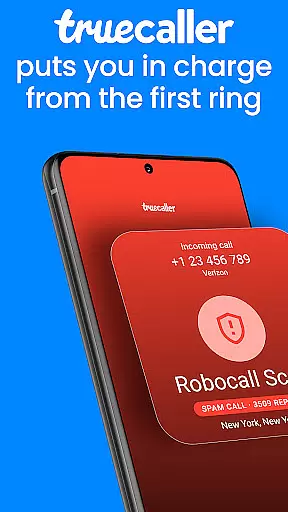
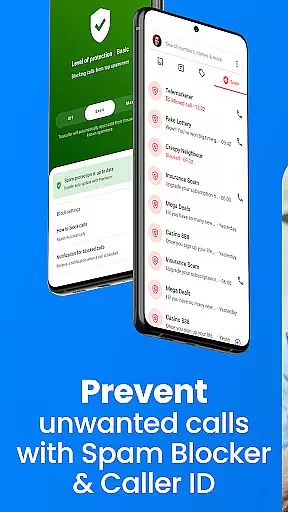

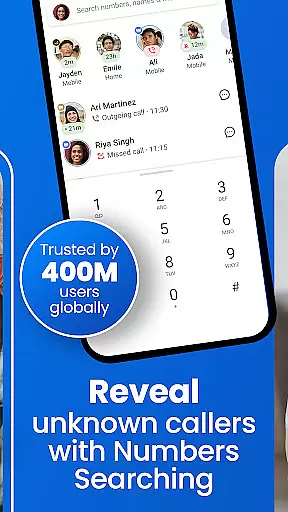


Truecaller is a leading communication app that combines Caller ID, spam blocking, and call management features. It identifies incoming calls in real-time, helping users avoid unwanted communications from telemarketers, scammers, and spam callers. With advanced tools like AI Call Scanner and Truecaller Assistant, the app ensures secure and efficient call handling.
The app also offers additional productivity features such as call recording, reverse number lookup, and automatic call summaries. Users can organize their messages into tabs, block unwanted SMS, and even schedule future texts. Available for Android Wear, Truecaller provides seamless integration across devices while maintaining user privacy.
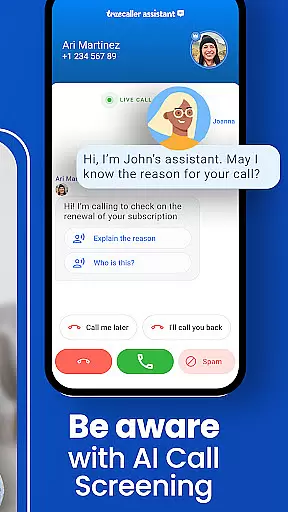
Truecaller stands out with its AI-powered features like AI Call Scanner and Truecaller Assistant. The AI Call Scanner detects whether a caller is human or AI-synthesized, protecting users from scams. Meanwhile, Truecaller Assistant screens calls using machine learning and speech-to-text technology, identifying potential spam with over 90% accuracy.
Other notable features include a built-in call recorder, automatic call summaries, and reverse number lookup. These tools help users stay organized and informed. Additionally, the app's robust spam-blocking capabilities allow users to filter calls and messages effectively, ensuring only relevant communications get through.
For those seeking enhanced functionality, Truecaller Premium offers benefits like no ads, advanced blocking options, and exclusive features such as Incognito Mode and profile badges.
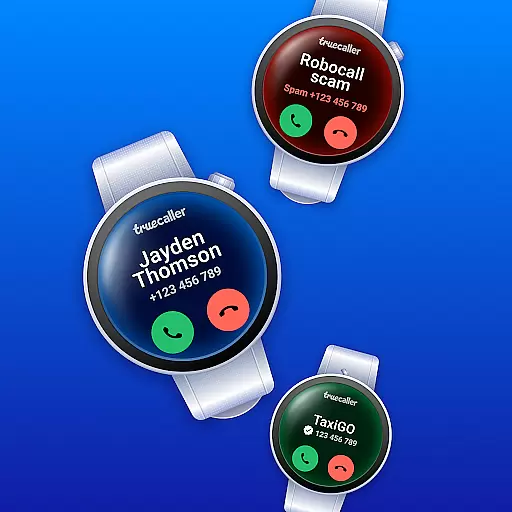
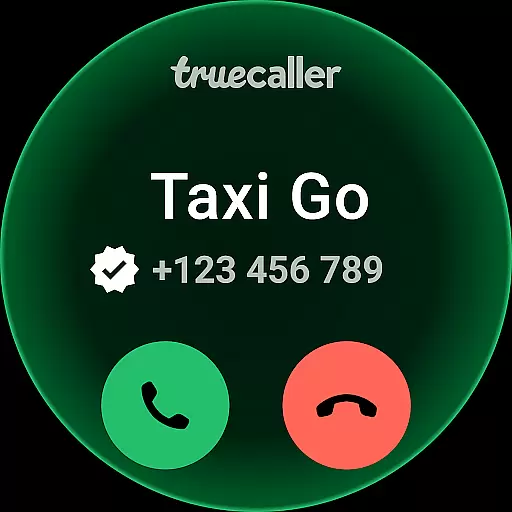
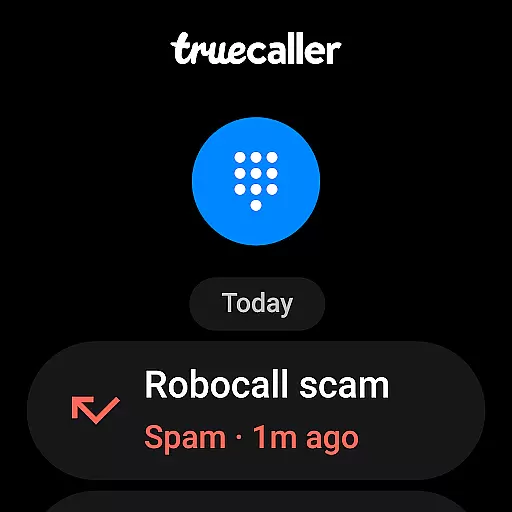
Companion app integration is crucial for wearable devices as it ensures seamless synchronization between the main application and its wearable counterpart. Truecaller offers a robust integration with Wear OS, allowing users to identify incoming calls and manage their contacts directly from their smartwatch.
The app's architecture enables real-time data sharing between mobile and wearable devices. This means when your phone receives an incoming call, the caller ID information is instantly relayed to your smartwatch display. You can see who's calling and even block unwanted callers without needing to reach for your phone.
Users benefit significantly from this feature as it provides them with greater control over their communication while on the go. Whether you're in a meeting or exercising, you can discreetly manage your calls and messages right from your wrist.
This level of integration not only enhances convenience but also improves productivity by minimizing the need to constantly check your phone. With Truecaller's companion app functionality, staying connected has never been more efficient.
Ensuring broad device compatibility is essential for any application targeting wearable technology. Truecaller excels in this area by supporting a wide range of Wear OS devices, making it accessible to a large user base. The app undergoes rigorous testing to guarantee optimal performance across different hardware configurations.
Truecaller's development team prioritizes system compatibility, ensuring that all features function correctly regardless of the specific Wear OS version or device model. This includes optimizing battery usage and maintaining responsive performance even during intensive tasks like call recording or AI analysis.
For users, this commitment to compatibility translates into a reliable experience that works seamlessly with their existing tech ecosystem. They can enjoy consistent functionality whether they're using a newer smartwatch model or an older one.
By focusing on comprehensive device support, Truecaller demonstrates its dedication to providing a universally accessible solution that meets the diverse needs of modern consumers.
Accurate Caller ID
Advanced Spam Filter
AI-Powered Security
Call Recording Feature
User Privacy Protection
Premium Subscription Cost
Limited Free Features
Occasional False Positives
Dependent on User Database
Resource Intensive

Animated Watch Face and Customizable with 24 Backgrounds. Perfect for Christmas!
 3.90
3.90
Precision analog watch face with 7 complications and style options
4.2
Watch face designed for Thanksgiving Day. 7 Background Styles included.
3.20
A modern premium sporty hybrid watch face for Wear OS by Ballozi
4.70
Your second brain for organizing your life: to-do, calendar, reminder.
4.70
Connect to your Bluelink equipped Hyundai vehicle from your smartphone.
4.50
A modern hybrid informative watch face for Wear OS designed by BALLOZI
4.80
A realistic hybrid watch face with many customization options.
4.60
From periods to pregnancy & perimenopause, Flo helps you track it all. Try now.
4.70
Beautiful, colorful and practical watch face. For Wear OS devices.
5.00
Diet tracker for weight loss - track calories, food and macros. Simple and easy!
4.70
Walking app for weight loss: walk & step tracker, pedometer, indoor treadmill
4.60
Fast and smart typing with Emojis, GIFs, and more
4.50
Embrace the holiday spirit with this magical animated watch face!
4.40
Digital watch face. For Wear OS devices.
4.40
Let's celebrate Thanksgiving - Wear Os watch face
4.20
sleep, alarm, snoring, stress, healing, focus, sound therapy, circadian rhythm
4.10
Wear Os Watch Face - Animated Snow - Sesonal for Christmas & Winter
4.2
Minimalistic design modern digital watch face.
4.3


User Reviews