
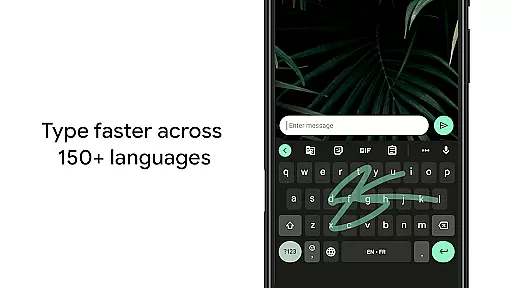
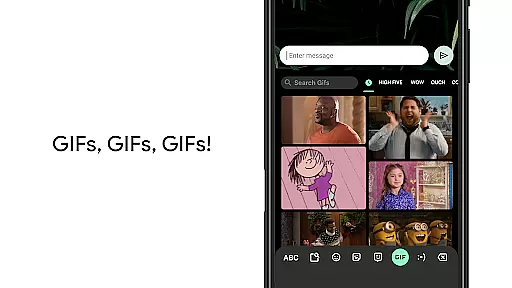
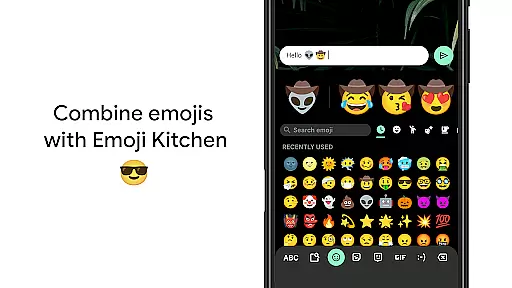
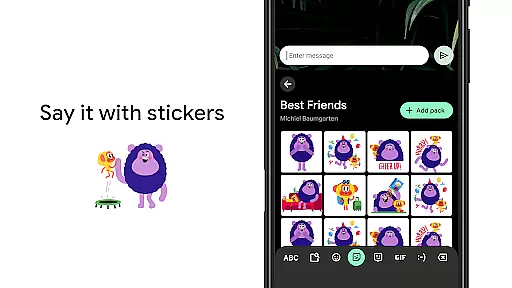
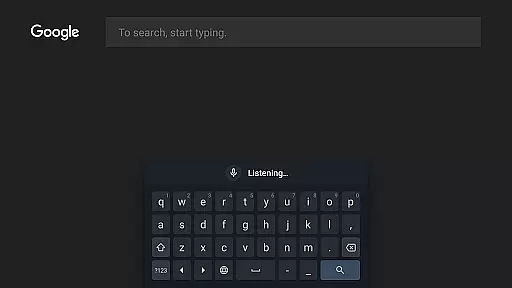
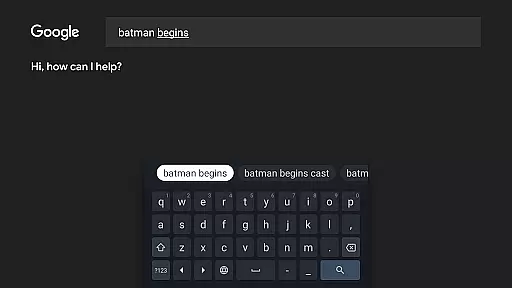
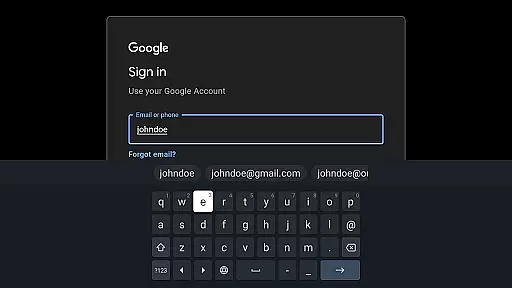
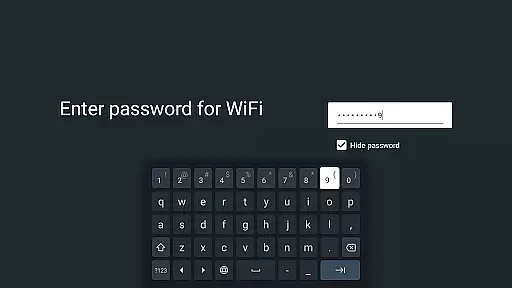
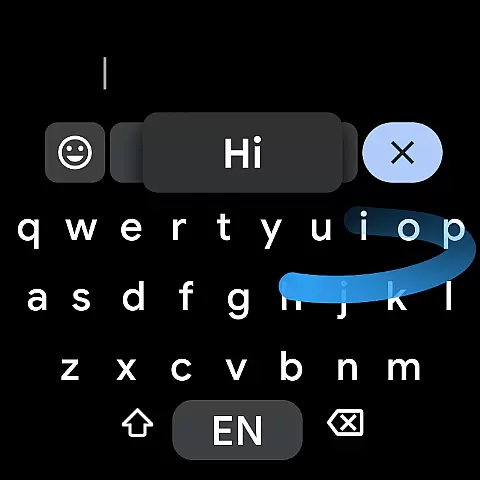
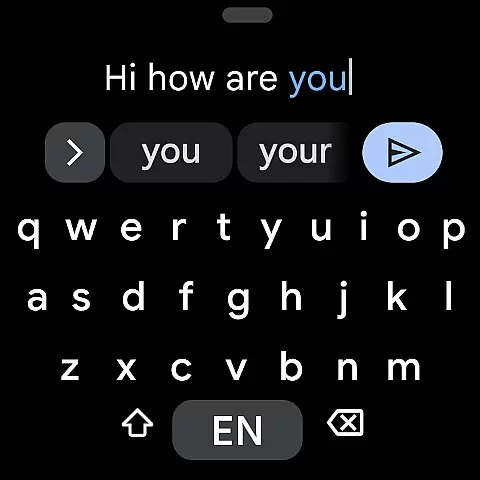
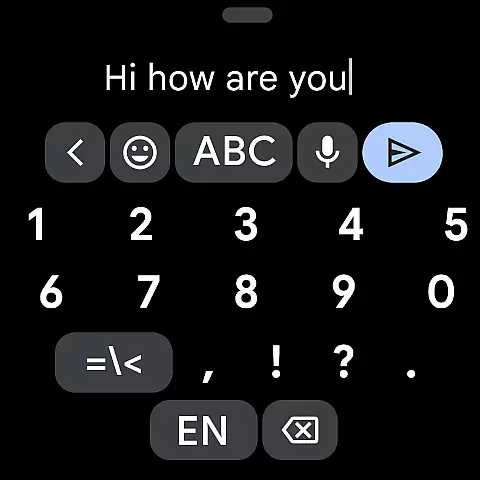
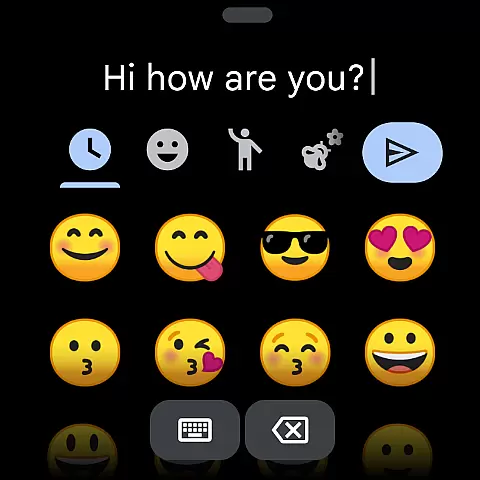
Gboard is a versatile keyboard app designed for Android devices, including Wear OS. It combines speed and reliability with innovative typing features. The app supports hundreds of languages and dialects, making it ideal for multilingual users who need seamless transitions between languages.
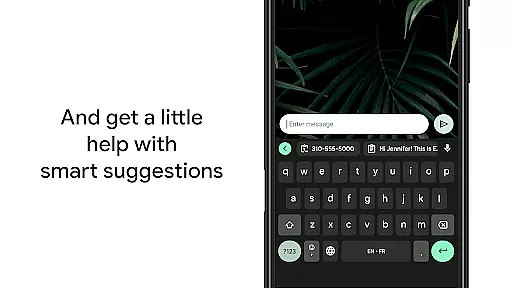
Key features include Glide Typing for faster input, voice typing for hands-free use, handwriting recognition, and built-in Google Translate. With support for emojis, GIFs, and advanced customization options, Gboard enhances both productivity and personal expression. Its intuitive design ensures smooth performance across various device sizes and orientations.
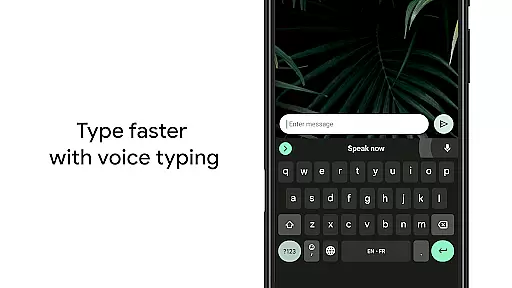
Gboard stands out with its comprehensive feature set tailored to modern typing needs. Glide Typing allows users to input text quickly by sliding their finger across the keyboard, while voice typing offers convenient hands-free operation. The app's handwriting recognition supports both cursive and printed styles.
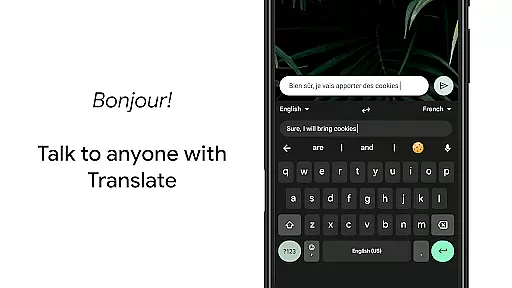
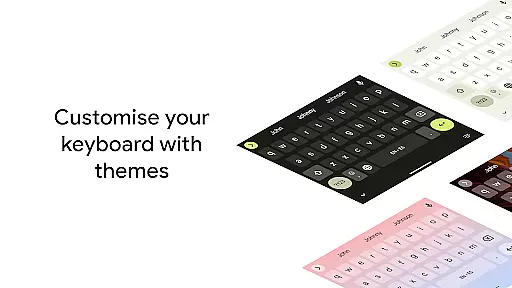
Multilingual typing eliminates the need for manual language switching, as Gboard autocorrects and suggests words from multiple enabled languages simultaneously. Integrated Google Translate provides real-time translations directly within the keyboard interface. Additional functionalities like gesture controls, one-handed mode, and customizable themes cater to diverse user preferences and device configurations.
Gboard offers seamless companion app integration, ensuring that your typing experience is consistent across all devices. By syncing with the main Google Keyboard application, Gboard provides users with a familiar interface and functionality on their Wear OS devices.
The synchronization between the mobile and Wear OS versions allows for shared user preferences, including language settings, personalized dictionaries, and even custom themes. This means you can enjoy the same high-quality typing experience whether you're using your phone or smartwatch.
With features like Glide Typing, Voice Typing, and Emoji Search available directly on your wrist, Gboard ensures that you never have to compromise on speed or convenience. The ability to dictate messages or search for GIFs on-the-go enhances communication efficiency.
This level of integration not only simplifies text input but also significantly improves productivity by allowing users to switch between devices without losing any personalized settings or functionalities.
Gboard is designed to be fully compatible with Wear OS and a wide range of devices, making it an ideal choice for users who want a reliable keyboard solution on their smartwatches. Supporting numerous languages, Gboard ensures that users worldwide can enjoy its advanced features regardless of their device.
The application supports all Wear OS languages, including Chinese, English, French, German, Hindi, Indonesian, Korean, Spanish, and many more. This extensive language support guarantees that users from different linguistic backgrounds can communicate effectively using Gboard.
In addition to language compatibility, Gboard's adaptive design fits various screen sizes and resolutions, providing an optimal viewing and typing experience. Whether you're using a small or large smartwatch display, Gboard adjusts seamlessly to offer comfortable and efficient text entry.
By prioritizing both Wear OS and device compatibility, Gboard delivers a versatile and dependable typing solution that caters to diverse user needs while maintaining performance consistency across platforms.
Fast and reliable typing experience
Extensive multilingual support
Innovative Glide Typing feature
Built-in Google Translate functionality
Customizable themes and layouts
Limited features on Android Go devices
Some advanced options require configuration
Occasional lag with older device models
Handwriting recognition may need improvement
Emoji search could be more intuitive

"PER27 Galaxy Digital" is a digital Wear OS watch face designed by PERSONA
 4.10
4.10
Calming & relaxing sounds for sleeping and stress relief. Stay focused all day!
4.20
Walking app for weight loss: walk & step tracker, pedometer, indoor treadmill
4.60
Embrace the holiday spirit with this magical animated watch face!
4.40
Artistic Digital Watchface
4.2
Locate your family members by GPS phone location tracker everywhere and anytime
4.30
Your local weather forecast, storm tracker, radar maps & live weather news
3.40
Want to take charge of your health? Let Google Fit help you reach your goals.
3.50
Toyota app currently supports 2010 or newer vehicles (2018 or newer for Hawaii).
4.50
Christmas Theme Watch Face for Wear Os
5.00
Real-time weather radar with temperatures, warnings, hurricanes, and widgets
4.80
Real-time results, stats, schedules and player profiles for all leagues
4.60
Deck out your Wear OS Watch face with a beautifully decorated pine wreath!
4.50
Elegant animated Christmas tree with multiple customization options
4.20
Embrace the festive spirit with our Christmas Countdown watchface for Wear OS
4.10
Viewer for Wyze/Yi/Eufy/Arlo/ONVIF/RTSP/P2P IP cams w/ adv. features & DIY DVR
4.00
Professional weather radar and more
3.90
A full-featured Amazon Alexa voice assistant that can show you things.
3.70
Precision analog watch face with 7 complications and style options
4.4


User Reviews