
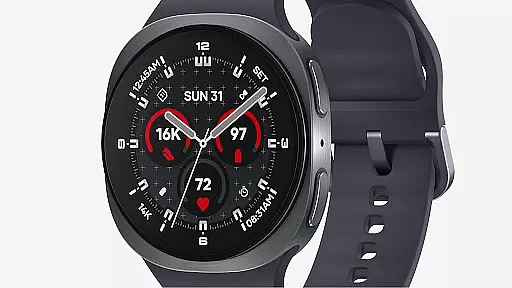
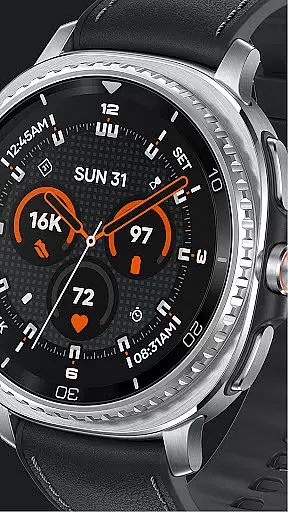
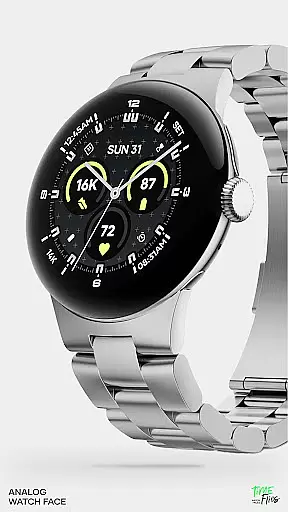
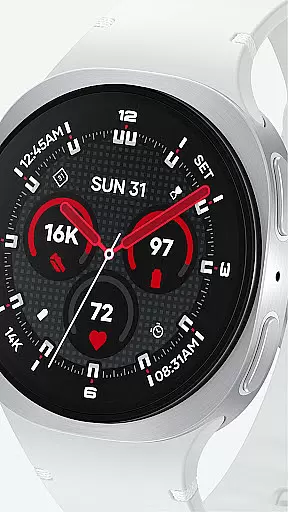
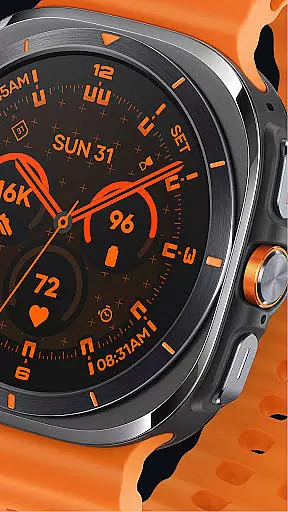
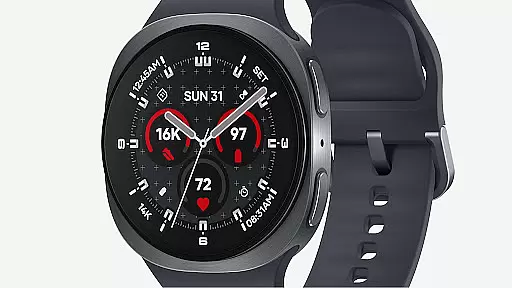
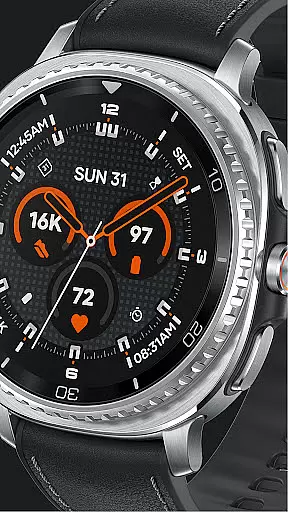
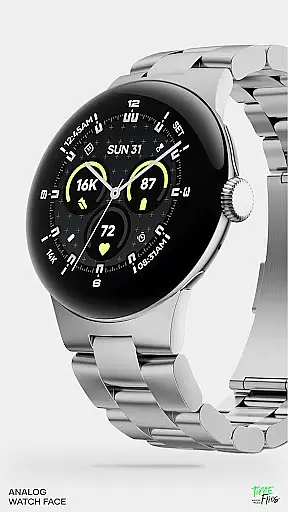
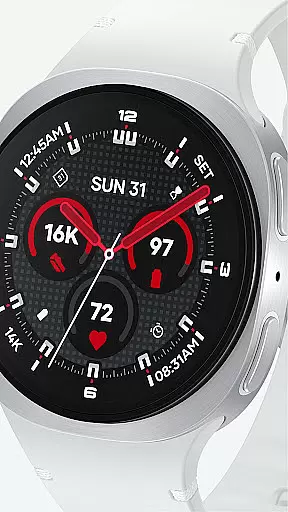
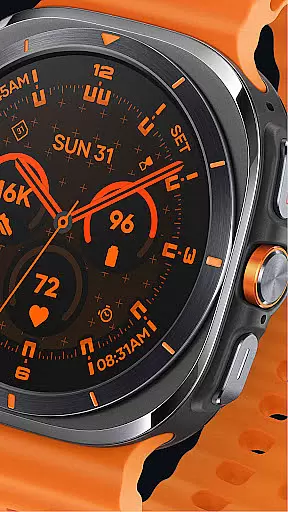
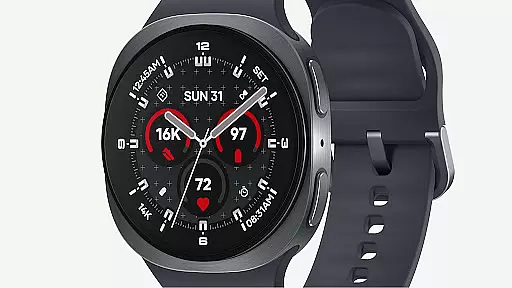
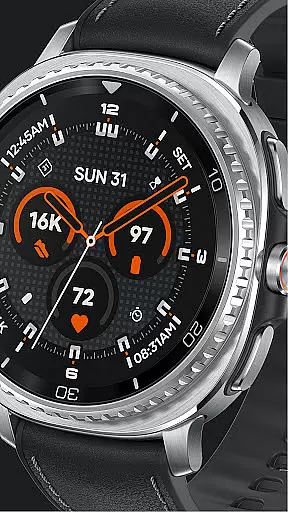
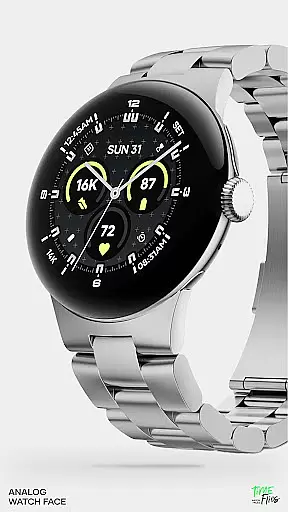
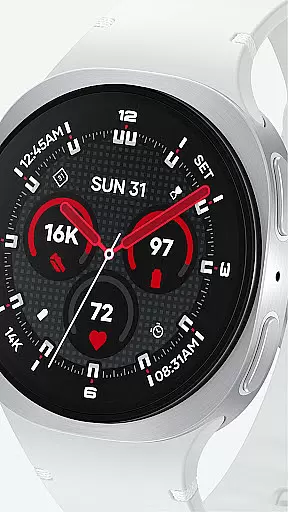
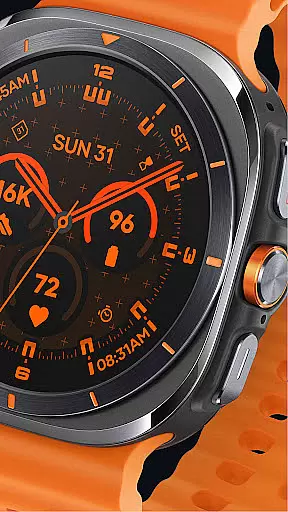
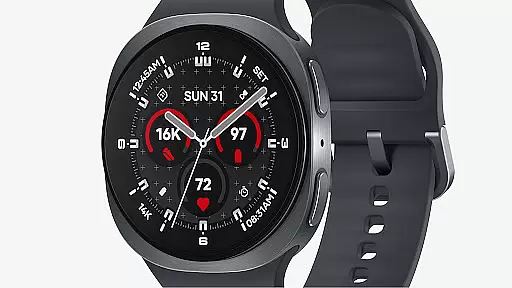
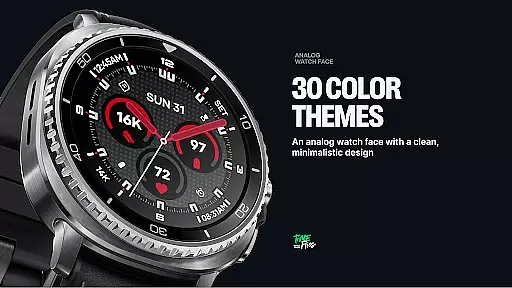
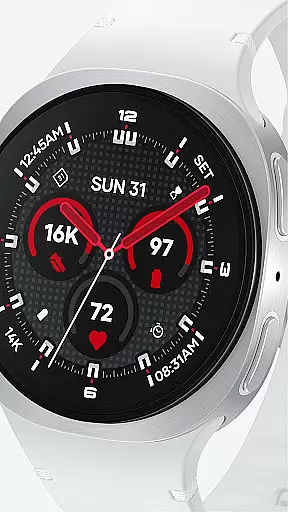
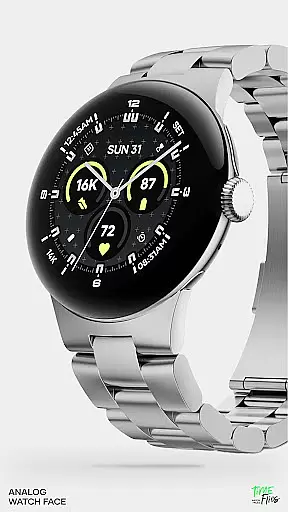
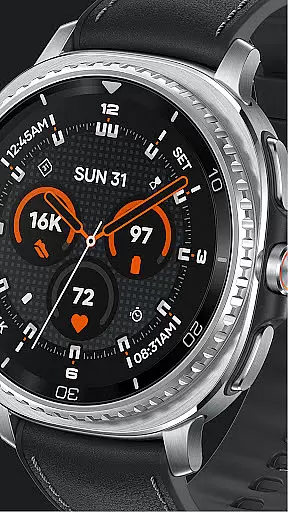
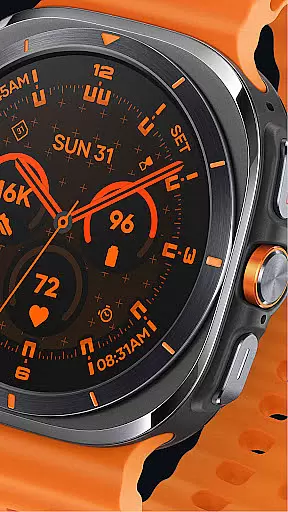
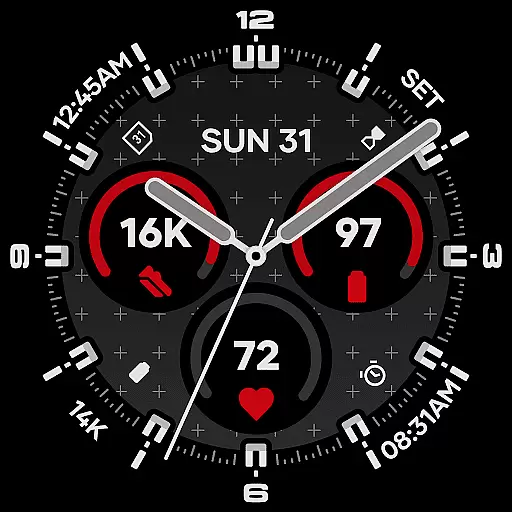
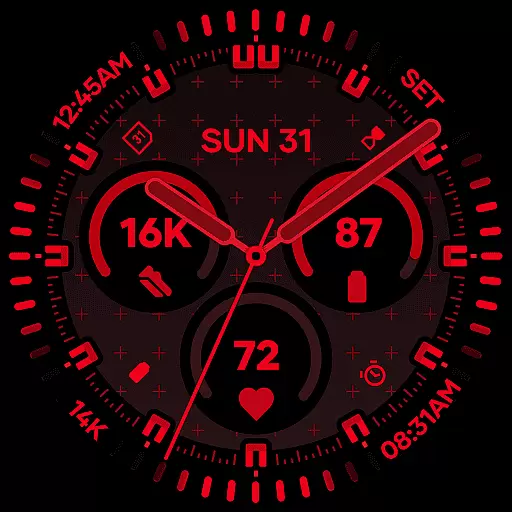
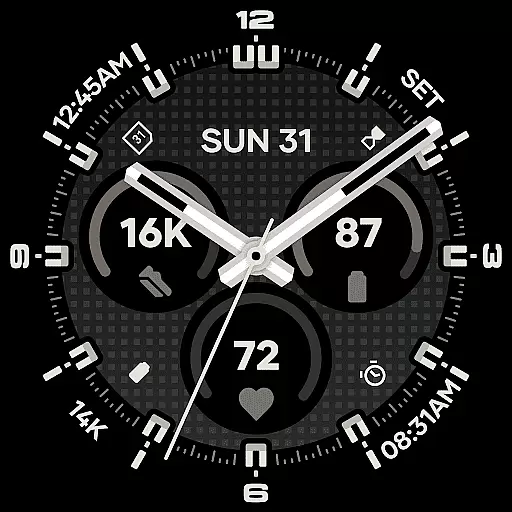
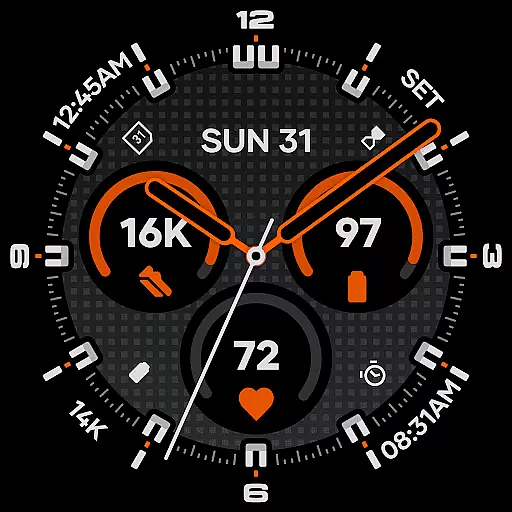
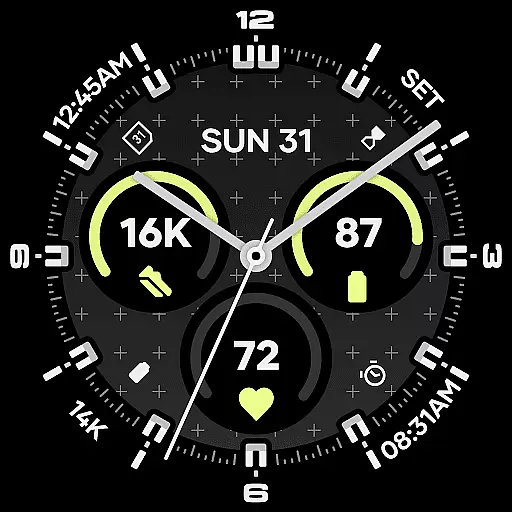
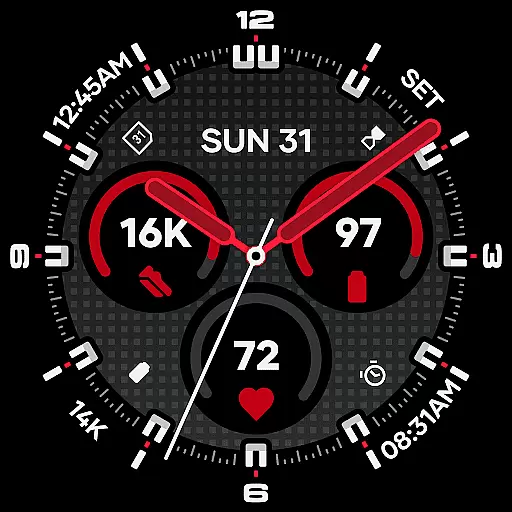
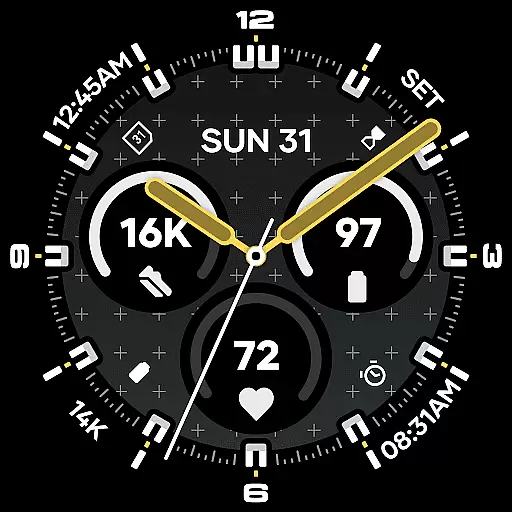
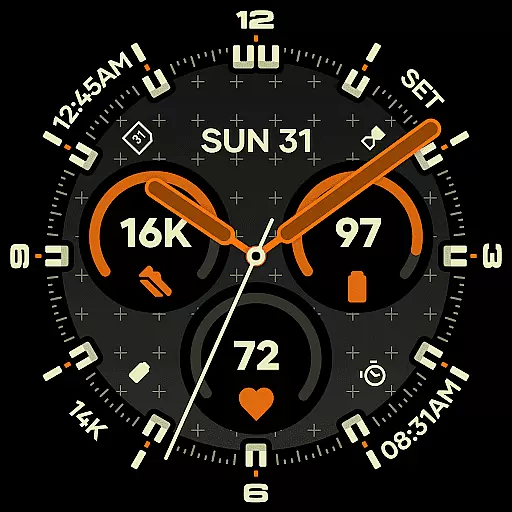
Starlyn Analog Watch Face offers a sophisticated analog design tailored for Wear OS devices. This watch face combines symmetry, contrast, and modular geometry to create a functional yet stylish timepiece interface. The layout emphasizes clarity and information accessibility, featuring universal complications and an integrated day-date display.
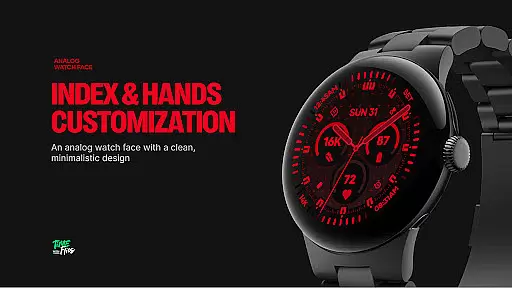
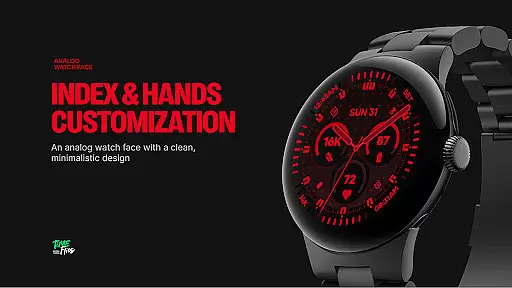
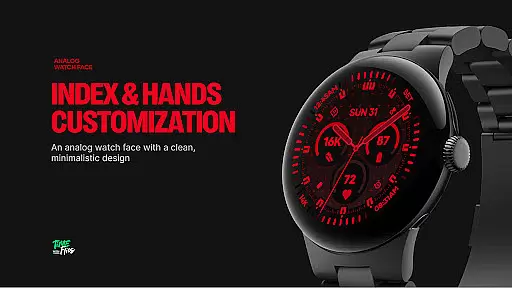
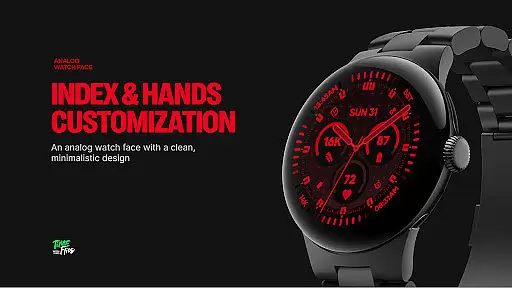
With customizable elements like bezel styles, hand designs, and color schemes, users can personalize their experience while maintaining optimal readability. Its three Always-on Display modes ensure battery efficiency without compromising aesthetics, making it suitable for both professional environments and daily use.
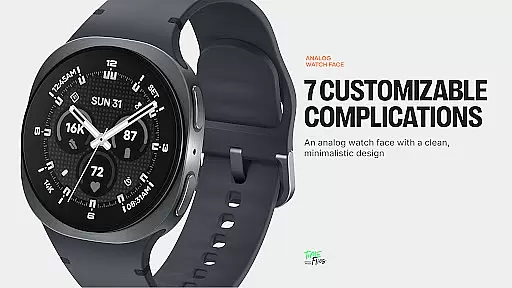
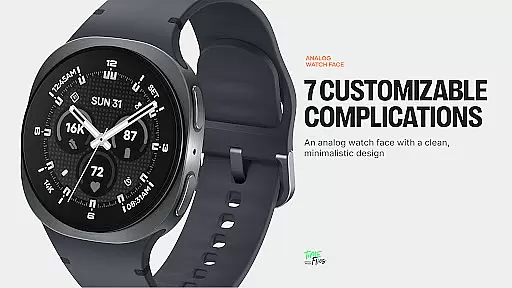
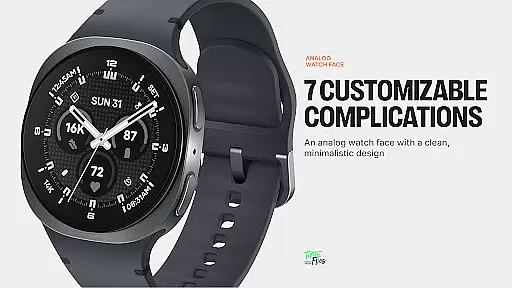
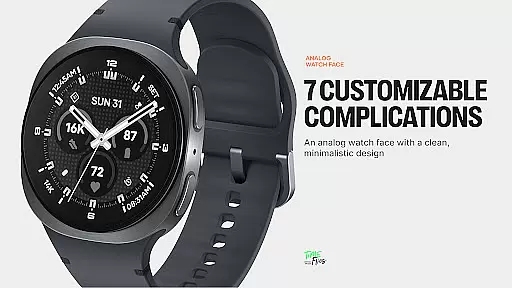
Starlyn Analog stands out with its modern Watch Face File format, ensuring seamless integration and efficient performance on Wear OS devices. The watch face includes seven fully customizable complication slots - three central and four peripheral zones - allowing users to tailor their information display.
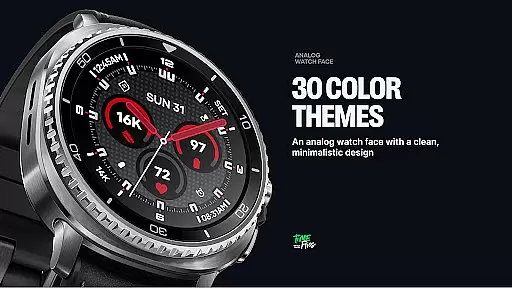
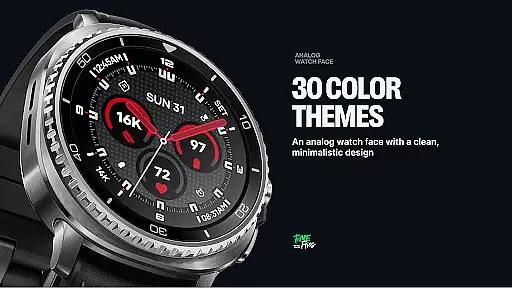
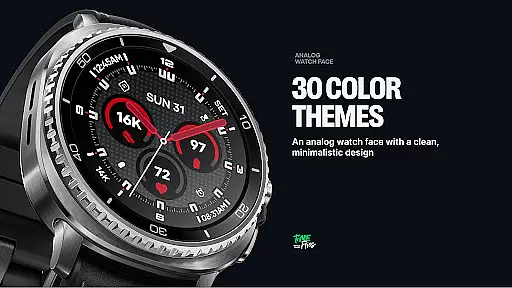
Design-wise, the watch face offers 30 carefully curated color schemes and multiple bezel/hand style combinations. Two optional geometric background patterns provide additional personalization options. The built-in day and date display maintains perfect alignment with the overall grid system, while three distinct Always-on Display modes cater to different usage preferences and battery optimization needs.
Companion app integration is essential for wearable devices to enhance functionality and user experience. Starlyn Analog Watch Face offers a dedicated Android app that complements its features on Wear OS devices.
The companion app serves as a hub for users to manage their watch face settings, receive updates, and access additional customization options not available directly on the wearable device. This ensures that users can fine-tune their experience according to personal preferences.
By using the companion app, users are kept informed about the latest releases from Time Flies, ensuring they benefit from continuous improvements and new features. This ongoing support enhances the longevity and relevance of the Starlyn Analog Watch Face.
Overall, the seamless interaction between the Starlyn watch face and its companion app provides a comprehensive solution for users seeking both aesthetics and utility in their wearable technology.
Compatibility with Wear OS and various devices is crucial for a versatile watch face like Starlyn Analog. It has been purposefully developed using the modern Watch Face File format, ensuring broad compatibility and efficient performance.
Starlyn supports a wide range of Wear OS devices, maintaining clarity and functionality whether displayed on classic bezels or minimalist cases. This adaptability makes it suitable for different styles and preferences, enhancing its appeal to a diverse audience.
The Always-on Display modes are optimized for battery efficiency across devices, providing three distinct options to suit various usage patterns and device capabilities. This optimization ensures that users enjoy extended battery life without compromising on design or features.
Ultimately, the thoughtful engineering behind Starlyn's compatibility ensures that users experience consistent performance and visual appeal, regardless of their specific Wear OS device.
Modern aesthetic design
Highly customizable interface
Battery-efficient performance
Multiple color options
Clean legibility
Limited to Wear OS
No digital display option
Companion app required
Fewer features than digital
Premium customization

Embrace the holiday spirit with this magical animated watch face!
 4.40
4.40
Analog watch face with 8 complications and expedition styling
4.1
Deck out your Wear OS Watch face with a beautifully decorated pine wreath!
4.50
Fitness interactive virtual pet super fighter boy watch face
4.2
Monitor health with the stress test and pulse checker in the heart rate app.
4.60
The most customizable hybrid watch face. For Wear OS 5.0, API 34+ and later
4.70
A white realistic classic analog watch face with many customization options.
4.40
Want to take charge of your health? Let Google Fit help you reach your goals.
3.50
Spam call blocker and caller ID for automatic call protection!
4.40
Christmas Theme Watch Face for Wear Os
5.00
Beautiful, colorful and practical watch face. For Wear OS devices.
5.00
A modern hybrid informative watch face for Wear OS designed by BALLOZI
4.80
Your second brain for organizing your life: to-do, calendar, reminder.
4.70
Real-time results, stats, schedules and player profiles for all leagues
4.60
Beautiful artistic animated digital watch face, with a customizable layout!
4.40
Structured watch face with seven complications and modular UI elements
3.90
A full-featured Amazon Alexa voice assistant that can show you things.
3.70
Stylish digital watch face for Wear OS devices with customizable features
4.0
Minimalistic design modern digital watch face.
4.3


User Reviews