
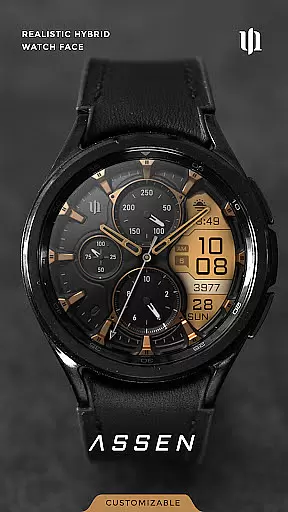
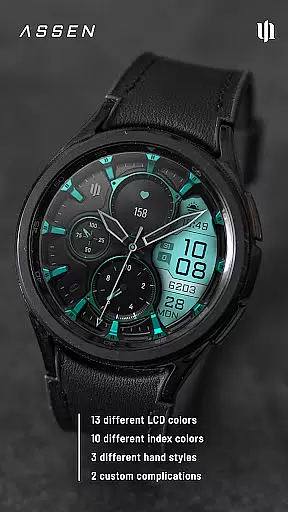
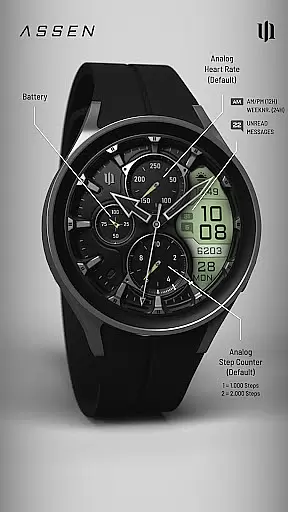
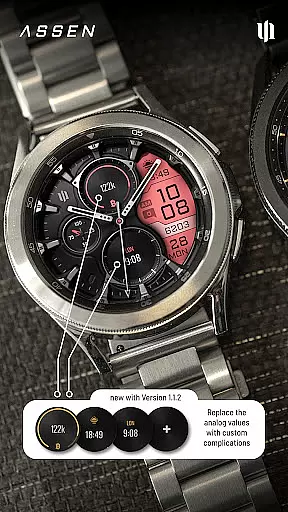
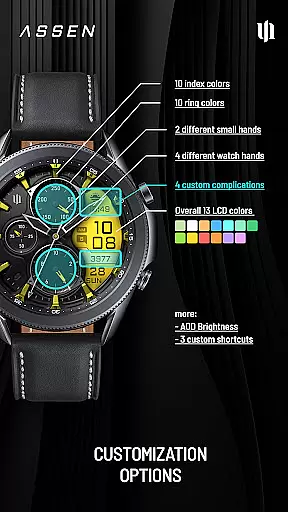
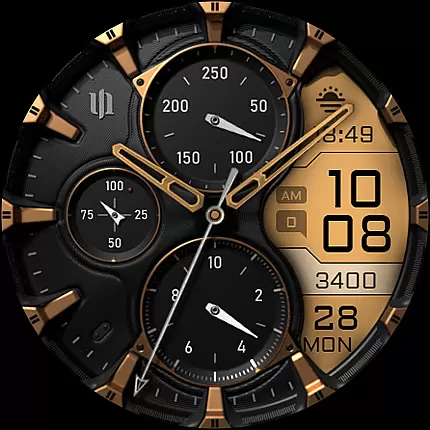
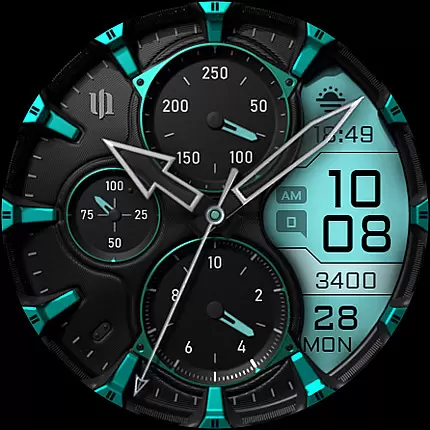
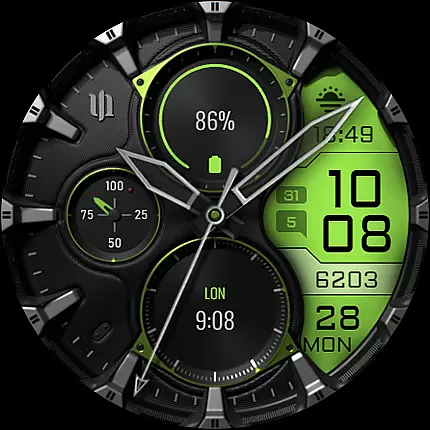
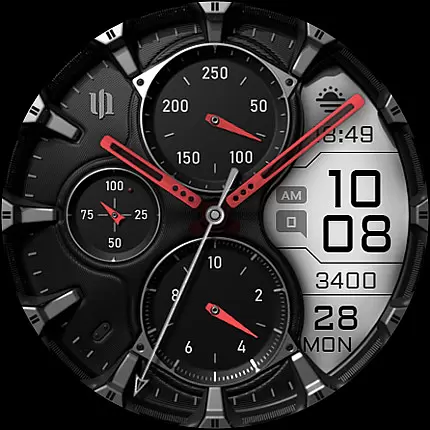
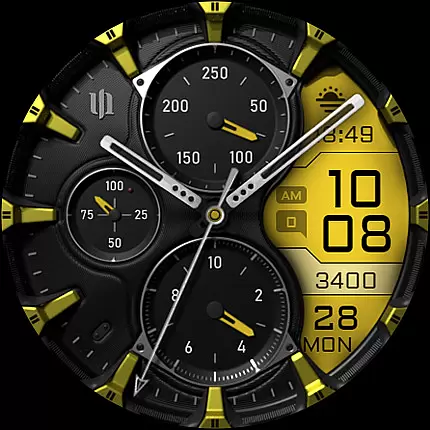
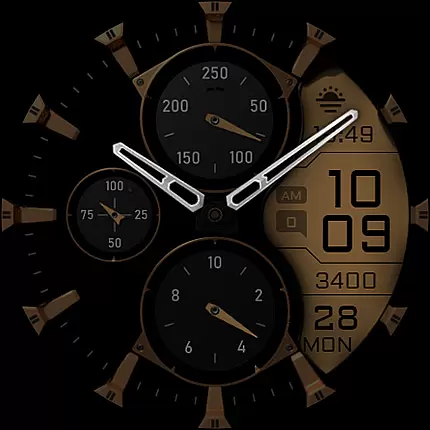
S4U Assen is a premium Wear OS watch face that combines realistic analog design with practical digital elements. Featuring a hybrid dial, it displays time, steps, heart rate, calendar details, unread messages, and customizable complications. With 13 LCD colors, 10 index colors, and multiple hand styles, users can personalize the appearance to match their preferences.
This app supports advanced customization, including Always-On Display (AOD) with adjustable brightness and minimal layout options. It also offers 4 complications and 3 app shortcuts for quick access to favorite widgets. Designed for smartwatches running Wear OS 4 or higher, it ensures compatibility with devices like Samsung Galaxy Watch series and Google Pixel Watch.
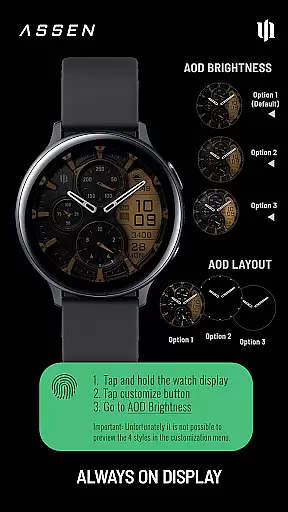
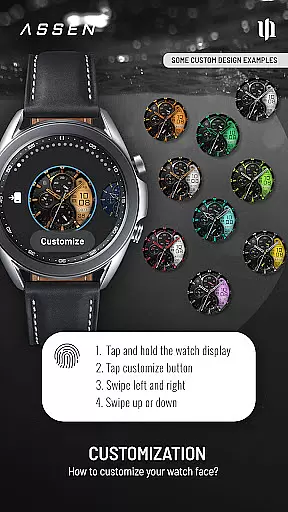
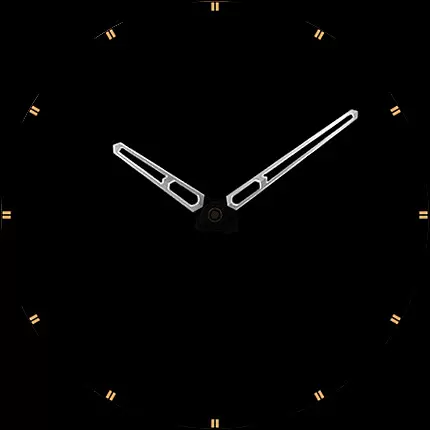
The S4U Assen watch face stands out with its extensive customization capabilities. Users can choose from 30 themes, adjust LCD and index colors, and select from 4 clock hand styles and 2 small hand designs. The Always-On Display (AOD) feature provides three brightness levels and synchronizes colors with the main display, ensuring visibility while conserving battery life.
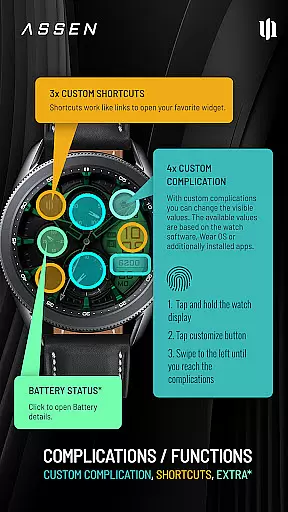
Functionality extends beyond aesthetics, offering practical tools such as 4 customizable complications and 3 app shortcuts. These allow users to display essential data and access frequently used apps directly from the watch face. Additional features include tap-to-open battery details and intuitive controls via swipe gestures, making adjustments seamless and user-friendly.
Companion app integration is a crucial feature for Wear OS applications like S4U Assen. This functionality ensures seamless synchronization between the smartwatch and its companion app on your smartphone.
The S4U Assen watch face provides a dedicated companion app that simplifies the installation process and resolves potential issues. Through this companion app, users can access the Install/Issues section, which offers step-by-step guidance for proper setup and troubleshooting.
This integration enhances user experience by enabling advanced customization options directly from the companion app. Users can modify watch face elements such as colors, hands, and complications with ease, ensuring their wearable device perfectly matches their personal style.
Furthermore, the companion app serves as a support channel, providing users with direct access to developer assistance and maintenance updates, guaranteeing optimal performance of the watch face across compatible devices.
Device compatibility is a fundamental aspect of any Wear OS application, determining which smartwatches can effectively run the software. S4U Assen has been specifically optimized for Wear OS 4 and above, supporting API level 33 and newer versions.
This watch face is compatible with leading smartwatch models including Samsung Galaxy Watch series (4, 5, 6, 7, and 7 Ultra) as well as Google Pixel Watch generations 1 through 3. The application's compatibility extends to other Wear OS 4+ devices, ensuring broad accessibility across modern smartwatch platforms.
The strict compatibility requirements guarantee that users will experience the full range of features, including advanced customization options and accurate Always-On Display functionality. These features are made possible through the enhanced capabilities of newer Wear OS versions.
By focusing on recent smartwatch models and operating system versions, S4U Assen ensures optimal performance and stability while taking advantage of the latest technological improvements in wearable devices.
Highly customizable
Realistic analog design
Supports Wear OS 4+
Always-On Display
User-friendly interface
Battery consumption high
Limited to Wear OS
Premium cost
Complex setup
Fewer features on older models

Wear Os Watch Face - Animated Snow Effect & Christmas Lights
 4.4
4.4
Watch the sharpness of the sky on your wrist..
3.70
Christmas Theme Watch Face for Wear Os
5.00
Christmas and New Year - Themed Watchface
4.3
Artistic Digital Watchface
4.1
Beautiful, colorful and practical watch face. For Wear OS devices.
5.00
Watch face designed for Thanksgiving Day. 7 Background Styles included.
3.20
The ultimate destination for kids ages 3-8 to explore the Marvel Universe!
4.30
Viewer for Wyze/Yi/Eufy/Arlo/ONVIF/RTSP/P2P IP cams w/ adv. features & DIY DVR
4.00
WTW M17 is a premium and luxurious hybrid watch face
4.70
A modern premium sporty hybrid watch face for Wear OS by Ballozi
4.70
Highly customizable hybrid watch face for Wear OS, perfect for everyday use.
4.60
Kia Access makes getting your vehicle information easier than ever
4.60
Christmas watch face. For Wear OS devices.
4.30
Your music, your playlists, and more—offline and unlimited.
4.20
Daily Weather forecast with 15 weather images for Day & Night plus Big Bold time
4.10
Get helpful reminders, take progress photos and find answers to your questions.
3.90
A full-featured Amazon Alexa voice assistant that can show you things.
3.70
Stay in touch with your friends and family using LINE!
3.40


User Reviews