

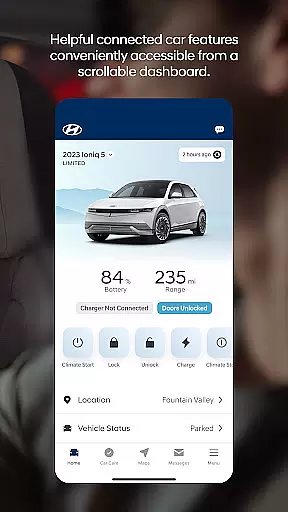
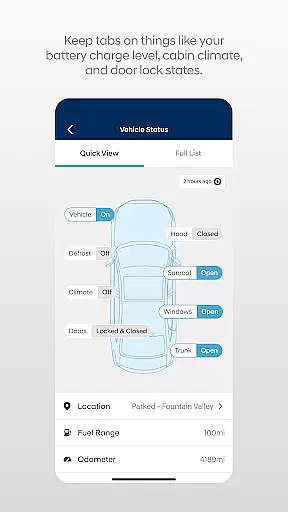

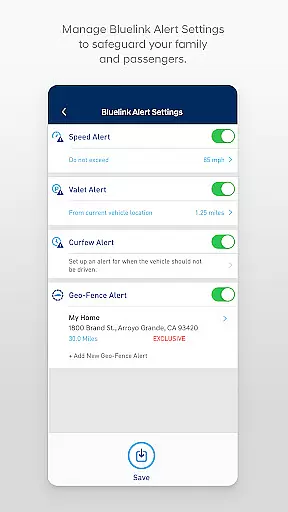
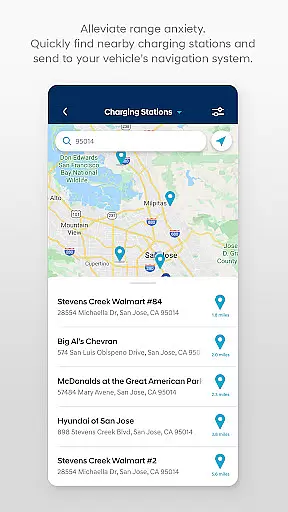
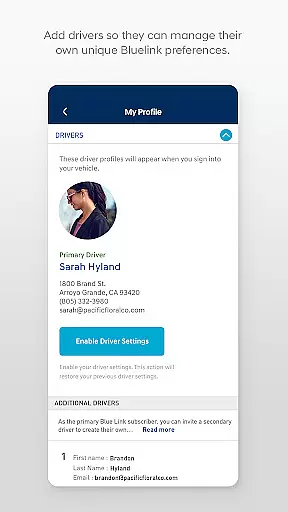
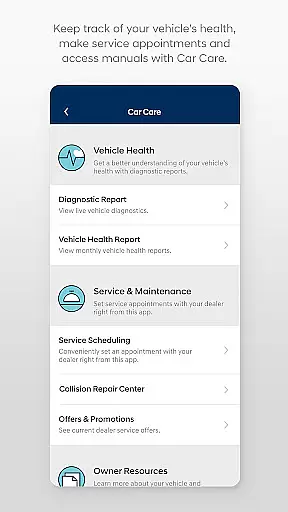
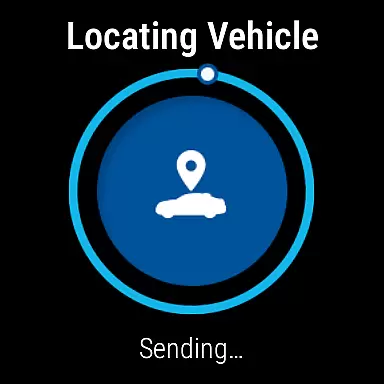
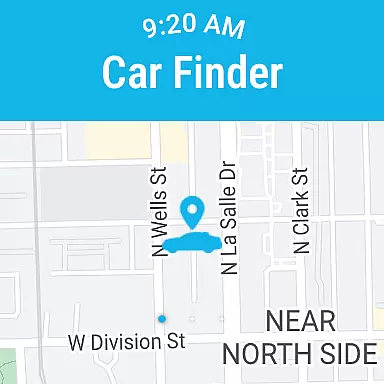
The MyHyundai app with Bluelink is a comprehensive vehicle management solution designed specifically for Hyundai car owners. This innovative Android Wear application allows users to remotely interact with their Bluelink-enabled vehicles directly from their smart devices.
Core functionalities include remote start, door lock/unlock, horn and light activation, and vehicle location services. The app also provides maintenance information, charging status for EV/PHEV models, and Point of Interest search capabilities. With biometric authentication and widget support, it offers both security and convenience for on-the-go vehicle management.
The MyHyundai app stands out with its extensive feature set tailored for modern vehicle owners. The remote functionality package enables users to start their engine with customized presets, activate horn and lights, and locate their parked vehicle using their Wear OS device.
For electric and hybrid vehicle owners, the app provides detailed charging management tools. Users can monitor charging status, schedule charging sessions, and adjust settings remotely. The integration with Wear OS expands these capabilities to smartwatches, allowing voice command operation and quick access through dedicated widgets for various vehicle functions.
Companion app integration is essential for users who want seamless connectivity between their smart devices and vehicles. The MyHyundai app excels in this area by offering a comprehensive suite of features that sync with your Bluelink-enabled Hyundai vehicle.
Through the MyHyundai app, users can remotely start their vehicle, lock or unlock doors, activate the horn and lights, and even locate their car, all from their smartphone. These functionalities are extended to Wear OS smartwatches, allowing voice commands or menu navigation to execute these tasks effortlessly.
The benefit of such deep integration is the convenience it offers. Whether you're at home, in the office, or on the go, you have full control over your vehicle's key functions without needing to be physically present. This level of accessibility enhances user experience significantly.
Ultimately, companion app integration in the MyHyundai app ensures that you stay connected to your vehicle, providing peace of mind and an elevated sense of security and control.
Wear OS and device compatibility is crucial for ensuring that smartwatch users can enjoy the same level of functionality as they would on their smartphones. The MyHyundai app supports Wear OS, making it versatile and adaptable to various smart devices.
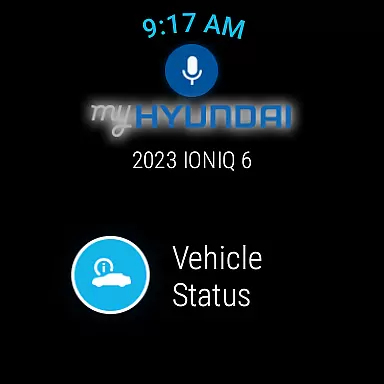
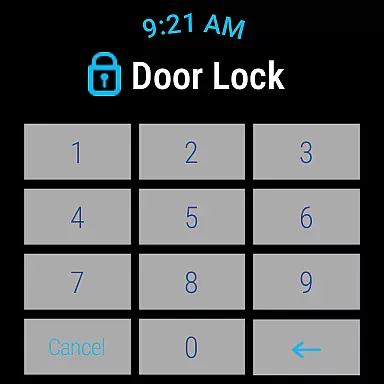
With Wear OS compatibility, users can access select features directly from their smartwatches. This includes remotely starting the vehicle, locking or unlocking the doors, activating the horn and lights, and locating the car. These features are accessible via voice commands or through the smartwatch menu.
This compatibility provides users with the flexibility to manage their vehicle's functions without needing to take out their phone. It's particularly useful when you're engaged in activities where using a phone isn't convenient, like during workouts or while driving.
In summary, the MyHyundai app's support for Wear OS ensures that you can maintain control over your vehicle's essential functions, regardless of the device you're using, enhancing both convenience and accessibility.
User-friendly interface
Comprehensive vehicle control
Biometric security features
Wear OS compatibility
Remote charging management
Subscription required
Limited vehicle support
Feature availability varies
Internet connection needed
Premium feature costs

Christmas watch face. For Wear OS devices.
 4.30
4.30
Animated Watch Face and Customizable with 24 Backgrounds. Perfect for Christmas!
3.90
Precision analog watch face with 7 complications and style options
4.5
Artistic Digital Watchface
4.4
Digital, flexibly customizable watch face. For Wear OS 5.0, API 34+ and later.
5.00
Professional weather radar and more
3.90
A digital watch face that celebrates Christmas.
4.00
Premium hybrid watch face with many customizations for Wear OS devices.
4.40
Fast and smart typing with Emojis, GIFs, and more
4.50
Beautiful, colorful and practical watch face. For Wear OS devices.
5.00
Hyperlocal rain alerts by MyRadar using patent-pending technology, radar & more
4.80
Real-time weather radar with temperatures, warnings, hurricanes, and widgets
4.80
Digital watch face. For Wear OS devices.
4.40
Reliable phone calls with spam protection, caller ID and more helpful features
4.40
Hyper-Realistic Airplane Dashboard Watch Face With 10 Skins and Custom AOD
4.00
Viewer for Wyze/Yi/Eufy/Arlo/ONVIF/RTSP/P2P IP cams w/ adv. features & DIY DVR
4.00
A Wintery Snow Globe on Your Wrist; now celebrating Christmas!
4.0
Fitness interactive virtual pet super fighter boy watch face
4.0
Hybrid Vibrant Health Watch Face for Wear OS
4.1


User Reviews