
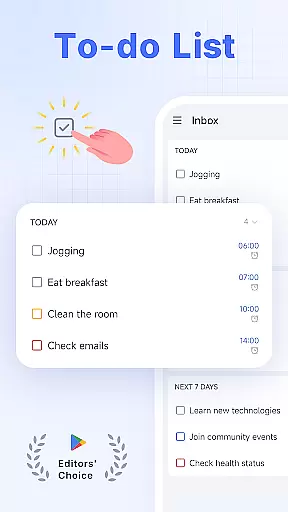
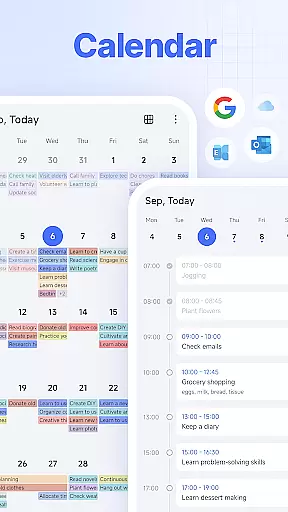
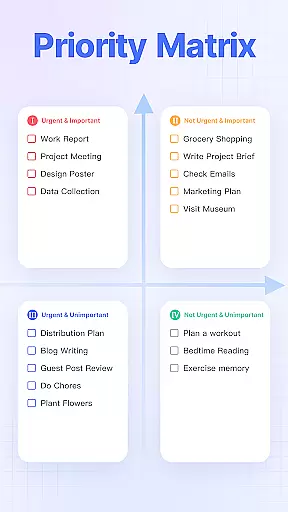
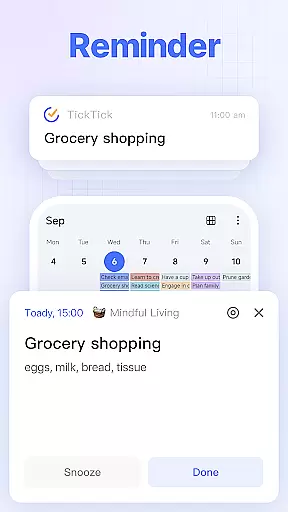
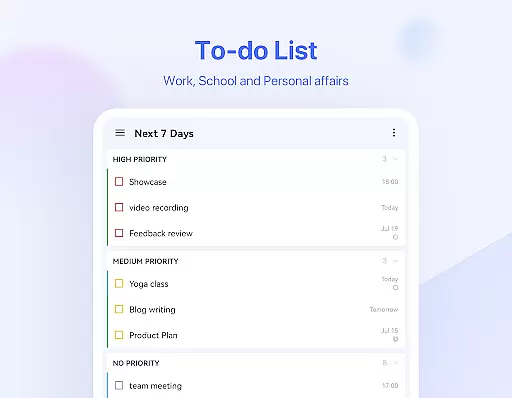
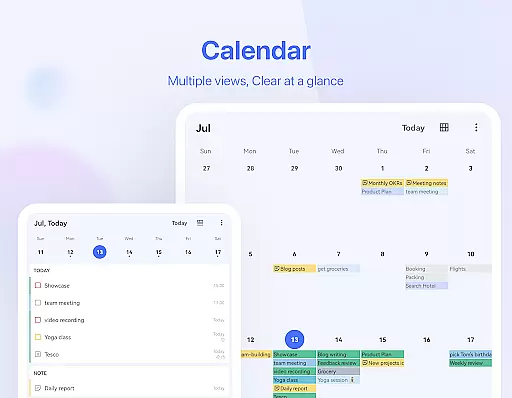
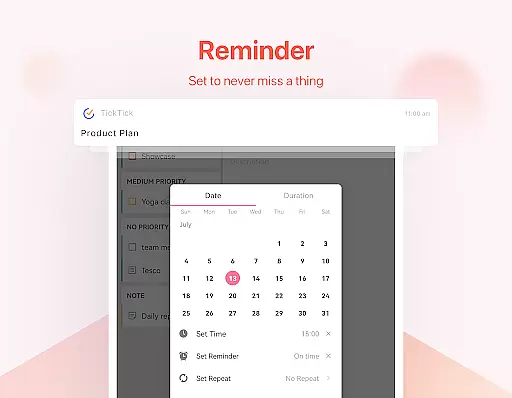
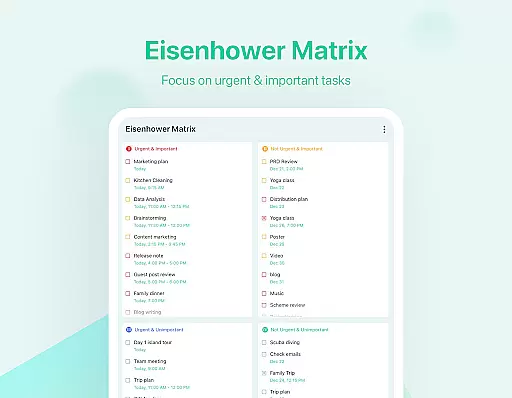
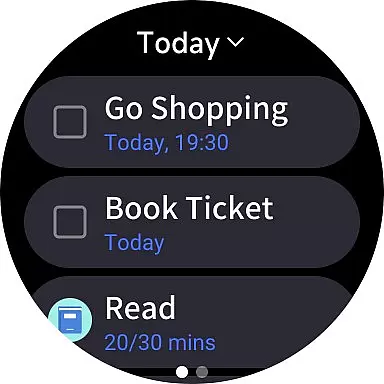
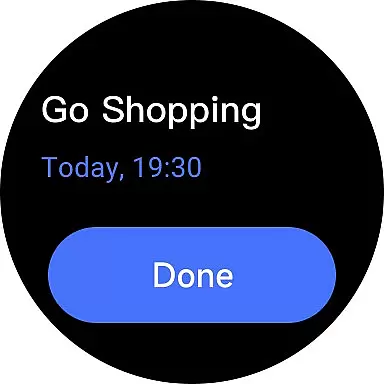
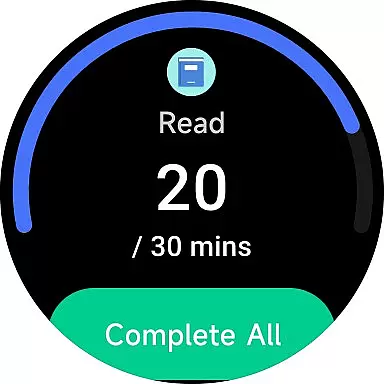
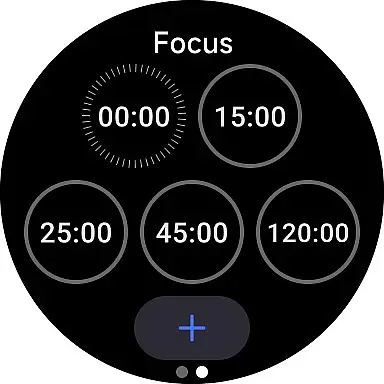
TickTick is a comprehensive productivity app designed to help users manage their tasks, schedules, and habits efficiently. As a multi-dimensional task manager, it consolidates to-do lists, reminders, and calendars into one intuitive platform. Whether you're at home, in the office, or traveling, TickTick ensures seamless organization of your daily activities.
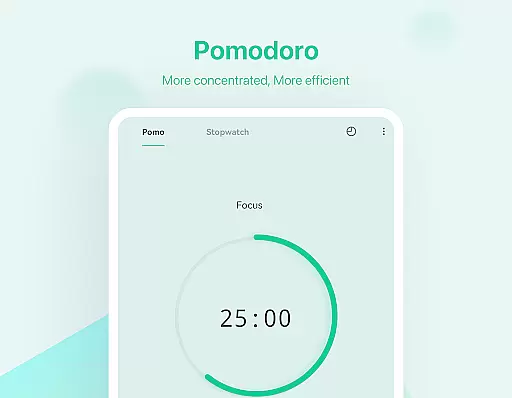
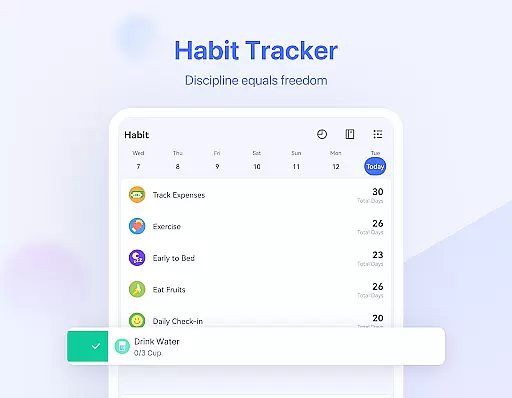
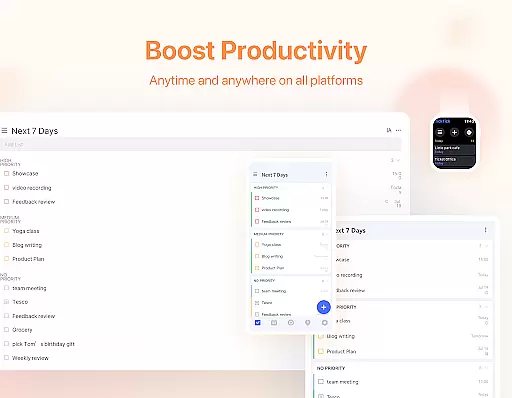
The app stands out with its Pomodoro Timer for focus enhancement, Habit Tracker for personal development, and collaboration tools for team projects. Its cross-platform syncing across Android, iOS, Wear OS, Mac, and PC makes it an ideal solution for users seeking a unified productivity tool. With features like instant reminders, recurring tasks, and sleek calendar views, TickTick helps users optimize their time management and achieve their goals effectively.
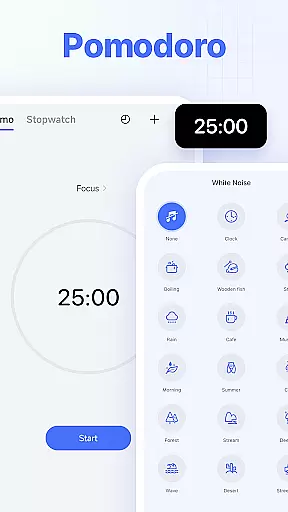
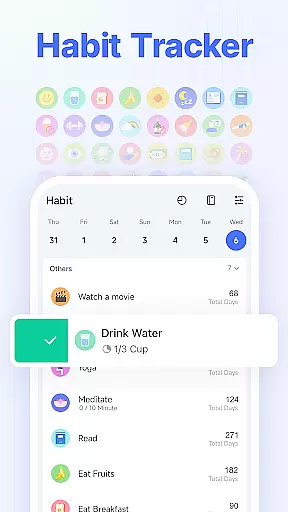
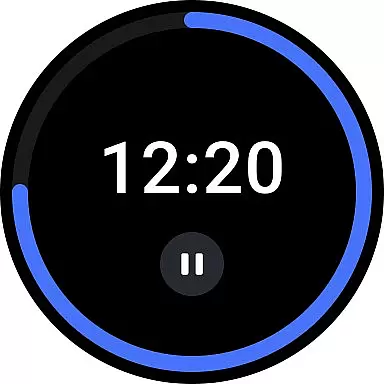
TickTick offers an impressive range of features that cater to various productivity needs. The app's Smart Date Parsing allows users to quickly set due dates and alarms using natural language input. Its Pomodoro Timer and white noise feature help users maintain focus during work sessions, while the Habit Tracker enables the creation and monitoring of positive routines.
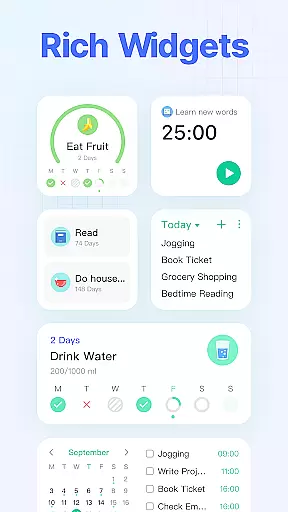
For collaborative work, TickTick provides seamless sharing and task assignment options, reducing the need for lengthy meetings and emails. The app also supports integration with third-party calendars like Google Calendar and Outlook, offering a centralized view of all schedules. With handy widgets, customizable themes, and advanced list management capabilities available in the Premium version, TickTick delivers a robust solution for both individual and team productivity requirements.
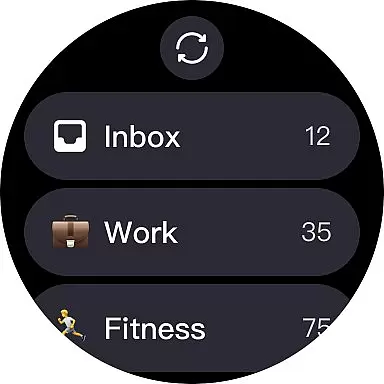
Companion app integration is essential for users who rely on wearable technology to stay organized and productive. TickTick excels in this area by offering seamless synchronization between its mobile app and Wear OS devices. This means that whether you are checking your tasks on your phone or smartwatch, the information is always up-to-date and consistent.
The integration allows users to receive notifications, view tasks, and even complete them directly from their Wear OS watch. This ensures that you never miss an important deadline or task, regardless of where you are or what device you have at hand. The ability to interact with your to-do list through voice commands or quick taps on your watch face significantly enhances accessibility and convenience.
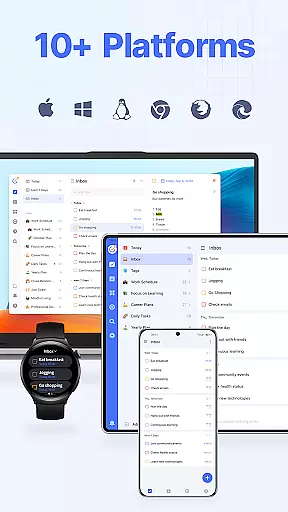
Furthermore, TickTick's companion app support extends beyond just Wear OS. It includes web, Android, iOS, Mac, and PC platforms, creating a comprehensive ecosystem that keeps all your devices in sync. This cross-platform availability ensures that no matter which device you choose to use, your data is always accessible and current. Such extensive integration empowers users to manage their time and tasks more efficiently, making TickTick a versatile tool for personal productivity.
Device compatibility is a critical factor when choosing a task management application for your Wear OS device. TickTick offers robust support for Wear OS, ensuring that users can access their tasks and reminders without any hitches. This compatibility is not limited to just viewing tasks but extends to adding new ones, setting reminders, and marking tasks as complete, all from the wrist.
TickTick has been optimized to work smoothly with various Wear OS devices, providing a fluid user experience. The appu2019s interface on Wear OS is designed to be intuitive and easy to navigate, allowing users to interact with their tasks effortlessly. Whether it's through touch or voice commands, managing your schedule on a smartwatch has never been easier.
Beyond Wear OS, TickTick also supports a wide range of other devices and platforms, including web browsers, smartphones, tablets, and desktop computers. This broad compatibility ensures that users can maintain their productivity regardless of the device they are using. By offering such extensive device support, TickTick stands out as a reliable choice for individuals seeking a comprehensive and flexible task management solution that adapts to their lifestyle and technological preferences.
User-friendly interface
Cross-platform support
Effective Pomodoro Timer
Habit tracking functionality
Collaboration tools
Limited free features
Premium subscription cost
Occasional sync issues
Complex settings for beginners
Notifications may be delayed

Snowflake Rose Gold Watch Face - Digital, modern, & sleek with GYRO effect.
 4.10
4.10
Embrace the festive spirit with our Christmas Countdown watchface for Wear OS
4.10
Contemporary digital watch face with five complications
4.4
The most customizable minimal watch face. For Wear OS 5.0, API 34+ and later
4.70
Nutrition, Macro tracker: Food, fitness & healthy diet tracking for weight loss
4.60
Find EV charging stations
4.30
Reliable phone calls with spam protection, caller ID and more helpful features
4.40
Your music, your playlists, and more—offline and unlimited.
4.20
Connect, create, and collaborate with Gmail, part of Google Workspace.
4.10
Hyperlocal rain alerts by MyRadar using patent-pending technology, radar & more
4.80
Hybrid watch face for Wear OS with customizable complications by Matteo Dini MD
4.70
Monitor health with the stress test and pulse checker in the heart rate app.
4.60
To-Do List: daily schedule planner, task organizer, to do reminder app, calendar
4.60
A realistic hybrid watch face with many customization options.
4.60
Stylish, Energizing and Modern Watch Face crafted by Dominus Mathias.
4.50
Beautiful artistic animated digital watch face, with a customizable layout!
4.40
Christmas watch face. For Wear OS devices.
4.30
Artistic Digital Watchface
4.5
Stylish digital watch face for Wear OS devices with customizable features
4.2


User Reviews