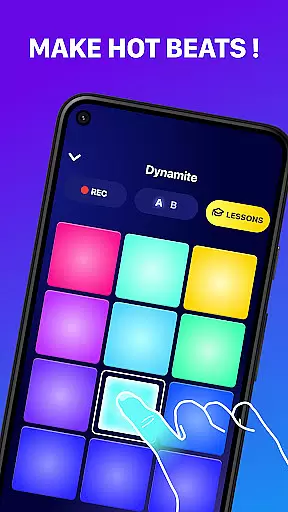
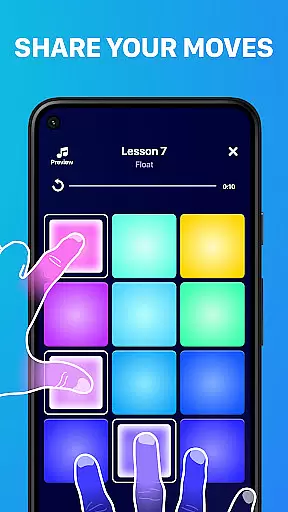
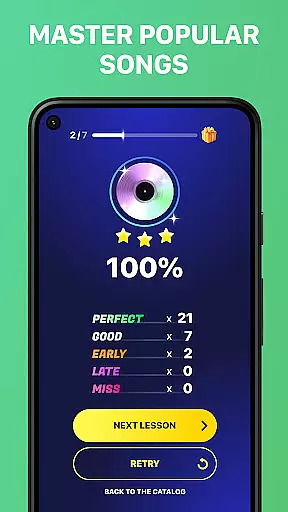
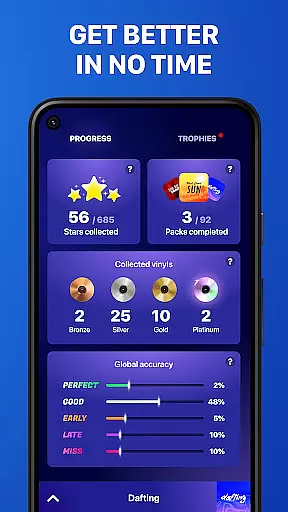
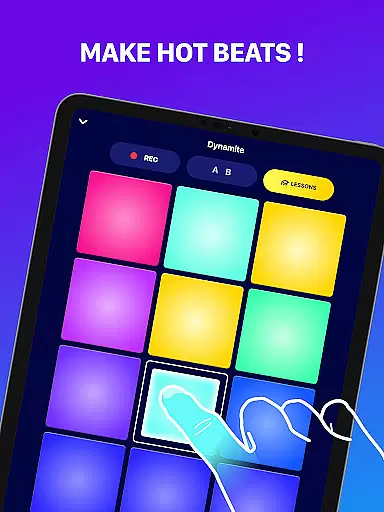
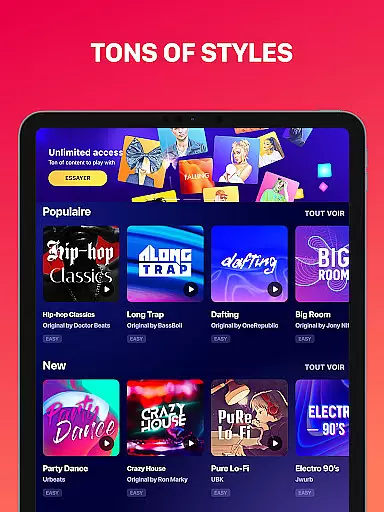
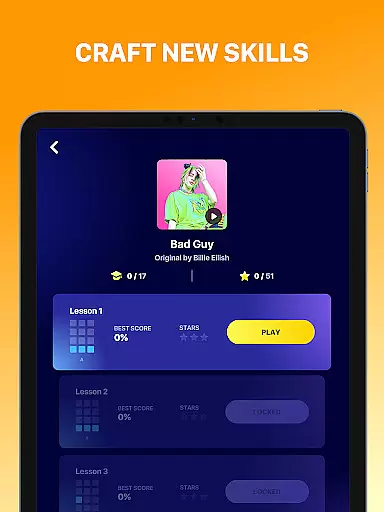
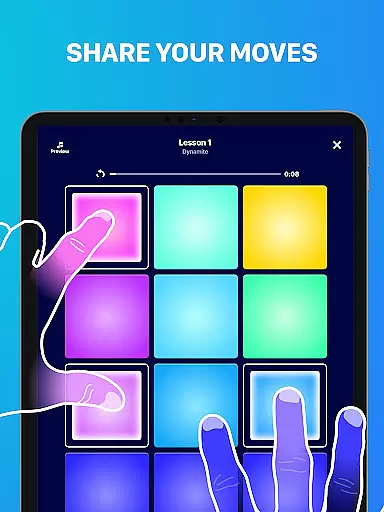
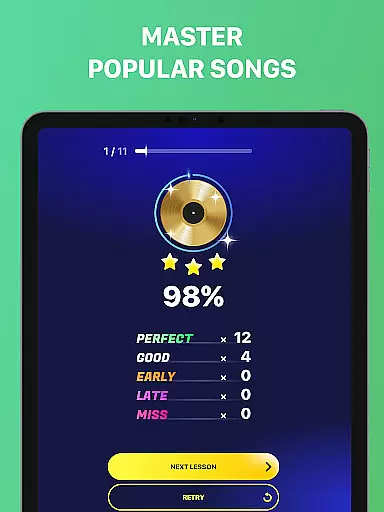
Beat Maker Pro is a comprehensive music creation tool that allows users to produce professional-quality beats and melodies across various genres. The app features an intuitive 24-pad drum machine interface, enabling seamless beat-making and music production.
With its robust functionality, users can create custom rhythms, record their compositions, and experiment with different musical styles including dubstep, trap, EDM, and hip-hop. The application's user-friendly design makes it suitable for both beginners and experienced music producers.
Ideal for aspiring DJs and musicians, Beat Maker Pro transforms your mobile device into a portable music studio, allowing creative expression anytime, anywhere. Its educational aspect helps users develop their skills through practical, hands-on experience.
The app offers an impressive suite of features designed to enhance the music-making experience. Its core functionality includes a 24-pad drum machine that supports multi-touch gestures for intuitive beat creation and manipulation.
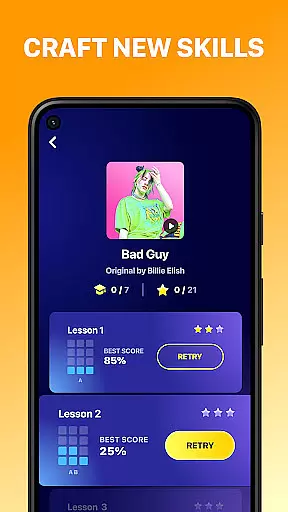
Advanced capabilities allow users to mix loops, layer sounds, and access a wide range of instruments. The built-in recording feature enables capturing and refining musical ideas instantly. Additionally, the app provides educational resources and tutorials to help users master beat-making techniques.
Unique to Beat Maker Pro is its genre versatility, supporting multiple musical styles while maintaining high audio quality. The app also features regular updates with new sounds and improvements, ensuring users always have access to fresh content and optimal performance.
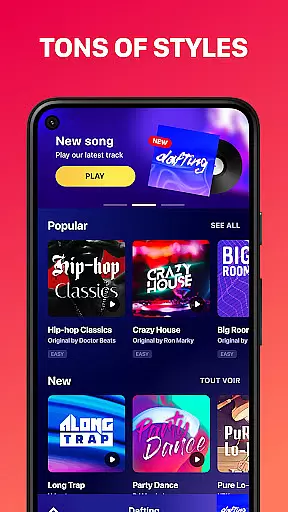
Beat Maker Pro offers an extensive music library that caters to a wide array of genres including dubstep, trap, EDM, and hip-hop. This vast collection ensures that users have access to a diverse set of sounds and loops, which is crucial for creating unique and engaging tracks.
The app emphasizes copyright authenticity, providing users with the assurance that all samples and loops are legally available for use. This feature is particularly important for creators who wish to share or monetize their music without facing legal issues related to unauthorized use of copyrighted material.
With its rich content library, Beat Maker Pro empowers users to experiment with different musical styles and find inspiration for their compositions. The availability of numerous high-quality samples allows both beginners and experienced producers to enhance their projects with professional-grade elements.
Furthermore, the app's dedication to maintaining a legitimate and expansive music library supports the creative process by offering endless possibilities for music production. Users can confidently explore new musical ideas knowing they have access to a reliable and lawful source of sounds.
Audio quality is paramount when producing music, and Beat Maker Pro excels in delivering top-notch audio options. The app provides various settings that allow users to adjust the quality of their output, ensuring that the final product meets industry standards and personal expectations.
Users can choose from multiple audio formats and bitrates, catering to different needs whether it's for quick previews or high-fidelity exports. This flexibility enables musicians to optimize their workflow based on the stage of their project or the platform where the music will be shared.
Moreover, Beat Maker Pro's commitment to superior audio quality enhances the overall user experience. By prioritizing clear and crisp sound reproduction, the app ensures that every beat, melody, and rhythm created is heard exactly as intended, preserving the nuances of the composition.
Ultimately, the ability to fine-tune audio settings within Beat Maker Pro not only elevates the quality of the music produced but also reinforces the app's position as a comprehensive tool for aspiring and professional DJs alike.
User-friendly interface
Wide genre support
Professional sound quality
Comprehensive learning tools
Regular content updates
Limited advanced features
Occasional performance issues
In-app purchases required
Steep learning curve
Basic sharing options

Fun & Easy Voice Changer – Record, Edit & Add Hilarious Effects!
 4.50
4.50
Your HD audio recorder on the go for music, meetings, ambience, animal sounds…
4.30
Make music anywhere. Turn your device into an instrument.
4.3
Remove ads permanently from Music Visualizer
4.5
Your song collections with lyrics and chords on Android smartphones and tablets.
4.80
Advanced 10-Band Audio Graphic Equalizer Sound Booster Pro
4.30
Recording studio w/ 10k beats, pro vocal FX and a network of 20M rappers & fans!
4.60
Turn your Android phone into a professional audio analyser with up to 120 bands.
4.00
Master Salsa Rhythm quickly and with a lot of fun!
4.30
Full-featured, High-Quality Groovebox Workstation, perfect for Live Performance!
4.80
JBL PartyBox APP works with 110/310/710/120/320/520/Encore/Encore 2/Encore Ess 2
4.80
Listen radio AM / FM Stations. Live AM / FM Radio App Station. Radio Com.
4.70
Over 100 million tracks available for high quality streaming and download
4.60
AI Music Maker: Generate And Compose AI Tunes & AI Songs & AI Music & AI Melody!
4.60
Reverse your voice & songs instantly! Fun singing challenge with cool effects.
4.60
Sheet music reader, piano & music note player. Play music score & learn to read.
3.90
Powerful beat maker & DJ mixer to remix tracks, make music, & perform DJ mix
3.70
Slow music down without changing pitch.
3.70
MilkDrop for Android TV
3.00


User Reviews