
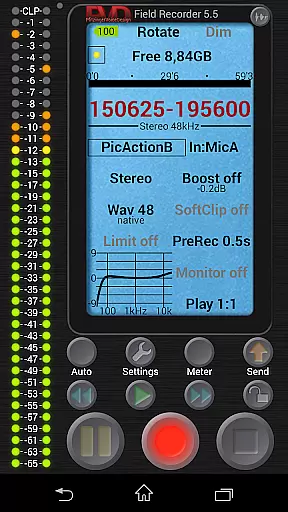
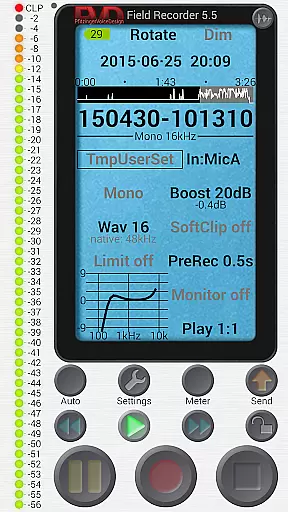
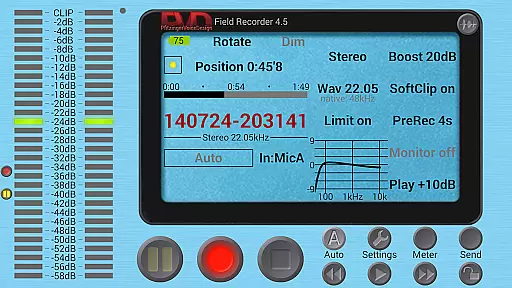
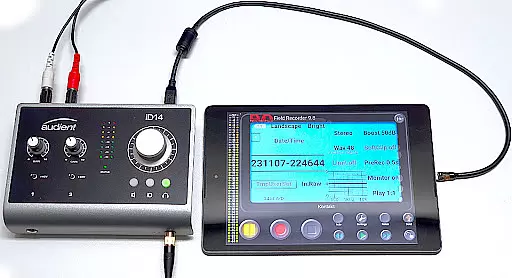
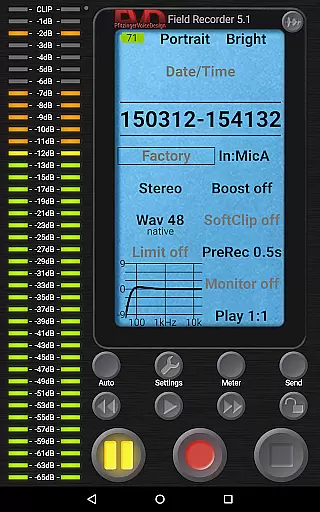
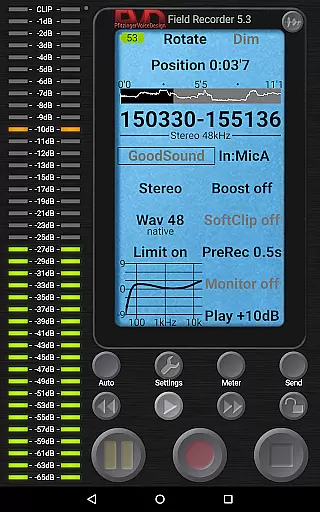
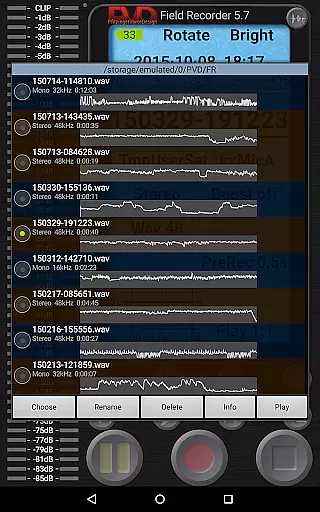
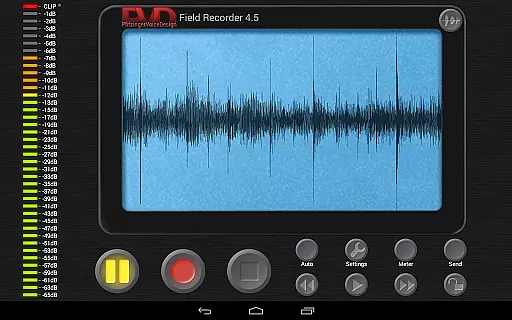
Field Recorder transforms your mobile device into a versatile audio recording tool, perfect for capturing high-quality sound on the go. With support for built-in microphones, external mics, and USB sound cards, it offers extensive customization options for audio parameters.
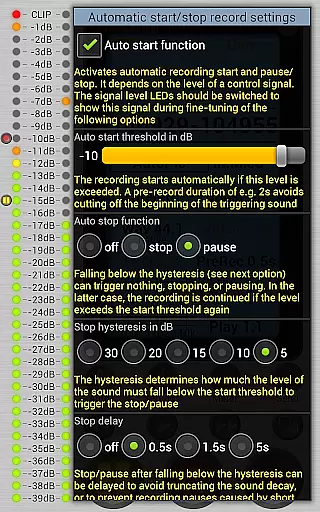
The app provides professional-grade recording capabilities in formats ranging from mono/16kHz/16-bit to stereo/192kHz/24-bit WAV files. Its powerful features include pre-recording buffer, auto-start/stop functionality, and advanced audio processing tools like equalizers and limiters.
Ideal for musicians, journalists, and audio enthusiasts, Field Recorder enables immediate sharing of recordings and supports various post-production formats including MP3 and FLAC conversion through helper apps.
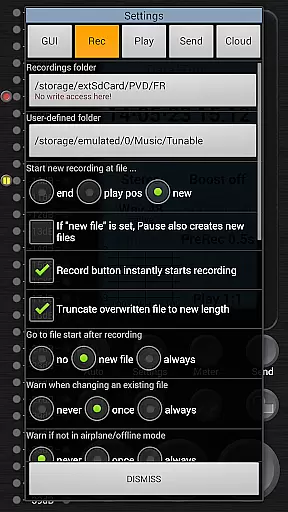
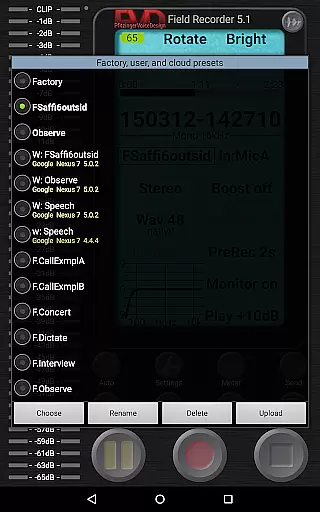
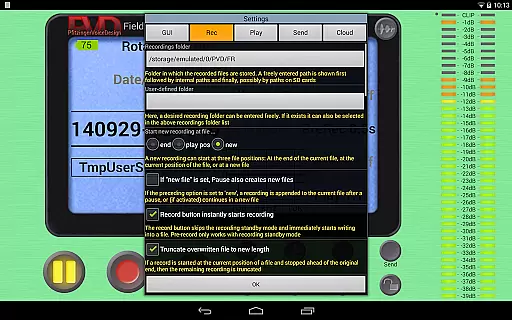
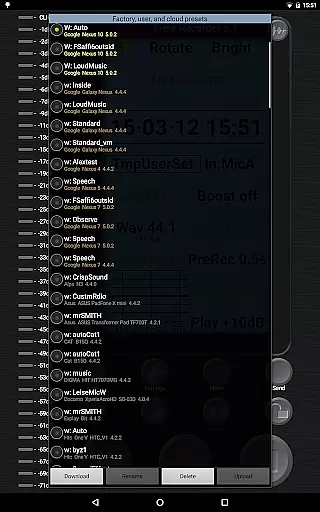
Field Recorder stands out with its comprehensive feature set designed for both amateur and professional audio recording needs. The app includes pre-defined presets for common recording scenarios and allows users to save custom configurations.
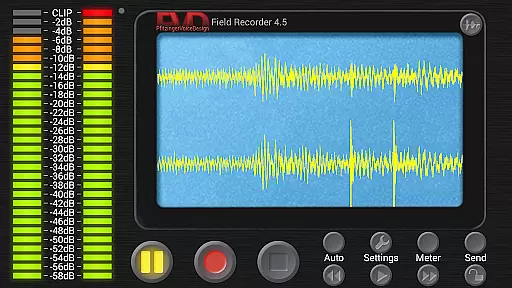
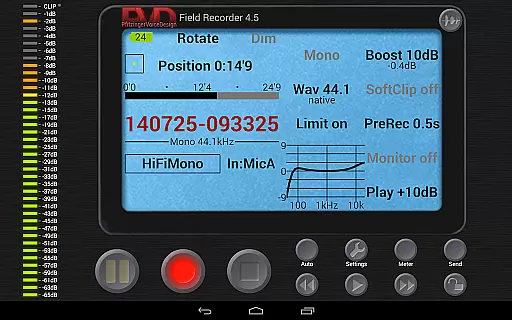
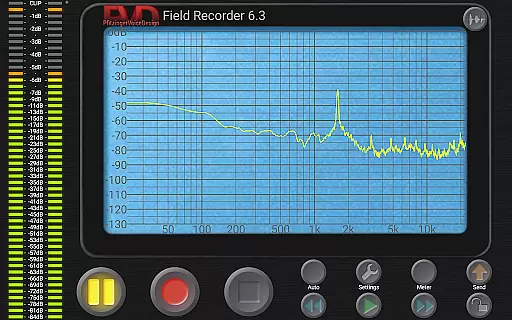
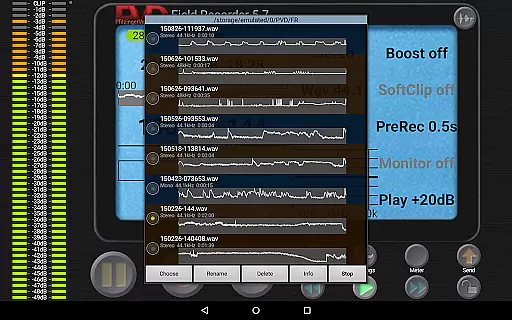
Advanced functionalities include automatic file splitting at 4GB, configurable limiter and equalizer settings, and real-time spectrum display. The app also offers HD monitoring with minimal latency and a sophisticated WAV player with precise playback controls.
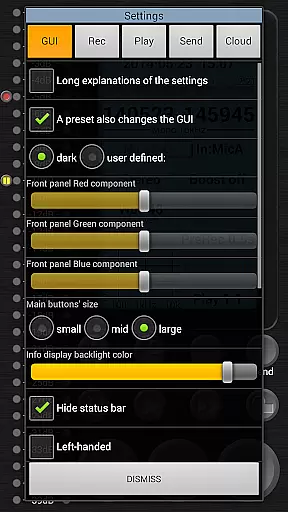
Users can benefit from practical utilities such as email alerts based on noise levels, homescreen widget for quick access, and customizable GUI elements including color schemes and button layouts.
Field Recorder offers an extensive suite of features that make it a standout choice for audio recording. While it doesn't provide a traditional music library, its capabilities allow users to create their own high-quality audio archives. The app supports various formats including WAV and FLAC, ensuring recordings maintain professional-grade quality.
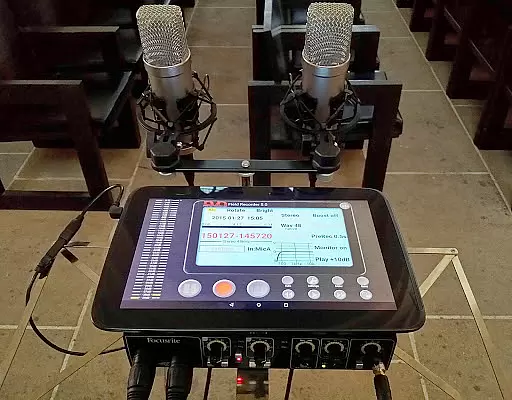
The application's versatility extends to its compatibility with external microphones and USB sound cards, enabling users to capture pristine audio from multiple sources. This flexibility ensures that the recordings are authentic and free from copyright restrictions, as they are created by the users themselves.
Users can save custom presets for different recording scenarios, such as concerts or interviews, which can be quickly accessed and shared. These presets help maintain consistency across recordings and ensure that each file meets specific quality standards. With these features, Field Recorder empowers users to build a personalized and legally sound audio collection.
Moreover, the app facilitates easy sharing and conversion of recordings into MP3, AAC, or FLAC formats using helper apps. This functionality not only enhances the user's ability to manage their audio files but also ensures that their library remains organized and accessible across various platforms.
Field Recorder excels in providing superior audio quality options that cater to both amateur and professional needs. The app allows users to adjust audio parameters extensively, offering settings that range from mono/16kHz/16-bit to stereo/192kHz/24-bit. This wide spectrum of options ensures that users can achieve the desired audio fidelity for any project.
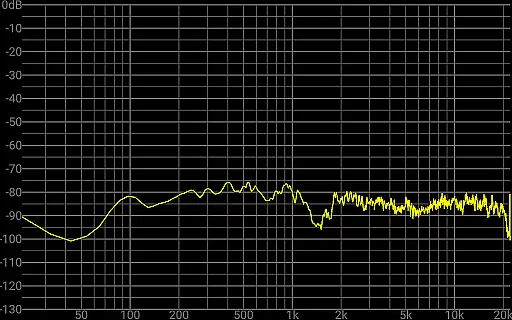
In addition to its impressive recording capabilities, Field Recorder includes advanced audio processing tools. Features like low-cut filters, parametric and shelving equalizers, and stereo balance correction enable users to enhance their recordings significantly. These tools help mitigate common recording issues, ensuring that the final output is clear and balanced.
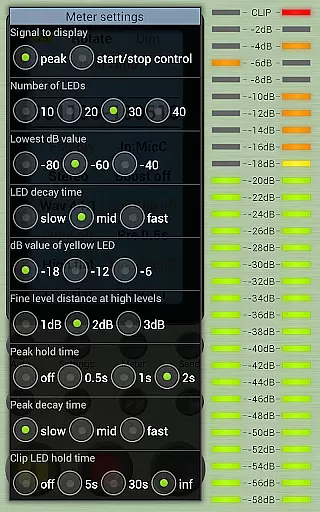
The app also provides real-time monitoring with latency as low as 20ms, allowing users to make precise adjustments during recording sessions. This immediate feedback is invaluable for capturing high-quality audio and making necessary corrections on the fly. Furthermore, the built-in limiter and soft clipping prevent distortion, even when recording at high volumes.
With its comprehensive set of audio quality options, Field Recorder stands out as a powerful tool for anyone looking to produce professional-grade audio content. Whether recording band rehearsals, lectures, or ambient sounds, users can rely on this app to deliver exceptional results every time.
User-friendly interface
High-quality recording
Extensive format support
Advanced audio processing
Customizable settings
Complex for beginners
External mic required
Consumes more storage
Limited free features
Occasional bugs

SqueezePlayer turns your Android phone or tablet into a SqueezeBox on its own!
 4.60
4.60
Turn your phone into a musical instrument from the future!
3.90
Time Guru will strengthen your internal sense of musical time via random muting.
4.30
Gorgeous UI, Powerful music Search and Equalizer, the great choice for you!
4.70
Your song collections with lyrics and chords on Android smartphones and tablets.
4.80
Super Sound Editor, Song Maker & Mixer, Vocal Remover, Voice Recorder & Changer!
4.60
Turn Every Moment into Music
3.60
Uninterrupted Tunes, Unmatched Vibes
3.90
Melody Beat: Great for travel, workouts, offline vibes, play your tunes anytime.
4.10
Tune in to the greatest hits on UK Radio | The home of Capital, Smooth & Heart.
4.90
Brian Eno and Peter Chilvers’ acclaimed music app Bloom, radically reinvented.
4.80
Record, Mix & Master with all n-Track effects, 64-bit audio and Stem Separation.
4.70
A synth that really lets you shape your sounds!
4.50
Save hundreds of dollars for a physical strobe tuner and instead use this app.
4.50
Bass Booster Pro takes auto-equalizing to the next level!
4.30
Offline and always ad-free - stream in the highest quality available.
4.10
Background pads for your band
3.80
Slow music down without changing pitch.
3.70
MilkDrop for Android TV
3.00


User Reviews