
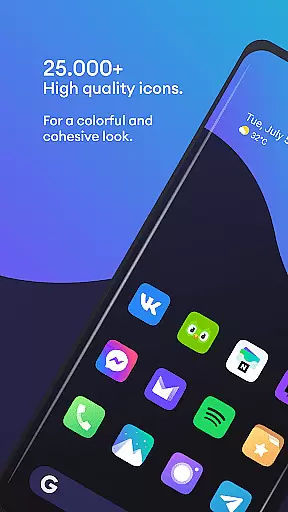
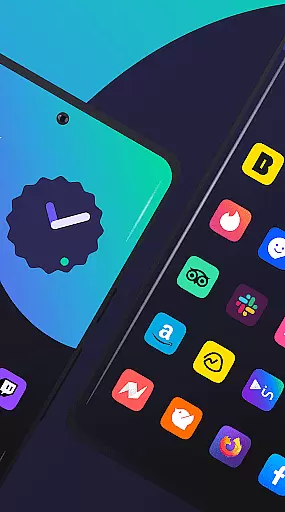
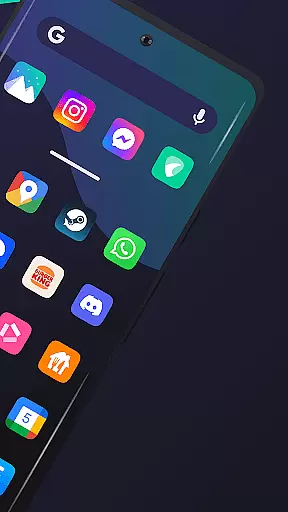
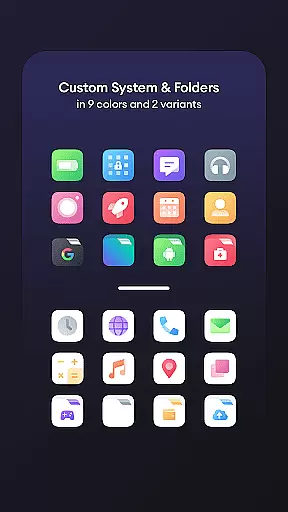
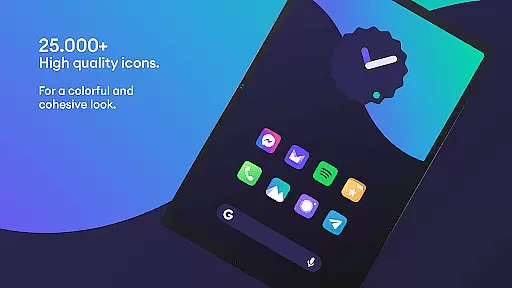
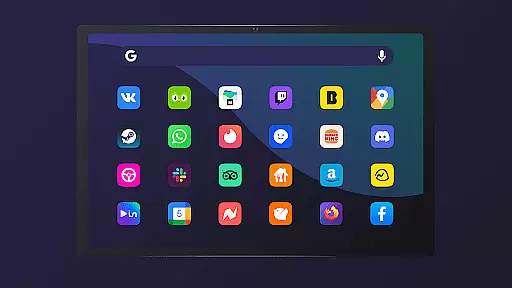
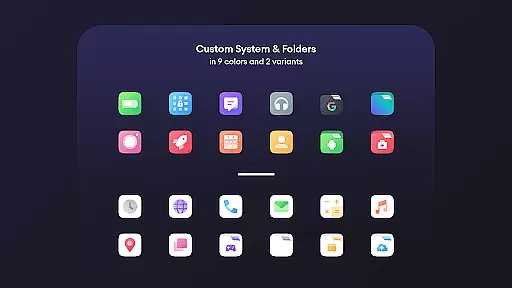
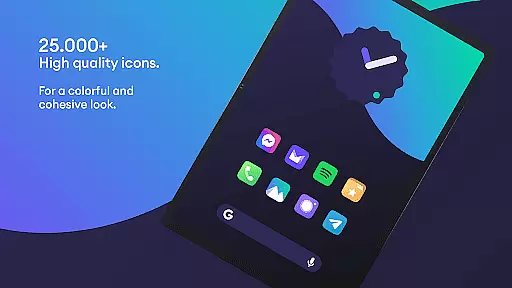
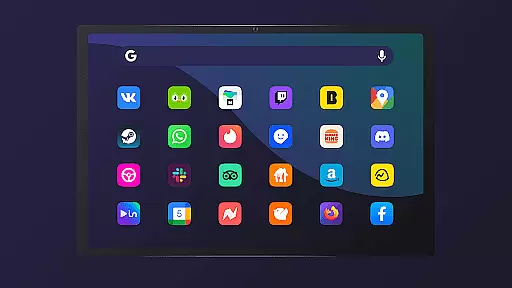
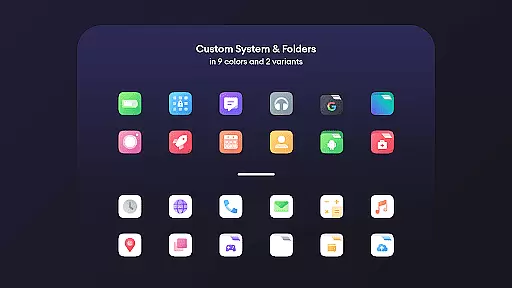
Borealis - Icon Pack is a premium personalization tool designed to enhance the visual appeal of your device. With over 28,000 high-quality icons, it brings both color and uniformity to your home screen while respecting the integrity of original brand designs.
The pack includes multiple alternative icons for popular apps, dynamic calendar support, and icon masking for unthemed icons. Its modern dashboard provides easy access to features like icon requests and cloud-based wallpapers, making customization both intuitive and enjoyable.
Perfect for users who want a cohesive aesthetic across their devices, Borealis works seamlessly with many popular launchers, offering regular updates to keep your interface fresh and up-to-date.
Borealis offers an impressive range of features that cater to personalization enthusiasts. The pack boasts more than 28,000 meticulously crafted icons, ensuring broad compatibility with various apps. Users can choose from multiple alternative designs for popular icons, allowing further customization.
A standout feature is its dynamic calendar support, which keeps your date widgets visually consistent with the overall theme. Additionally, the icon masking functionality ensures even unthemed icons blend seamlessly into the design scheme.
The app also includes 48+ high-resolution cloud-based wallpapers and an intuitive dashboard for managing settings, requesting new icons, and accessing FAQs. Regular updates ensure continuous improvement and compatibility with new apps.
Borealis - Icon Pack offers an extensive range of customization options that allow users to personalize their device's appearance with ease. With over 28,000 high-quality icons, the variety ensures that there is a style for every user preference.
The inclusion of multiple alternative icons provides even more choice, ensuring that your device maintains a fresh and unique look. This level of variety in icon selection empowers users to tailor their home screens precisely to their liking.
Additionally, features such as icon masking and dynamic calendar support (where applicable) enhance the personalization experience by addressing unthemed icons and offering functional aesthetics. These options collectively contribute to a cohesive and visually pleasing interface.
Theme compatibility is a crucial aspect of Borealis - Icon Pack, ensuring that the icons work seamlessly across various launchers. The pack supports numerous launchers including Nova, Apex, and GO Launcher among others, which guarantees a wide reach of usability.
This compatibility allows users to apply the theme without worrying about inconsistencies or functionality issues on their specific launcher. It also means that whether you're using ABC Launcher or ZenUI, you can expect a uniform look and feel throughout your device.
Moreover, Borealis provides a modern dashboard for easy navigation and application of themes. Users facing issues are encouraged to contact support for troubleshooting steps before considering any changes to ensure they get the most out of this versatile icon pack.
Extensive icon library
Frequent updates
Multiple icon alternatives
Dynamic calendar support
Intuitive user dashboard
Requires compatible launcher
No iOS support
Some icons may be missing
Paid app with no free trial
Settings can be complex for beginners

Customizable Glass widgets. Over 360+ stunning widgets and more!
 4.70
4.70
Turn your lock screen into fun with smile live wallpapers & animated wallpapers!
2.50
Turn text & photos into stunning AI videos, art, and creative visual stories.
4.50
Zip lock screen with magic wallpaper to decorate your phone with fun zipper lock
4.60 4.50
4.50
Yandex Browser — stylish and secure, with voice search and data compression
4.40
A minimalist productivity launcher. One-hand-friendly. Zero ads.
4.70
Customize phone with anime themes, 3D icons, aesthetic widgets & wallpapers
4.80
Fast SMS & group chat - use GIFs and emojis from your home screen launcher.
4.50
Only for Wear OS devices!
4.90
100+ Stylish Fonts, Emojis, Symbols keyboard for Instagram & TikTok!
4.80
One 8 icons glass color version
4.80
Beautiful realistic hybrid watch face with numerous customization options.
4.50
Color phone with cool effects for call screen, flash alert & ringtones music
4.50
Vibrant Adaptive Icons with Material You and Enhanced Monet Colors.
4.50
200+ Material Inspired Widgets
4.50
Create unique, fun emojis with Funny Emoji Maker! Unlimited creativity!
4.00
Adaptive Dot Style IconPack with Light & Dark Theme.
3.70
Custom edge gestures for volume control, brightness, apps, and shortcuts.
4.5


User Reviews