
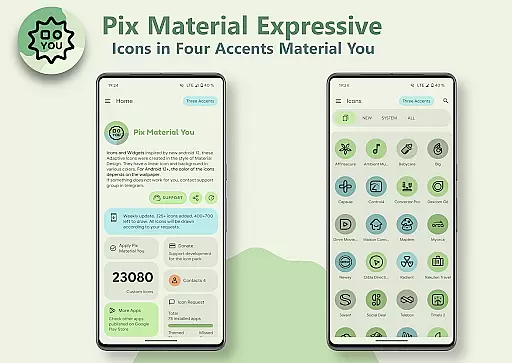
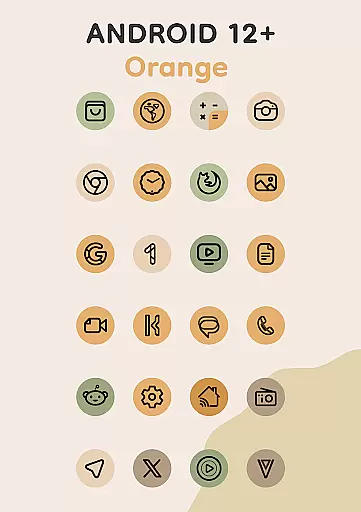
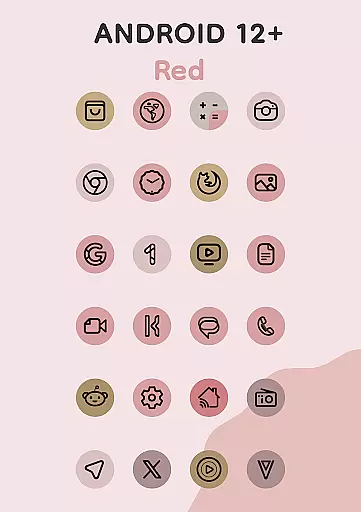
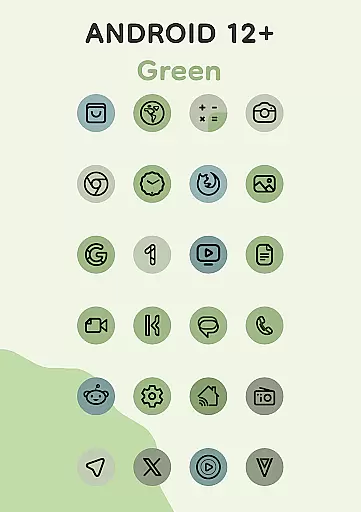
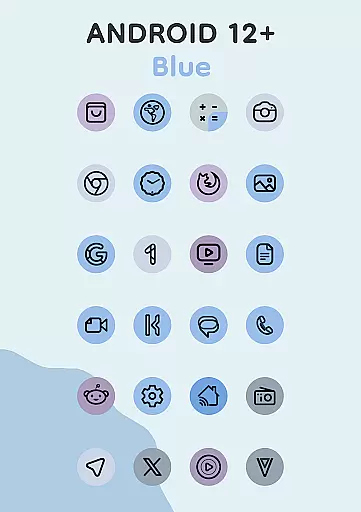
Pix Material Expressive Icons is a dynamic icon pack that transforms your device's appearance with adaptive icons fully supporting Material You. It introduces four expressive accent colors beyond the standard Monet palette, ensuring your icons remain visually striking.
These icons feature clean linear outlines and dynamically changing backgrounds based on your wallpaper, offering seamless integration with your system's color scheme. The adaptive nature allows shape-shifting on compatible launchers, providing extensive customization options for a personalized user experience.
This icon pack stands out with its full support for Material You, enhanced by an extended Monet palette featuring four additional accent colors. Each icon boasts a modern linear style with backgrounds that change color dynamically according to your wallpaper.
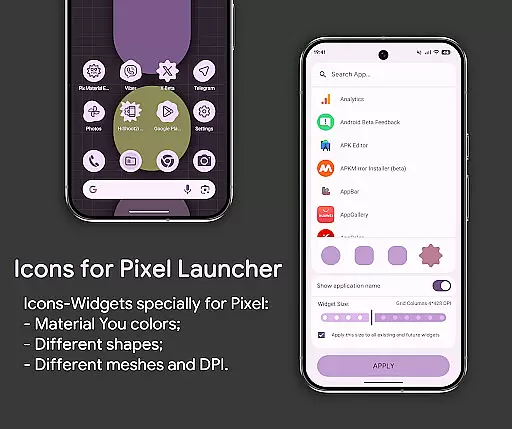
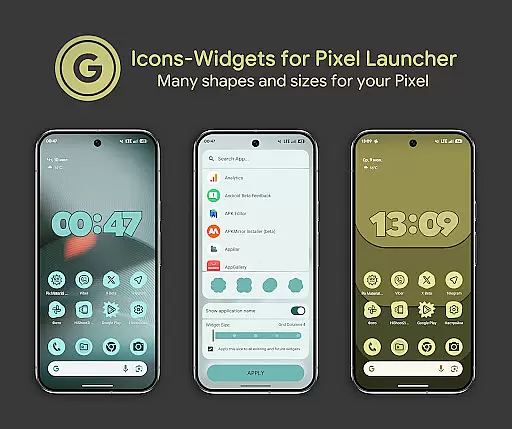
For Android 12+, the icons and widgets adapt their colors based on the wallpaper and light or dark theme settings. Unique to this pack is the Icon-Widget implementation, allowing further personalization through selectable icon shapes, names, and sizes optimized for different screen grids.
The inclusion of clock and music widgets, along with over 24,000 adaptive icons, ensures comprehensive theming capabilities. Users can enjoy features like automatic color changes on supported launchers and extensive compatibility across various devices and launchers.
Customization is at the heart of Pix Material Expressive Icons, offering users a wide array of options to tailor their device's appearance. With full support for Material You, this icon pack introduces four additional expressive accent colors beyond the standard Monet palette, ensuring your icons not only blend seamlessly with your system's color scheme but also stand out with unique flair.
Each icon in the pack features a clean linear outline and a dynamic background that changes color based on your wallpaper, providing a personalized touch to every app icon. The adaptive nature of these icons allows them to shift shapes when used with compatible custom launchers, further expanding customization possibilities.
For devices running Android 12 and above, the integration goes even deeper. Users can enjoy icons and widgets that change colors depending on the wallpaper and system theme, creating a cohesive and customized aesthetic across the entire device interface. This level of personalization empowers users to craft an environment that truly reflects their style and preferences.
Pix Material Expressive Icons excel in theme compatibility, ensuring a harmonious visual experience across different devices and launchers. Designed primarily for Google Pixel devices, the Icon-Widget feature extends its functionality to other devices, allowing users to enjoy a consistent look and feel regardless of their hardware choice.
The Icon-Widgets are designed to adapt to both light and dark themes, changing colors dynamically based on the wallpaper and system settings. This flexibility ensures that whether you're using Nova Launcher, Smart Launcher, or any other supported launcher, your icons will maintain their intended design language and integrate smoothly into your deviceu2019s ecosystem.
With various icon shapes, animations, and sizes dependent on grid and DPI settings, the Icon-Widget offers extensive control over how themed icons appear on your home screen. By following simple stepsu2014adding a widget, selecting an app, choosing an icon shape, and setting the grid sizeu2014you can achieve a pixel-perfect representation of your favorite apps, making your device uniquely yours while maintaining visual consistency.
Enhanced personalization
Dynamic color adaptation
Wide launcher support
Modern design aesthetics
Comprehensive widget options
Limited to Android 8+
Manual reapplication needed
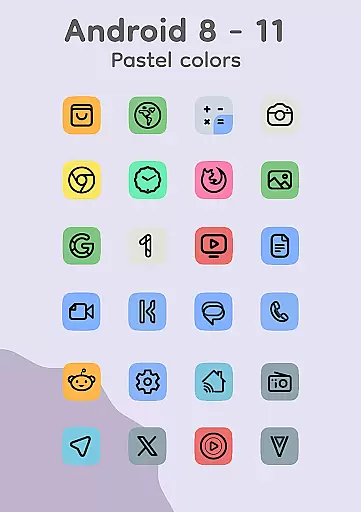
Pastel colors on older OS
Feature reliance on wallpaper
Beta features may vary

Classic analogue watch face. For wear os devices.
 4.60
4.60
A retro cartoon style watch face and a punch right in the face of the copyright
4.60
Winter's Journey: digital watch face for Galaxy Watch & Wear OS
4.80
Bring adorable pets to life on your screen. Playful, interactive and full of fun
4.60
Unique Fonts, typefaces and stylish text. Fonts for Instagram, Whatsapp & others
4.20
Transfer your live wallpapers from Windows to Android using Wallpaper Engine!
4.00 4.10
4.10
Choose your keyboard with RGB colors effect, themes, fonts, emojis.
4.60
Install amazing sticker packs: endless styles, always cool.
4.70
100+ Stylish Fonts, Emojis, Symbols keyboard for Instagram & TikTok!
4.80
Stunningly Different look with Line Icons and Neon Colors
4.60
Customize your home screen with stunning themes, blur, widgets & icons.
4.60
Color phone with cool effects for call screen, flash alert & ringtones music
4.50
Art & Emoji Keyboard with Cool Fonts, Cute Themes and Custom Designs.
4.40
Yandex Browser — stylish and secure, with voice search and data compression
4.40
A light in the dark, a unique style and an andless cutomization!
4.30
Romantic Kiss Stickers App. Start romantic messaging now!
4.30
Magic fluids wallpaper 4D: Relax with stunning fluid simulation wallpaper app
4.20
Adorable pets roam and play right on your phone screen!
3.30


User Reviews