

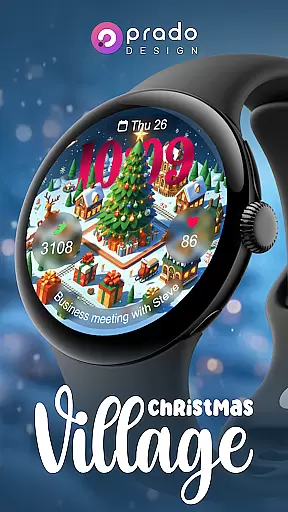
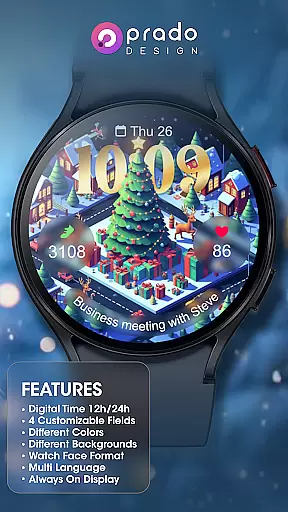
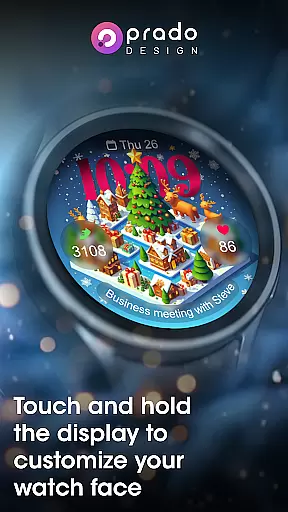
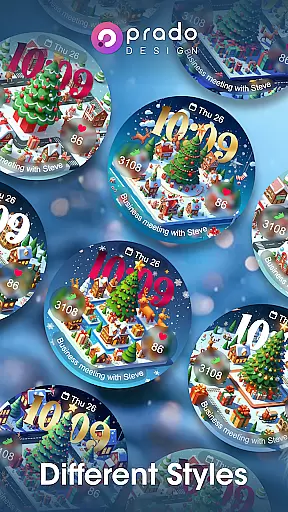

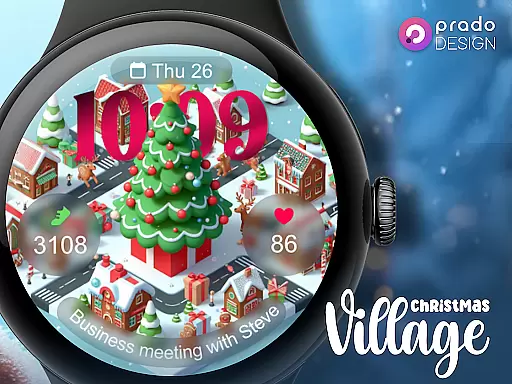
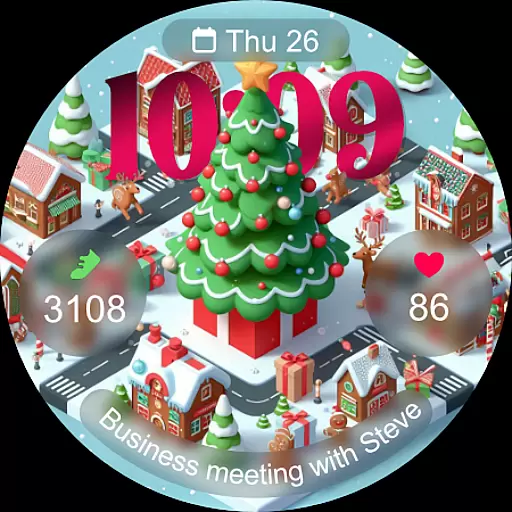
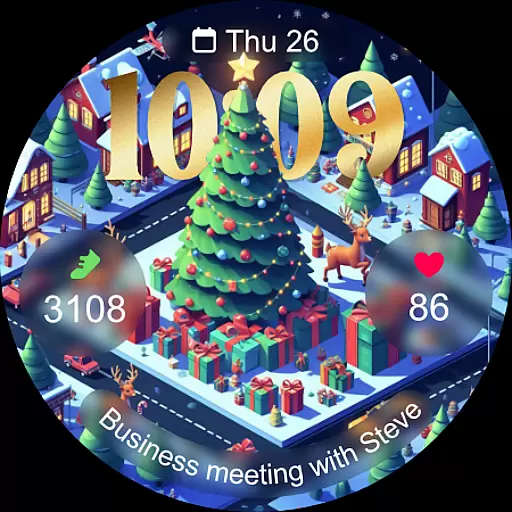
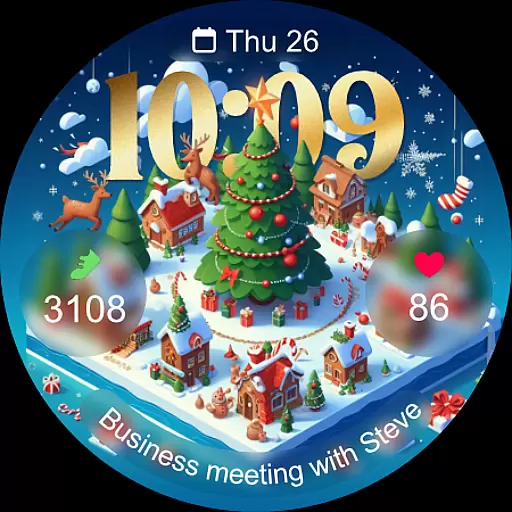
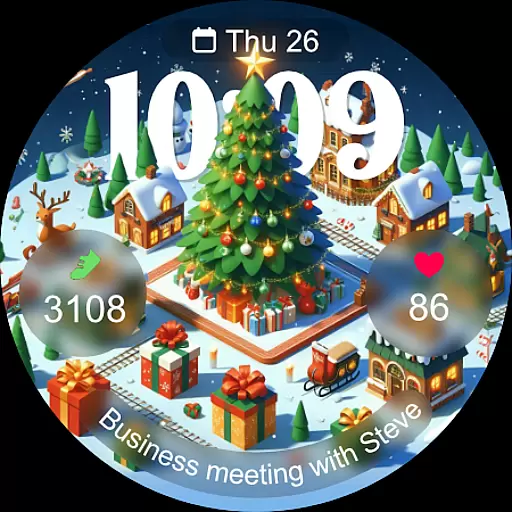
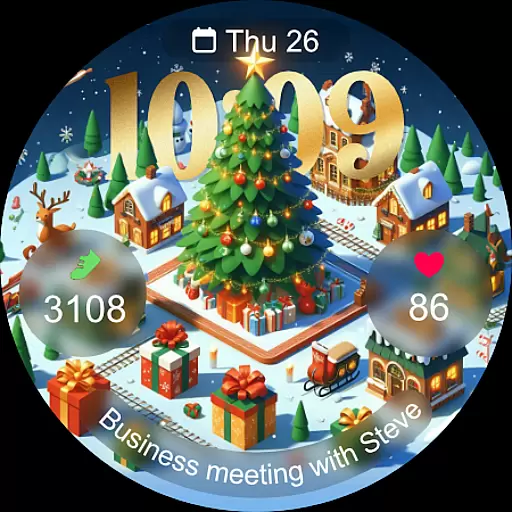
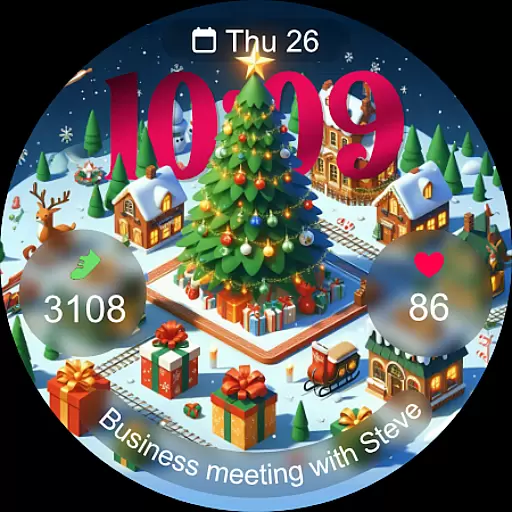
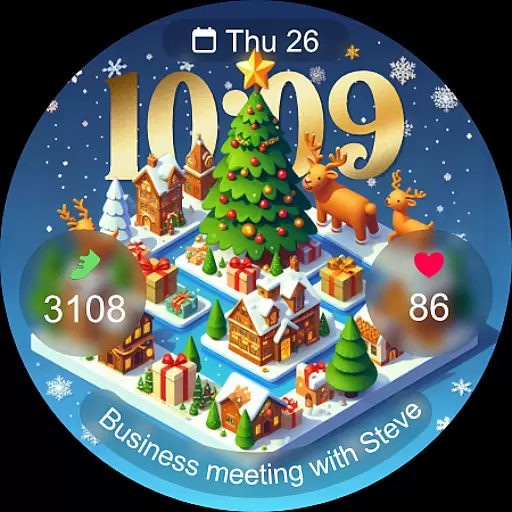
Christmas Village is a festive watch face app designed specifically for Wear OS devices, offering users a perfect way to celebrate the holiday season. The app provides a customizable and vibrant watch face experience with features like 12h/24h time display based on phone settings, four customizable fields, and various color options.
In addition to its visual appeal, Christmas Village supports different characters, multiple languages, and an Always On Display function. Users can enjoy full functionality by enabling necessary permissions such as sensors and complication data. With compatibility exclusively for Wear OS, this app ensures your smartwatch looks festive while maintaining practical utility throughout the Christmas season.
Christmas Village offers a range of features that enhance the Wear OS user experience during the holiday season. Key functionalities include a 12h/24h time format that adapts to your phone settings, four customizable fields allowing personalization, and support for different colors and characters to suit individual preferences.
The app also boasts multi-language support and an Always On Display feature, ensuring convenience and accessibility for a global audience. To maximize utility, users are encouraged to manually enable sensor permissions and complication data access. Weather complications can be set using recommended apps like Weather Complications or SimpleWeather, enhancing the overall functionality of the watch face.
With these comprehensive features, Christmas Village not only provides a visually appealing interface but also delivers practical tools that improve daily smartwatch interactions during the festive period.
For Christmas Village, companion app integration is essential for maximizing the smartwatch experience. This feature ensures that your wearable device works seamlessly with your smartphone, allowing for real-time data synchronization and enhanced functionality.
The watch face relies on your phone's settings for features like time format (12h/24h), weather complications, and multi-language support. By connecting to recommended apps such as Weather Complications or SimpleWeather, users can enjoy accurate weather updates directly on their watch face.
Users benefit from this integration through customizable fields and complication data permissions. These allow for personalized display options including different colors, characters, and always-on display settings, making it adaptable to individual preferences while maintaining optimal performance across devices.
Compatibility with Wear OS devices is a fundamental aspect of Christmas Village, ensuring that users can fully utilize its festive-themed design and features on their smartwatches. The application is specifically optimized for Wear OS, providing a smooth and visually appealing experience during the holiday season.
It's important to note that if users encounter compatibility messages such as 'Your devices are not compatible,' they should access the Play Store via a browser. This step often resolves issues by correctly identifying device compatibility and enabling successful installation.
By focusing solely on Wear OS, Christmas Village guarantees an immersive experience with high-quality graphics and responsive interactions. Users can enjoy various customization options like different colors and characters, all while benefiting from native system functionalities including sensor activation and complication data permissions which enhance overall usability.
Festive design
Customizable fields
Multi-language support
Vibrant colors
Always On Display
Wear OS only
Weather setup required
Limited compatibility
No iOS support
Manual permissions needed

A customizable Christmas watch face for Wear OS with a countdown.
 4.20
4.20
MyNISSAN® lets you remotely control your car from your phone.*
4.50
Elegant animated Christmas tree with multiple customization options
4.20
A modern premium sporty hybrid watch face for Wear OS by Ballozi
4.70
The most customizable minimal watch face. For Wear OS 5.0, API 34+ and later
4.70
The most customizable hybrid watch face. For Wear OS 5.0, API 34+ and later
4.70
A modern hybrid informative watch face for Wear OS designed by BALLOZI
4.80
A digital watch face that celebrates Christmas.
4.00
Toyota app currently supports 2010 or newer vehicles (2018 or newer for Hawaii).
4.50
The Chevron App allows you to pay for fuel from the comfort of your car!
4.80
WTW M17 is a premium and luxurious hybrid watch face
4.70
Reliable phone calls with spam protection, caller ID and more helpful features
4.40
Your music, your playlists, and more—offline and unlimited.
4.20
Embrace the festive spirit with our Christmas Countdown watchface for Wear OS
4.10
Get helpful reminders, take progress photos and find answers to your questions.
3.90
Christmas and New Year - Themed Watchface
4.0
A watch face that fuses motorsport precision with contemporary smartwatch design
4.0
Stunning modern digital watch face with 7 complications and strong contrast
4.0
Fitness interactive virtual pet super fighter boy watch face
4.3


User Reviews