
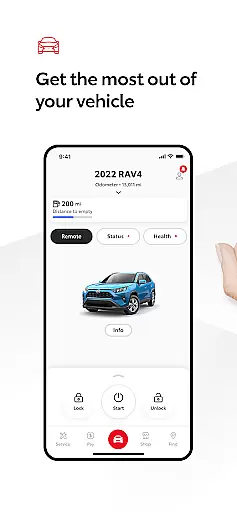
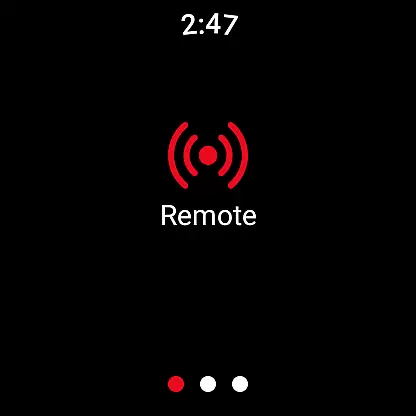
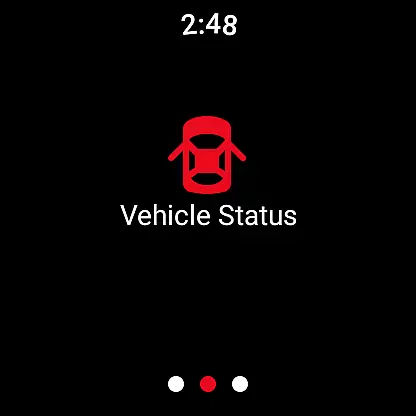
The Toyota app is a comprehensive vehicle management tool designed for Toyota owners. It allows users to remotely control their vehicles, schedule maintenance, and access important resources like the owner's manual and warranty information.
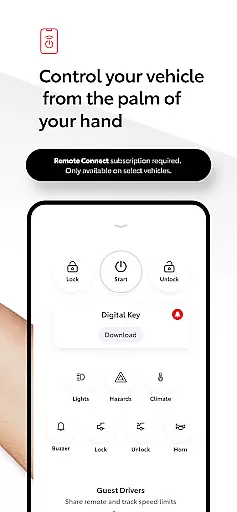
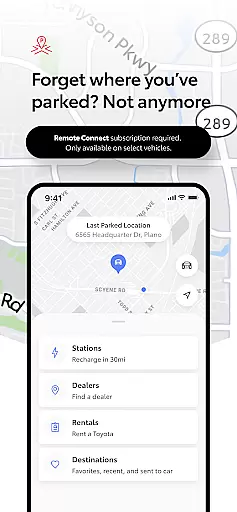
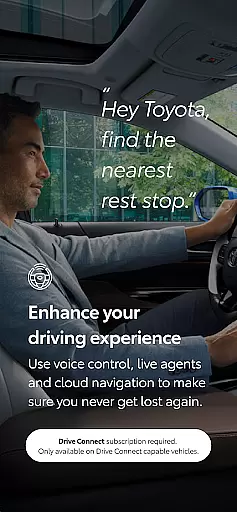
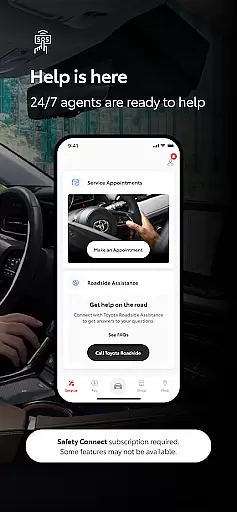
Key features include Remote Connect for engine start/stop and door lock/unlock functions, Service Connect for maintenance scheduling, and Drive Connect for cloud navigation. The app also provides safety features through Safety Connect, including roadside assistance and emergency support.
This application is particularly useful for busy professionals who need to manage their vehicles on-the-go. By providing remote access and service scheduling, it helps users maintain their vehicles more efficiently while ensuring they never miss important maintenance appointments.
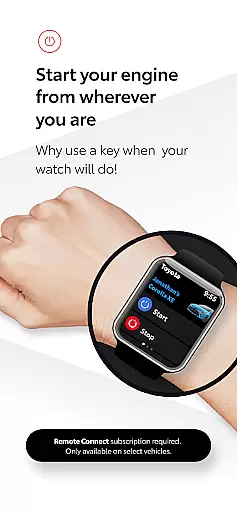
The Toyota app offers an impressive range of features that enhance vehicle ownership experience. Its Remote Connect functionality allows users to control their vehicle's basic functions through their smartphone or Wear OS device.
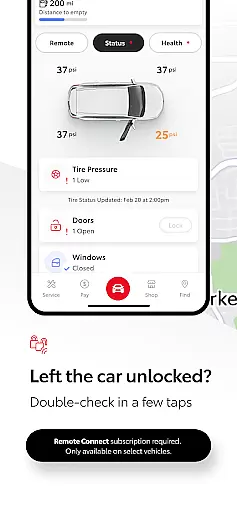
Service Connect simplifies vehicle maintenance by enabling users to schedule service appointments with dealers and track their vehicle's health. Drive Connect provides advanced navigation features using cloud-based mapping and voice commands, making hands-free navigation safer and more convenient.
Safety Connect adds another layer of security by offering roadside assistance and emergency support at the touch of a button. The app also includes valuable resources like digital owner's manuals and warranty information, all accessible from the user's mobile device.
Companion app integration is essential for a seamless user experience across multiple devices. The Toyota app excels in this area by offering a robust connection between your smartphone and Wear OS devices.
This integration allows users to access key features of the Toyota app directly from their smartwatch. Whether you need to lock or unlock your vehicle, start the engine, or locate where you last parked, these actions can be performed effortlessly on your wrist.
The benefit of such integration is the convenience it offers. You no longer need to take out your phone every time you want to interact with your vehicle. Instead, quick taps on your watch can accomplish the same tasks, making daily routines more efficient.
Ultimately, companion app integration enhances the overall utility of the Toyota app, ensuring that you remain connected to your vehicle regardless of which device you're using.
Ensuring compatibility with Wear OS devices is crucial for any modern application targeting smartwatch users. The Toyota app has been optimized to work seamlessly with a range of Wear OS devices, providing a consistent experience.
This compatibility means that whether you own a Samsung Galaxy Watch, Fossil Gen 5, or any other Wear OS device, you can expect the Toyota app to function smoothly. It supports various screen sizes and resolutions, ensuring that the interface remains intuitive and visually appealing.
For users, this broad compatibility translates into flexibility. You are not limited to specific hardware but can choose the smartwatch that best fits your lifestyle while still enjoying full access to the Toyota app's features.
In summary, the Toyota app's commitment to Wear OS/device compatibility ensures that all users, regardless of their chosen wearable, can enjoy a high-quality, integrated experience.
User-friendly interface
Comprehensive vehicle control
Convenient maintenance scheduling
Advanced safety features
Wear OS compatibility
Subscription required
Limited to select models
Dependent on network coverage
Potential data charges
Varies by region

WTW M17 is a premium and luxurious hybrid watch face
 4.70
4.70
Highly customizable hybrid watch face for Wear OS, perfect for everyday use.
4.60
an Analog Watch Face for winter season with freeze winter background for Wear OS
4.3
A full-featured Amazon Alexa voice assistant that can show you things.
3.70
The most customizable minimal watch face. For Wear OS 5.0, API 34+ and later
4.70
Stylish digital watch face for Wear OS devices with customizable features
4.5
Digital watch face. For Wear OS devices.
4.40
Reliable phone calls with spam protection, caller ID and more helpful features
4.40
Spam call blocker and caller ID for automatic call protection!
4.40
Period, ovulation & pregnancy tracker. Fertility insights & menstrual calendar.
4.90
Walking app for weight loss: walk & step tracker, pedometer, indoor treadmill
4.60
Gym & home workout plans with strength training, exercise tracking, HIIT & more.
4.60
Real-time results, stats, schedules and player profiles for all leagues
4.60
Calming & relaxing sounds for sleeping and stress relief. Stay focused all day!
4.20
"PER27 Galaxy Digital" is a digital Wear OS watch face designed by PERSONA
4.10
Connect, create, and collaborate with Gmail, part of Google Workspace.
4.10
Animated Watch Face and Customizable with 24 Backgrounds. Perfect for Christmas!
3.90
Your local weather forecast, storm tracker, radar maps & live weather news
3.40
Artistic Digital Watchface
4.2


User Reviews