
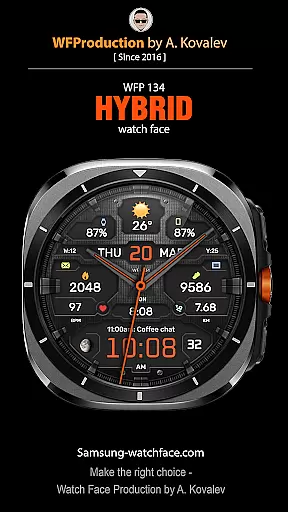
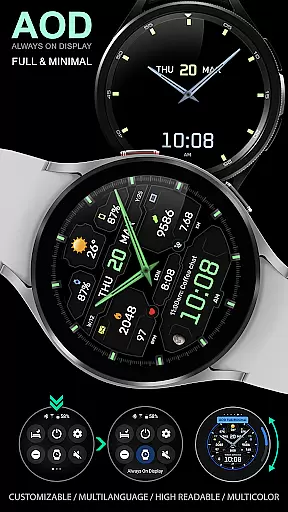
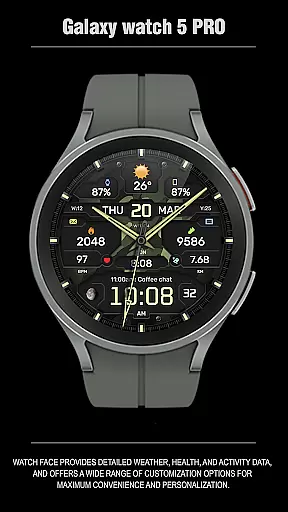
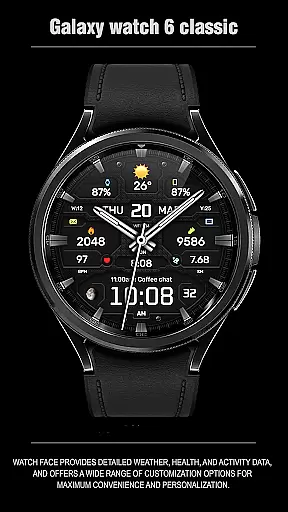
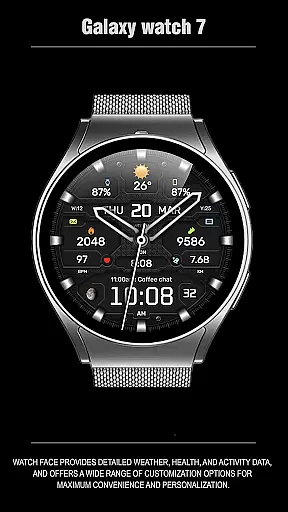
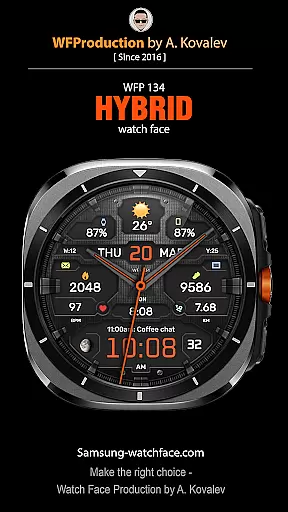
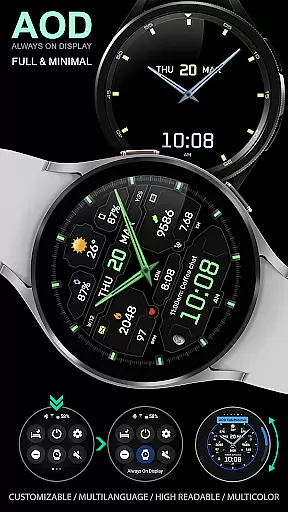
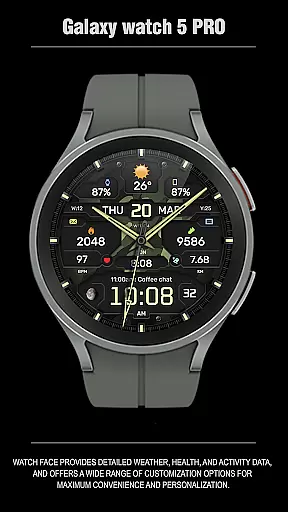
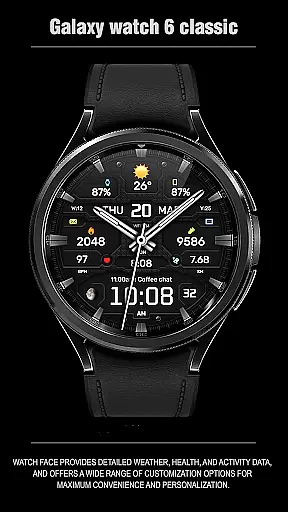
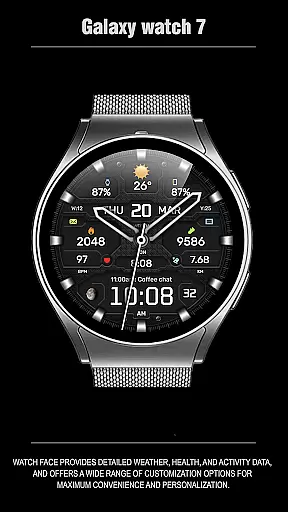
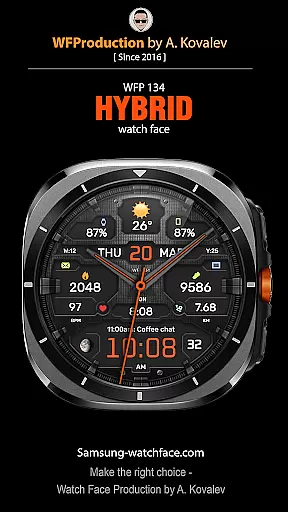
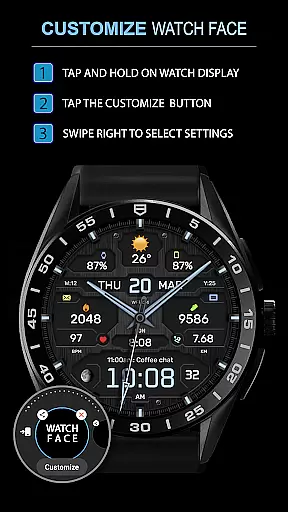
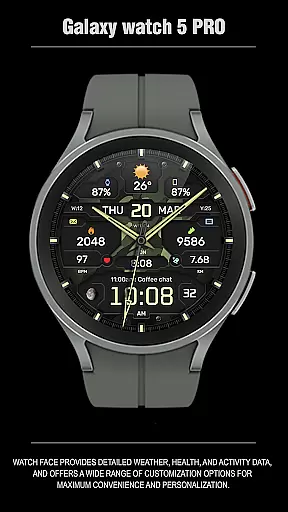
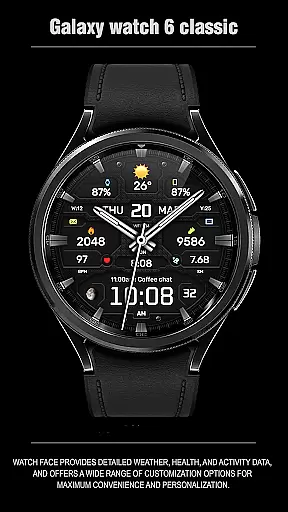
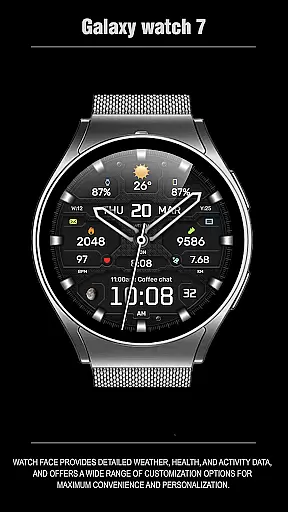
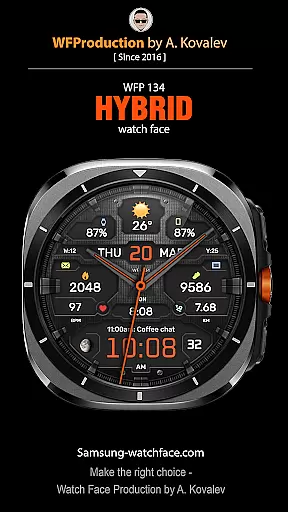
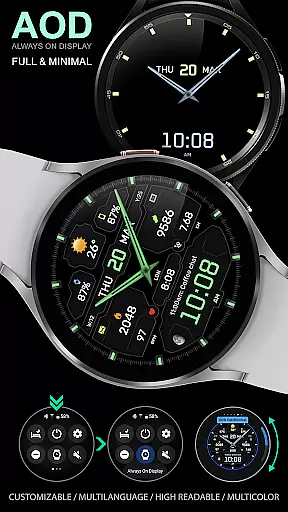
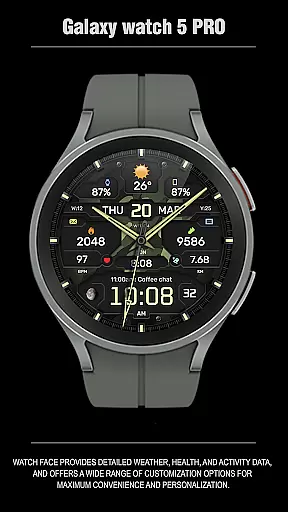
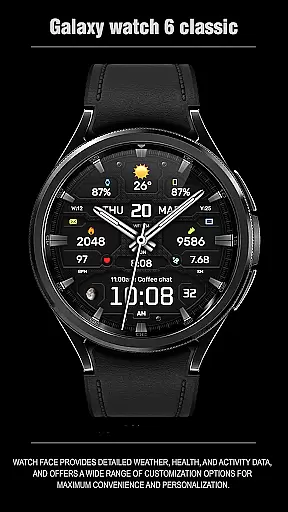
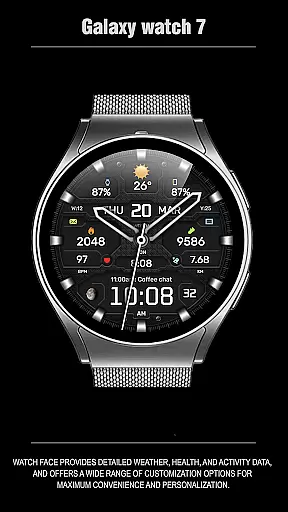
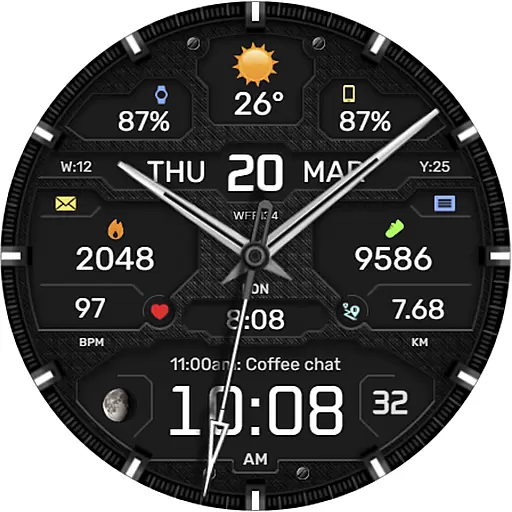
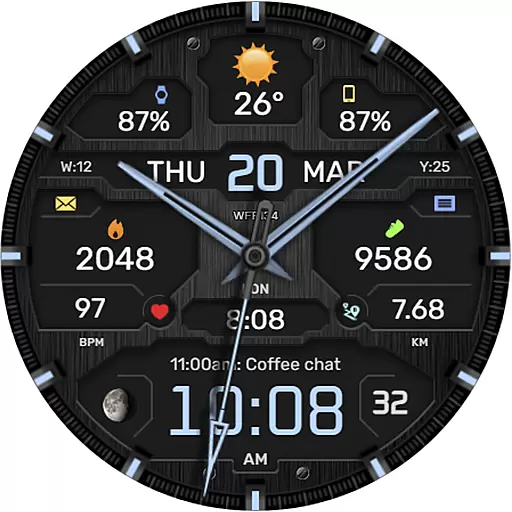
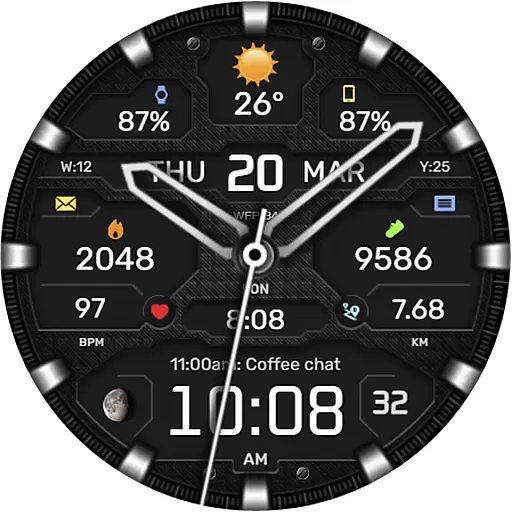
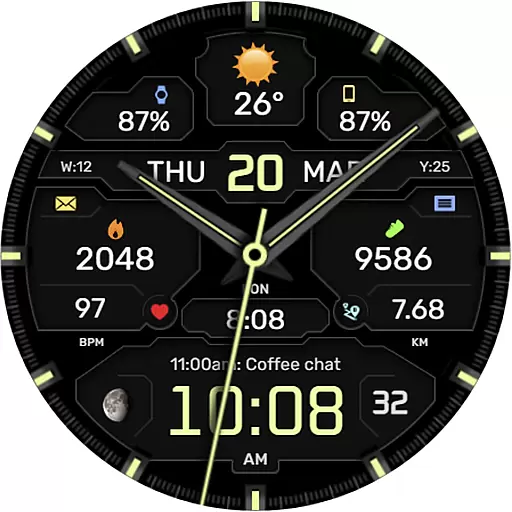
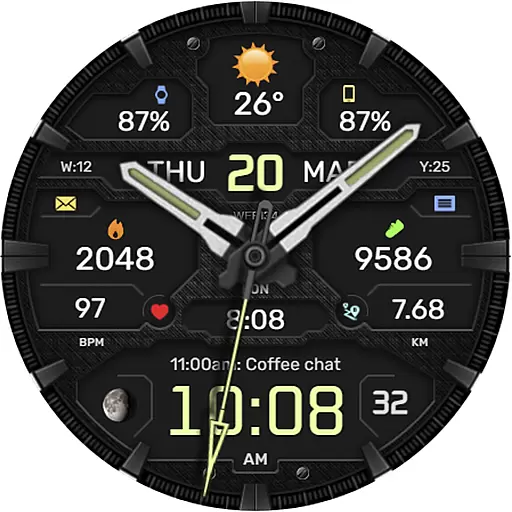
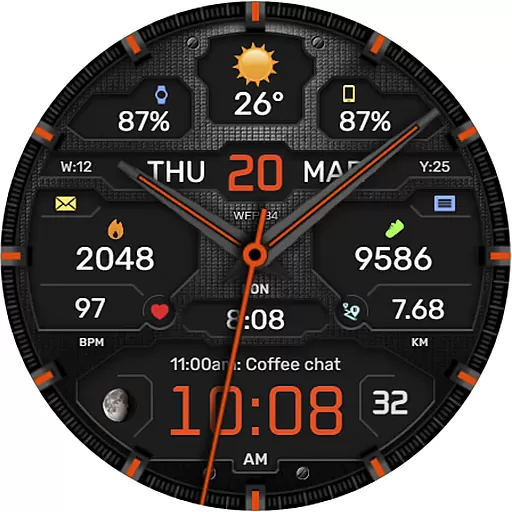
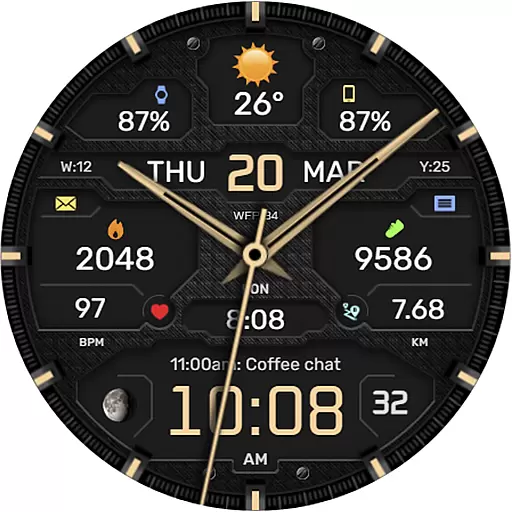
The WFP 134 Hybrid watch face is a stylish and functional timepiece designed for smartwatch users seeking both aesthetics and utility. This watch face offers detailed weather forecasts, health tracking, and activity data while providing extensive customization options to suit individual preferences.
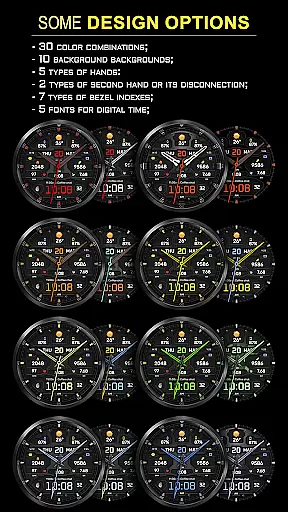
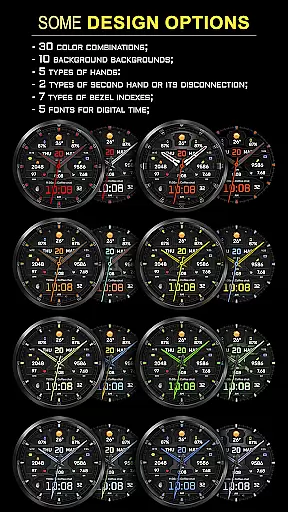
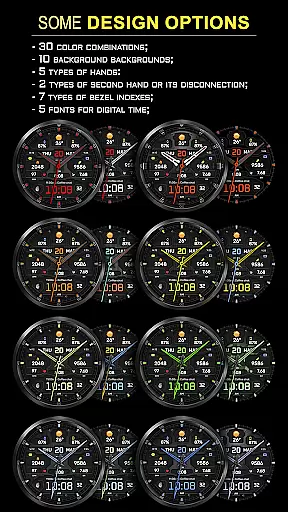
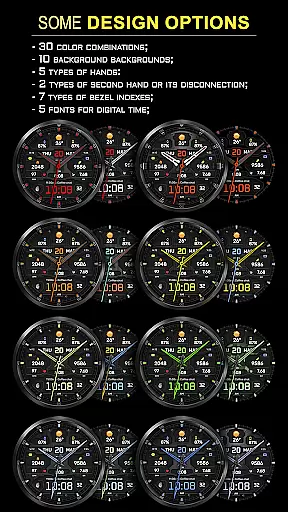
With compatibility for devices running API 34+ and later, this app ensures broad device support. Users can personalize their experience with features like 30 color combinations, 10 backgrounds, and various types of hands and bezel indexes. The high-resolution display and low battery consumption make it an ideal choice for those who value both form and function in their wearable technology.
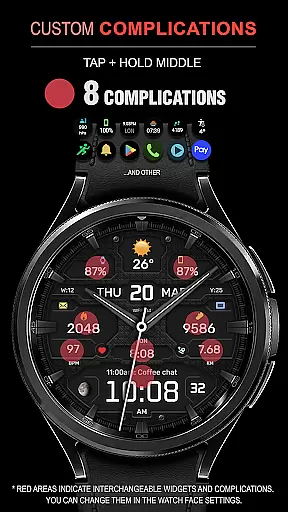
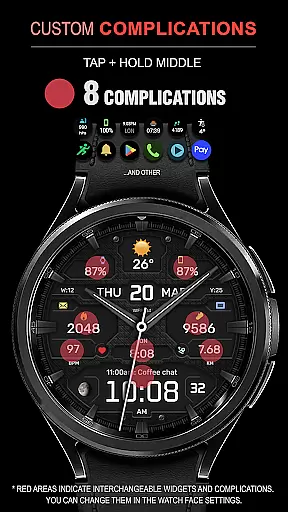
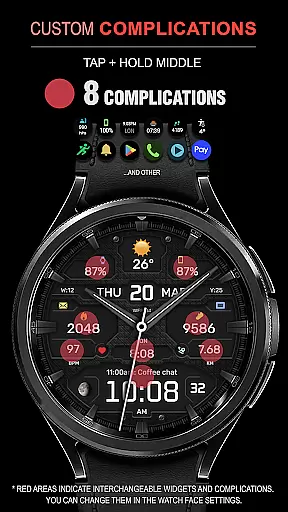
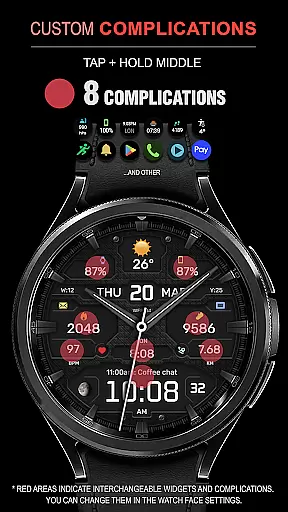
The WFP 134 Hybrid watch face stands out with its rich feature set tailored to enhance user experience. It includes 8 complications, 5 types of hands, and 2 types of second hands that can also be turned off, offering users multiple ways to customize their watch face.
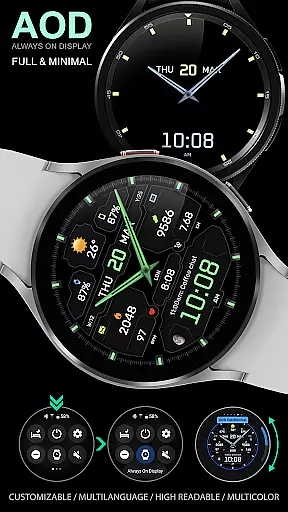
Additional functionalities include weather forecasts, moon phases, and multilingual support. Users can choose between Fahrenheit or Celsius for weather information and select from 7 types of bezel indexes and 5 fonts for digital time display. The Black edition mode and customizable AOD (Always-On Display) modes further extend personalization options, ensuring the watch face fits any style or preference.
Companion app integration is essential for a seamless wearable experience. The WFP 134 Hybrid watch face excels in this area by offering users the ability to sync and manage their watch face settings directly from their smartphone.
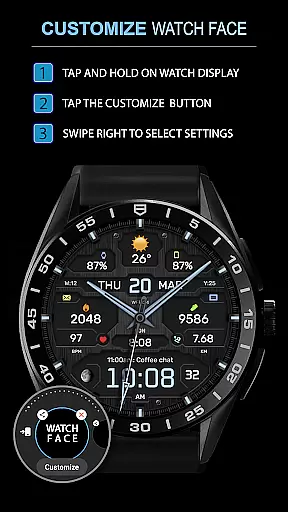
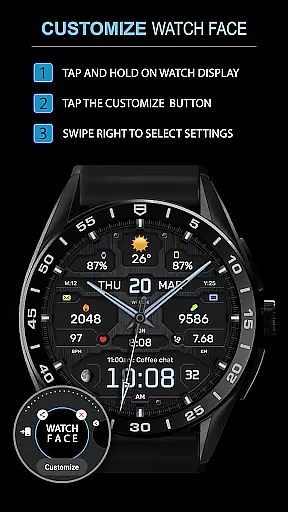
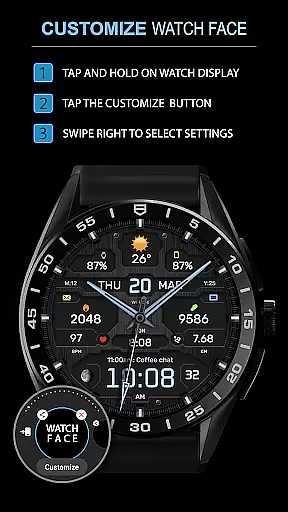
This application supports a dedicated mobile app that allows for easy customization of watch face features. Users can adjust color combinations, select backgrounds, and configure widget preferences effortlessly through their phone.
The benefit to users is significant, as it streamlines the personalization process without needing to interact directly with the watch interface. This ensures that all updates and changes are accurately reflected on the wearable device.
By providing such robust companion app integration, the WFP 134 Hybrid watch face enhances user engagement and satisfaction, making daily interactions more meaningful and tailored to individual preferences.
Ensuring broad device compatibility is crucial for any Wear OS application. The WFP 134 Hybrid watch face is designed to work seamlessly with devices running API level 34 and later, guaranteeing access to advanced features and optimizations.
This compatibility extends across a wide range of Samsung smartwatches, ensuring that users with different models can enjoy the same high-quality experience. Detailed installation instructions are provided to facilitate a smooth setup process.
Users benefit from consistent performance and functionality regardless of their specific device model. This universality not only expands the potential user base but also simplifies support and troubleshooting.
With its focus on Wear OS and device compatibility, the WFP 134 Hybrid watch face delivers a reliable and versatile solution for those seeking both style and substance in their smartwatch experience.
Highly customizable
Low battery usage
Stylish design
Accurate weather data
Multilingual support
Complex setup
Limited free options
Requires newer devices
No built-in widgets
Premium cost

Walking app for weight loss: walk & step tracker, pedometer, indoor treadmill
 4.60
4.60
Wear Os Watch Face - Animated Snow Effect & Christmas Lights
4.1
MyNISSAN® lets you remotely control your car from your phone.*
4.50
The most customizable minimal watch face. For Wear OS 5.0, API 34+ and later
4.70
Kia Access makes getting your vehicle information easier than ever
4.60
Nutrition, Macro tracker: Food, fitness & healthy diet tracking for weight loss
4.60
Stay in touch with your friends and family using LINE!
3.40
Viewer for Wyze/Yi/Eufy/Arlo/ONVIF/RTSP/P2P IP cams w/ adv. features & DIY DVR
4.00
Daily Weather forecast with 15 weather images for Day & Night plus Big Bold time
4.10
Christmas - Festive - Christmas Village - Winter - Christmas lights
5.00
A modern hybrid informative watch face for Wear OS designed by BALLOZI
4.80
Hybrid watch face for Wear OS with customizable complications by Matteo Dini MD
4.70
Gym & home workout plans with strength training, exercise tracking, HIIT & more.
4.60
Current temperature, weather hourly, weather radar by the weather forecast app
4.40
A digital watch face that celebrates Christmas.
4.00
Analog watch face with 8 complications and expedition styling
4.2
Artistic Digital Watchface
4.5
3 Complications. All shadow on/off. 30 Themes color palette...
4.3
Funny animated watch face for Thanksgiving
4.5


User Reviews