
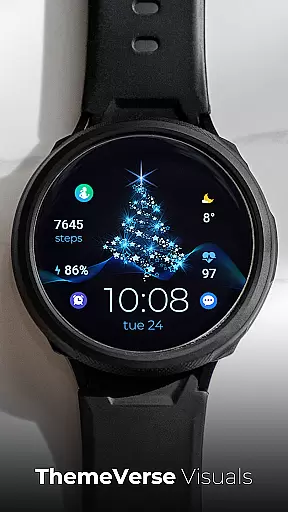
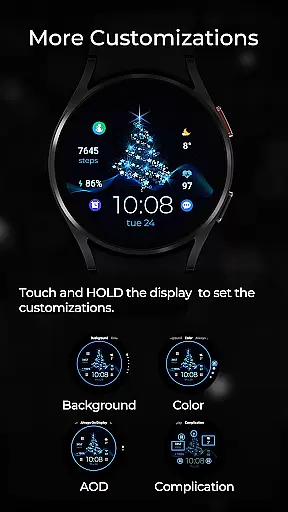
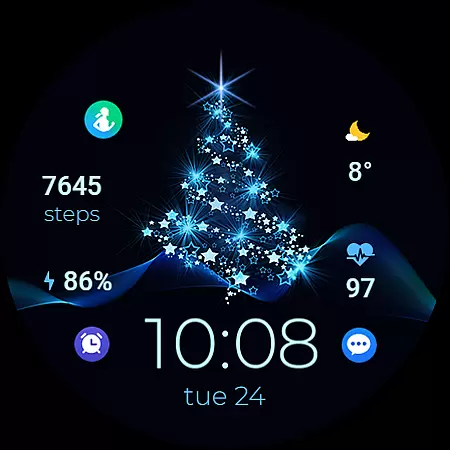
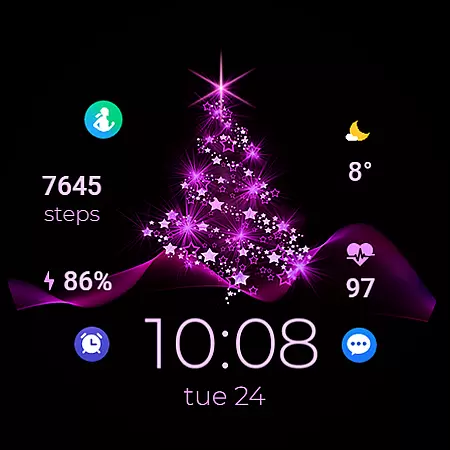
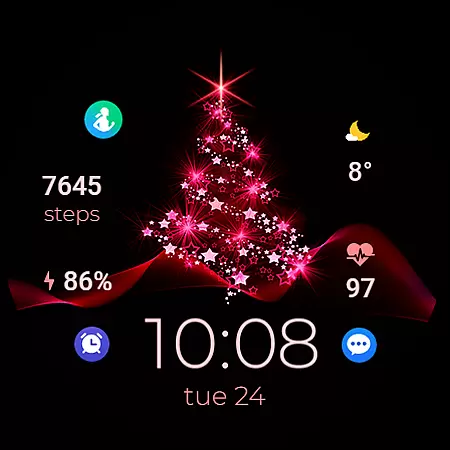
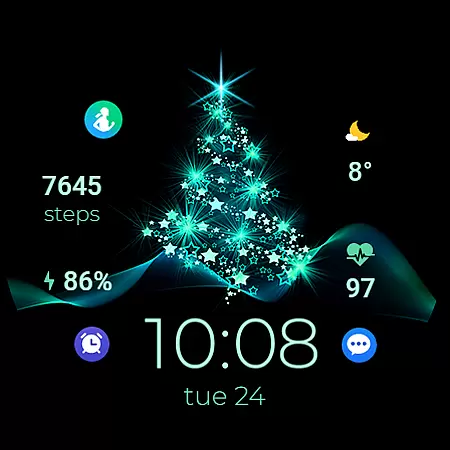
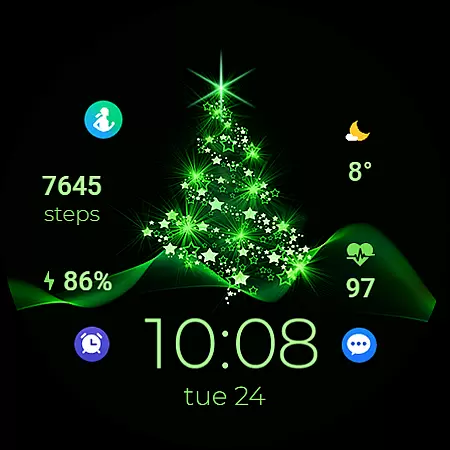
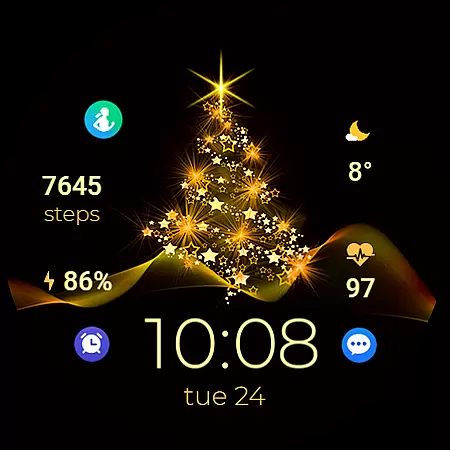
TVV Christmas 2 Watch Face is a festive-themed digital watch face designed specifically for WEAR OS devices running API LEVEL 33 and above. This application transforms your smartwatch into a Christmas celebration accessory while maintaining essential functionalities.
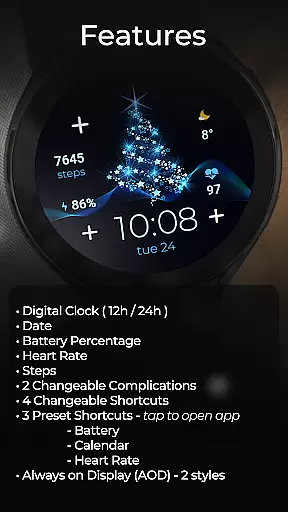
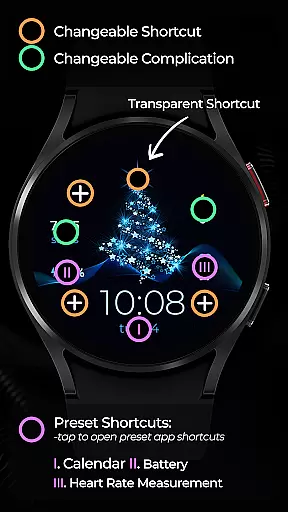
The watch face features a customizable digital clock display that supports both 12-hour and 24-hour formats based on your phone settings. It also includes practical widgets such as date, battery percentage, heart rate monitor, step counter, two changeable complications, four changeable shortcuts, and three preset app-opening shortcuts for Battery, Calendar, and Heart Rate. Additionally, it offers Always on Display (AOD) functionality with two style options, making it both visually appealing and highly functional.
This watch face is ideal for users who want to add a touch of holiday spirit to their smartwatch without compromising on utility. Whether you're tracking your fitness goals or monitoring your heart rate, TVV Christmas 2 ensures you stay connected to your essential apps while enjoying the festive aesthetics.
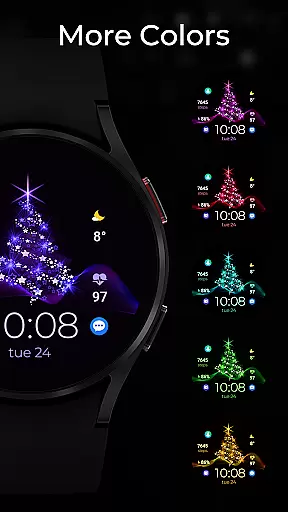
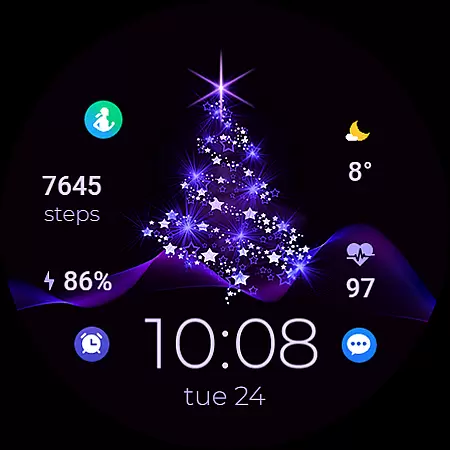
TVV Christmas 2 Watch Face stands out with its rich set of features tailored for WEAR OS users. One of its notable aspects is the high level of customization it offers. Users can personalize colors and complications by simply touching and holding the display, then tapping on the customize option. This ease of personalization allows users to tailor the watch face to their preferences seamlessly.
The application provides essential widgets including a digital clock that adjusts to 12-hour or 24-hour format based on phone settings, date display, battery percentage indicator, heart rate monitor, and step counter. Furthermore, it includes two changeable complications and four changeable shortcuts, along with three preset shortcuts that open frequently used apps like Battery, Calendar, and Heart Rate directly from the watch face.
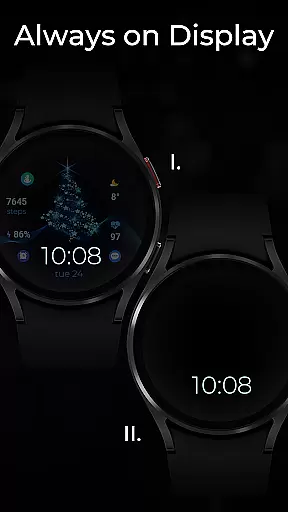
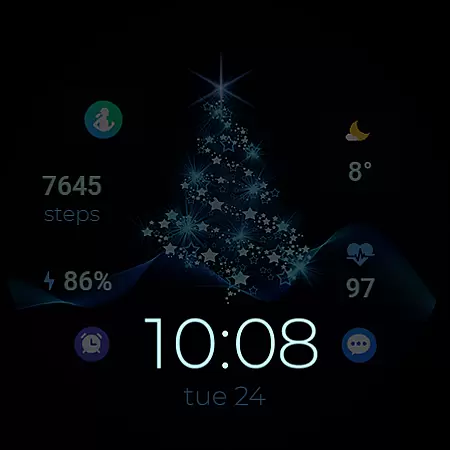
Another innovative feature is the Always on Display (AOD) with two style options. Although AOD styles aren't previewed in real-time, they can be adjusted using the same customization steps. These features collectively ensure that users enjoy both aesthetic appeal and practical utility, making TVV Christmas 2 Watch Face a versatile choice for the holiday season.
Companion app integration is essential for wearable devices to synchronize data and settings between the watch and paired smartphone. TVV Christmas 2 Watch Face ensures seamless connectivity with WEAR OS devices, supporting API LEVEL 33+ for optimal performance.
This digital watch face allows users to customize their experience directly from their phone. By touching and holding the display, then tapping on the customize option, users can modify colors and complications effortlessly.
The integration extends to various functionalities including a digital clock that follows the phone's time settings, date display, battery percentage, heart rate monitoring, and step counting. These features ensure that users have all necessary information at a glance without needing to reach for their phone.
Additionally, the watch face supports two changeable complications and four changeable shortcuts, enhancing user interaction. Preset shortcuts allow quick access to frequently used apps like Battery, Calendar, and Heart Rate, making daily tasks more efficient and streamlined.
Ensuring compatibility across different devices is crucial for any Wear OS application. TVV Christmas 2 Watch Face is designed to work seamlessly with WEAR OS devices that support API LEVEL 33+, providing a reliable and consistent user experience.
This festive-themed watch face includes an array of features such as a digital clock that adjusts based on the phoneu2019s settings, displaying either 12-hour or 24-hour formats. It also shows the date, battery percentage, heart rate, and steps taken, catering to both utility and aesthetics.
One notable feature is its Always on Display (AOD) functionality, which offers two distinct styles. While AOD styles aren't previewed in real-time, they can be adjusted through the same customization steps used for backgrounds and colors, ensuring flexibility in personalization.
It's important to note that while most features are universally supported, certain functionalities like 'Open App' actions may vary depending on device compatibility. This ensures that users enjoy a tailored yet comprehensive wearable experience regardless of their specific device model.
Festive design
Customizable widgets
Heart rate monitor
Always on Display
User-friendly interface
Limited device compatibility
No real-time AOD preview
Some features require compatible devices
Preset shortcuts only for select apps
Advanced settings may confuse new users

A full-featured Amazon Alexa voice assistant that can show you things.
 3.70
3.70
MyNISSAN® lets you remotely control your car from your phone.*
4.50
Nutrition, Macro tracker: Food, fitness & healthy diet tracking for weight loss
4.60
Period, ovulation & pregnancy tracker. Fertility insights & menstrual calendar.
4.90
The Chevron App allows you to pay for fuel from the comfort of your car!
4.80
The most customizable hybrid watch face. For Wear OS 5.0, API 34+ and later
4.70
Animated video-game inspired “secret agent” simulation, right on your wrist!
4.20
A white realistic classic analog watch face with many customization options.
4.40
Simple, helpful messaging by Google
4.60
Hybrid watch face for Wear OS with customizable complications by Matteo Dini MD
4.70
Be an elegant and classy secret agent, with this carefully detailed watch face
4.70
Walking app for weight loss: walk & step tracker, pedometer, indoor treadmill
4.60
Beautiful artistic animated digital watch face, with a customizable layout!
4.40
Premium hybrid watch face with many customizations for Wear OS devices.
4.40
Embrace the festive spirit with our Christmas Countdown watchface for Wear OS
4.10
Wear Os Watch Face - Animated Snow Effect & Magic Spark - 6 Scenes
4.10
Connect, create, and collaborate with Gmail, part of Google Workspace.
4.10
Wear Os Watch Face - Animated Snow Effect & Christmas Lights
4.0
Analog watch face with 8 complications and expedition styling
4.5


User Reviews