
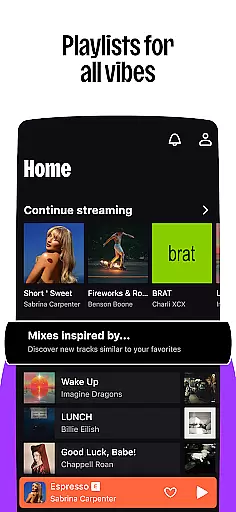

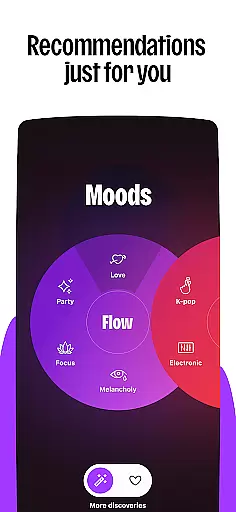
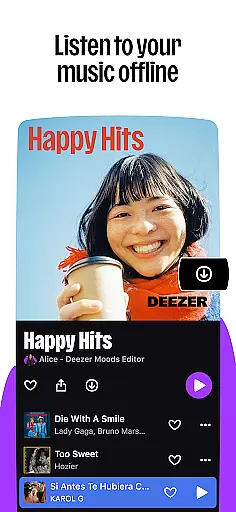


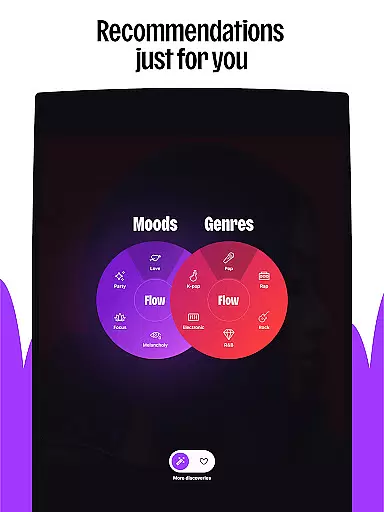
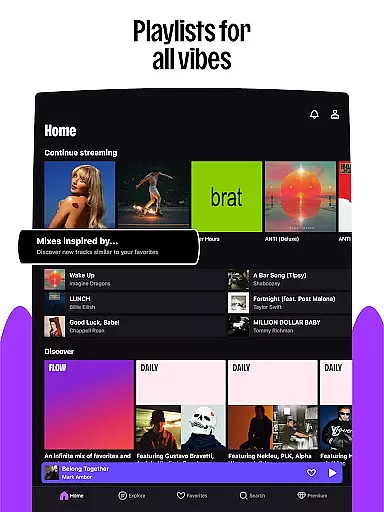


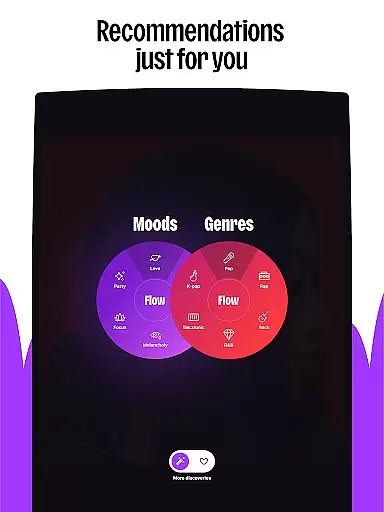
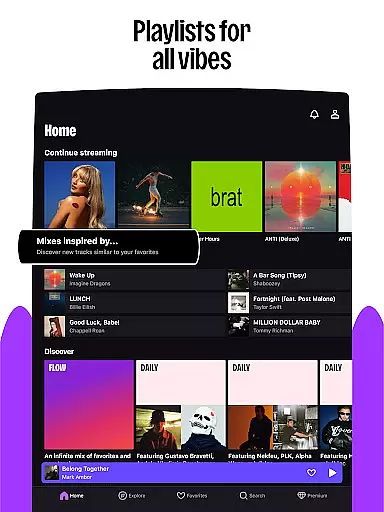

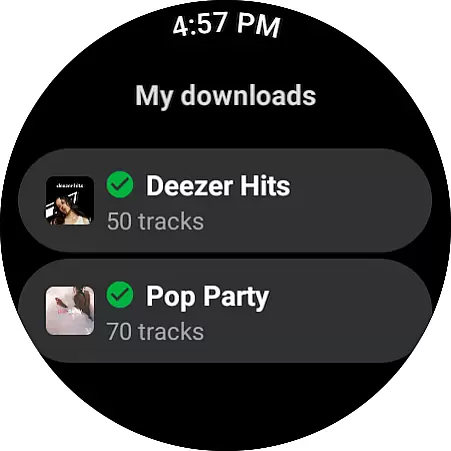
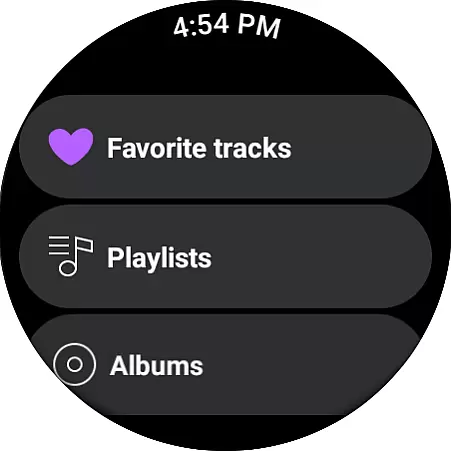
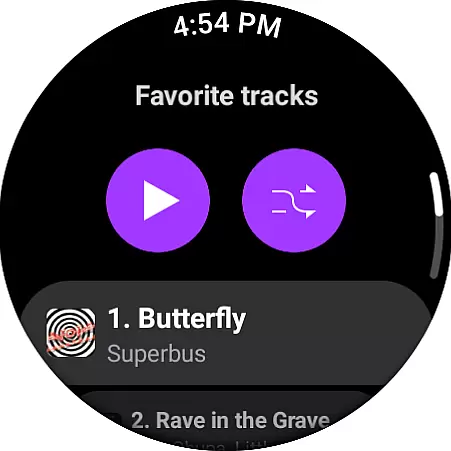
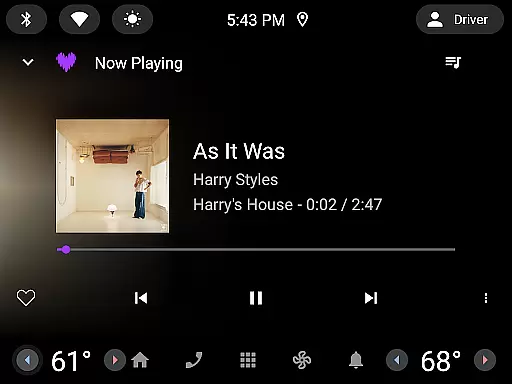
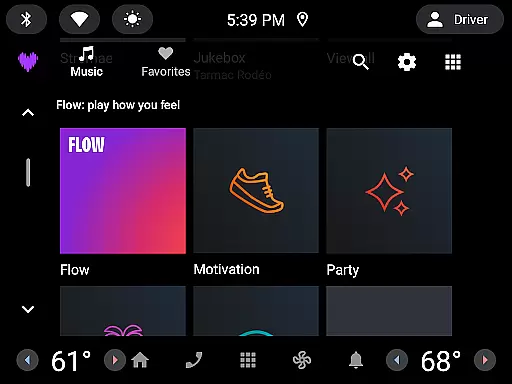
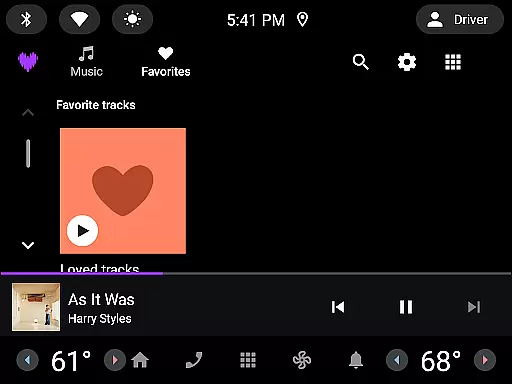
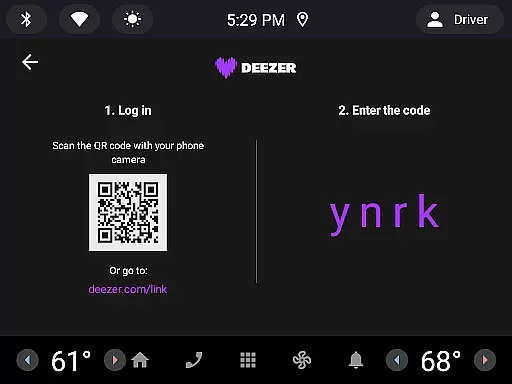

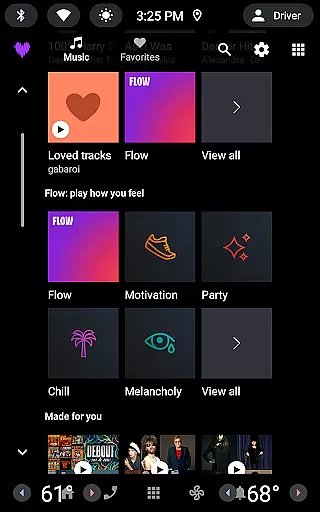
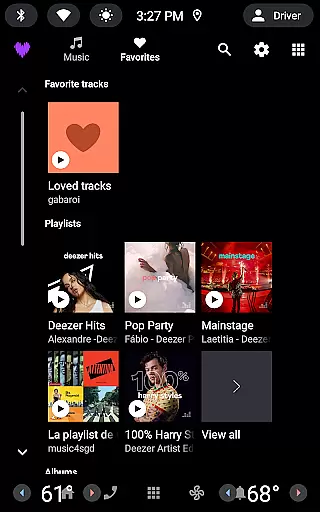

Deezer is a premier music streaming platform designed for Android Wear users, offering an immersive and personalized listening experience. With its vast music catalog, Deezer adapts to individual preferences through features like Flow, which creates an endless mix of favorite tracks and new discoveries. The app also provides curated playlists tailored to different moods, genres, and seasons, ensuring there's always something that resonates with the listener.
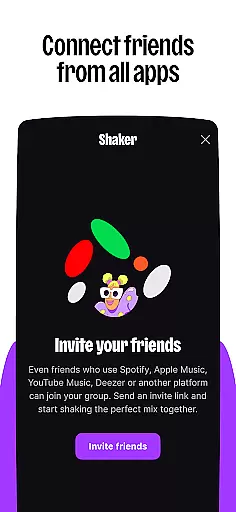
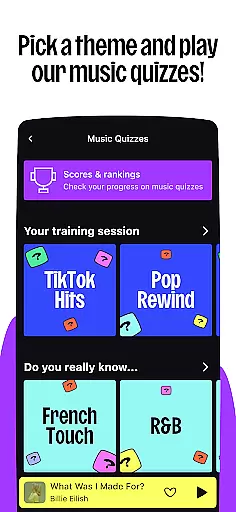
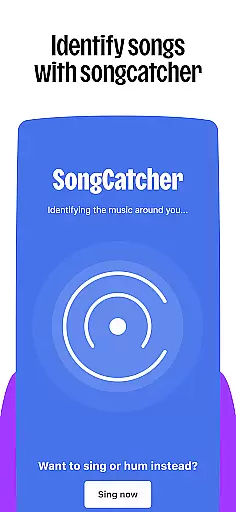
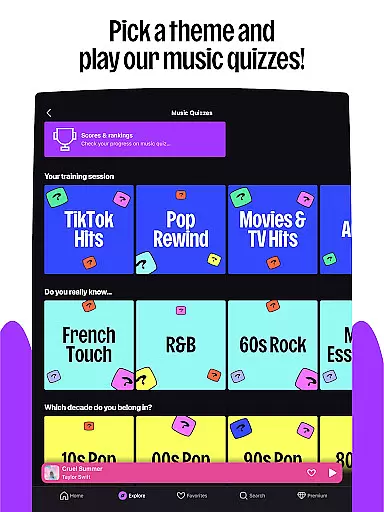
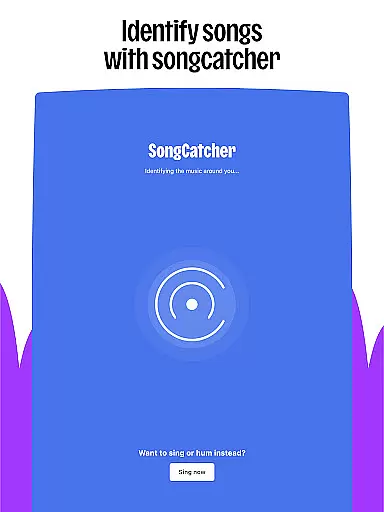
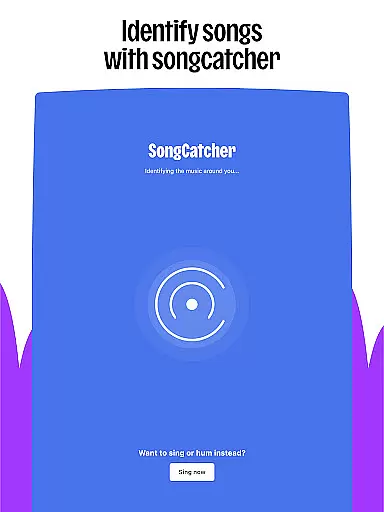
Beyond music, Deezer extends its offerings to podcasts and audiobooks, making it a versatile choice for all audio content needs. Interactive features such as Shaker and Music Quiz enhance user engagement by allowing social interaction and testing music knowledge. Additionally, SongCatcher helps identify songs playing nearby or hummed by the user, while Deezer Club offers exclusive live event opportunities.
Deezer stands out with its customization options, enabling users to shape their algorithm, create custom playlist covers, and organize their homepage. Available on various devices including smart speakers, wearables, and in-car systems, Deezer ensures seamless integration into daily life. Whether commuting or relaxing at home, Deezer delivers high-quality, ad-free audio experiences.
Deezer boasts a comprehensive suite of features that cater to diverse user needs. Its massive music catalog includes millions of tracks across all genres, complemented by Flow, a personalized mix that evolves with user preferences. Curated playlists cover every conceivable mood and occasion, while additional content like podcasts and audiobooks broadens the platform's appeal.
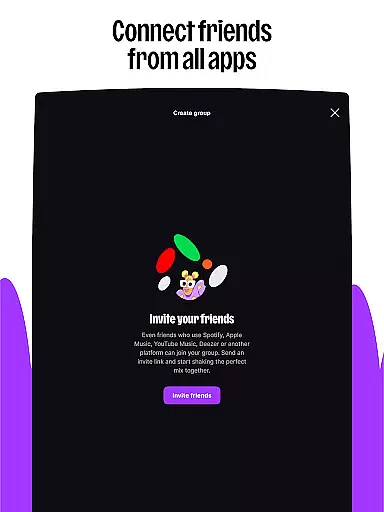
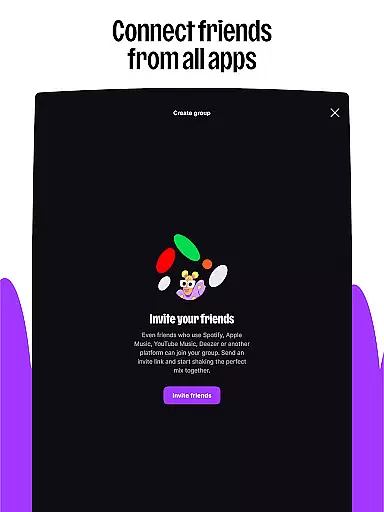
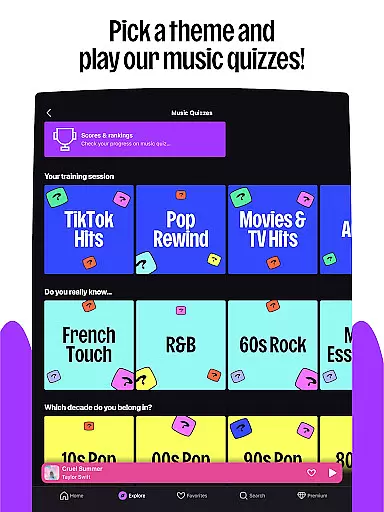
Interactive elements set Deezer apart from competitors. Shaker allows friends to collaboratively create playlists and compare musical tastes, fostering social connections. Music Quiz challenges users' knowledge either solo or in groups, adding a gamification layer. SongCatcher's innovative audio recognition identifies songs even when hummed, and Deezer Club provides access to exclusive live events, enhancing fan experiences.
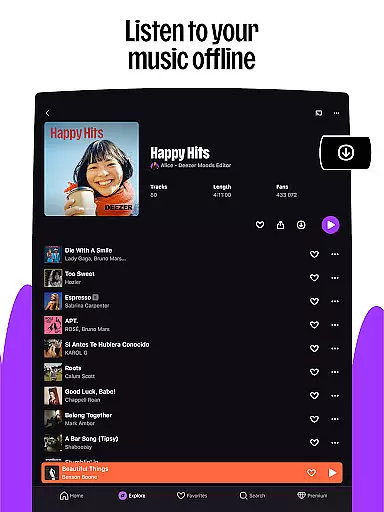
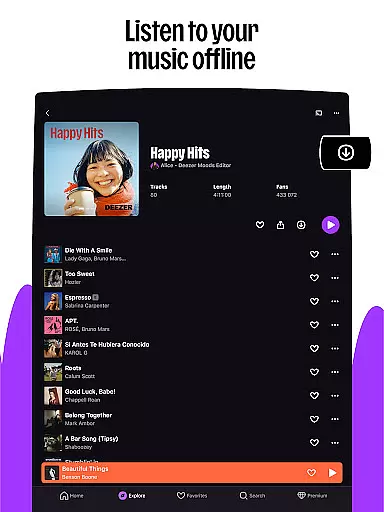
Customization is at the heart of Deezer's user experience. Users can fine-tune their algorithms, design unique playlist covers, and rearrange their homepage layout. Sharing capabilities extend beyond Deezer users, and detailed lyrics with translations offer deeper engagement. Premium plans provide essential benefits like ad-free listening, offline mode, unlimited skips, and HiFi audio quality, ensuring optimal sound fidelity across devices.
Companion app integration is essential for wearable devices as it ensures seamless synchronization between the main application and its wearable counterpart. For Deezer, this means users can enjoy a consistent music experience across all their devices.
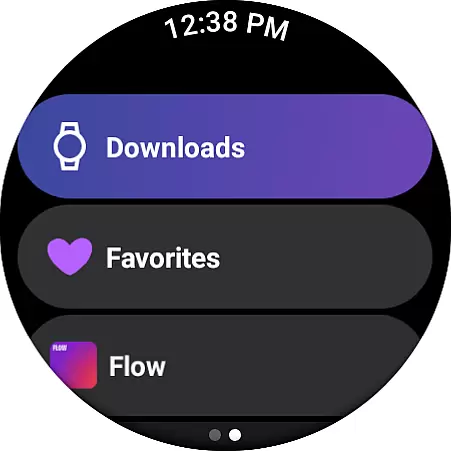
The Deezer Android Wear app allows users to control music playback directly from their smartwatch. Whether you're jogging, commuting, or simply relaxing at home, you can easily manage your playlists, adjust volume, and skip tracks without needing to reach for your phone.
This integration provides real-time updates, ensuring that any changes made on one device are immediately reflected on others. Users can start listening on their phone and continue on their smartwatch without missing a beat, offering unparalleled convenience and flexibility.
By maintaining strong companion app integration, Deezer enhances user engagement and satisfaction, making it easier than ever to Live the Music wherever you go.
Device compatibility is crucial for applications targeting wearable technology like Wear OS. Deezer excels in this area by supporting a wide range of devices including Galaxy Watches, Fitbits, and other Wear OS devices, allowing users to enjoy music seamlessly on their preferred gadgets.
Deezer's compatibility extends beyond just smartwatches. It also supports smart speakers such as Google Nest, Alexa, and Sonos, alongside automotive systems, providing an integrated audio experience whether you're at home, in the car, or on the move.
This broad compatibility ensures that no matter what device ecosystem a user prefers, Deezer can be a central part of their digital life. The ability to transition smoothly between different devices enhances the overall user experience, promoting longer listening sessions and increased loyalty.
With robust Wear OS and device compatibility, Deezer not only meets but exceeds user expectations, delivering high-quality sound and functionality across multiple platforms.
User-friendly interface
Extensive music library
Personalized recommendations
High-quality audio streaming
Cross-device compatibility
Limited free version features
Occasional connectivity issues
Higher subscription cost
Regional content restrictions
Learning curve for new users

Calming & relaxing sounds for sleeping and stress relief. Stay focused all day!
 4.20
4.20
Wear Os Watch Face - Animated Snow - Sesonal for Christmas & Winter
4.3
Christmas is near, let's count together the days left until Santa comes
4.3
Contemporary digital watch face with five complications
4.3
Locate your family members by GPS phone location tracker everywhere and anytime
4.30
The ultimate destination for kids ages 3-8 to explore the Marvel Universe!
4.30
Gym & home workout plans with strength training, exercise tracking, HIIT & more.
4.60
Get helpful reminders, take progress photos and find answers to your questions.
3.90
Start and succeed with PAP
4.10
Christmas - Festive - Christmas Village - Winter - Christmas lights
5.00
Period, ovulation & pregnancy tracker. Fertility insights & menstrual calendar.
4.90
Diet tracker for weight loss - track calories, food and macros. Simple and easy!
4.70
Easy Voice Recorder is your everyday companion to record important moments.
4.70
A modern premium sporty hybrid watch face for Wear OS by Ballozi
4.70
Fast and smart typing with Emojis, GIFs, and more
4.50
A white realistic classic analog watch face with many customization options.
4.40
Snowflake Rose Gold Watch Face - Digital, modern, & sleek with GYRO effect.
4.10
Want to take charge of your health? Let Google Fit help you reach your goals.
3.50
Artistic Digital Watchface
4.1


User Reviews