
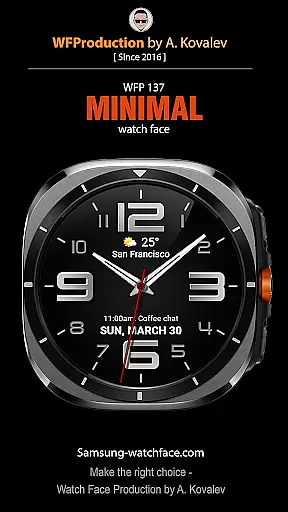
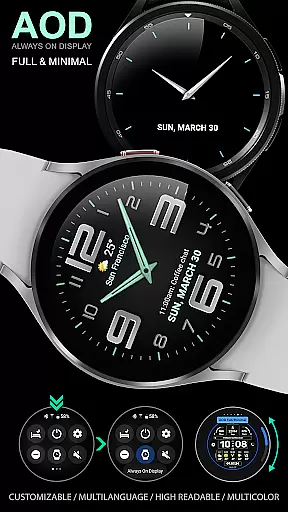
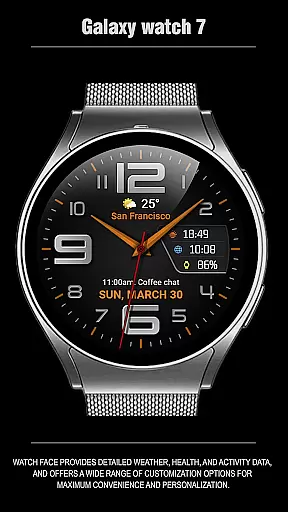
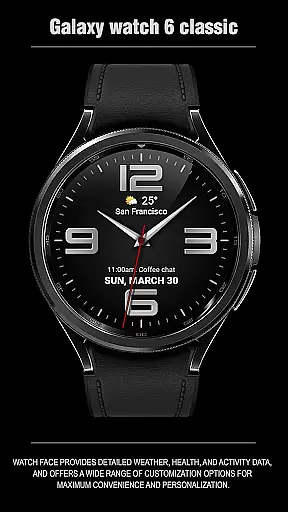
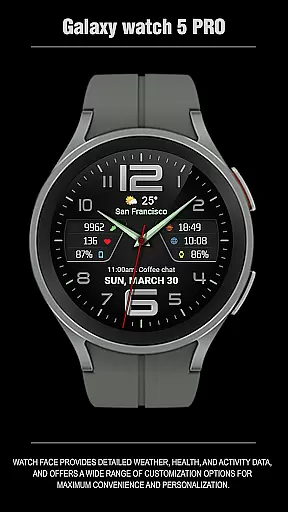
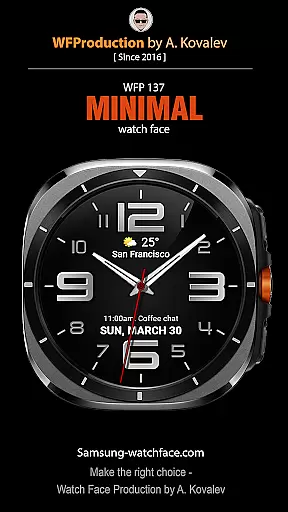
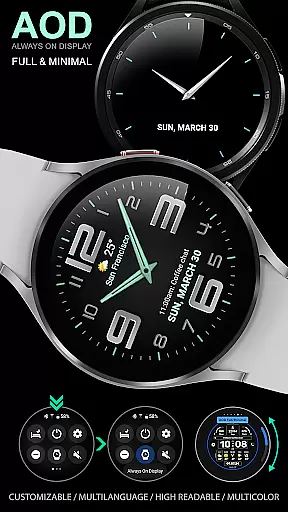
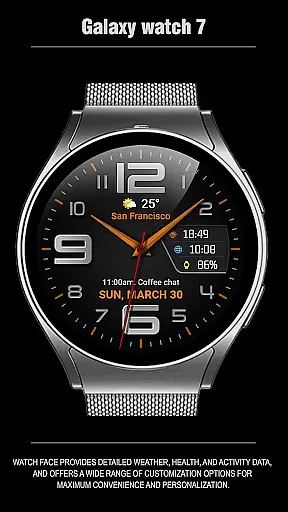
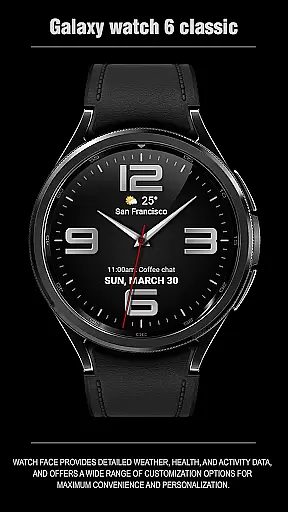
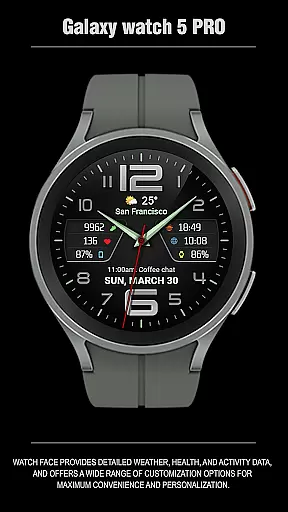
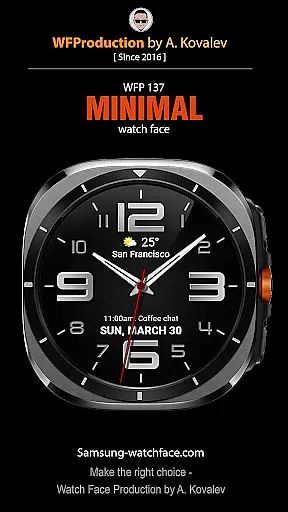
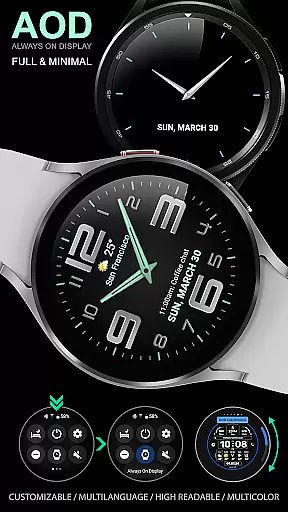
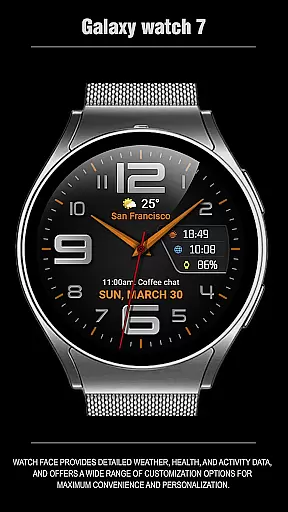
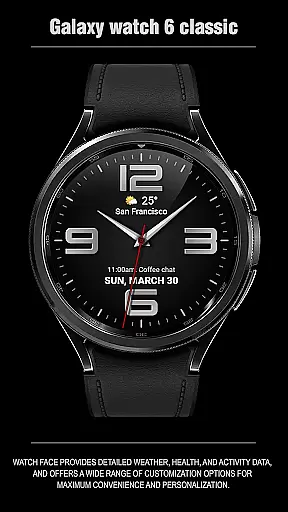
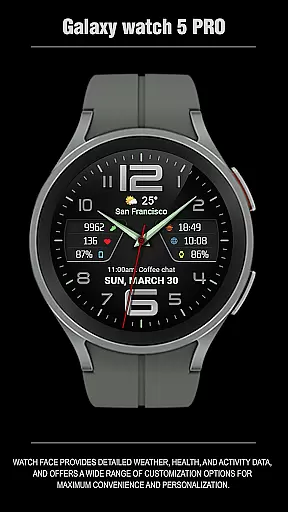
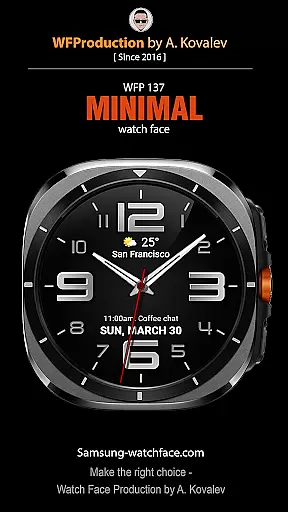
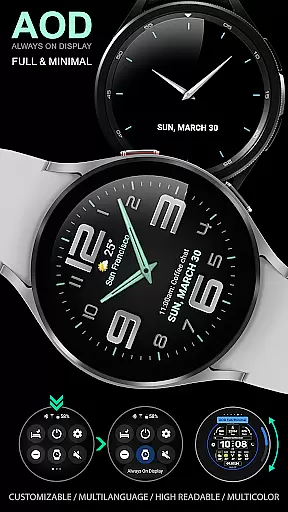
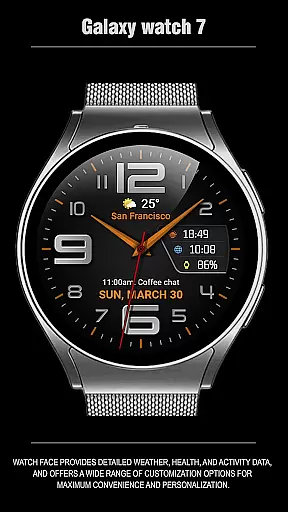
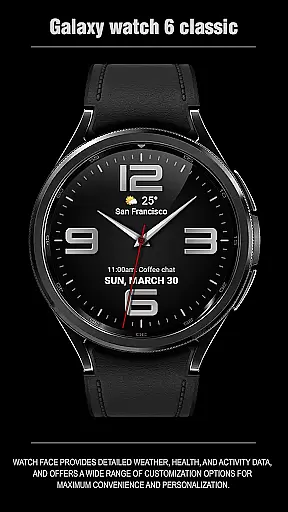
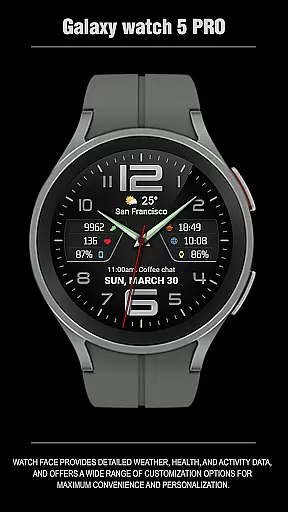
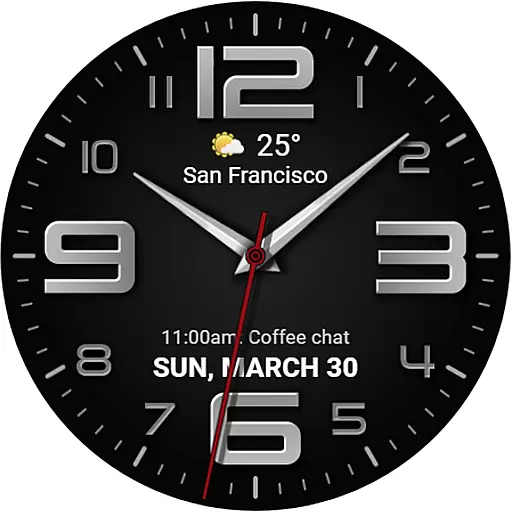
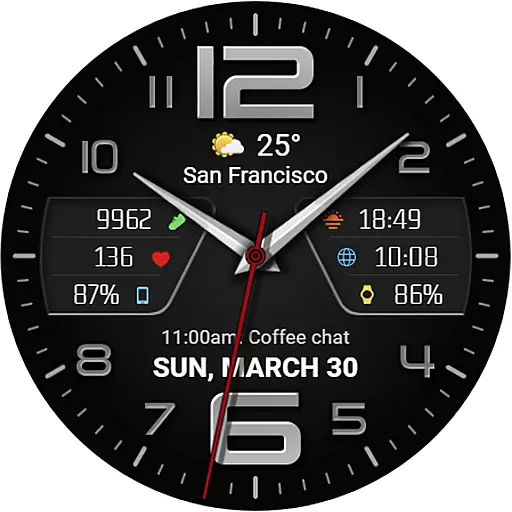
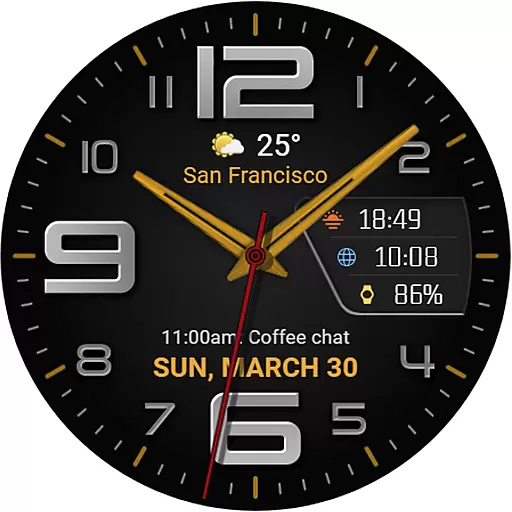
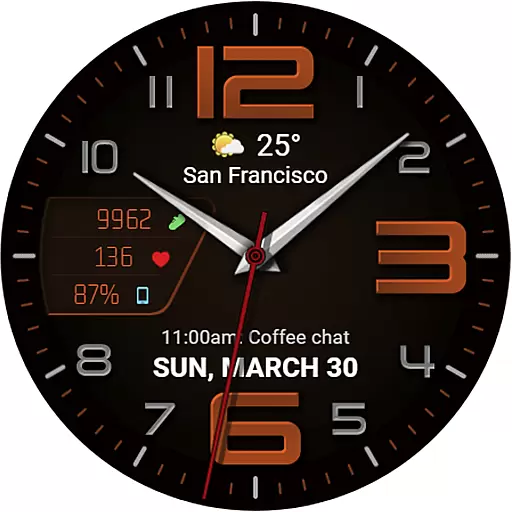
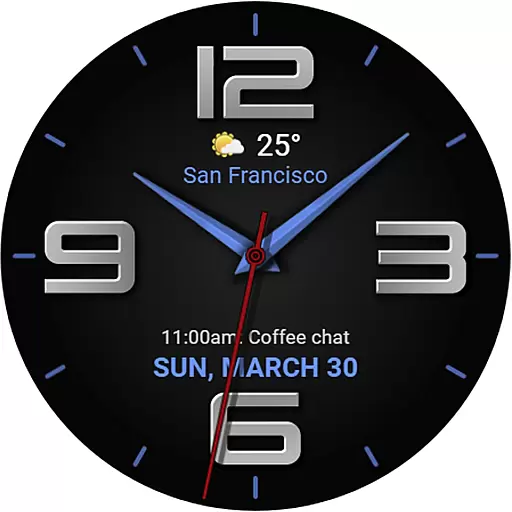
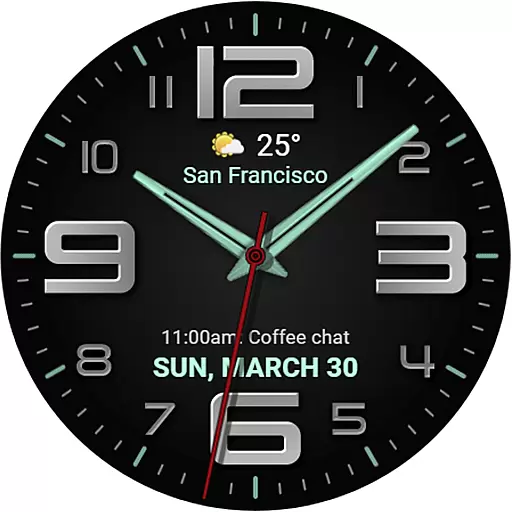
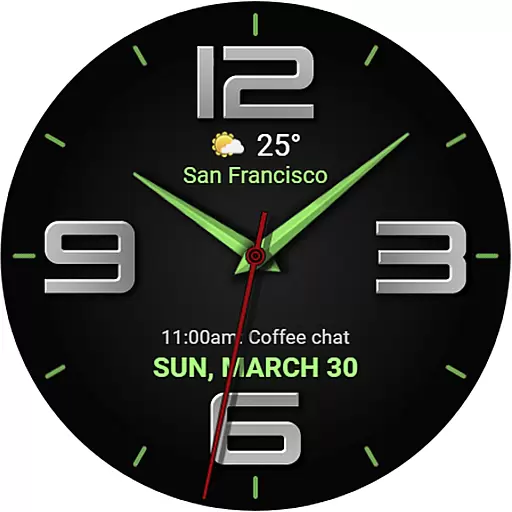
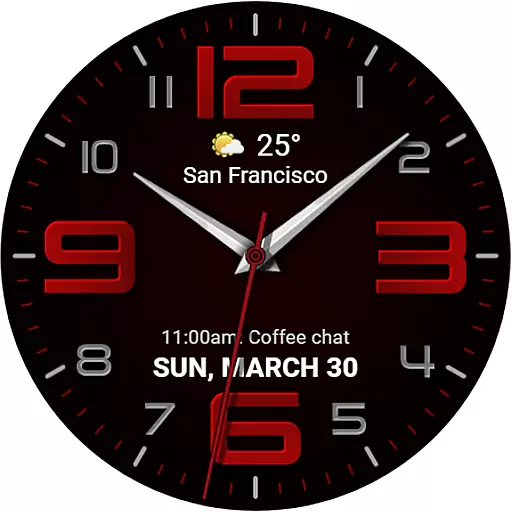
The WFP 137 Minimal watch face is a stylish and functional app designed for smartwatch users who value both aesthetics and utility. This application offers detailed weather forecasts, health tracking, and activity data while providing extensive customization options to suit individual preferences.
With compatibility for devices running API 34+ and later, this watch face ensures broad device support. Users can personalize their experience with features like eight complications, thirty color combinations, and four types of hands. Additionally, the high-resolution display and optimized battery consumption make it an ideal choice for everyday use.
Whether you're monitoring your fitness goals or staying updated on the weather, the WFP 137 Minimal watch face delivers essential information at a glance, enhancing both convenience and personal style.
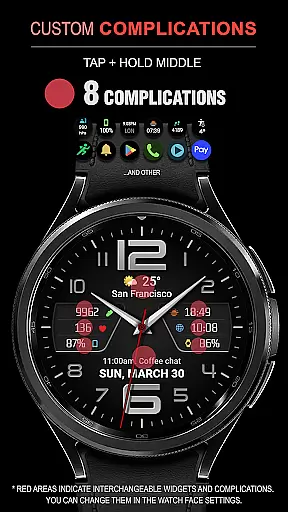
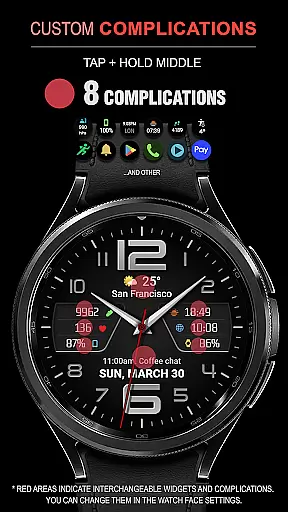
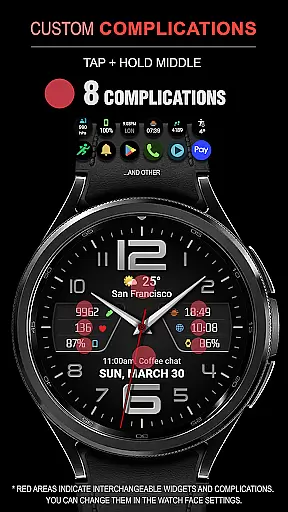
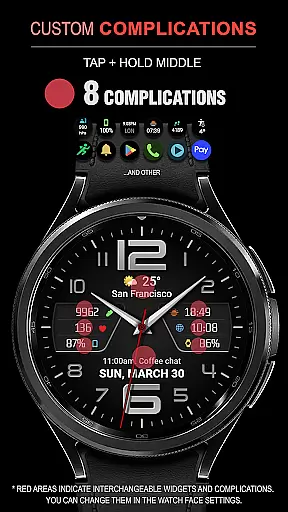
The WFP 137 Minimal watch face stands out with its rich feature set tailored to maximize user convenience and personalization. One notable feature is the inclusion of eight complications, allowing users to display various types of information directly on their watch face.
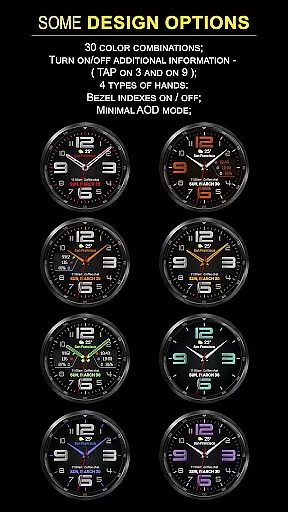
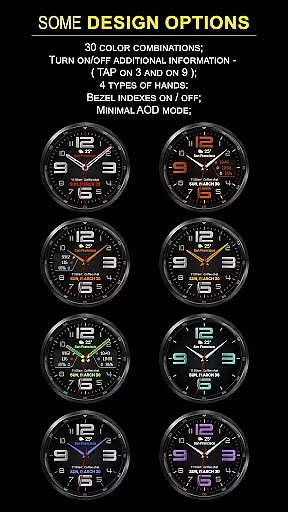
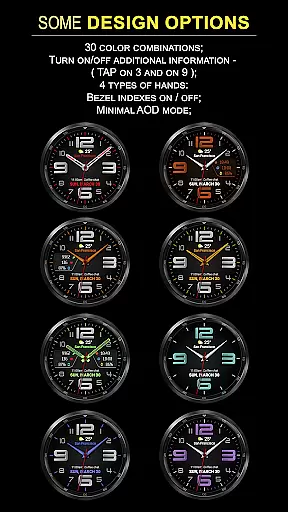
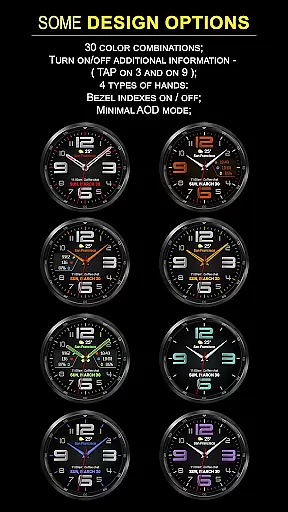
Users can choose from thirty different color combinations and four distinct hand styles, ensuring that the watch face matches their personal taste. The app also supports high-resolution displays and is optimized for low battery consumption, maintaining performance without sacrificing style.
Additional functionalities include weather forecasting in Fahrenheit or Celsius, multilingual support, and customizable Always-On Display (AOD) modes. These features collectively offer a versatile and personalized smartwatch experience, making daily interactions more efficient and enjoyable.
Companion app integration is essential for a seamless wearable experience. The WFP 137 Minimal watch face excels in this area by offering users the ability to sync and manage their watch face directly from their smartphone.
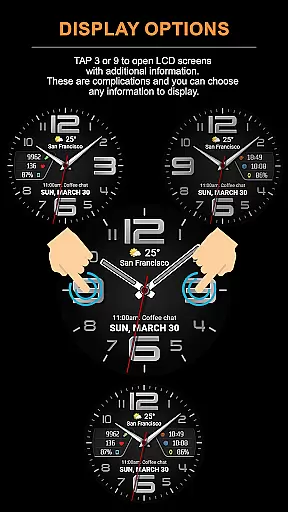
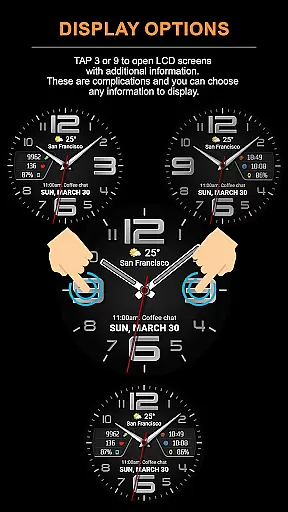
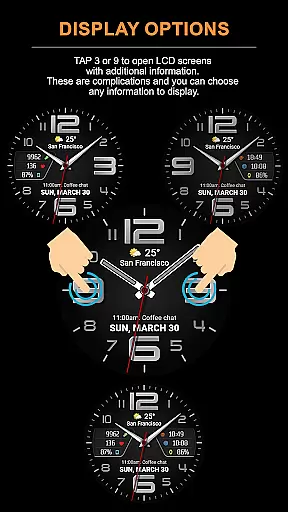
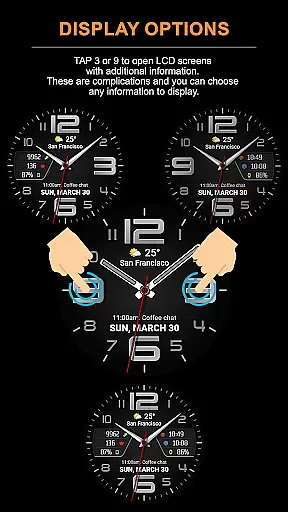
This functionality allows for easy customization of the watch face, enabling users to adjust settings such as weather display in Fahrenheit or Celsius, choose from 30 color combinations, and select information to be displayed on the LCD screens with just a tap.
By following the provided instructions, users can also set up phone charge widgets and access detailed health and activity data, ensuring that all features are optimized for personal use.
The synchronization between the companion app and the watch face ensures that any changes made are updated in real-time, providing a dynamic and personalized wearable experience.
Device compatibility is crucial for ensuring that the WFP 137 Minimal watch face functions optimally across various devices. This watch face is designed to be compatible with devices running API 34+ and later, which covers a wide range of modern wearables.
With support for Wear OS, users can enjoy a high-resolution display and high optimization, resulting in low battery consumption without sacrificing performance or style.
The multilingual support adds another layer of accessibility, making it suitable for a diverse user base. Whether you're monitoring your health metrics or customizing your AOD mode, the watch face's compatibility ensures a smooth and responsive interaction.
Users can rest assured that their device will support the full range of features offered by the WFP 137 Minimal watch face, including detailed weather forecasts and customizable complications.
Highly customizable
Low battery usage
Stylish design
Accurate weather data
Multilingual support
Limited device compatibility
Complex setup process
Premium cost for full features
Requires frequent updates
Occasional bugs reported

Walking app for weight loss: walk & step tracker, pedometer, indoor treadmill
 4.60
4.60
Wear Os Watch Face - Animated Snow Effect & Christmas Lights
4.2
A full-featured Amazon Alexa voice assistant that can show you things.
3.70
Fitness interactive virtual pet super fighter boy watch face
4.1
Monitor health with the stress test and pulse checker in the heart rate app.
4.60
Nutrition, Macro tracker: Food, fitness & healthy diet tracking for weight loss
4.60
Hyper-Realistic Airplane Dashboard Watch Face With 10 Skins and Custom AOD
4.00
Hybrid Vibrant Health Watch Face for Wear OS
4.3
Back up your contacts & access them anywhere
4.30
Diet tracker for weight loss - track calories, food and macros. Simple and easy!
4.70
WTW M17 is a premium and luxurious hybrid watch face
4.70
Real-time results, stats, schedules and player profiles for all leagues
4.60
Deck out your Wear OS Watch face with a beautifully decorated pine wreath!
4.50
Current temperature, weather hourly, weather radar by the weather forecast app
4.40
The ultimate destination for kids ages 3-8 to explore the Marvel Universe!
4.30
A customizable Christmas watch face for Wear OS with a countdown.
4.20
Viewer for Wyze/Yi/Eufy/Arlo/ONVIF/RTSP/P2P IP cams w/ adv. features & DIY DVR
4.00
3 Complications. All shadow on/off. 30 Themes color palette...
4.2
Funny animated watch face for Thanksgiving
4.3


User Reviews