
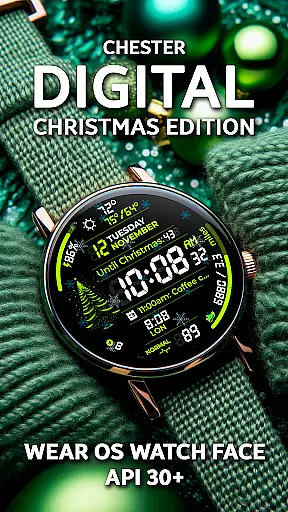
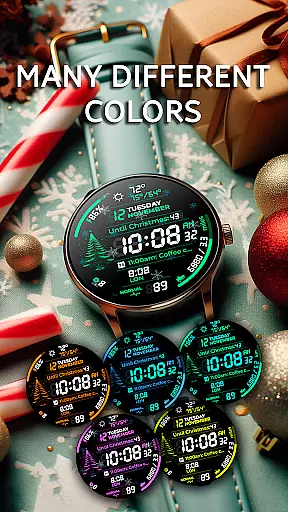
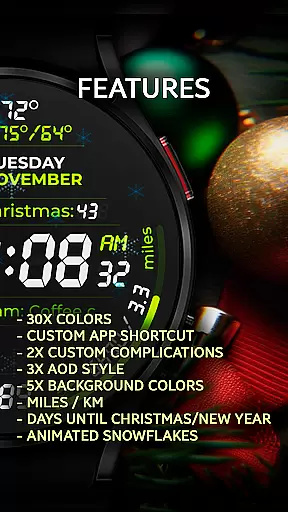
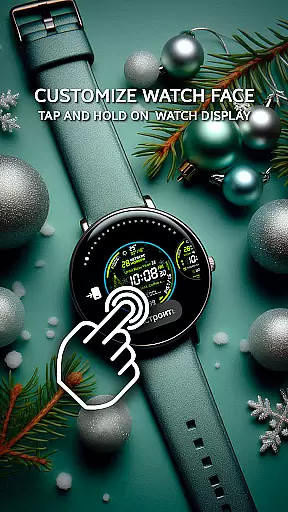
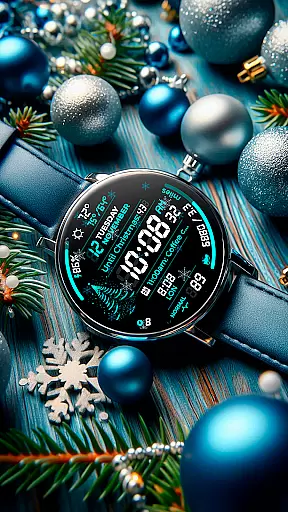
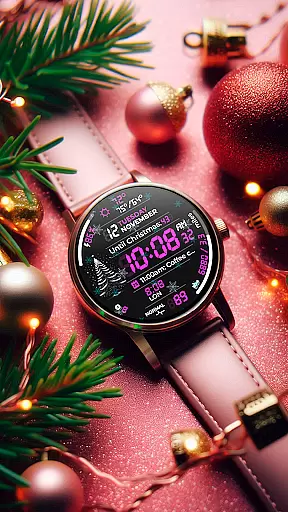
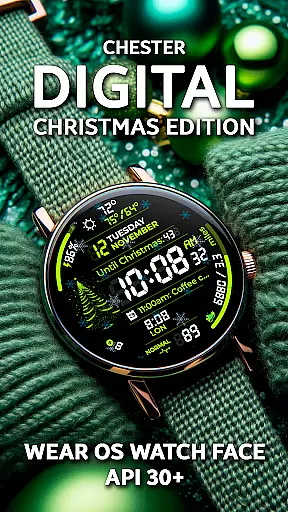
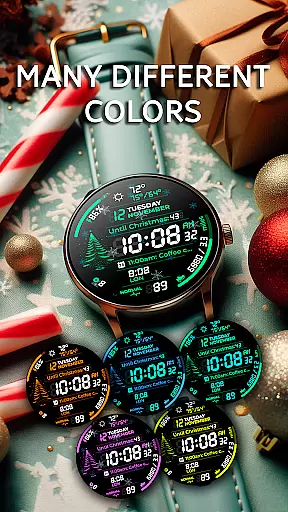
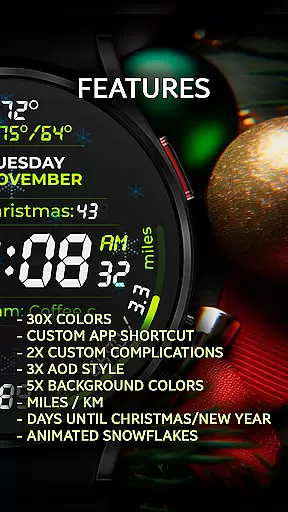
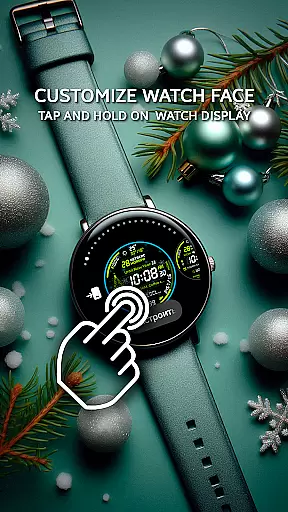
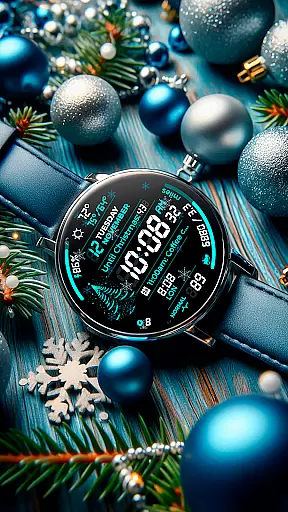
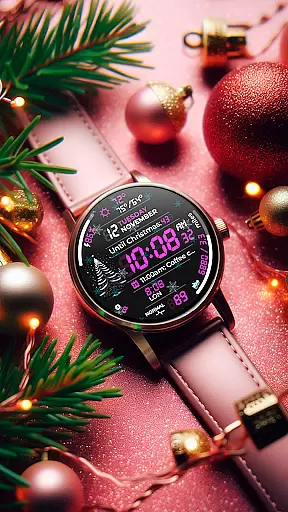
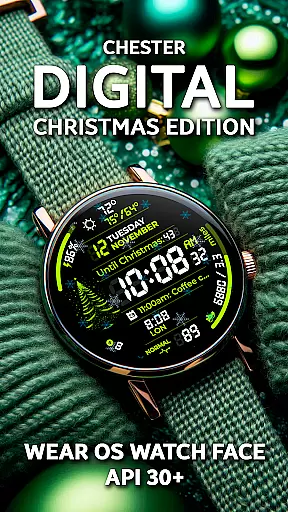
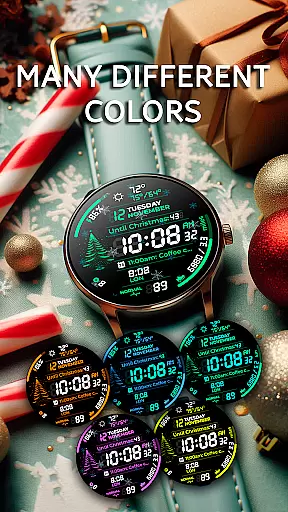
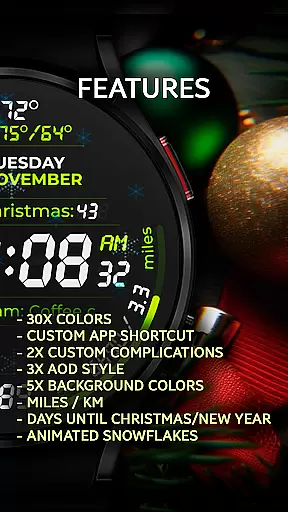
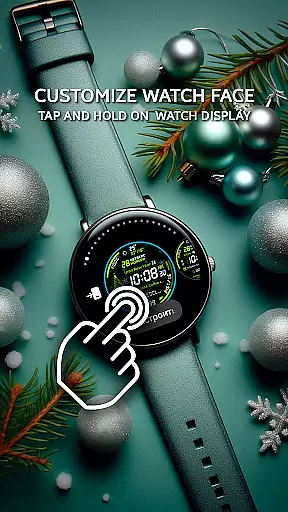
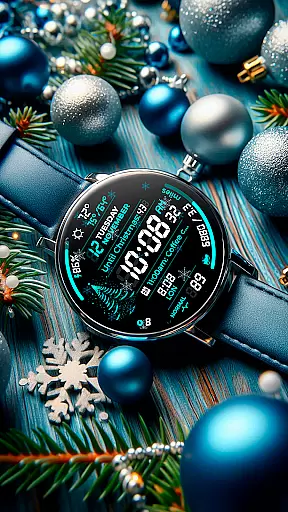
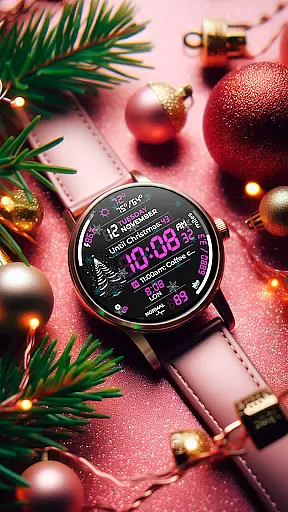
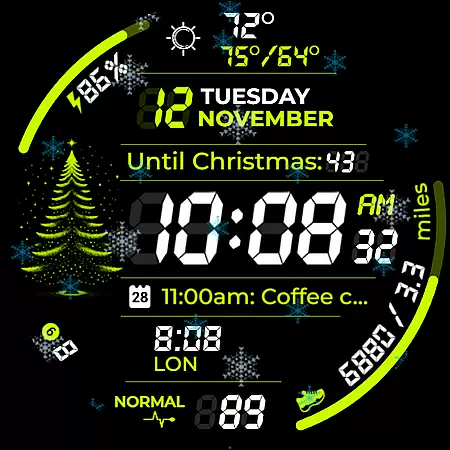
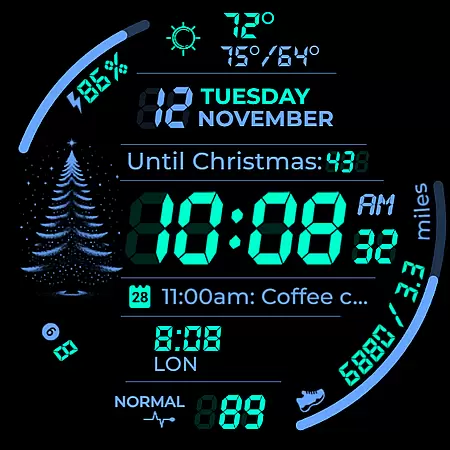
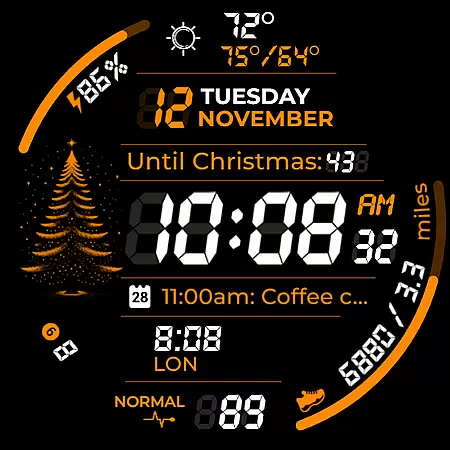
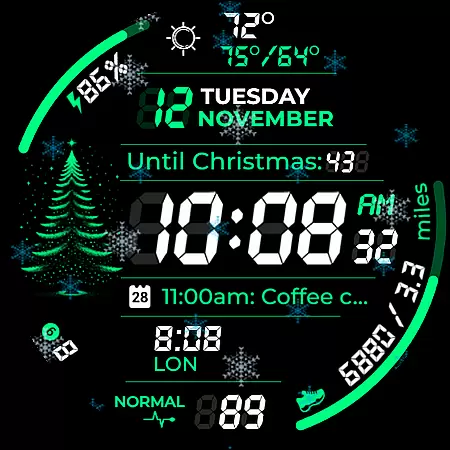
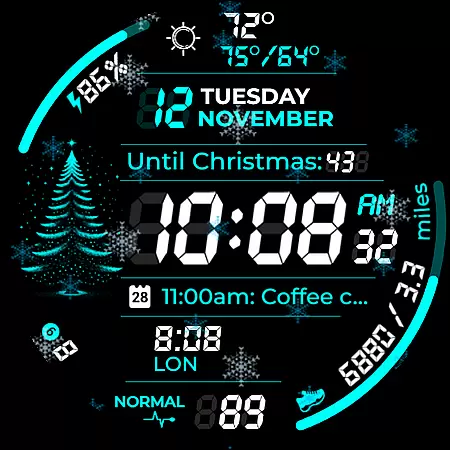
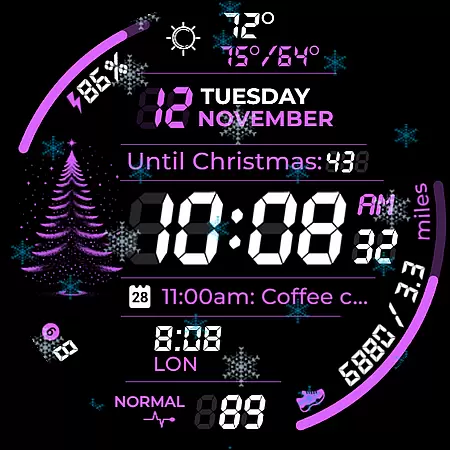
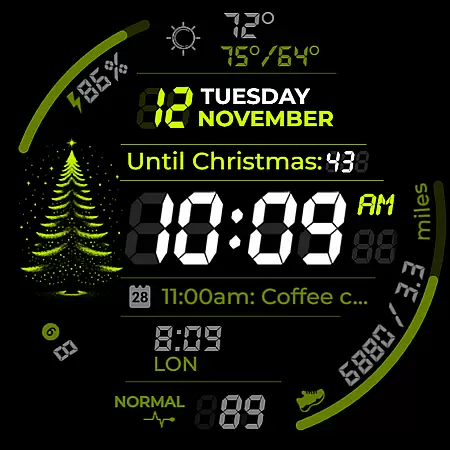
Chester Digital: Christmas is a festive watch face designed for Wear OS, bringing holiday cheer to your smartwatch. With 30 customizable color schemes and interactive features like app shortcuts and complication zones, it offers both style and functionality.
This watch face includes practical tools such as distance tracking, weather updates, and calendar reminders, alongside playful animations like snowflakes and countdowns to Christmas or New Year. Compatible with Wear OS API 30+ devices, it ensures a personalized and engaging experience for users during the holiday season.
Chester Digital: Christmas stands out with its extensive customization options. Users can choose from 30 vibrant color schemes and five background colors, ensuring their watch face matches their personal style perfectly.
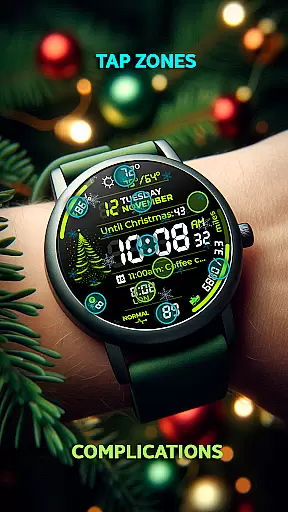
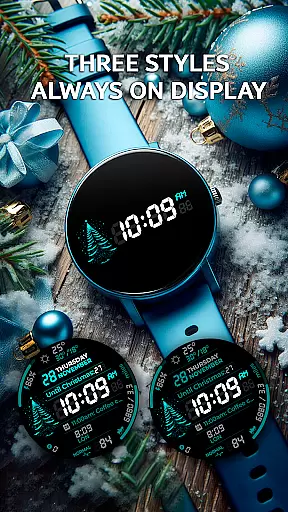
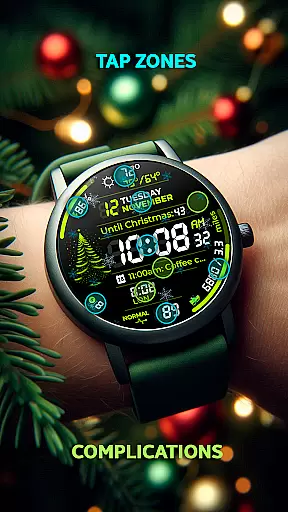
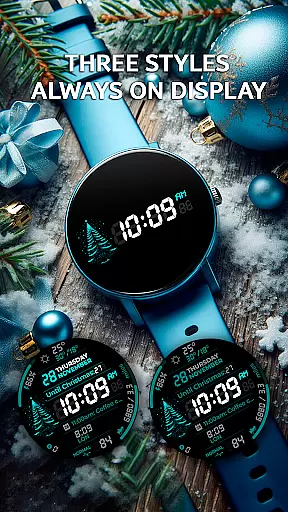
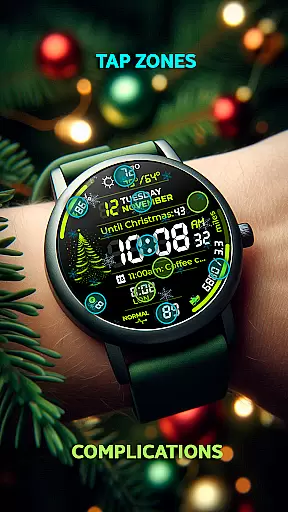
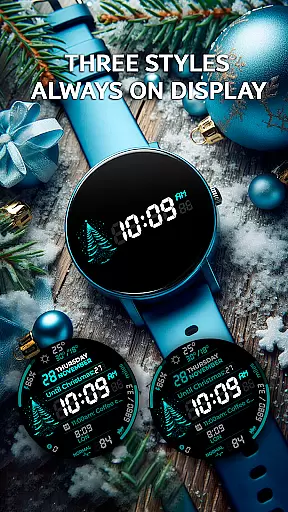
The app provides functional features including two complication zones for displaying personalized information, Always-On Display styles, and interactive tap zones for quick access to essential functions. Additionally, it tracks weekly and yearly progress while offering weather updates and unread notifications counters, making it both practical and festive.
Companion app integration is essential for a seamless wearable experience. Chester Digital: Christmas offers robust companion app integration, ensuring that users can easily synchronize and manage their watch face settings directly from their smartphone.
The app provides a user-friendly interface where wearers can customize color schemes, app shortcuts, and complication zones with minimal effort. This synchronization ensures that all personal preferences are accurately reflected on the wearable device, enhancing the overall user experience.
By integrating with the companion app, users benefit from real-time updates and notifications. Whether it's receiving weather updates or calendar reminders, the integration guarantees that information displayed on the watch face is always current and relevant.
This level of connectivity not only simplifies the customization process but also empowers users to make the most out of their Wear OS devices, creating a cohesive ecosystem between their smartwatch and smartphone.
Device compatibility is crucial for ensuring that a watch face functions optimally across various Wear OS devices. Chester Digital: Christmas is designed to be compatible with all Wear OS API 30+ devices, including popular models like Google Pixel Watch and Galaxy Watch series.
This wide compatibility range ensures that users with different devices can enjoy the festive features without any technical hindrances. The watch face supports both circular and non-rectangular screens, providing a consistent experience regardless of the hardware.
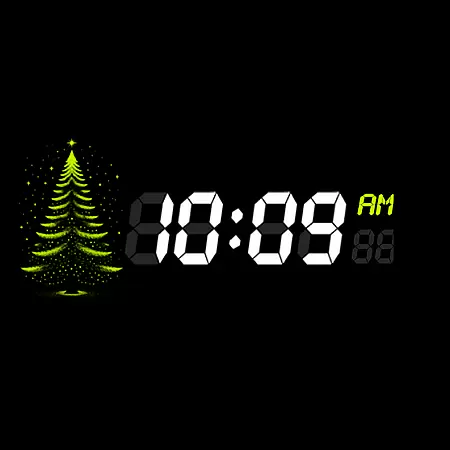
Moreover, the application adheres to the latest Wear OS standards, ensuring smooth performance and reliability. Users can take advantage of advanced functionalities such as Always-On Display styles and interactive tap zones, knowing that these features are optimized for their specific devices.
With comprehensive support and resources available, including installation guides and customer support, users can confidently install and use Chester Digital: Christmas, assured that they will receive a high-quality, compatible experience tailored to their smartwatch.
Highly customizable
Festive animations
Practical tools included
Wide device compatibility
User-friendly interface
Not for rectangular watches
Limited to Wear OS
Premium features may cost extra
Requires API 30+
Some features need configuration

WTW M17 is a premium and luxurious hybrid watch face
 4.70
4.70
Rose gold watch face with festive lights & customizable features.
4.60
Watch face designed for Thanksgiving Day. 7 Background Styles included.
3.20
3 Complications. All shadow on/off. 30 Themes color palette...
4.2
Hyperlocal rain alerts by MyRadar using patent-pending technology, radar & more
4.80
The Chevron App allows you to pay for fuel from the comfort of your car!
4.80
Bold weather Digital watchface with forecast & optional animated background
4.40
A modern hybrid informative watch face for Wear OS designed by BALLOZI
4.80
Spam call blocker and caller ID for automatic call protection!
4.40
The most customizable hybrid watch face. For Wear OS 5.0, API 34+ and later
4.70
Current temperature, weather hourly, weather radar by the weather forecast app
4.40
Calming & relaxing sounds for sleeping and stress relief. Stay focused all day!
4.20
Connect, create, and collaborate with Gmail, part of Google Workspace.
4.10
A digital watch face that celebrates Christmas.
4.00
Professional weather radar and more
3.90
Your local weather forecast, storm tracker, radar maps & live weather news
3.40
Analog watch face with 8 complications and expedition styling
4.0
Fitness interactive virtual pet super fighter boy watch face
4.5
Funny animated watch face for Thanksgiving
4.1


User Reviews