




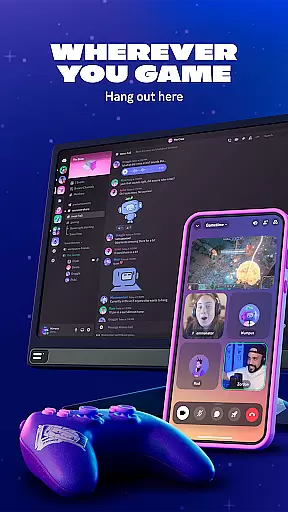
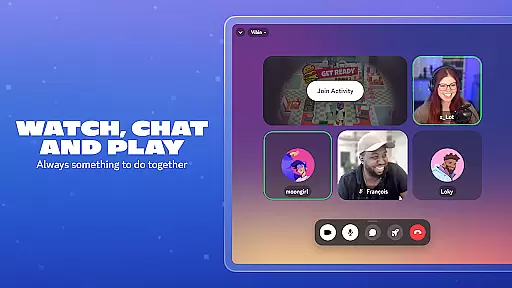
Discord is a versatile communication platform designed primarily for gamers but suitable for any community. It offers customizable spaces where users can gather to chat via text, voice, or video while engaging in activities like gaming or watching shows.
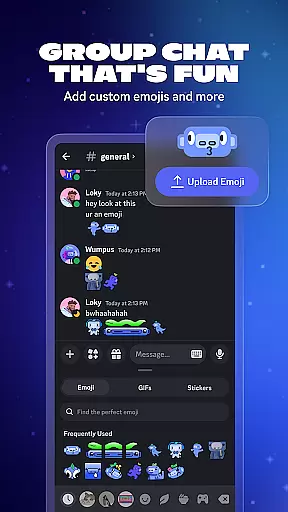
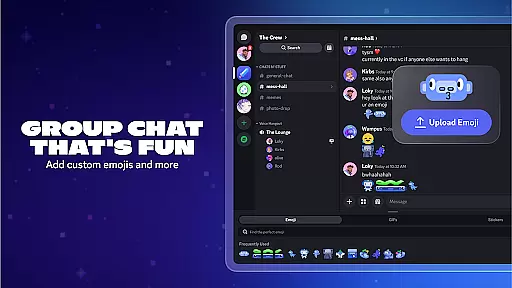
The app supports high-quality streaming and seamless transitions between different chat modes, making interactions feel as natural as if you were in the same room. With features like custom emojis, stickers, and soundboard effects, Discord enhances group chats with personal touches that reflect individual personalities.
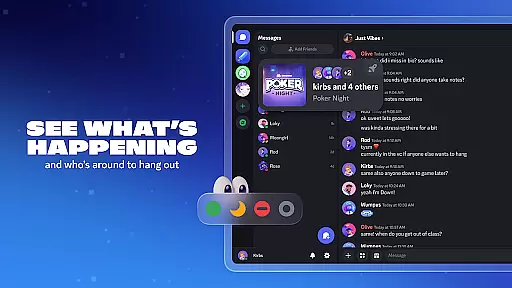
Whether you're looking to connect with friends globally or build a local community, Discord provides tools to see who's online and what they're up to, ensuring you always have someone to interact with. Its cross-platform compatibility ensures you can stay connected regardless of your device.
Discord stands out with its robust set of features tailored for both casual and serious communities. The platform allows users to create custom emojis, stickers, and sound effects, adding a personalized touch to every interaction. These customization options extend to user profiles, where avatars and statuses can be tailored to showcase individuality.
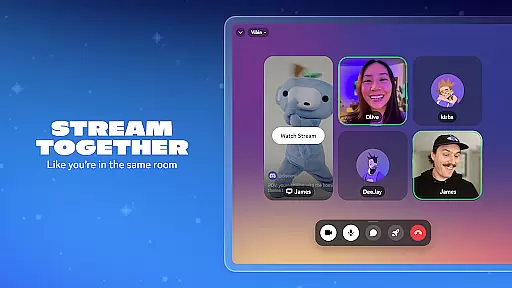
One of Discord's key strengths is its high-quality streaming capabilities. Users can enjoy low-latency streams that mimic the experience of being physically present with friends. This feature is particularly beneficial for collaborative gaming sessions or shared media experiences.
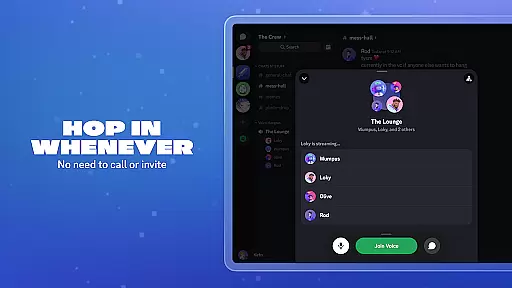
Additionally, Discord facilitates spontaneous interactions through its easy access to voice and text chats without the need for formal invitations. This flexibility, combined with the ability to see who's available and what they're doing, ensures users can effortlessly connect with their community whenever they choose.
Discord offers real-time messaging that ensures users can communicate instantly and reliably, making it ideal for both casual conversations and strategic gameplay discussions. The platform's infrastructure is designed to handle high volumes of messages without delays or interruptions.
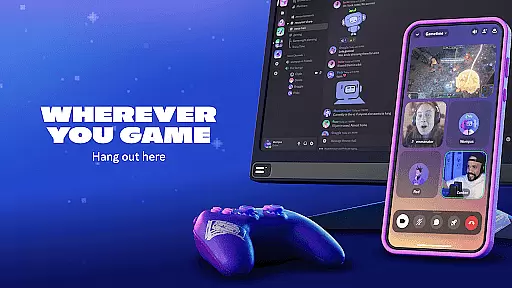
The app supports seamless text-based communication across multiple devices, allowing users to stay connected whether they're on their PC, phone, or console. This cross-device compatibility enhances the user experience by providing consistent access to chats regardless of the device being used.
With features like push notifications and read receipts, Discord ensures that important messages are never missed. Users can trust that their communications will be delivered promptly and accurately, fostering a sense of community and engagement within groups.
Additionally, Discord's reliable messaging system supports rich media sharing, enabling users to exchange images, videos, and other content effortlessly. This functionality enriches conversations and allows for more dynamic interactions among friends and community members.
Discord provides robust media sharing capabilities, allowing users to easily exchange photos, videos, and files within their group chats. This feature enhances the interactive nature of conversations by enabling users to share multimedia content seamlessly.
The platform supports various file formats, ensuring that users can upload and view different types of media without compatibility issues. Whether it's game highlights, memes, or collaborative documents, Discord makes it simple to share and discuss content in real time.
Users benefit from Discord's high-quality streaming options, which allow them to watch videos or view images together as if they were in the same room. This creates an immersive shared experience that strengthens social bonds and community ties.
Moreover, Discord's media sharing tools integrate smoothly with its voice and video chat features, offering a comprehensive communication solution. By combining these elements, Discord enables users to create engaging and interactive environments where creativity and collaboration thrive.
User-friendly interface
High-quality streaming
Customizable profiles
Seamless cross-platform support
Vibrant community ecosystem
Occasional server outages
Learning curve for new users
Limited mobile functionality
Privacy concerns with bots
Overwhelming features for casual users

Fast and simple walkie talkie app
 4.20
4.20
A web browser that respects your privacy.
4.30
Messages: Fast, simple SMS app with scheduling and smart features.
4.00
At select facilities, you now have an easy way to video visit your loved ones!
3.30
This app enables the phone to receive and send FT8 traffic!
3.80
Call Blocker app: Identify unknown callers, block spam calls, fraud & robocalls
4.30
FolderSync enables easy sync of files between cloud storage and Android devices.
4.60
Measure BHP, Torque & 0-60 Clear car OBD faults View engine data in Google Earth
4.00
Get through your inbox faster with the mail app designed to simplify your life.
4.40
Fast internet with AI, Adblock & VPN. Browse on a safe, incognito web browser.
4.70
HD Video Meeting app is a fast & unlimited video conferencing app across world.
4.30
BE PRIVATE
Anonymous. No Trace. Fast.
4.20
Federated instant messaging for your mobile device (Jabber, XMPP, Snikket)
4.10
Telegram is a messaging app with a focus on speed and security.
4.00
Tether to Windows, OS X, Linux PCs or Android tablets. No root. No tether fees.
3.90
Caller ID, Spam Call & SMS Blocker
3.80
Manage and Fund Calling Accounts and Schedule and Join Video Sessions
3.60
Fast, Simple And Secure Application That Provides SMBv3 Server On Your Device
3.30
An app dedicated solely to marriage, not dating, and supported by a rigorous verification mechanism to ensure seriousness.
4.0


User Reviews