
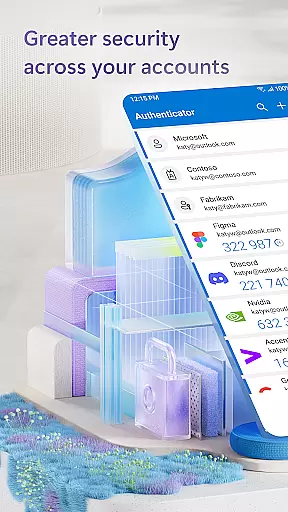
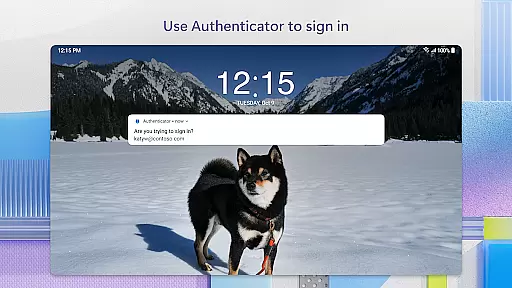
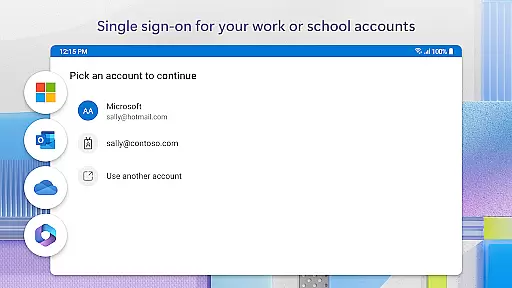
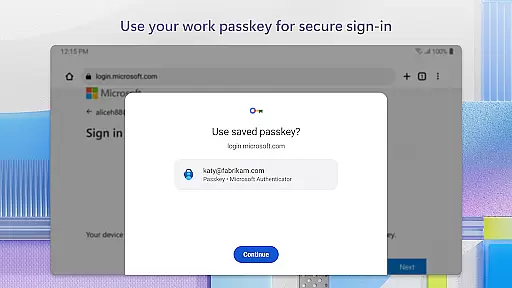
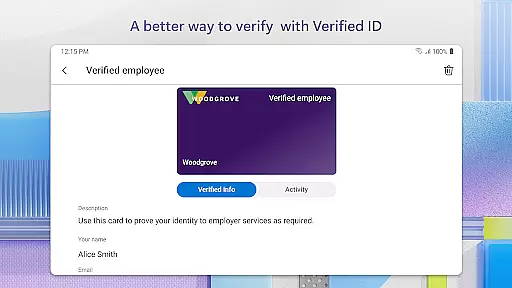
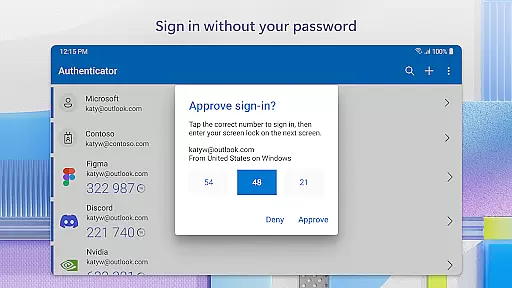
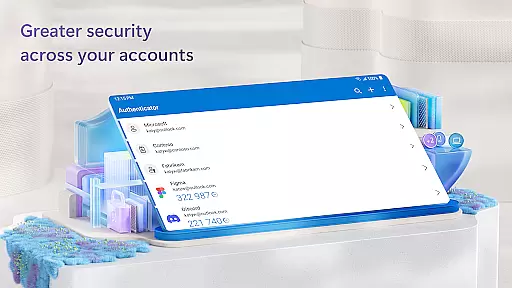
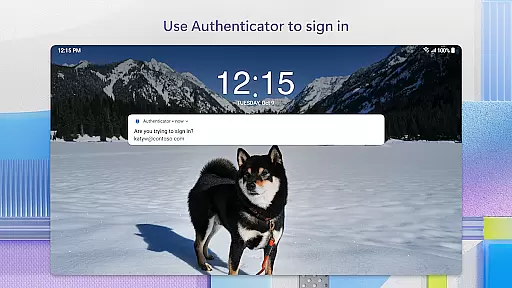
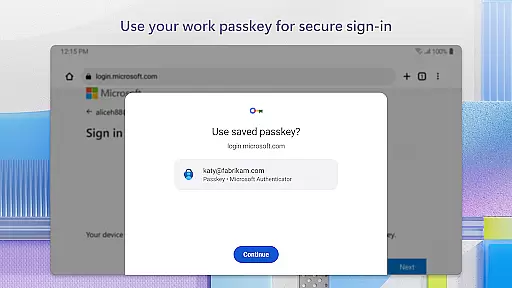
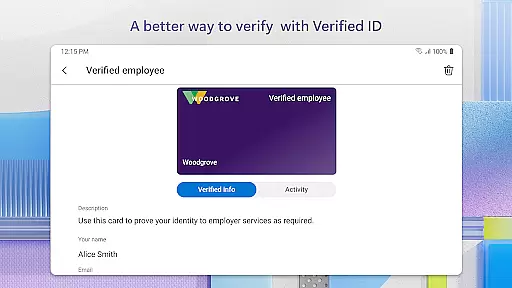
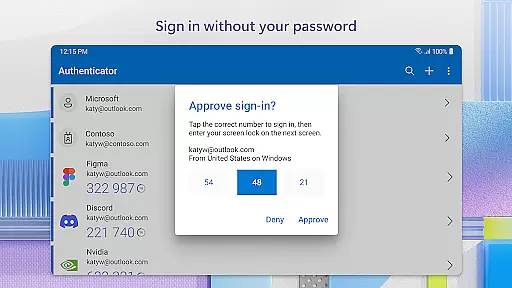
Microsoft Authenticator is a business-focused application that provides secure sign-in options for online accounts through multi-factor authentication, passwordless login, or traditional passwords. The app supports both personal and organizational Microsoft accounts, as well as non-Microsoft accounts like Facebook, Amazon, and Google.
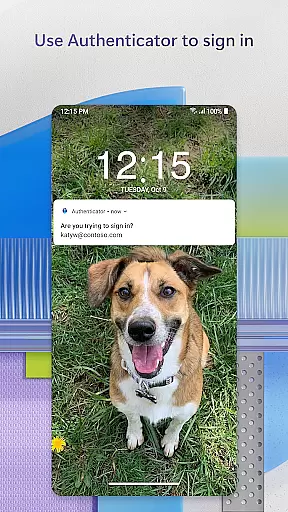
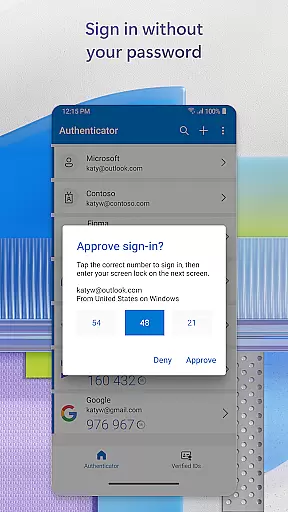
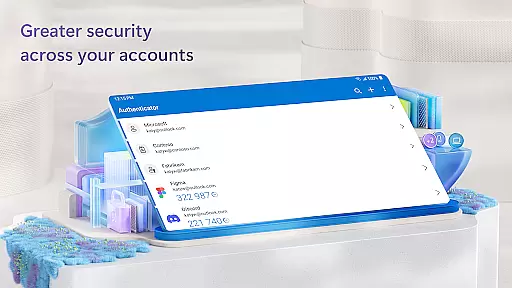
One of the key features of Microsoft Authenticator is its support for Multi-Factor Authentication (MFA) or Two-Factor Authentication (2FA). This adds an extra layer of security by requiring users to approve a notification on their phone or enter a one-time password (OTP) generated by the app. These OTP codes refresh every 30 seconds, ensuring enhanced security without relying on network connectivity.
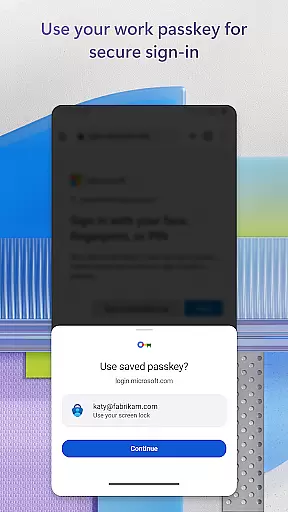
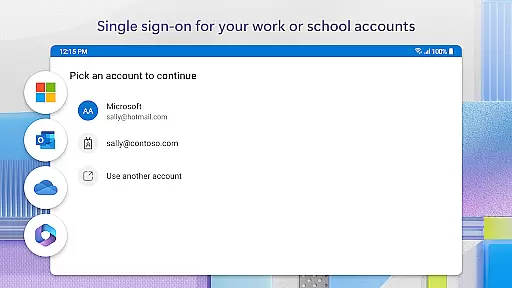
In addition to MFA, the app also offers passwordless login options using biometric verification such as fingerprint or face ID. This allows users to access Microsoft services like Outlook, OneDrive, and Office seamlessly after verifying their identity. For organizations, the app supports cert-based authentication and single sign-on, making it easier for employees to securely access company resources.
Microsoft Authenticator stands out with its comprehensive approach to account security. The app's multi-factor authentication feature ensures that even if a password is compromised, unauthorized users cannot access the account without the second verification step. Users can either approve push notifications sent directly to their device or use time-based OTP codes that automatically refresh every 30 seconds.
Another notable feature is the app’s support for passwordless logins. By leveraging biometric data such as fingerprints or facial recognition, users can log in without needing to remember complex passwords. This not only enhances security but also improves user convenience. Additionally, the app supports integration with various third-party services, allowing users to manage all their accounts from one place.
For businesses, Microsoft Authenticator offers advanced functionalities like cert-based authentication and single sign-on capabilities. Organizations can ensure that only trusted devices are used to access sensitive information, while employees benefit from seamless access to multiple Microsoft services without repeated login prompts. Optional permissions, such as location tracking and camera access, further enhance functionality but require explicit user consent.
Microsoft Authenticator enhances collaborative work environments by providing secure access to essential resources. The app supports organizations in maintaining a high level of security while allowing employees to collaborate efficiently. By enabling multi-factor authentication (MFA) and cert-based authentication, it ensures that only verified users and trusted devices can access sensitive files, emails, or apps.
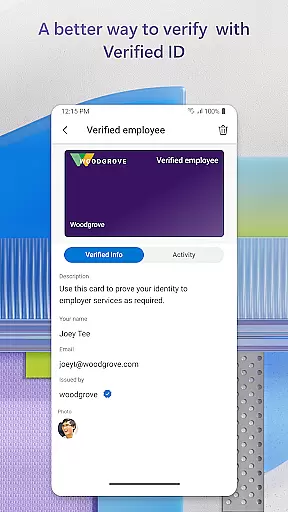
The integration with Microsoft personal, work, or school accounts simplifies the process of identity verification. When accessing collaborative platforms or shared documents, users can approve sign-in requests directly from their mobile device. This seamless authentication method reduces the barriers to accessing necessary tools, thus promoting productivity without compromising on security.
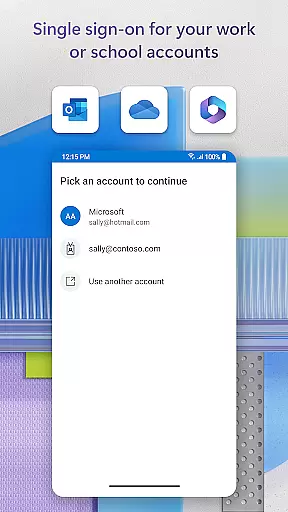
Moreover, single sign-on capabilities streamline the user experience across multiple Microsoft services. Once authenticated, users gain uninterrupted access to Outlook, OneDrive, Office, and other integrated applications. This interconnected ecosystem fosters a more cohesive work environment where team members can focus on collaboration rather than managing numerous login credentials.
While Microsoft Authenticator is primarily designed for secure authentication, its functionality indirectly supports effective task management within business settings. By ensuring secure and swift access to various Microsoft services, users can manage their tasks and responsibilities without unnecessary interruptions caused by repeated login processes.
The app's support for passwordless login through face ID, fingerprint, or PIN provides a convenient way for users to authenticate their identity quickly. This ease of access allows professionals to focus more on their task at hand rather than spending time on entering complex passwords. As a result, they can allocate more energy towards completing their assignments efficiently.
Additionally, the ability to add multiple accountsu2014including non-Microsoft ones like Facebook, Amazon, and Googleu2014into a single application simplifies credential management. Users can easily switch between different accounts used for various tasks without losing momentum. This consolidation not only saves time but also helps maintain an organized approach to handling diverse responsibilities in a fast-paced work environment.
Enhanced Security
Easy Integration
Multi-Platform Support
User-Friendly Interface
Optional Permissions
Requires Internet
Limited Offline Use
Dependent on Device
Complex Setup
Premium Features

AI-powered document scanner with auto enhance for perfect PDFs.
 4.60
4.60
Ask Accio anything about business. Alibaba-backed, built by experts, not just AI
4.60
Find flexible, hourly jobs hiring near you in restaurant, retail & hospitality!
4.00
Quickly open and manage PDF files on your device.
3.80
VSD Viewer - Visio Drawings Viewer for Android Preview VSD, VDX, VSDX drawings
4.10
Simple, Fast & Lightweight
3.90
Finance, Investing, Stocks, Trading and Stock news
4.60
Mobile POS for any business: sales, invoices, retail, restaurants & appointments
4.60
view, manage, and share every PDF file you have
3.60
Permission Guard is a security app that helps you manage app permissions.
4.80
Recover what matters — quickly and easily.
4.70
All your team communication in one place
4.70
USPS Mobile®Access USPS.com’s most popular tools on-the-go.
4.70
Your employer must have UKG Ready software configured for Mobile.
4.60
Drive and earn extra money
4.50
From Gone to Back Again — In Just a Few Taps
4.50
A secure, all-in-one team collaboration app
4.30
The All-in-One File Manager for Phone, TV, Watch, Cars, XR / VR, Chromebook
4.10
Shop, deliver, and earn with the Spark Driver™ App
4.10


User Reviews