


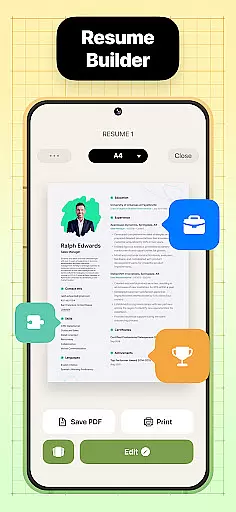
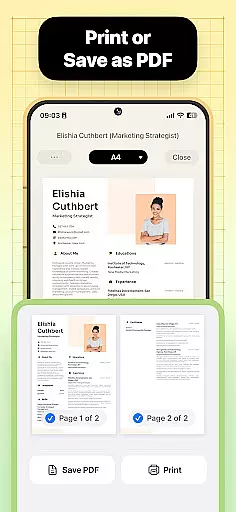
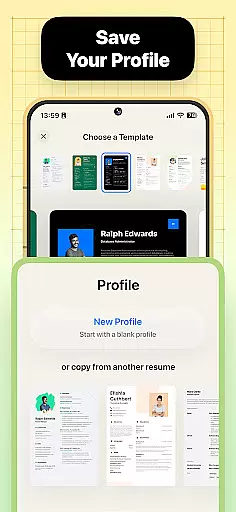
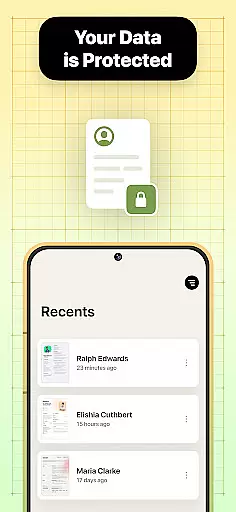

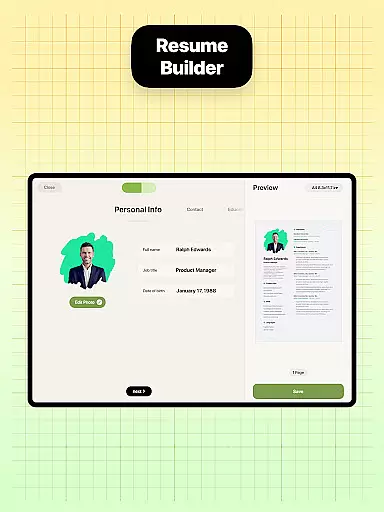
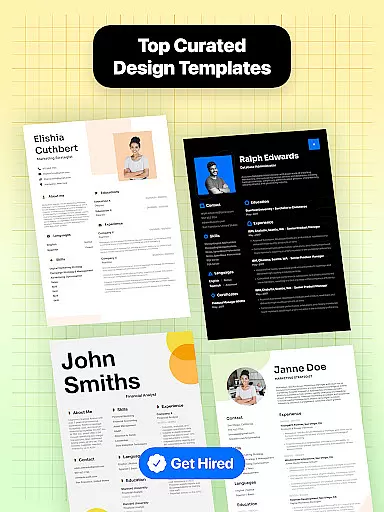

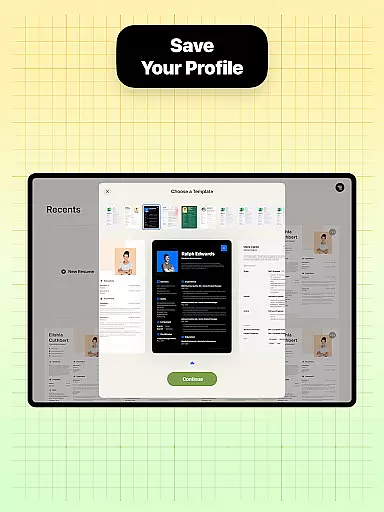
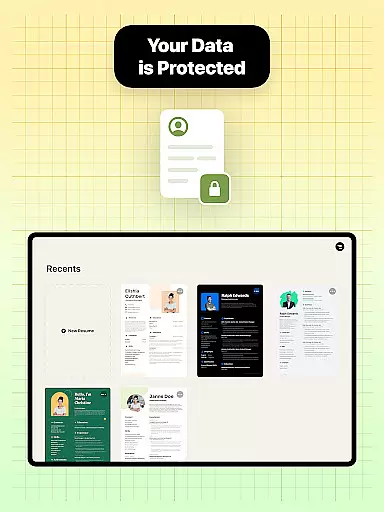
Resume Builder is a powerful business application designed to help users create professional resumes and CVs in PDF format quickly and easily. The app offers an intuitive interface that guides users through each step of the resume creation process, from choosing the right template to customizing sections and content.
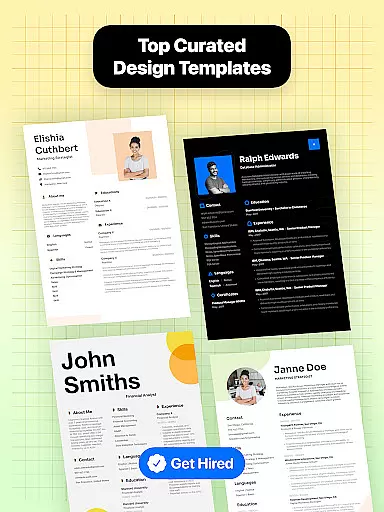
With Resume Builder, users can choose from a wide range of resume templates and customizable options to meet their specific career goals. Whether you are a recent graduate or a seasoned professional, this app provides the necessary tools to craft the perfect resume for job applications on mobile devices.
The app's standout feature is its ability to adapt to different career stages and resume formats, ensuring that every user can create a visually appealing and professional resume that stands out. Users can personalize their resumes with ease, adding creativity or maintaining a clean look as per their preference.
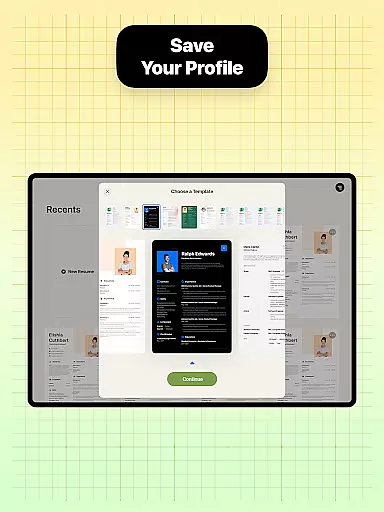
Resume Builder offers a comprehensive set of features tailored to simplify and enhance the resume creation process. One of the key highlights is the wide range of resume designs available, allowing users to select a template that best suits their profession and personal style.
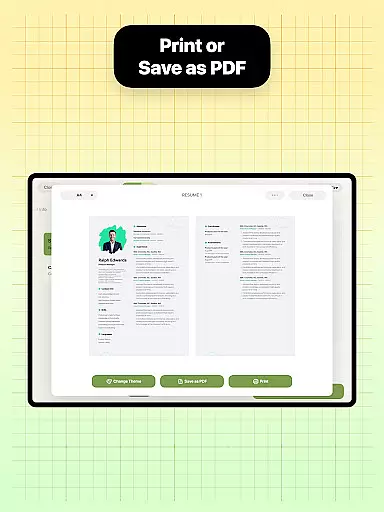
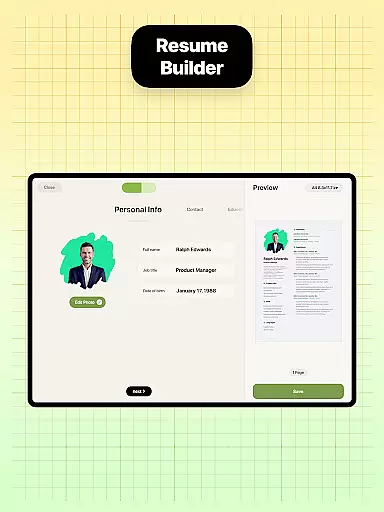
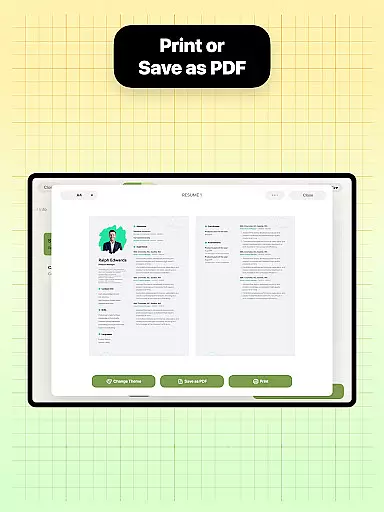
The app provides step-by-step guidance, making it easy for users to follow along and complete their resumes efficiently. Customizable options for resume formats ensure that users can tailor their documents to fit various job application requirements. Additionally, the built-in sharing function allows users to export their resumes in PDF format and share them directly with employers or recruiters.
Another notable feature is the user-friendly interface and intuitive navigation system, which enable users to edit and update their resumes with real-time progress tracking. This ensures that users can see how their resumes evolve as they add professional experiences and qualifications.
Collaborative work features are essential for modern business applications, enabling teams to work together efficiently regardless of location. Resume Builder incorporates these features by allowing users to share their resumes easily with peers or mentors for feedback and suggestions.
The app's built-in sharing functionality supports collaborative efforts by enabling users to send their resumes directly to others via various communication channels. This ensures that the resume can be reviewed by multiple parties, enhancing its quality and effectiveness in job applications.
Users benefit from real-time updates and seamless communication, which streamline the review process and ensure that everyone is working with the most current version of the document. This collaborative approach not only saves time but also improves the overall quality of the resume.
By integrating these collaborative work features, Resume Builder enhances user engagement and satisfaction, making it a valuable tool for anyone looking to create a standout resume with input from trusted colleagues or advisors.
Task management is a critical component of productivity tools, helping users organize and prioritize their work effectively. Resume Builder addresses this need by providing a structured process for creating resumes, guiding users through each step with clear instructions and templates.
The app's intuitive interface and step-by-step guidance system simplify the task of resume creation, ensuring that users can focus on inputting their professional information without worrying about formatting or structure. This systematic approach helps users manage their time more efficiently and reduces the stress associated with job applications.
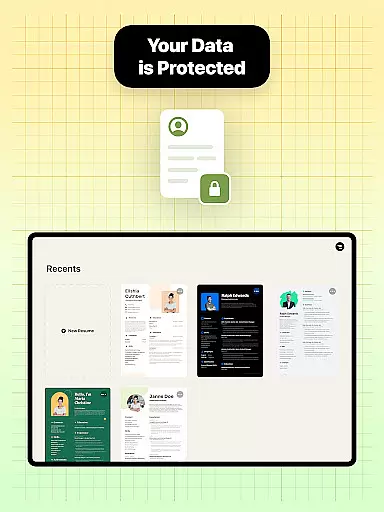
Additionally, Resume Builder allows users to save their progress and return to it later, offering flexibility for those who need to balance multiple responsibilities. This feature ensures that users can work on their resumes at their own pace, enhancing their ability to produce high-quality documents.
By incorporating robust task management features, Resume Builder empowers users to take control of their job search process, resulting in more polished and professional resumes that capture the attention of potential employers.
User-friendly interface
Wide range of templates
Customizable options
Real-time editing
Built-in sharing functionality
Limited advanced features
No cloud saving option
Premium templates require payment
Occasional ads
Basic PDF export settings

Zoom built for Chrome OS
 3.90
3.90
AI-powered document scanner with auto enhance for perfect PDFs.
4.60
Find jobs and make money fast with JobStack.
4.60
Simple, Fast & Lightweight
3.90
Use Generative Summary to understand your rental or insurance docs in seconds.
4.70
Deliver and earn money
4.30
Delivery Track App - Tracking with Fedex, USPS, UPS, DHL. Monitor your Orders.
3.20
Job search app that finds jobs for you! Takes the work out of looking for a job!
4.90
On the go? Take FedEx with you.
4.00
Start earning fast. Apply Today.
4.80
Recover what matters — quickly and easily.
4.70
Make invoices, bills, receipts & estimates on the go with Invoice Generator.
4.70
Your employer must have UKG Ready software configured for Mobile.
4.60
Earn money with the driver & delivery partner app for Uber, UberEats & Postmates
4.60
A secure, all-in-one team collaboration app
4.30
Make money as a delivery driver with DoorDash and work when you want as a Dasher
4.30
Access All PDF Files
3.40
Find part-time earning opportunities near you that pay within days.
3.20
Convert Your Lovable.dev Website into a Mobile App Instantly!
4.2


User Reviews