
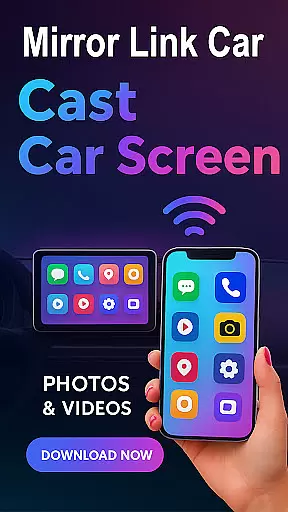
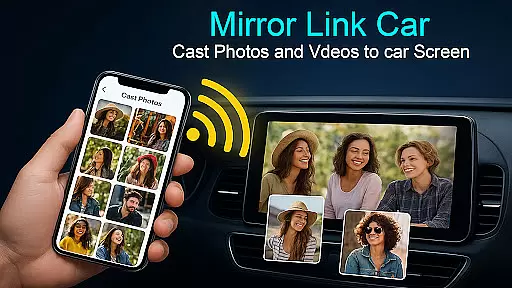
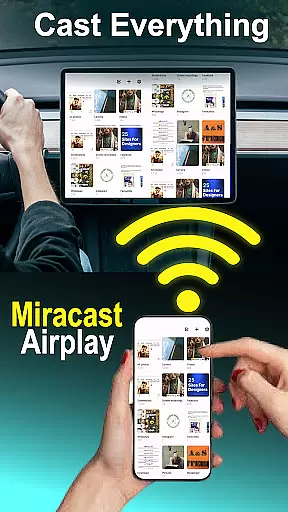
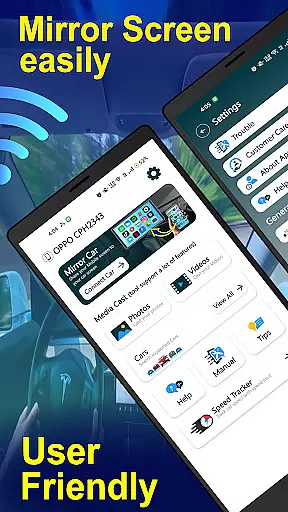
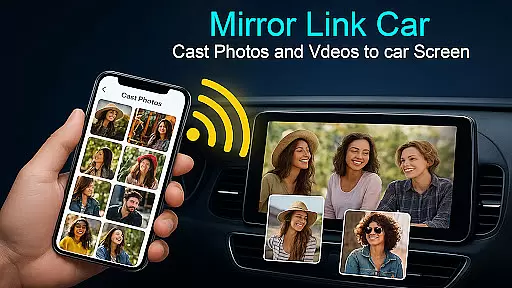
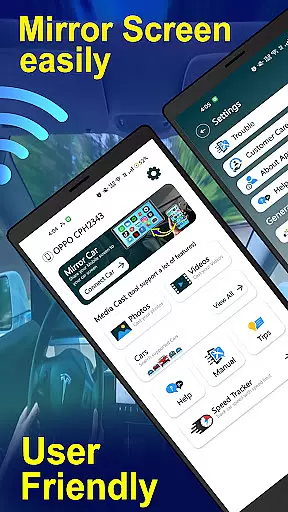
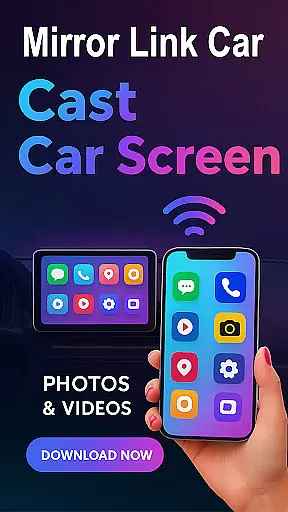
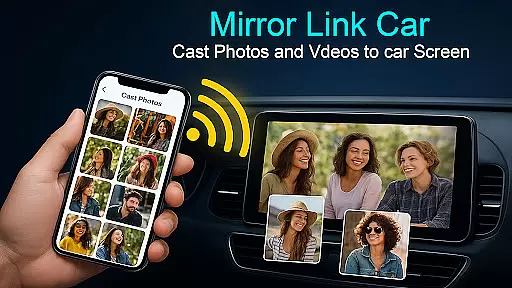
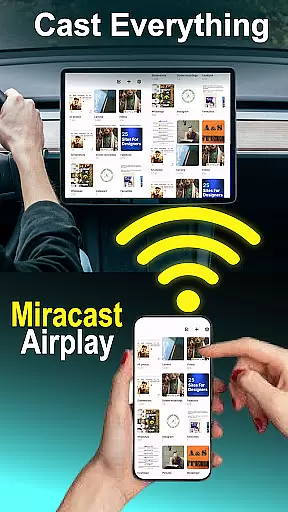
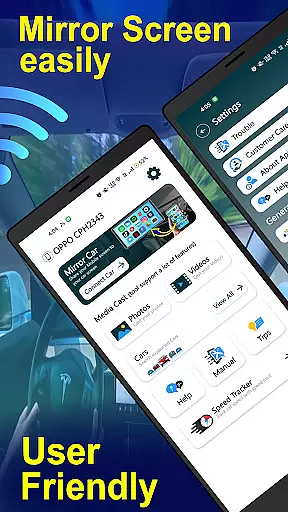
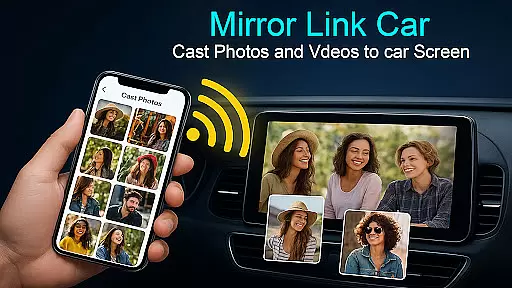
Mirror Link - Cast to Car is an innovative application that transforms your car's infotainment system into a smart display. By wirelessly mirroring your phone, it allows users to enjoy a full in-car multimedia experience without distractions. The app supports both wireless and wired connectivity options, ensuring flexibility and convenience.
With features like Wireless Screen Mirroring, USB Connection Support, and compatibility with various infotainment systems, this app provides a seamless connection between your smartphone and car display. Whether you're navigating, streaming music, or accessing content, Mirror Link enhances the driving experience while maintaining safety.
This application is particularly useful for those who spend a lot of time driving and want to keep their focus on the road while still accessing their favorite apps. It offers hands-free functionality and one-click quick car connection, making it easy to use and efficient.
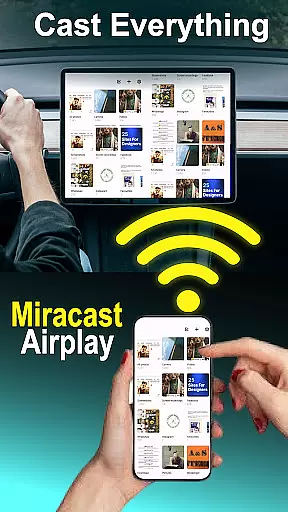
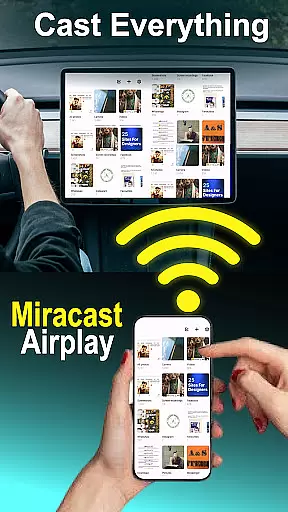
The Mirror Link - Cast to Car app boasts several top-notch features that cater to a modern driver's needs. One of its standout functionalities is the Wireless Screen Mirroring, which connects your smartphone to your car screen without any cables using Wi-Fi Screencast. This feature ensures a clutter-free environment and ease of movement.
In addition to wireless capabilities, the app also supports USB Connection, providing a stable and lag-free screen casting experience for users who prefer a wired setup. The Multimedia Dashboard Experience allows drivers to watch videos (only when parked), use GPS, manage calls, and stream apps directly from their car's touchscreen.
Furthermore, the app extends its utility beyond the car by enabling users to mirror their phone to Smart TVs and home entertainment systems. With Hands-Free Functionality and One-Click quick car connection via supported CarLink/Mirror Link protocols, Mirror Link ensures minimal distractions while driving, enhancing both convenience and safety.
Functionality completeness in Mirror Link - Cast to Car ensures that users can seamlessly integrate their smartphones with their car's infotainment system. This app offers both wireless and wired connectivity options, catering to different user preferences and technological compatibilities.
The app supports a wide range of features including multimedia dashboard experience, smart TV compatibility, and hands-free functionality. These features allow users to enjoy videos, manage calls, stream apps, and control music playback directly from their caru2019s touchscreen or even mirror their phone to home entertainment systems.
By providing comprehensive compatibility with various technologies such as Mirror Link, Miracast, USB-Cast, and potentially Dashdroid-enabled systems, the app ensures broad device support. This extensive coverage allows drivers to focus on the road while still accessing their favorite apps through an intuitive interface.
Overall, Mirror Link - Cast to Car delivers a robust solution for enhancing the driving experience by offering flexible connectivity options and universal compatibility with most car infotainment systems that support these standard protocols.
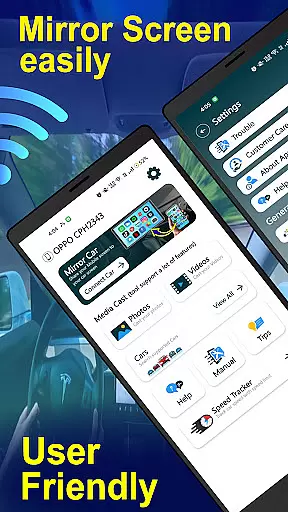
Usability is a key factor in the success of any application, and Mirror Link - Cast to Car excels in providing a user-friendly experience. With its one-click quick car connection feature, users can swiftly set up and connect to their caru2019s infotainment system or Smart TV without hassle.
Operational smoothness is evident through the app's support for stable and lag-free screen casting via USB connectivity. Additionally, when using wireless screencasting, it maintains performance standards expected by modern users who demand efficiency and reliability.
The simplicity of enabling Mobile Hotspot on smartphones and connecting directly to compatible car panels underlines the operational ease designed into this application. Users are guided through straightforward steps to enable u201cMiracast Displayu201d settings within their vehicle's dashboard environment.
This commitment to usability ensures that drivers can enjoy an enhanced multimedia experience with minimal distraction, making Mirror Link - Cast to Car not only functional but also operationally smooth and reliable during use.
User-friendly interface
Wireless and wired connectivity
Enhanced driving experience
Universal compatibility
Quick setup process
Requires compatible car system
May need additional hardware
Limited to supported devices
Potential connectivity issues
Dependent on car's settings

Game Booster GFX for smoother gaming experience. Enjoy 120 FPS and 4x Game Space
 4.20
4.20
Record with Double Camera Video Recording using Dual Camera Front and Back Video
3.00
Use your Phone as Drone Controller.
3.70
Collection of Maps and Mods for Dmod
3.30
Study Bible King James Version: the correct way to learn the Bible with audio
4.80
a wireless controller that provides a seamless and gaming experience for players
3.80
Turn your phone into a wireless Xbox controller – play, stream & control anytime
4.0
Manage apps & elevate your gaming experience with Game Launcher: Gaming Hub app.
4.30
Ps2 plugins for 64 bit artitechture
3.70
TV USB connector app provides you a seamless cast option from your phone to tv.
4.70
Al QURAN-القرأن الكريم app to read Quran offline just like an actual Quran book
4.30
An impressive collection of tools, characters, weapons, skins and more!
4.30
use your smartphone as Remote control drones .
4.20
Sad ringtones full of feeling, sad music ringtones
3.90
With Endoscope Camera Connector you can connect your phone with endoscope cam
3.70
Simulator of real black light
3.50
Now Available on Android ™
3.40
Connect and Find your smart tag via our app.our app is compatible with smarttag.
3.30
Read Quran pak offline & listen online mp3 Quran in Al Quran Majeed app
4.0


User Reviews