

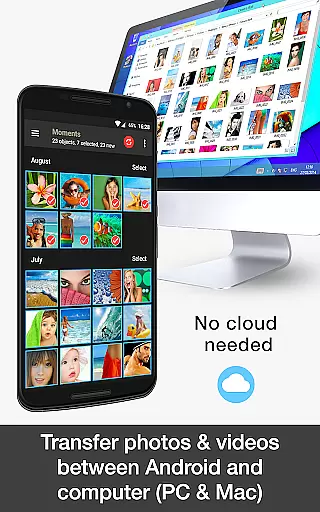

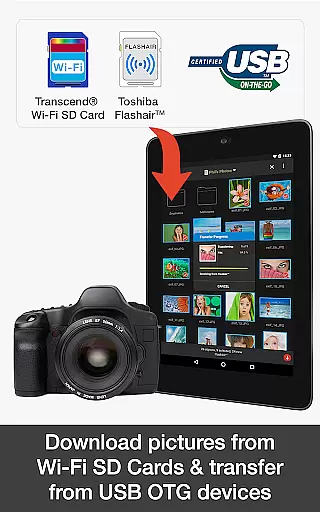
PhotoSync Bundle Add-On is an advanced activation license that enhances the free version of PhotoSync by adding autotransfer, NAS, and cloud capabilities. This tool allows users to wirelessly transfer, backup, and share photos and videos across multiple platforms including Android, iOS, Windows, and Mac.
The add-on offers a cost-effective solution by bundling all current and future add-ons while removing ads from the application. It supports automatic backups to computers, NAS devices, and remote servers, ensuring reliable and secure photo management. With over 10,000 positive reviews and millions of successful transfers, PhotoSync stands as a leading choice for cross-platform photo synchronization.
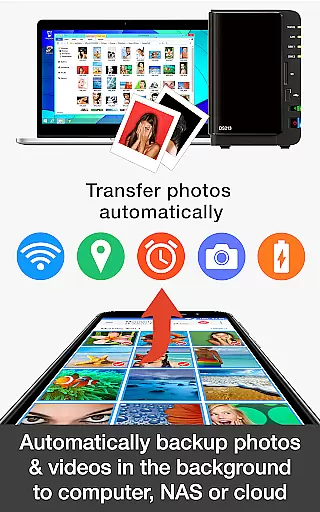
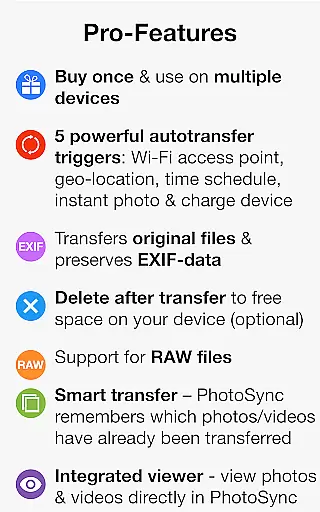
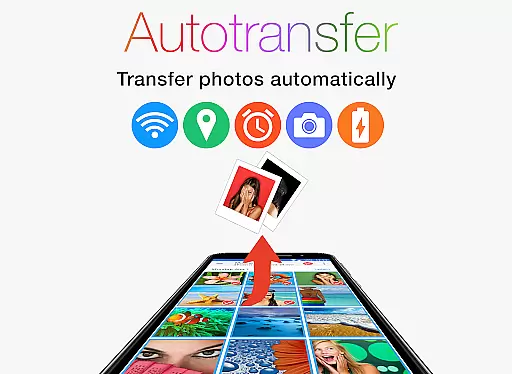
PhotoSync Bundle Add-On boasts several key features that enhance its functionality. Firstly, it includes the Autotransfer Add-On which enables automatic backups based on triggers like new photos, Wi-Fi connections, geolocation, device charging, or time schedules.
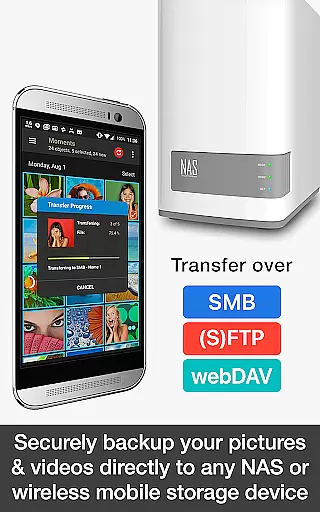
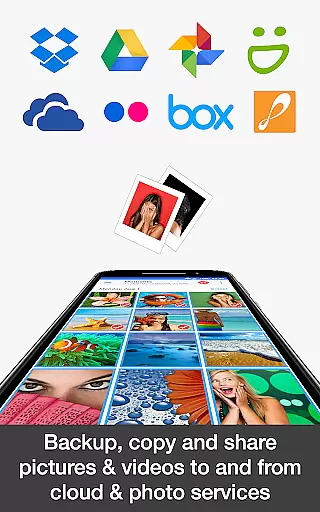
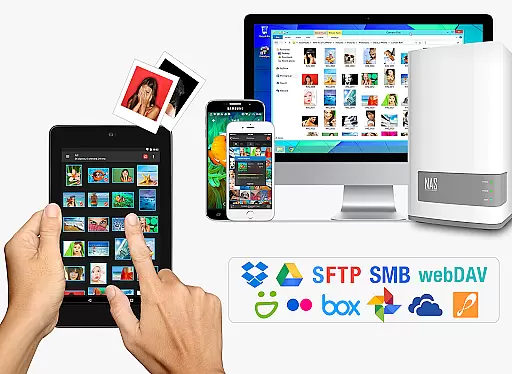
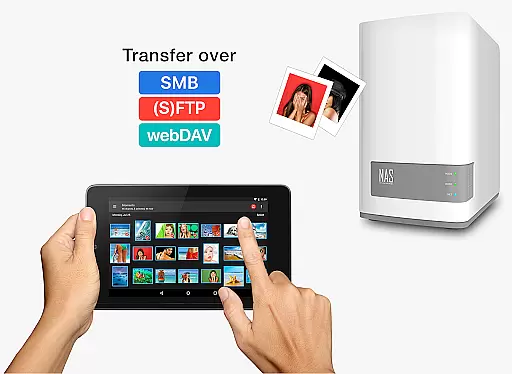
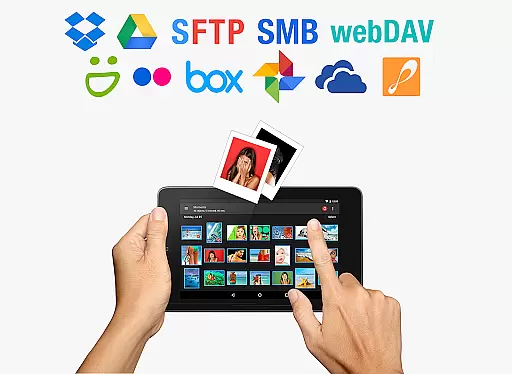
Additionally, the NAS Add-On facilitates secure backups to NAS devices, remote servers, or personal clouds using protocols such as SMB, (S)FTP, and WebDAV. The Cloud Add-On extends this capability by supporting major cloud services like Dropbox, Google Drive, and OneDrive. These features collectively ensure comprehensive and flexible photo management solutions tailored to various user needs.
Real-time capture and preview functionality is essential for photography applications as it allows users to see exactly what the camera is capturing before taking a shot. This ensures that the framing, lighting, and composition are all correct, leading to higher quality photos.
PhotoSync Bundle Add-On enhances this experience by enabling users to wirelessly transfer, backup, and share their photos and videos between various devices immediately after capture. The instant transfer feature activates as soon as a new picture or video is taken, ensuring that content is backed up without delay.
Users benefit from this seamless integration as it provides peace of mind knowing that their precious moments are safely stored on multiple devices. Whether it's transferring files to a computer, NAS, or cloud service, PhotoSync ensures that data is protected against loss or damage.
The real-time aspect of PhotoSync not only improves workflow efficiency but also offers flexibility in managing digital assets across platforms. With support for numerous storage solutions and automatic uploads based on triggers like Wi-Fi connection or geolocation, users have complete control over how and when their media is synchronized.
AI beauty and enhancement features in photography apps aim to improve the aesthetic appeal of images while maintaining a natural look. These tools use advanced algorithms to analyze and adjust elements such as skin tone, brightness, contrast, and sharpness, resulting in enhanced yet authentic-looking photos.
While PhotoSync Bundle Add-On does not explicitly advertise AI-driven beautification, its robust set of features supports high-quality image management. By facilitating easy backups and transfers, users can focus more on editing and enhancing their photos using other specialized software or built-in device capabilities.
For those who prioritize natural enhancements, PhotoSyncu2019s ability to quickly move files between devices means photographers can leverage professional editing suites available on computers or tablets. This flexibility ensures that whether you're tweaking colors or applying subtle filters, your work remains true to the original scene.
Ultimately, the value of PhotoSync lies in its comprehensive approach to photo management. While direct AI enhancements may not be part of its core offering, the app empowers users to maintain an efficient and organized library, making it easier to apply any desired post-processing effects with confidence.
User-friendly interface
Secure data transfer
Wide platform support
Automatic backup options
Cost-effective bundle
Requires initial setup
Premium pricing
Dependent on network stability
Limited offline functionality
Ads in free version

Photo Album Watch Face shows your favorite pictures as a Watchface.
 1.90
1.90
Add Watermark - Sign your pictures with a text or logo. Effective, quick, easy!
4.50
Perfect photos with body shaping, BG changer and object remover.
3.70
Safe & smart flight with Go Fly drone controller for 40+ drone camera, zone map
4.50
1M influencer's special filter
4.60
Automatically backup your photos and videos to computer, NAS and Cloud services
4.60
A reflected light meter with spot metering and incident light metering.
4.40
Pro version: AR sun/moon tracker for any date. Tool for photographers & planners
4.90
Discover How to Plan any Sun, Moon and Milky Way Photo You Imagine in Seconds
4.70
Gallery show photo, video, slideshow, is perfect 3D effect private photo albums.
4.80
Your personal guide to the sun and moon. Plan ahead, visualize and predict!
4.70
Easily create custom gifts, cards, photo books & more on the Shutterfly app!
4.60
Discover & download millions of art for The Frame TV or Hisense CanvasTV
4.60
Photo editor & gallery. Crop pictures & edit photos offline, no wifi!
4.50
Search, tag and rate your way to an organized image gallery
4.40
Virtual makeup, hair filters & body tuner—edit from face to full body!
4.20
What celebrity do you look like? Celebs will find your celebrity match!
4.10
Transform Photos: Edit, Beautify and Craft Memories & Make Collages!
4.10
Add a dreamy vibe to your selfies and videos with soft style filters
4.4


User Reviews