
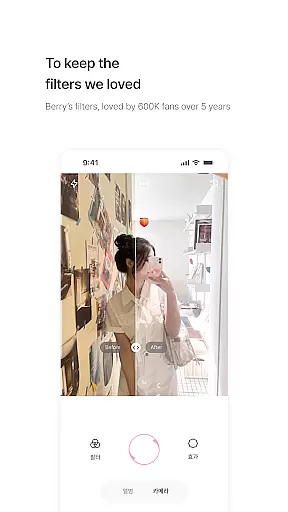
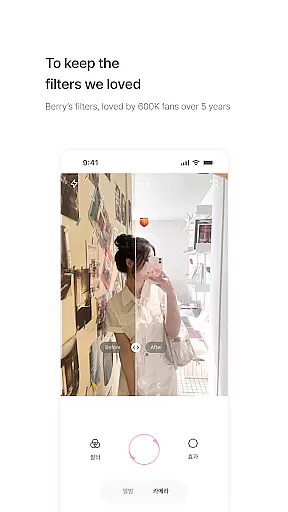
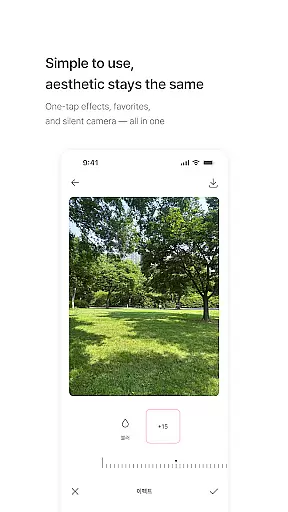
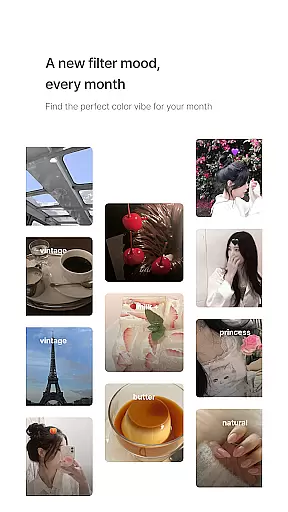
BerryFilm is a photography app developed by Berry, a renowned filter creator from South Korea. This app serves as a dedicated space to preserve and showcase the soft-toned filters that Berry has meticulously crafted over the past five years. Designed for photography enthusiasts who appreciate subtle, natural aesthetics, BerryFilm offers an exclusive collection of Korean-style filters that bring out the beauty in every photo.
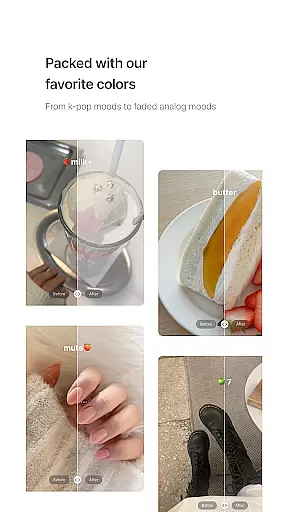
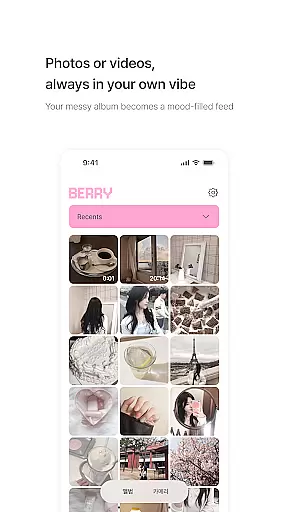
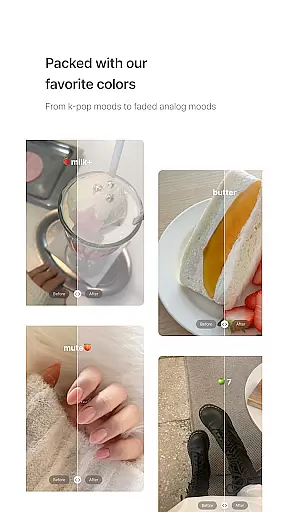
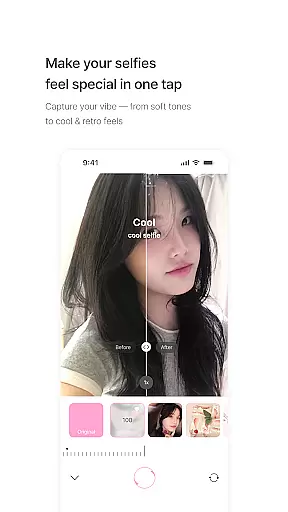
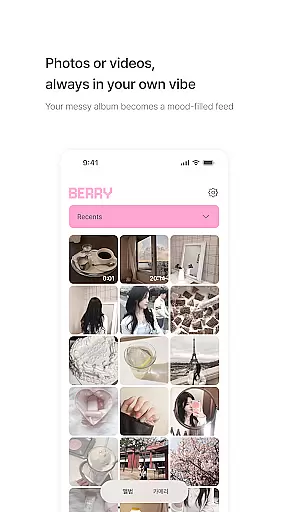
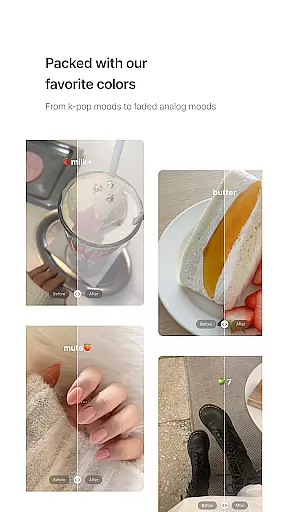
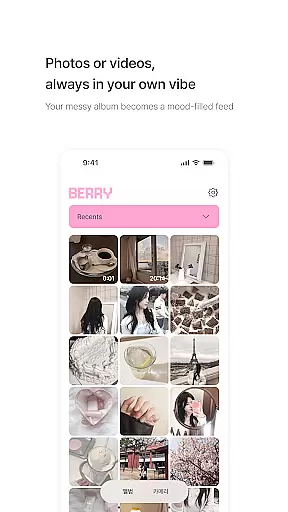
The app's core functionality revolves around its unique filter library, which includes over 20 carefully designed filters such as Milk, Butter, Cool, Warm, and Blossom. These filters are engineered to create different moods - from airy and vintage to warm and cool tones. Users can apply these filters to both photos and videos with just one tap, transforming their gallery into a visually cohesive feed with gentle color correction and minimalist touch.
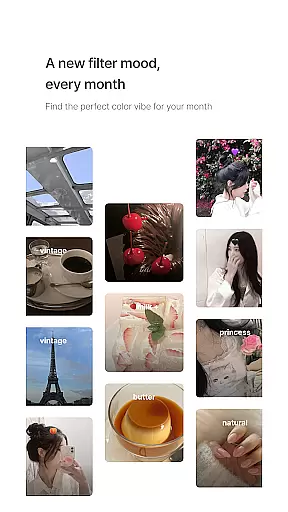
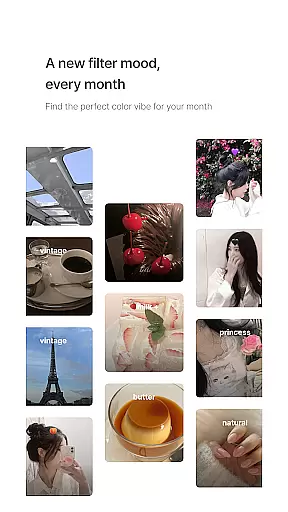
BerryFilm stands out with its commitment to regular updates and user-driven improvements. New filters are added monthly, ensuring users always have fresh options to match their mood or the season. The app also incorporates feedback from real users to constantly enhance its features, making it an evolving platform for discovering and applying beautiful filters.
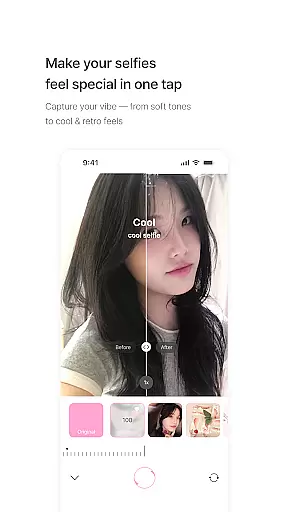
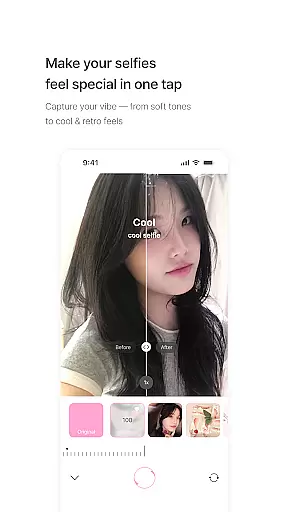
BerryFilm distinguishes itself through several key features that cater to photography enthusiasts seeking natural-looking enhancements. The app's primary feature is its extensive collection of over 20 unique filters, each carefully crafted to produce specific moods and atmospheres. From the signature Milk filter that creates an airy, soft effect to specialized filters like Cool and Warm that adjust color temperatures, users can explore various aesthetic possibilities.
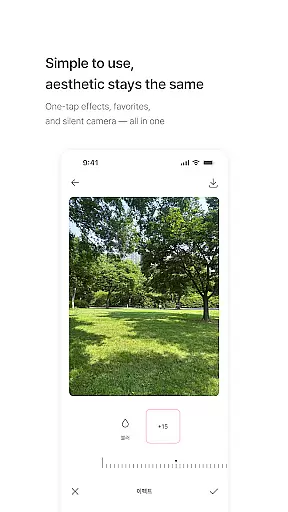
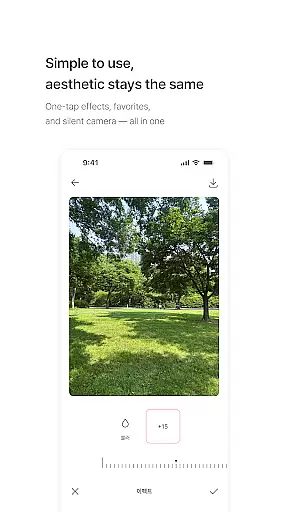
A notable aspect of BerryFilm is its user-friendly interface that emphasizes simplicity and ease of use. The app allows users to apply filters with just one tap, save favorite combinations, and capture images using a silent shutter function. This streamlined approach ensures that even novice photographers can achieve professional-looking results without complex editing processes. Additionally, the app supports both photo and video processing, enabling users to maintain consistent aesthetics across different media formats.
BerryFilm maintains a commitment to continuous improvement through regular updates and community engagement. The development team actively incorporates user feedback to refine existing features and introduce new ones. This collaborative approach extends to the app's monthly filter releases, which are designed based on seasonal themes and emerging trends. Furthermore, the upcoming natural skin tone effects and enhanced soft light features demonstrate the app's dedication to expanding its capabilities while maintaining its signature soft aesthetic.
Real-time capture and preview functionality is essential for photography apps like BerryFilm. This feature allows users to see the effects of filters instantly as they take photos or record videos.
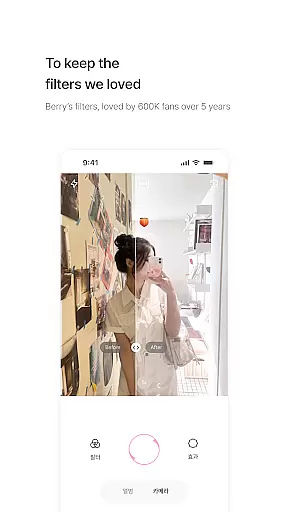
BerryFilm excels in this area by offering a seamless experience where users can apply one of the over 20 carefully designed filters, such as milk, butter, cool, warm, and blossom, with just one tap. The app ensures that the preview accurately reflects the final output, providing confidence in the creative process.
The benefit to users is significant, as it eliminates guesswork and the need for post-processing. Whether capturing a serene landscape or a vibrant portrait, photographers can trust that the tones and moods they see through BerryFilm's real-time preview will be faithfully reproduced in their final images.
This immediate feedback loop enhances user engagement and satisfaction, making photo-taking not only more efficient but also more enjoyable. With regular updates and new filters added monthly, users always have fresh options to explore, ensuring that their content remains unique and personal.
AI beauty and enhancement features are becoming increasingly popular in photography apps, aiming to improve image quality while maintaining a natural look. BerryFilm incorporates these advancements subtly to enhance users' photos without over-processing.
The app focuses on preserving natural skin tones and soft light features, which are currently in development. These AI-powered enhancements work behind the scenes to ensure that every selfie or portrait looks its best, highlighting the subject's natural beauty rather than masking it with heavy edits.
For users, this means achieving professional-quality results effortlessly. The AI algorithms are designed to recognize facial features and apply enhancements that complement the useru2019s appearance, resulting in images that feel authentic and unaltered.
By prioritizing naturalness, BerryFilm caters to those who appreciate subtlety in their selfies and seek an aesthetic feed that reflects genuine moments. Continuous improvement through user feedback ensures that the app evolves to meet the needs of its community, delivering an unparalleled balance of technology and artistry.
User-friendly interface
Regular filter updates
Natural aesthetic enhancement
One-tap application
Community-driven development
Limited advanced editing
Subscription required
Android-only availability
Occasional bugs
Learning curve for beginners

Remote control of the phone camera from your Wear OS smartwatch
 3.70
3.70
HD Photo gallery and photo manager to edit, hide private photos, videos & albums
4.1
Viewfinder, Light meter, Reciprocity failure time, DOF & Bellows Extension
4.60
What celebrity do you look like? Celebs will find your celebrity match!
4.10
AI photo editor with hair editor, retouch tools, hair color changer & filters!
4.50
The #1 app for B&W film developing featuring an advanced darkroom timer.
4.10
PhotoSync Bundle Add-On License. Enables all features and services in PhotoSync.
4.60
The original Rarevision VHS look seen everywhere!
4.70
Discover How to Plan any Sun, Moon and Milky Way Photo You Imagine in Seconds
4.70
Cartoon and artistic effects for your photos and videos
4.70
Automatically backup your photos and videos to computer, NAS and Cloud services
4.60
Enhance, retouch & create your story - Share the moment with Photoshop Express.
4.60
Safe & smart flight with Go Fly drone controller for 40+ drone camera, zone map
4.50
Movie camera, supports pro recording settings for filming. Try it and be amazed!
4.50
Photo editor & gallery. Crop pictures & edit photos offline, no wifi!
4.50
Turn your phone into a professional camera - full DSLR manual photography
4.30
Catch sunlight, sunrise sunset times and sun phases with the AR sun tracker.
4.10
Turn photos into cartoons & avatars! - Photo Editor, Cartoon Face!
3.90
Perfect photos with body shaping, BG changer and object remover.
3.70


User Reviews