
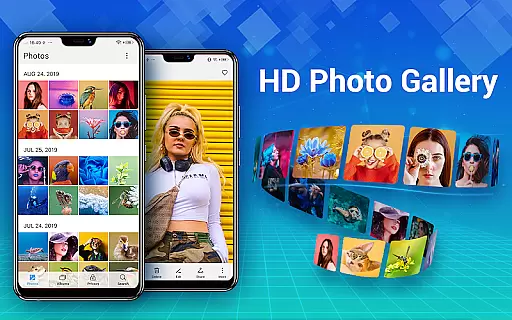
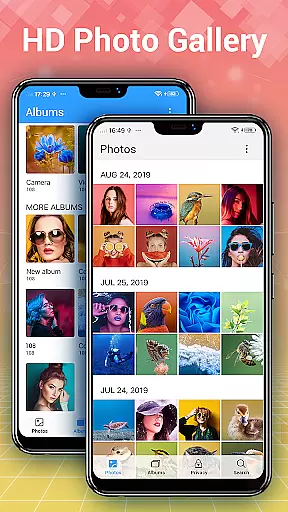
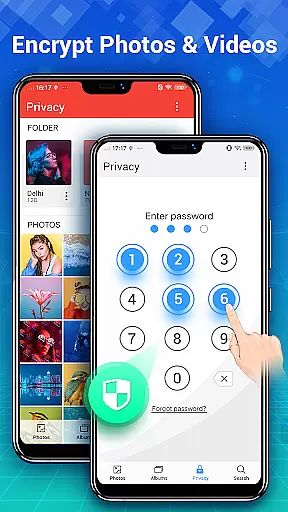
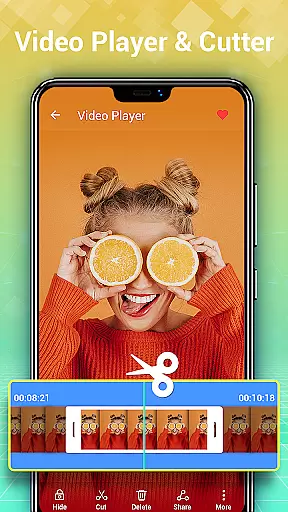
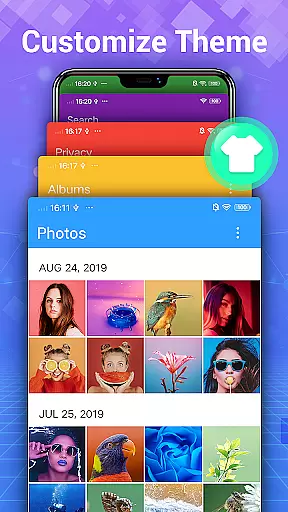

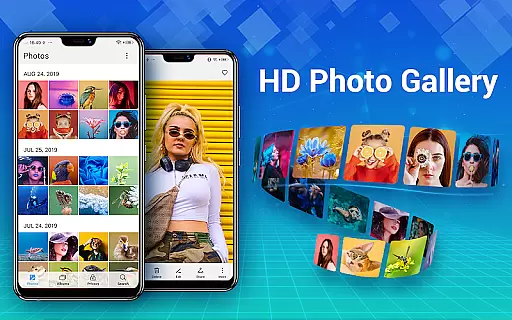
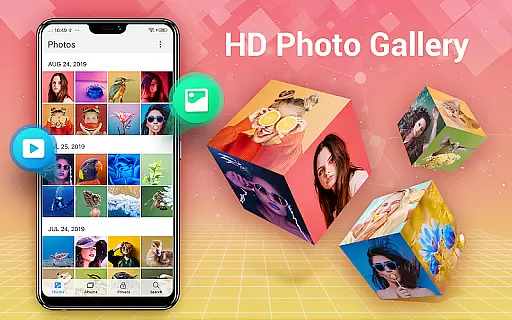
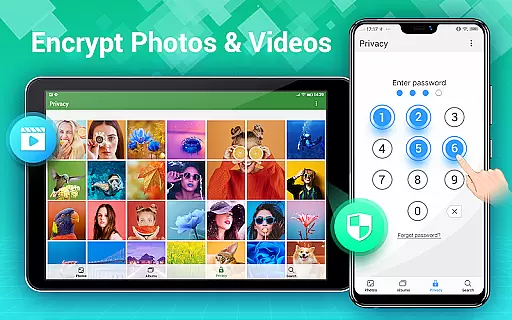
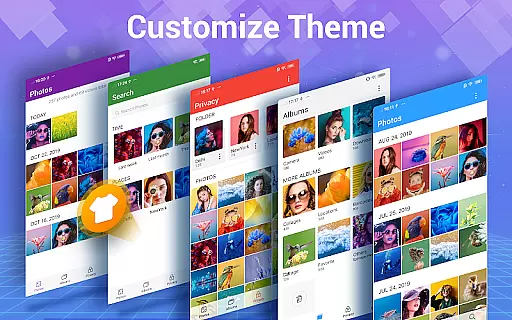
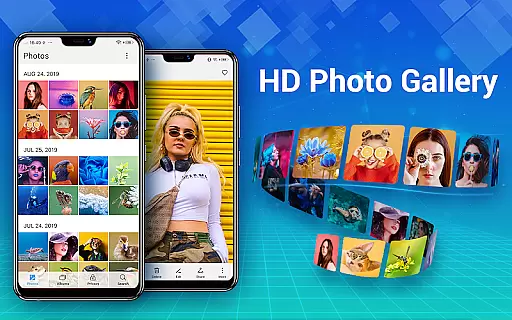
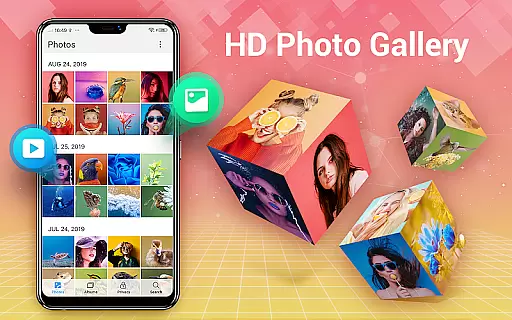
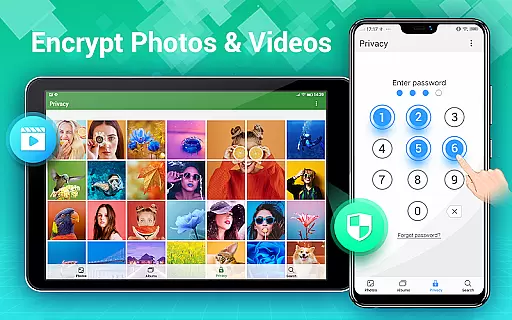
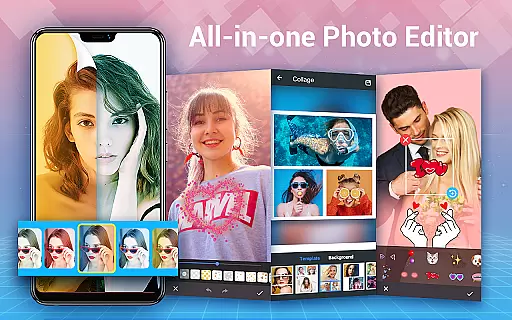
Photo Gallery is a comprehensive photography app designed for Android users, offering an all-in-one solution for managing, editing, and securing your photos and videos. The app automatically organizes media files into albums, supports HD viewing, and provides slideshow functionality. It also features a secure vault to hide and encrypt private content, ensuring user privacy.
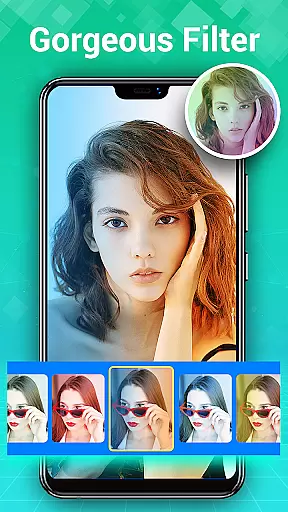
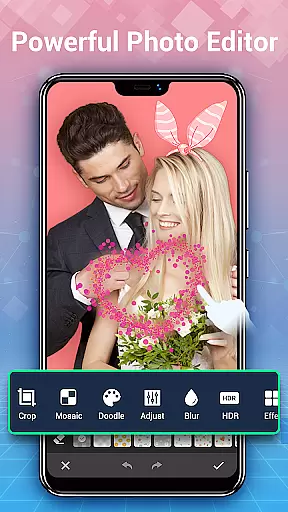
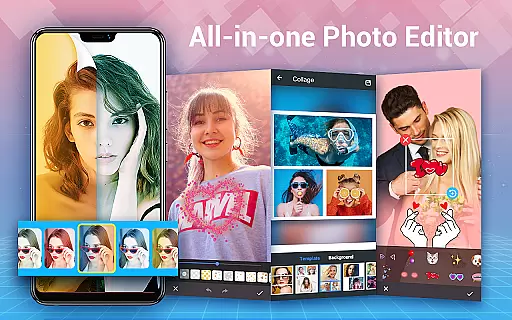
In addition to its organizational capabilities, Photo Gallery includes powerful photo editing tools and collage creation features. Users can apply filters, adjust lighting, add text, and create stylish collages with ease. The app supports folder and SD card management, making it simple to transfer files and organize media. With its intuitive interface and offline functionality, Photo Gallery is an essential tool for anyone looking to efficiently manage their digital media library while maintaining privacy and creative control.
Photo Gallery stands out with its extensive feature set tailored for both casual and professional photographers. One of its core strengths is the automatic organization of photos and videos by date, album, or custom categories, which simplifies file management. The app's gallery lock feature allows users to hide sensitive media in an encrypted vault, accessible only via password, providing peace of mind for those concerned about privacy.
For creative enthusiasts, Photo Gallery offers advanced photo editing capabilities, including auto-enhance, filters, stickers, text overlays, and more. Its collage maker lets users combine multiple images into visually appealing layouts using free-style or grid templates. Additional functionalities such as slideshow playback, trash retention, and rich sorting options (by date, size, or name) further enhance usability. These features collectively make Photo Gallery not just a storage solution but a versatile tool for enhancing and showcasing your media.
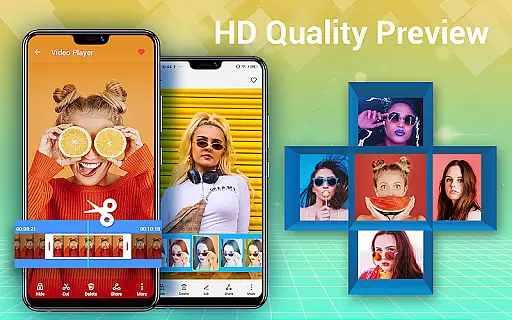
Real-time capture and preview functionality is essential for any photography app, allowing users to see exactly what the camera sees before taking a shot. Photo Gallery - Album, Vault offers this feature with its intuitive interface that ensures every photo or video taken is captured in high quality.
The application supports automatic organization of photos and videos, enabling users to browse their media in HD and manage their albums efficiently. With real-time previews, users can adjust settings such as lighting and focus instantly, ensuring they get the perfect shot every time.
Moreover, the app's support for folders and SD cards means that users can organize their captures in various ways, copying and transferring files easily between storage locations. This flexibility enhances the user experience by providing seamless integration with existing file management systems.
By offering real-time capture and preview, Photo Gallery not only simplifies the process of taking photos but also empowers users to be more creative and efficient in managing their digital content.
AI beauty and enhancement features are becoming increasingly popular in photography apps, providing users with tools to enhance their images naturally. Photo Gallery - Album, Vault includes an advanced photo editing suite that leverages AI to automatically improve the appearance of photos with just one tap.
This smart gallery app allows users to apply a variety of filters, adjust lighting, add stylish stickers, text, doodles, mosaics, and more. The AI-driven enhancements ensure that edits look natural and do not distort the original image, preserving the authenticity of the moment captured.
In addition to basic editing tools, the app offers collage-making capabilities, enabling users to create visually appealing compositions from multiple images. These collages can then be shared directly to social media platforms like Instagram, Facebook, and Twitter, enhancing user engagement and satisfaction.
With its comprehensive set of AI-powered editing features, Photo Gallery provides a powerful yet user-friendly solution for anyone looking to enhance their photos while maintaining a natural look.
User-friendly interface
Advanced privacy protection
Powerful editing tools
Offline functionality
Versatile collage options
Requires permissions for full functionality
Limited cloud integration
Premium features may require payment
Occasional ads in free version
Complexity might overwhelm beginners

Long exposure camera with computational photography
 2.60
2.60
All-in-One Editor & AI Photo Enhancer, Beautify & Retouch, Collage, Cartoonify
4.20
Photo editor: AI filters, photo enhancer, pic collage maker, AI art generator.
4.80
Transform photos into videos! Create realistic or anime-style images easily!
4.50
Luminar: Photo Editor - easy picture editing with AI
4.20
Easily view, share, delete photos with Gallery.
4.70
Fit multiple photos on one post. Create carousels & scroll layouts for Instagram
4.50
Snap photos remotely using your Garmin watch as the camera trigger
4.1
Unlock the full potential of your DJI drone with Litchi
4.50
Create funny photos and videos with the popular Time Warp Scan filter.
4.90
Pro version: AR sun/moon tracker for any date. Tool for photographers & planners
4.90
Viewfinder, Light meter, Reciprocity failure time, DOF & Bellows Extension
4.60
A must-have app for landscape photographers
4.60
Enhance, retouch & create your story - Share the moment with Photoshop Express.
4.60
Safe & smart flight with Go Fly drone controller for 40+ drone camera, zone map
4.50
Create collages easily! Nice pic collage maker & background eraser for Instagram
4.50
AI portrait generator and polaroid AI selfie, fun AI generated AI photo creator!
4.30
All-in-One Editor & AI Photo Enhancer, Collage, Cartoonify, Funny Stickers & BGS
4.10
Remote control of the phone camera from your Wear OS smartwatch
3.70


User Reviews