

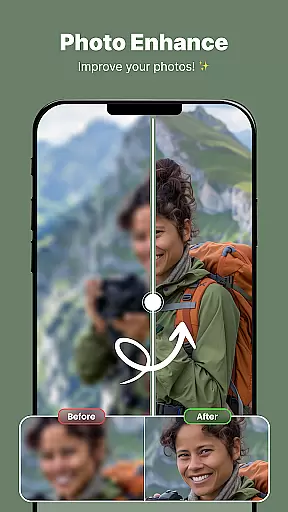
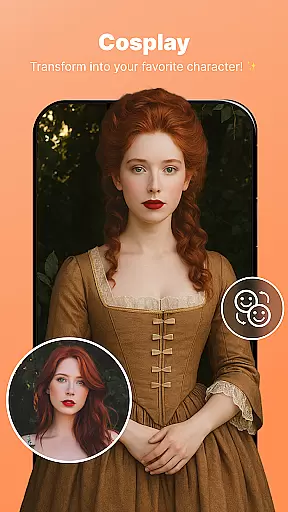
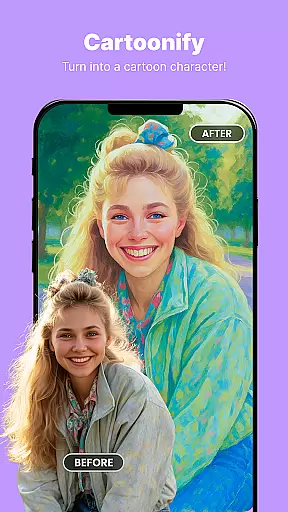
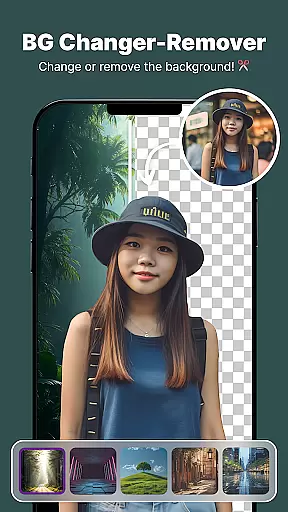

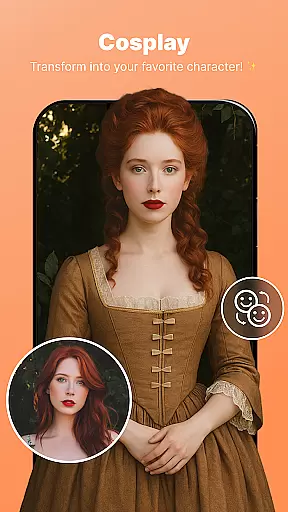
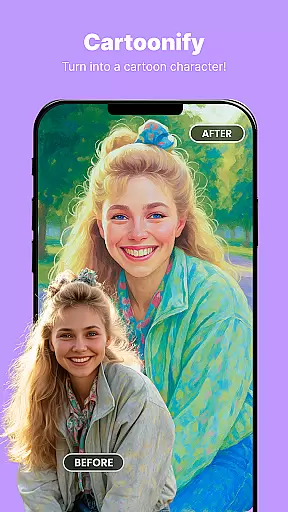
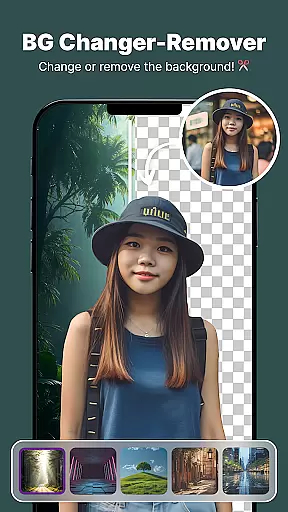
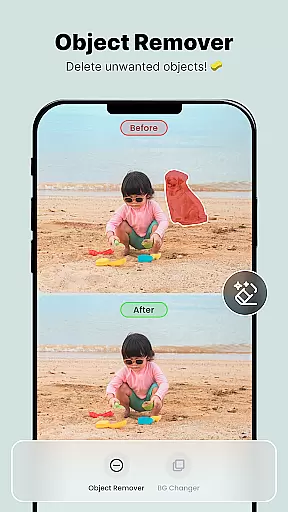
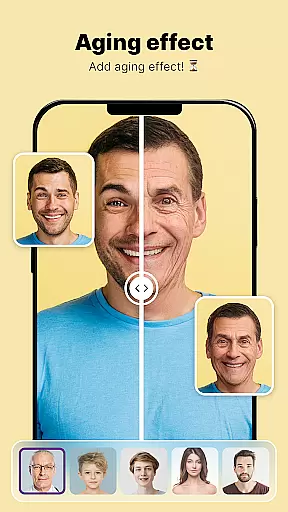
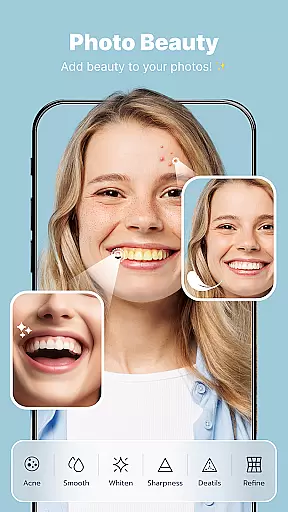

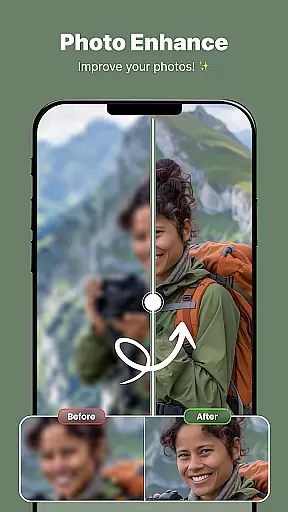
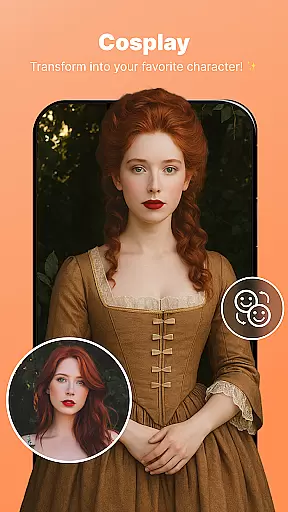
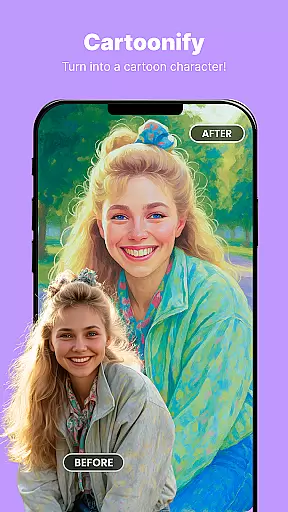
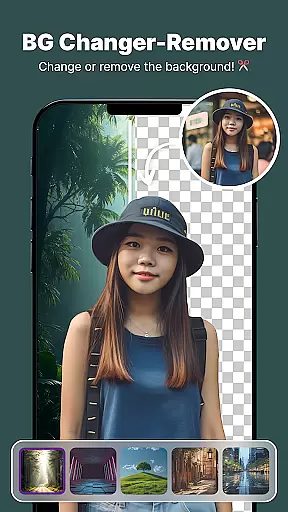
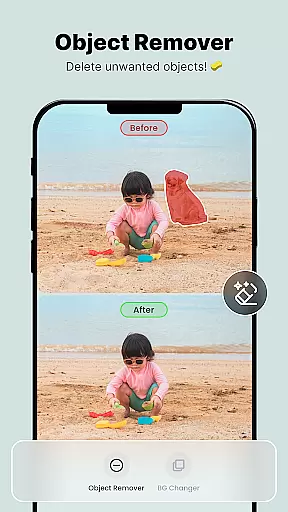
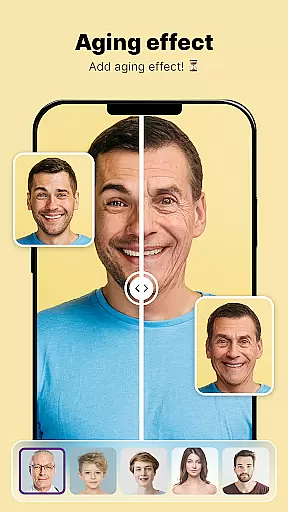

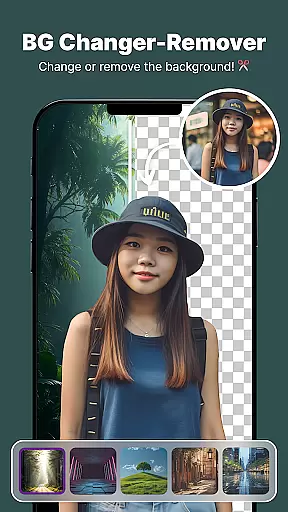
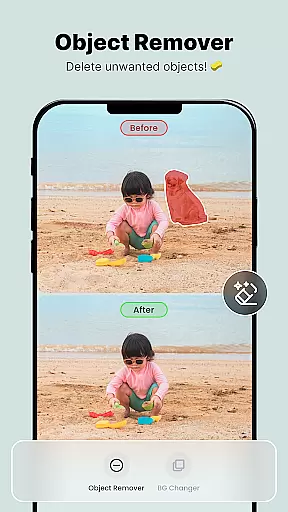
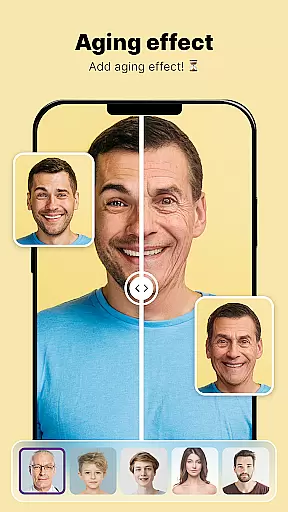
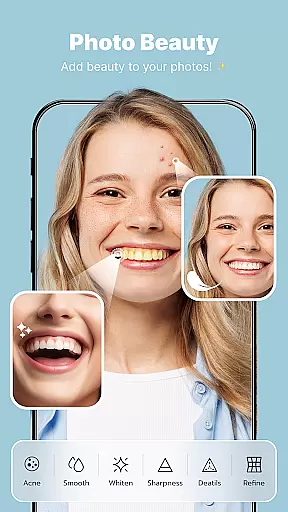
ShotCam is a comprehensive photo editing app designed to enhance your photography experience. With features like Body Shaper, Collage Maker, Background Changer, Object Remover, Aging Effects, and Background Blur, it offers all the tools you need to create flawless photos.
This app allows users to sculpt their body shape, create stunning collages, change or blur backgrounds for a professional touch, remove unwanted objects, and even apply aging effects. Whether you're editing for fun or perfection, ShotCam provides top-tier tools for every editing need.
Perfect for social media enthusiasts and professional photographers alike, ShotCam transforms ordinary photos into captivating visual stories. The intuitive interface and powerful editing capabilities make it an essential tool for anyone looking to elevate their photo game.
ShotCam stands out with its diverse range of innovative features tailored to meet various photo editing needs. One of the key highlights is the Animate Photo feature, which brings static images to life by turning them into dynamic animations with just a few taps.
The Body Shaper tool allows users to fine-tune their figure effortlessly, while the Collage Maker helps combine favorite moments into beautiful collages using customizable layouts. Additionally, the Background Changer and Eraser enable instant replacement of unwanted backdrops, offering precise background changes.
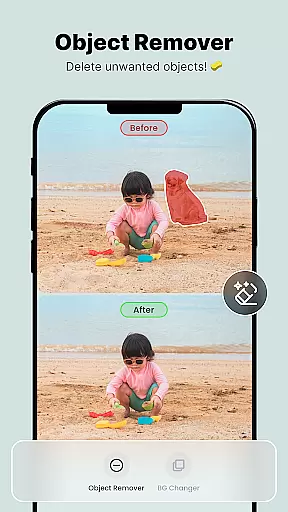
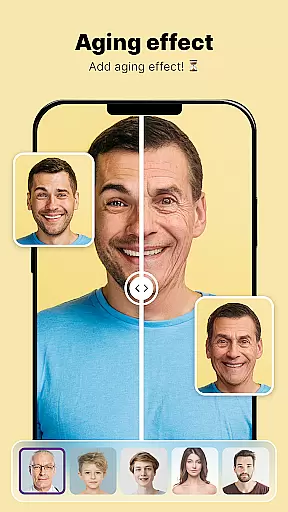
Other notable features include the Object Remover for cleaning up photos by removing distractions, Aging Effects for a glimpse into the future, and Background Blur to add depth and focus to portrait photos. These robust functionalities ensure that ShotCam delivers a professional-level editing experience.
Real-time capture and preview functionality is essential for ensuring that users can see the results of their photo edits instantly. This feature allows photographers and casual users alike to make adjustments on the fly, ensuring that every edit meets their expectations before finalizing.
ShotCam offers a seamless real-time editing experience by integrating powerful processing capabilities directly into the app. As users apply filters, adjust settings, or use tools like Body Shaper and Background Blur, they can see the changes reflected immediately on their screen. This instant feedback loop enhances the creative process, allowing for quick iterations and fine-tuning.
The value of real-time capture and preview extends beyond just convenience; it empowers users to experiment more freely with their edits. Knowing that mistakes can be corrected instantly encourages creativity and exploration. Whether you're adjusting lighting, reshaping elements, or applying artistic effects, seeing these modifications in real time ensures that your vision comes to life exactly as intended.
Ultimately, this feature transforms the photo editing experience from a tedious task into an engaging and dynamic activity. By providing immediate visual confirmation of each change, ShotCam enables users to achieve professional-quality results with confidence and ease.
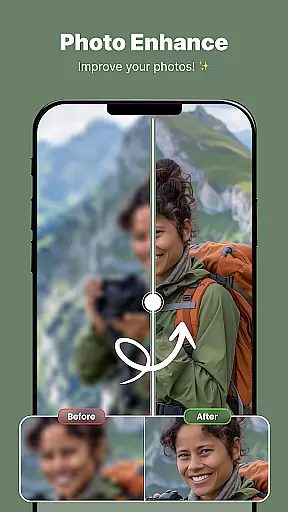
AI beauty and enhancement features have become increasingly popular in photo editing applications, offering users the ability to enhance their images with natural-looking results. The key to successful AI enhancements lies in maintaining authenticity while improving aesthetic appeal.
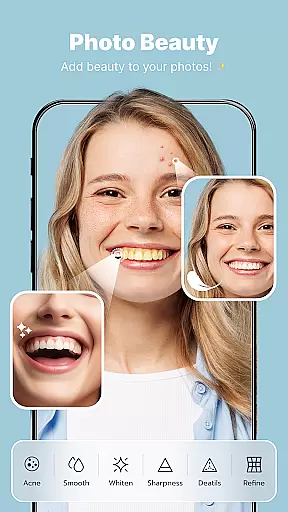
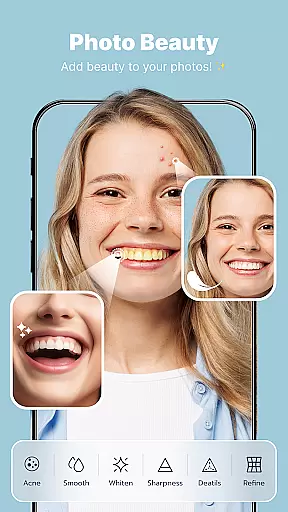
ShotCam leverages advanced AI algorithms to provide users with tools that not only beautify but also preserve the original essence of the photograph. Features such as skin smoothing, blemish removal, and facial sculpting are designed to enhance without over-processing, ensuring that edited photos retain their genuine character.
This balance between enhancement and naturalness is crucial for user satisfaction. Overly processed images can appear artificial and lose their emotional impact. By contrast, ShotCam's AI-driven enhancements subtly elevate the quality of photos, making subjects look their best while keeping edits undetectable to the untrained eye.
Users benefit from this approach by achieving polished yet authentic results that enhance personal and professional imagery alike. Whether preparing photos for social media or professional portfolios, the assurance that edits will look natural and appealing adds significant value to the overall user experience.
User-friendly interface
Comprehensive editing tools
High-quality results
Innovative animation feature
Versatile collage options
May require premium purchase
Some features are complex
Occasional performance lags
Limited free templates
Ads in the free version

Find time and duration of different sunlight phases at any location
 4.90
4.90
Professional video recording application with manual controls for filmmakers!
2.80
Be your best in every shot! Fix, edit and retouch your face in selfies & photos.
3.70
Take videos and pictures with the popular TikTok TIME WARP SCAN filter.
4.60
AI-powered video creator by MiniMax - Where ideas meet cinema
4.20
live datamoshing
4.00
Professional camera app that brings DSLR manual photography controls to Android.
4.20
PhotoSync Bundle Add-On License. Enables all features and services in PhotoSync.
4.60
Your Family Calendar + Photos. Manage your Skylight Calendar and Skylight Frame.
4.40
Create funny photos and videos with the popular Time Warp Scan filter.
4.90
Cartoon and artistic effects for your photos and videos
4.70
Enhance, upscale, and transform your images — on your device, without limits
4.70
Fit multiple photos on one post. Create carousels & scroll layouts for Instagram
4.50
Effortlessly organize, view and share your photos & videos with Gallery app!
4.40
Trendy TikTok time warp scan funny filter app brings you unique photos & videos.
4.40
Catch sunlight, sunrise sunset times and sun phases with the AR sun tracker.
4.10
Gallery Slideshow is slideshow maker app for slideshow from your gallery photos.
3.90
HD Photo gallery and photo manager to edit, hide private photos, videos & albums
4.4
Add a dreamy vibe to your selfies and videos with soft style filters
4.4


User Reviews