
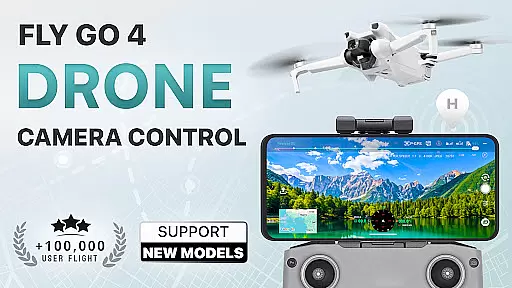
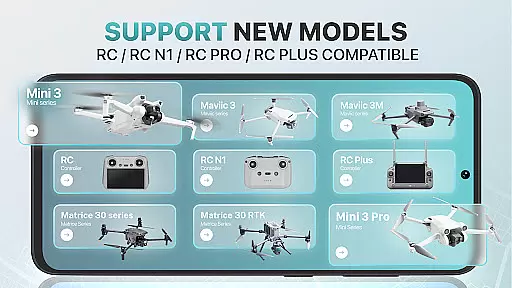
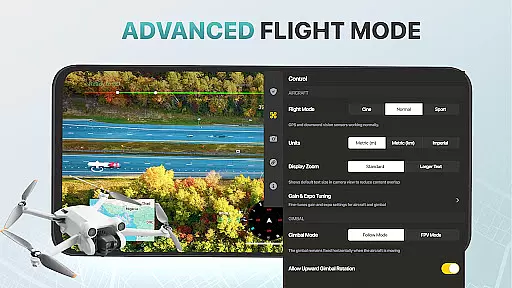
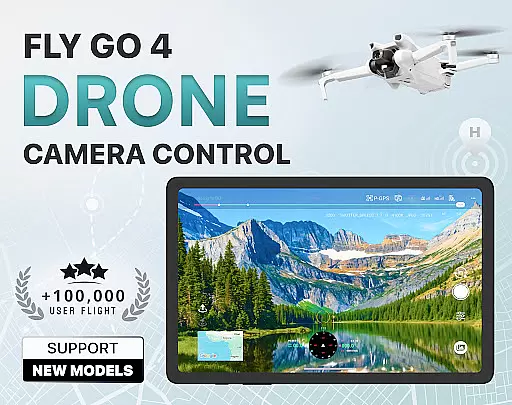
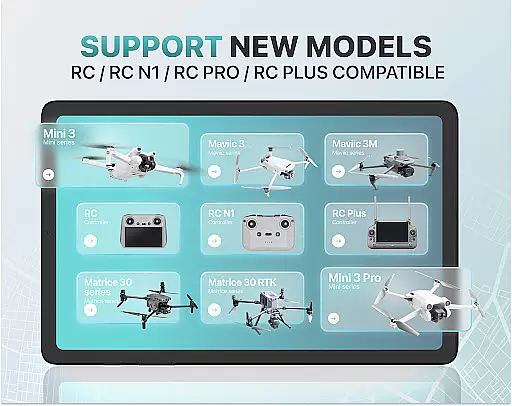
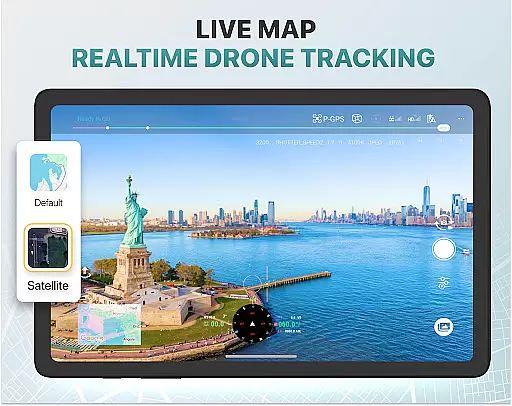
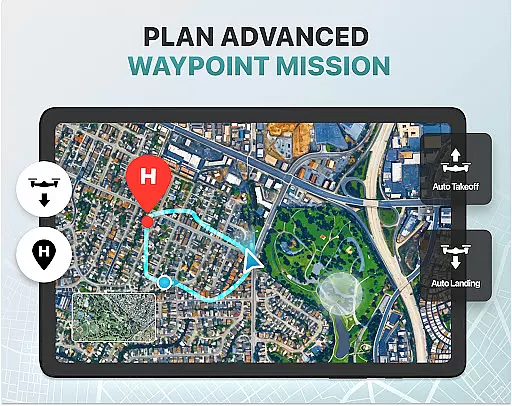
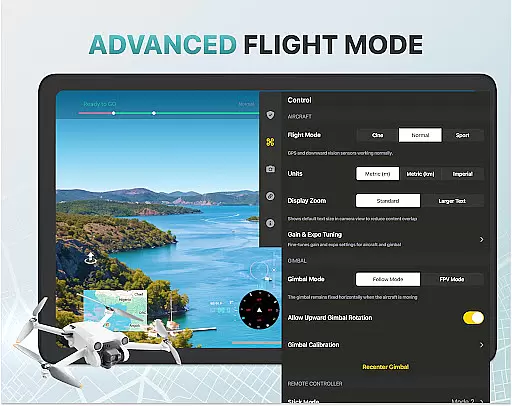
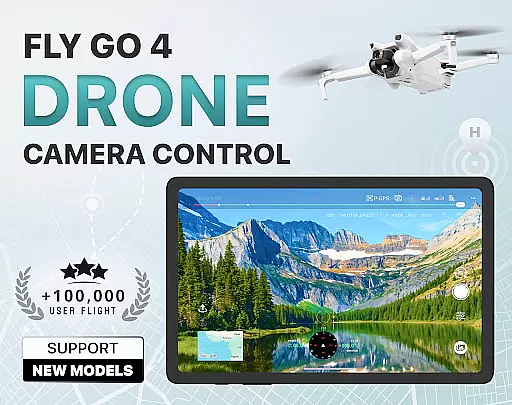
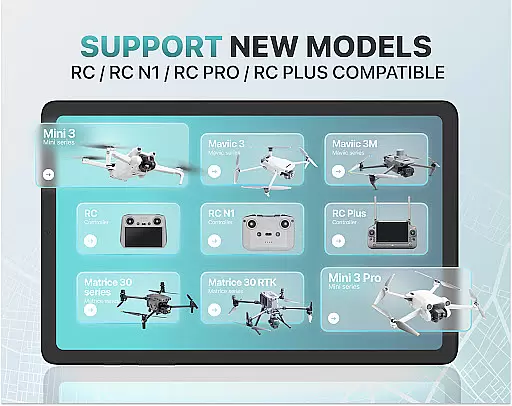
Fly Go 4 Drone Camera Control is a comprehensive drone management app designed for both novice and experienced drone pilots. The app offers seamless compatibility with a wide range of drones, flycams, and UAVs, including popular models like Matrice 350 RTK, DJI Mini 3, and DJI Mavic 3 Enterprise Series. With its intuitive interface, users can effortlessly control their drones directly from their mobile devices.
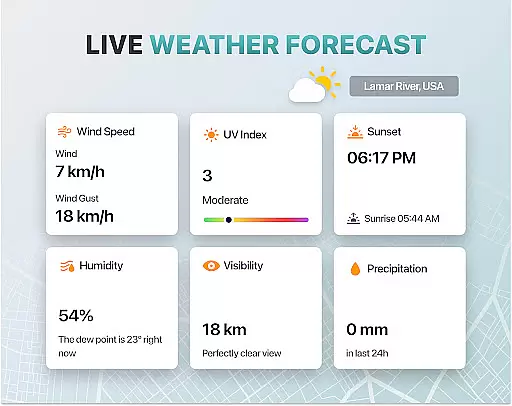
One of the standout features of Fly Go 4 is its ability to provide real-time camera feeds, enabling precise control over aerial photography and videography. Additionally, the app includes advanced tools such as UAV weather forecasts, no-fly zone alerts, and smart media export options. These features ensure that users can safely and efficiently manage their drone operations while capturing high-quality content.
Whether you're a beginner looking to learn the basics or an experienced pilot seeking advanced functionalities, Fly Go 4 has something to offer. From beginner tutorials to intelligent flight modes, this app caters to all skill levels, making it an essential tool for anyone involved in drone photography and videography.
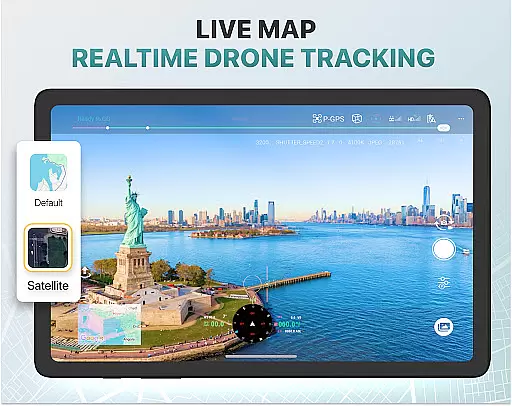
Fly Go 4 Drone Camera Control boasts a variety of innovative features tailored to enhance the drone flying experience. One of its key capabilities is the real-time camera feed, which allows users to view lag-free video streams directly on their phone screens. This feature ensures precise control over the drone's camera, enabling users to capture stunning aerial footage with ease.
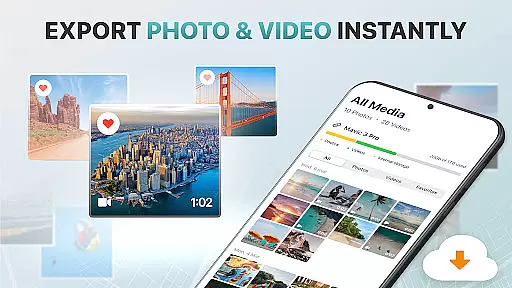
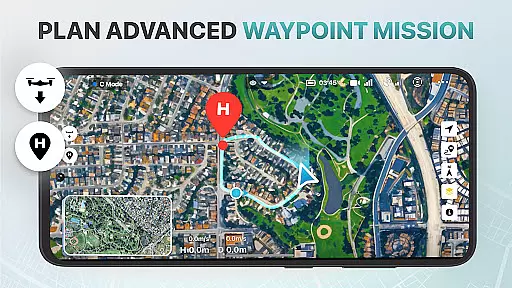
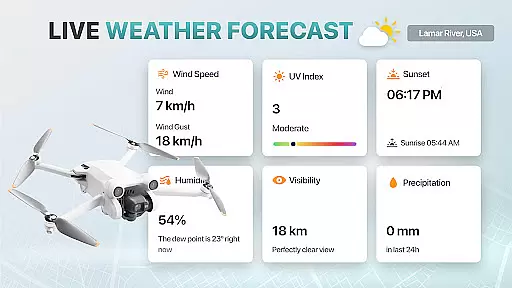
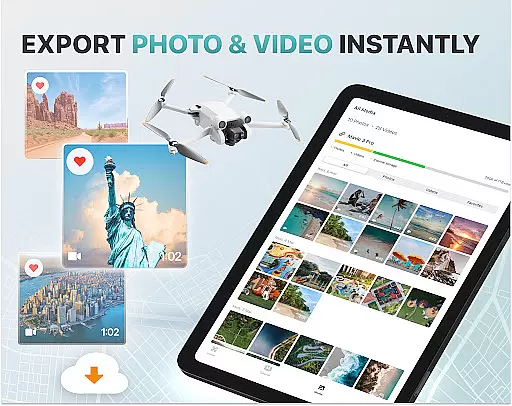
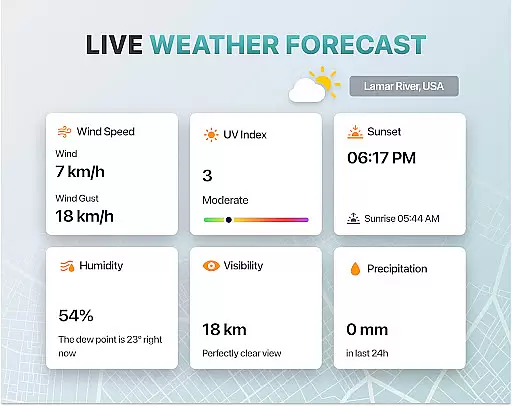
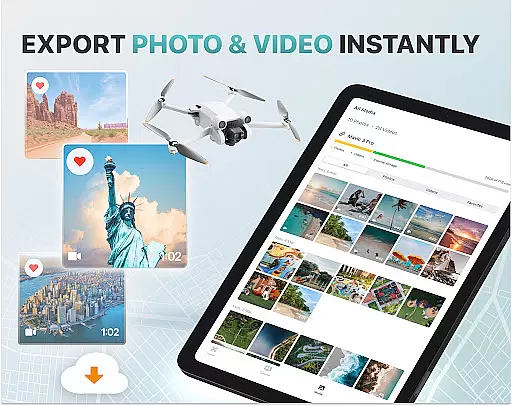
In addition to its camera control features, Fly Go 4 provides practical tools such as UAV weather forecasts and no-fly zone alerts. These functions help pilots plan their flights more effectively by providing critical information about weather conditions and restricted airspaces. Furthermore, the app supports smart media export, allowing users to transfer high-quality files from their drones to their devices effortlessly.
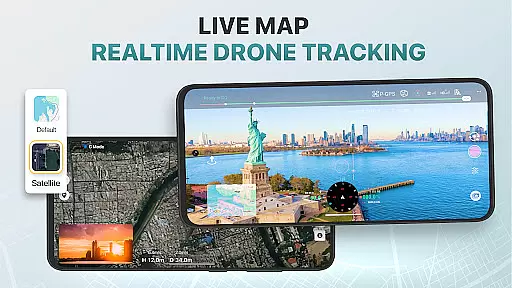
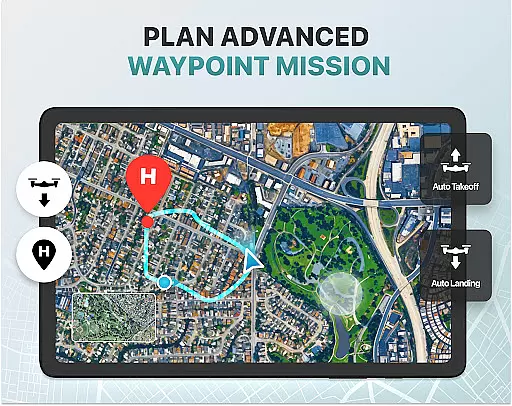
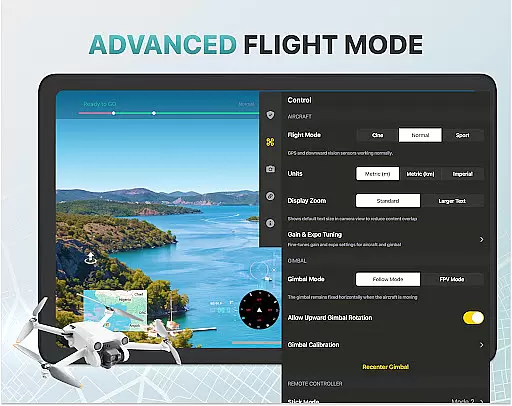
The app also includes advanced functionalities like the find my drone GPS tracker, home point functionality, and gimbal direction adjustment. These features not only improve the overall user experience but also ensure safety and convenience during drone operations. Whether you're managing a professional project or enjoying a hobby, Fly Go 4 equips you with the tools needed to succeed.
Real-time capture and preview functionality is essential for drone photography, allowing users to see exactly what the drone's camera is capturing as it happens. The Go Fly Drone Controller Pro app excels in this area by providing a seamless live video feed directly to your phone screen.
This feature ensures that every shot or video taken with the drone is precisely framed and composed according to the user's vision. With lag-free transmission, pilots can make real-time adjustments to capture the perfect moment without any delay.
Users benefit from having complete control over their aerial photography sessions. Whether capturing panoramic landscapes or detailed close-ups, the ability to preview shots on the fly enhances creativity and precision. This immediacy not only saves time but also improves the overall quality of the content produced.
The app supports various high-quality file formats, making it easy to share and edit footage right after capturing. This means photographers and videographers can quickly adapt to changing conditions and ensure they never miss an opportunity for stunning imagery.
AI beauty and enhancement features are increasingly important in photography apps, offering tools to refine and enhance images naturally. While primarily focused on drone control, the Go Fly Drone Controller Pro includes advanced functionalities that subtly improve photo quality without compromising authenticity.
These AI-driven enhancements automatically adjust settings such as exposure, contrast, and color balance, ensuring each image looks its best while maintaining a natural appearance. By leveraging sophisticated algorithms, the app helps users produce professional-grade photos effortlessly.
For drone enthusiasts, these enhancements mean that even amateur pilots can achieve impressive results. The app intelligently processes images captured by the droneu2019s camera, enhancing details and colors to create visually striking compositions. This capability significantly boosts user confidence in their photographic skills.
Ultimately, the AI beauty and enhancement features contribute to a more satisfying user experience. They allow creators to focus on capturing unique perspectives and breathtaking views, knowing that the app will handle the finer details of image optimization. This blend of technology and artistry sets the Go Fly Drone Controller Pro apart in the realm of drone photography.
Real-time camera feed
Wide drone compatibility
User-friendly interface
Comprehensive weather updates
Advanced safety features
Premium subscription required
Limited free trial period
Not an official manufacturer app
Occasional connectivity issues
High cost for lifetime access

Effortlessly organize, view and share your photos & videos with Gallery app!
 4.40
4.40
Find time and duration of different sunlight phases at any location
4.90
Photo editor: AI filters, photo enhancer, pic collage maker, AI art generator.
4.80
Be your best in every shot! Fix, edit and retouch your face in selfies & photos.
3.70
GCamera allows all GCam features on all phone models! Better photos with GCamera
3.30
AI photo enhancer with Sora 2! Enhance, descratch, and colorize your old photos.
4.50
Unblur, enhance & restore photos with powerful AI photo enhancer tools.
4.60
Edit photos with the picture generator: PS2 & AI Clay filters, cartoon effects.
4.50
Photo & Video Gallery app to manage albums and save WA Status easily.
4.70
Collage your moments in one tap: 1000+ layouts, filters, stickers, and texts.
4.90
Pro version: AR sun/moon tracker for any date. Tool for photographers & planners
4.90
Perfect body tune & face app - photo retouch, makeup, slim body & beautify face.
4.80
The original Rarevision VHS look seen everywhere!
4.70
All-in-One Editor & AI Photo Enhancer, Beautify & Retouch, Collage, Cartoonify
4.20
All-in-One Editor & AI Photo Enhancer, Collage, Cartoonify, Funny Stickers & BGS
4.10
Professional quality photo edits with the new Snapseed.
4.00
Perfect photos with body shaping, BG changer and object remover.
3.70
Superimpose one photo on top of another using the original Superimpose app!
3.20
Remote control the phone camera shutter from your smartwatch and take a picture
1.60


User Reviews