
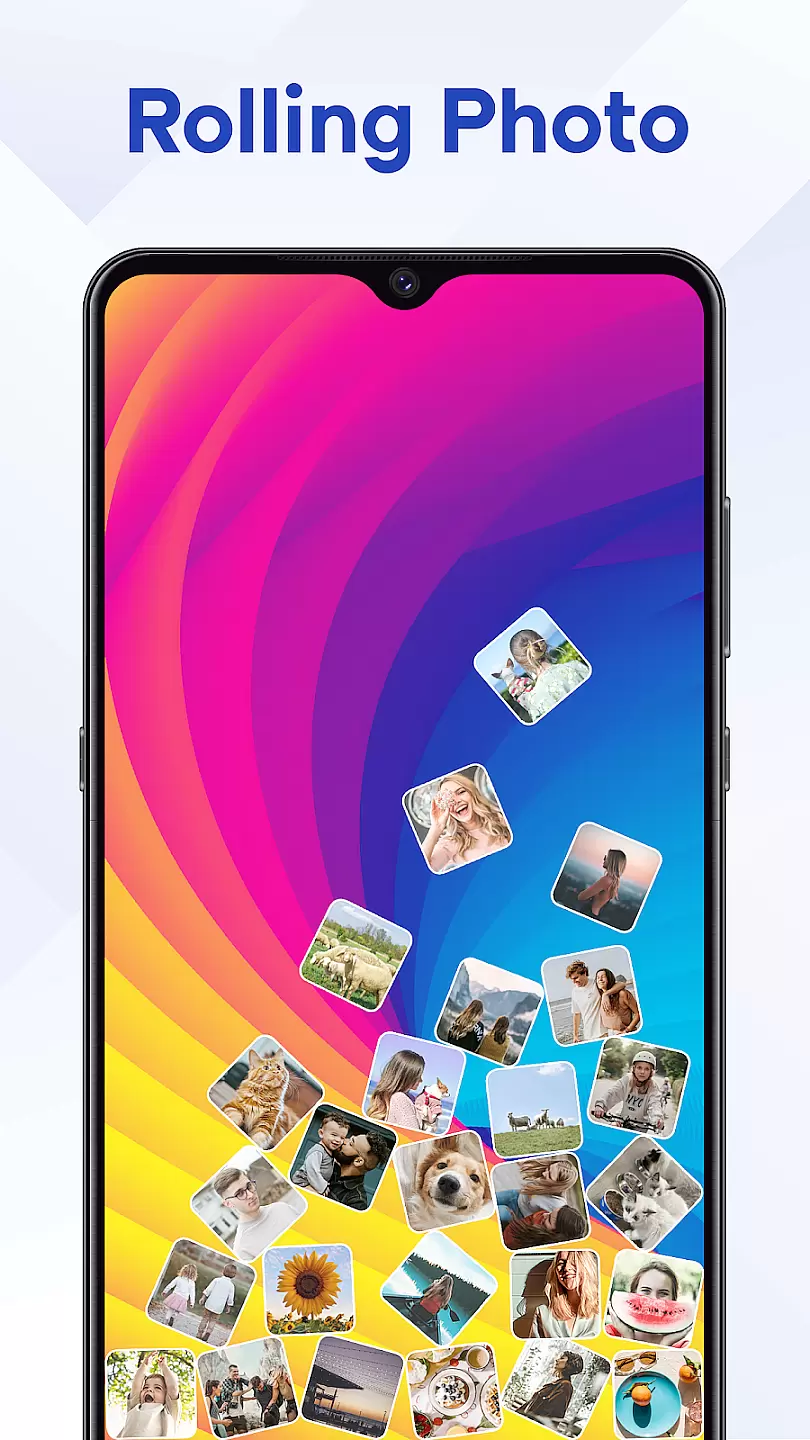
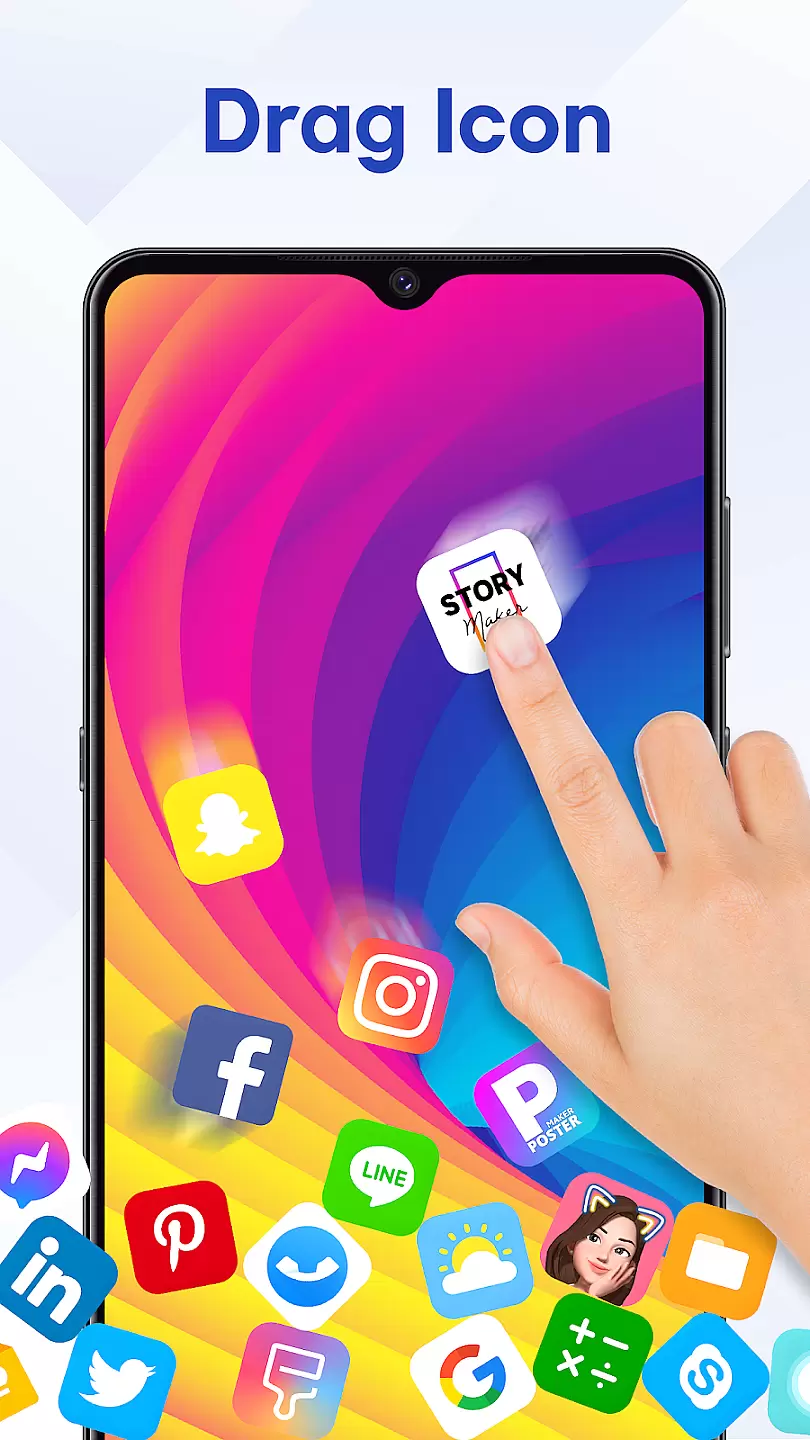
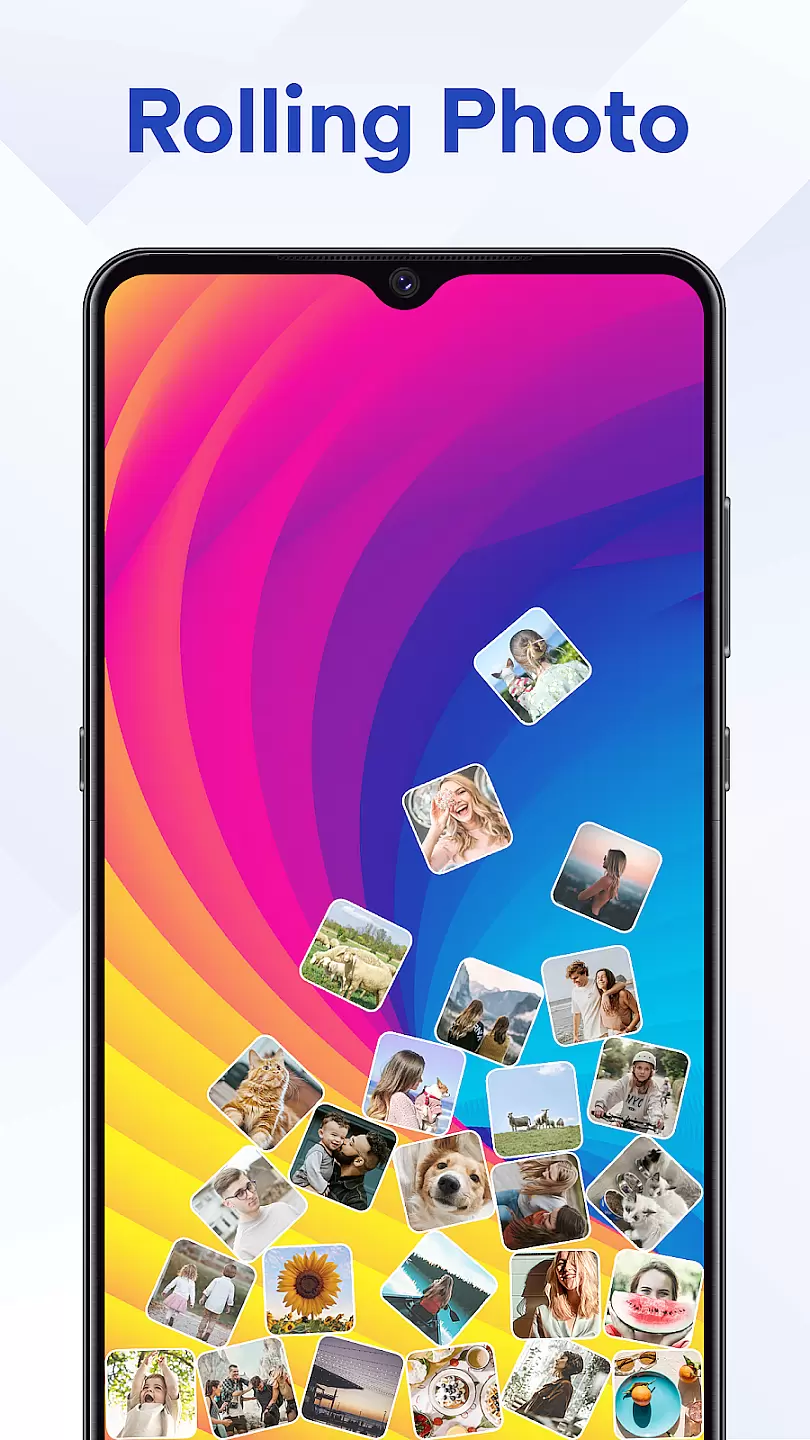
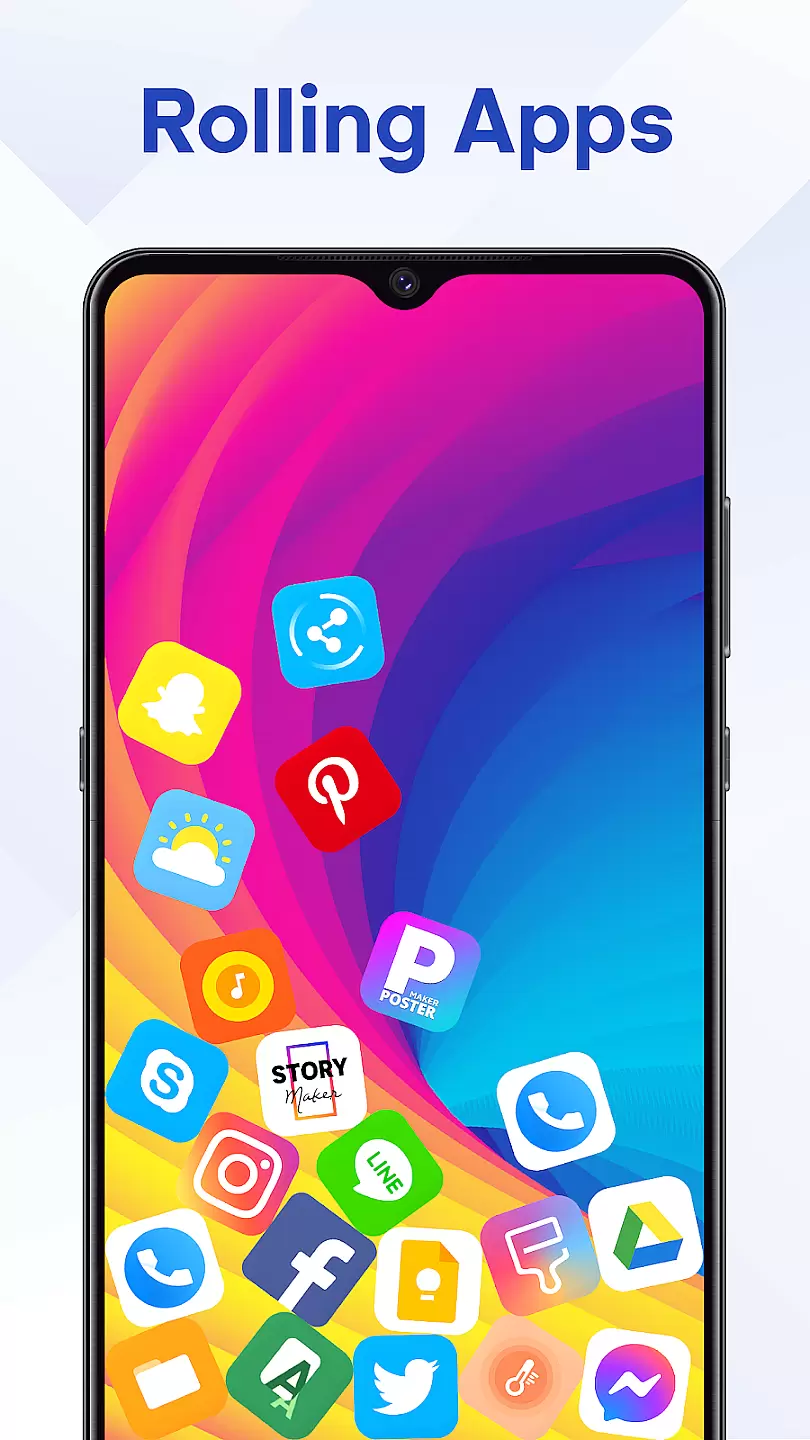
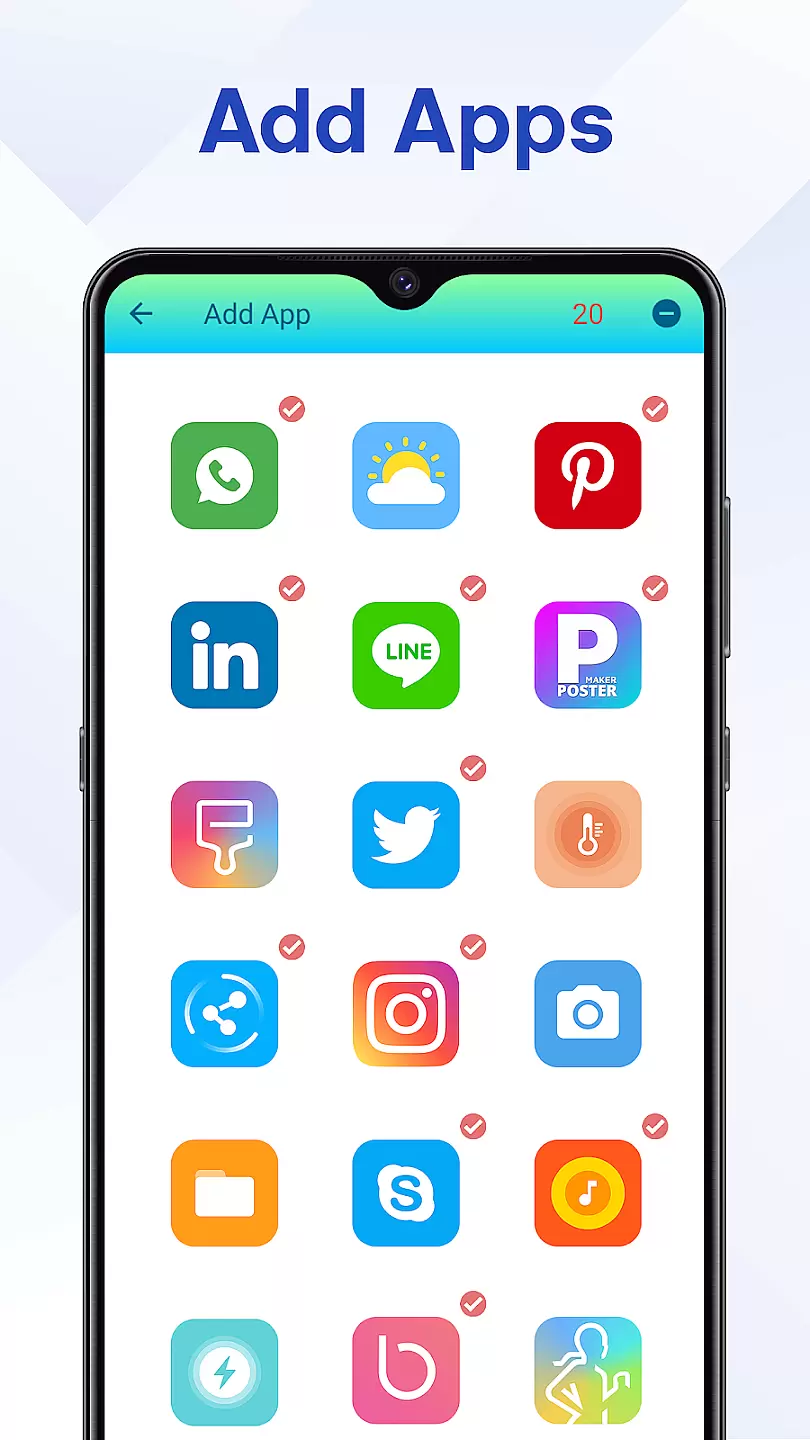
Rolling Icon: 3D Wallpaper is a personalization app that brings your smartphone to life with dynamic 3D icons and wallpapers. The app allows users to replace static app icons with animated 3D designs, creating a unique and modern look for their home screens. With support for both Android and iOS devices, this app offers an immersive experience that enhances the visual appeal of your device while maintaining usability.
In addition to its core feature of transforming icons, Rolling Icon also provides a variety of customizable wallpapers. Users can choose from pre-designed themes or create their own, ensuring a personalized touch to match their style. Whether you're looking to refresh your phone's appearance or impress others with cutting-edge design, Rolling Icon delivers both aesthetics and functionality.
One of the standout features of Rolling Icon: 3D Wallpaper is its extensive library of 3D icon packs. These packs cover a wide range of categories, including social media, productivity tools, and entertainment apps, allowing users to find the perfect match for their needs. Each icon is crafted with attention to detail, providing smooth animations that respond to touch interactions.
The app also includes advanced customization options. Users can adjust icon sizes, apply unique effects, and even mix-and-match elements from different packs. Furthermore, Rolling Icon supports live wallpapers that synchronize with the 3D icons, creating a cohesive and visually stunning interface. This combination of features ensures that every user can achieve a truly one-of-a-kind setup.
Customization is at the heart of personalizing your device to truly make it yours. Rolling Icon: 3D Wallpaper understands this need and offers a plethora of customization options that allow users to tailor their device's appearance extensively.
The app provides an impressive range of 3D wallpapers, each with unique designs and color schemes that cater to various tastes and preferences. Whether you prefer vibrant and dynamic visuals or subtle and sophisticated patterns, there is something for everyone within this application.
Moreover, the ability to adjust settings such as animation speed, perspective angle, and light effects ensures that your home screen not only looks visually appealing but also aligns perfectly with your personal style. These detailed adjustments give users unprecedented control over how their icons and wallpapers are displayed.
By offering these comprehensive customization features, Rolling Icon: 3D Wallpaper empowers users to create a digital environment that reflects their individuality, enhancing both aesthetics and user experience on a deeply personal level.
Theme compatibility is crucial for ensuring that all elements of your deviceu2019s interface work harmoniously together. With Rolling Icon: 3D Wallpaper, users can rest assured knowing that the themes they choose will integrate seamlessly with their existing setup.
This application supports a wide array of themes, from minimalist designs to more elaborate ones filled with intricate details. Each theme has been carefully crafted to maintain visual consistency across different devices and operating systems, providing a uniform look and feel regardless of where it's applied.
In addition to supporting third-party themes, Rolling Icon: 3D Wallpaper also allows for easy integration with custom icon packs. This means that whether youu2019re using stock icons or have downloaded a specific pack that suits your taste, everything will blend perfectly, creating a cohesive and polished appearance.
Ultimately, by prioritizing theme compatibility, Rolling Icon: 3D Wallpaper ensures that every aspect of your deviceu2019s UI works in concert, delivering an enhanced and visually satisfying user experience.
Stunning 3D animations
Wide selection of icon packs
Easy-to-use customization tools
Supports multiple devices
Frequent updates with new content
Some features require in-app purchases
May affect device performance on older models
Limited free icon options
Occasional bugs in animations
Not all apps have matching 3D icons

Customizable Glass widgets. Over 360+ stunning widgets and more!
 4.70
4.70
A light in the dark, a unique style and an andless cutomization!
4.30
Aesthetic Widgets, HD Wallpapers, Themes in Mico Widget for Home and Lock Screen
4.50 4.50
4.50
Customize your home screen with stunning themes, blur, widgets & icons.
4.60
Stylish Pink Cute Hippo keyboard with 10000+ customized keyboard themes!
4.60
Create unique, fun emojis with Funny Emoji Maker! Unlimited creativity!
4.00
Magic fluids wallpaper 4D: Relax with stunning fluid simulation wallpaper app
4.20
Customize phone with anime themes, 3D icons, aesthetic widgets & wallpapers
4.80
Shimeji adds cute animated characters to your screen, lively and fun.
4.70
300+ Stunning and well-designed widgets inspired by NOTHING.
4.70
Glass style colourful icons with a One UI look and feel
4.60
Beautiful realistic hybrid watch face with numerous customization options.
4.50
Transform your phone with Launcher iOS 26 - Smooth & elegant iOS experience
4.50
Transform your device in a game console
4.40
Ultimate widget creator. Design custom widgets for a truly unique home screen!
3.90
Transform your phone with stunning video wallpapers and a unique, personal touch
3.80
Emoji Maker app - Design custom emojis and effortlessly blend them with Mixer
3.80
Struggling to find apps? Use this app to locate and open any app on your phone!
2.20


User Reviews