
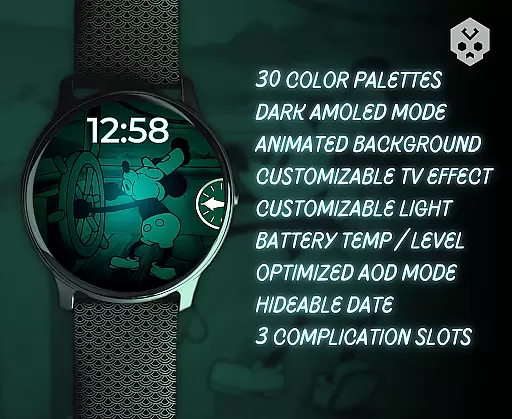
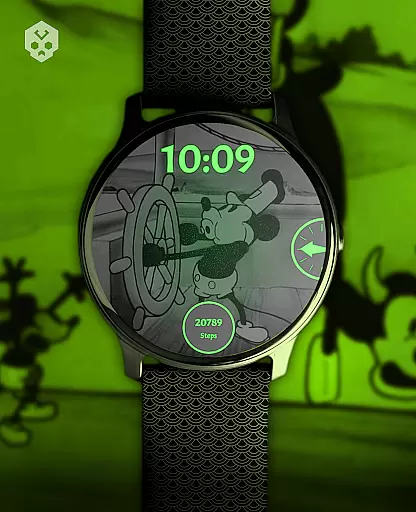
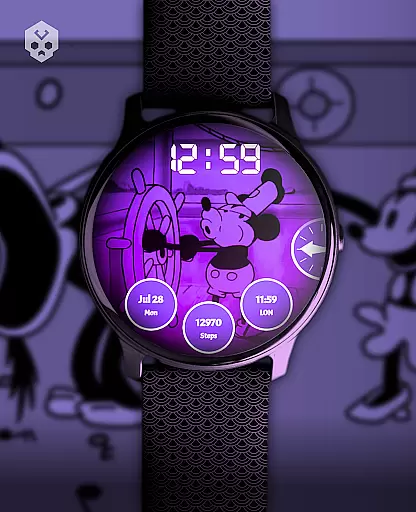
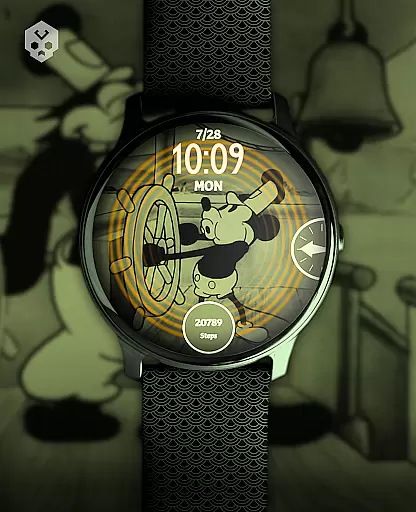
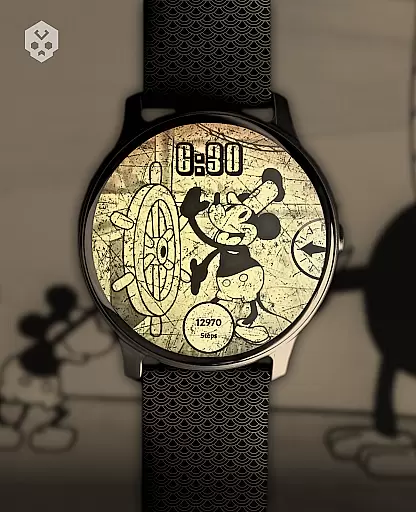
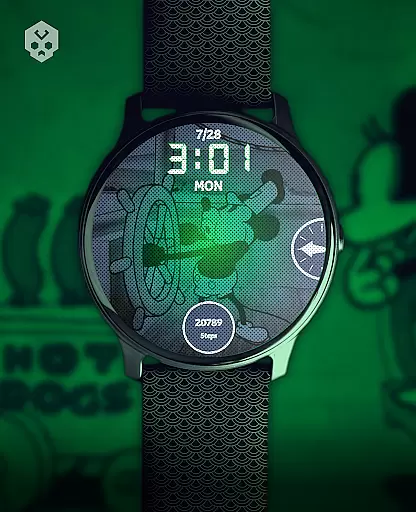
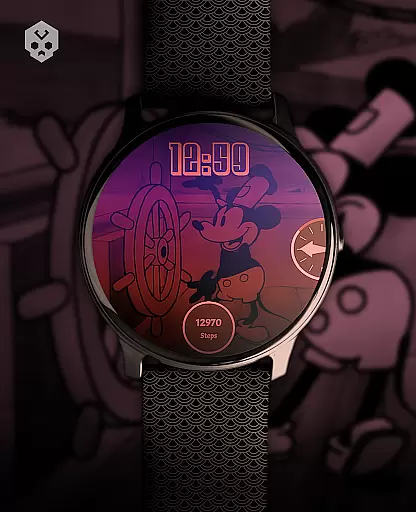
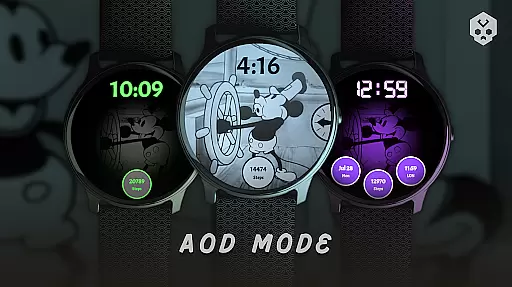
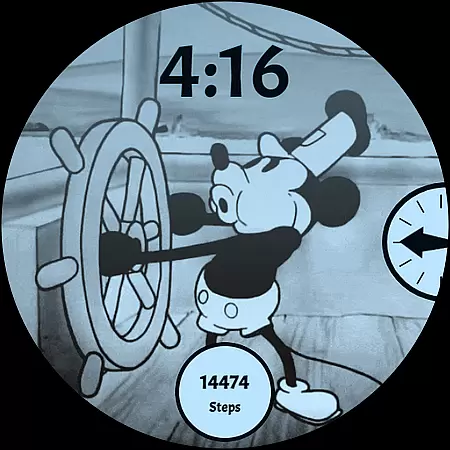
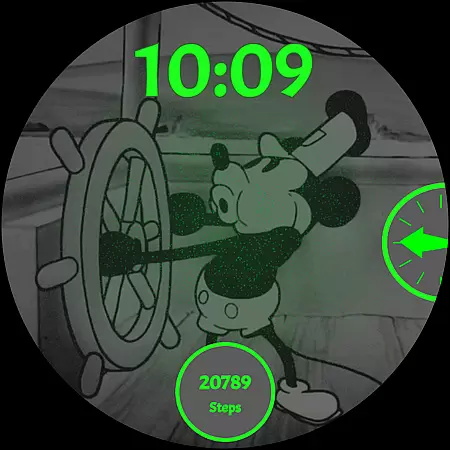
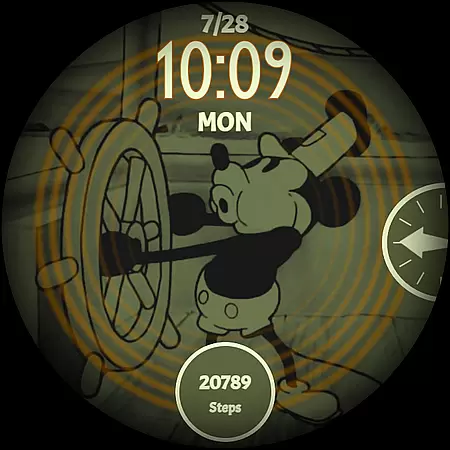
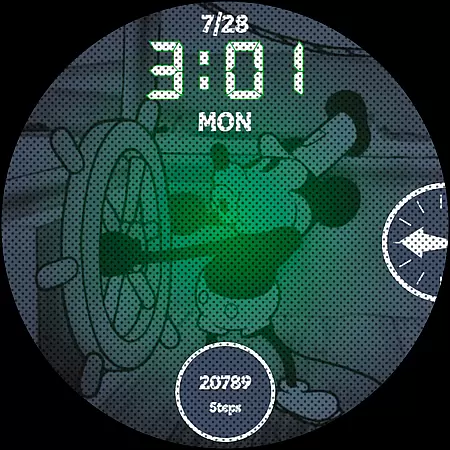
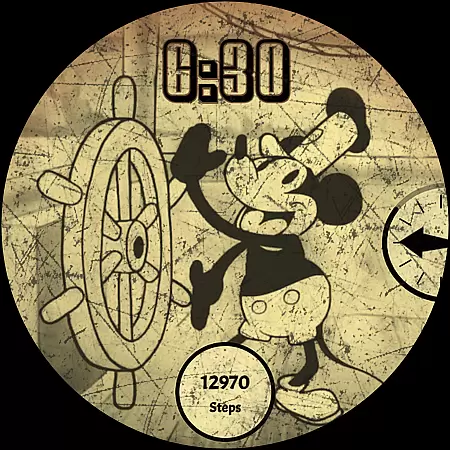
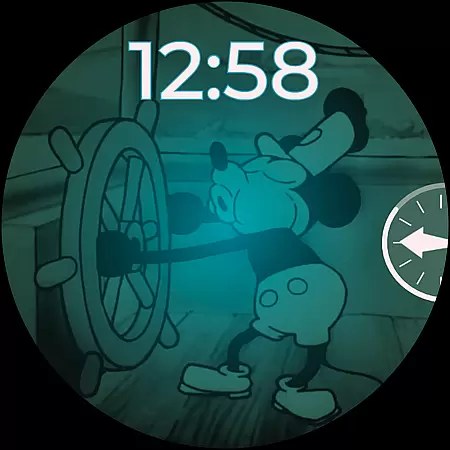
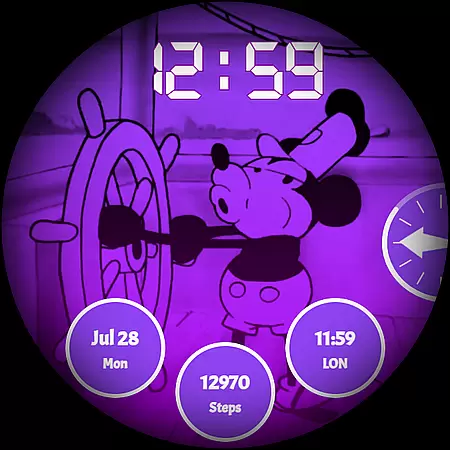
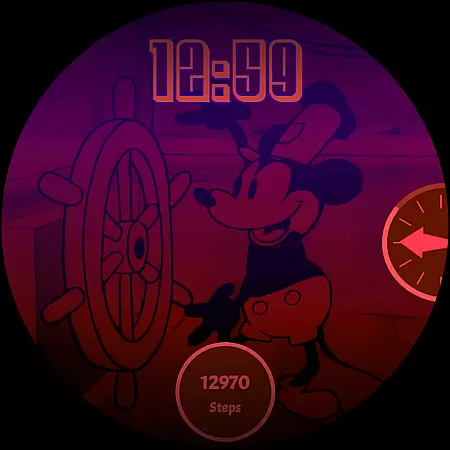
Steamboat Mouse Watch Face brings the iconic Steamboat Willie character to your smartwatch with a retro cartoon-inspired design. This highly customizable watch face is packed with features and information, making it both functional and stylish. Compatible with various Wear OS devices, it offers users a unique way to personalize their smartwatches while enjoying practical utilities like battery status, customizable complications, and multiple color schemes.
The design is now in the public domain, allowing its use in third-party products. Whether you're a fan of vintage aesthetics or seeking a feature-rich watch face, this app caters to diverse user preferences and enhances the overall smartwatch experience.
Steamboat Mouse Watch Face stands out with its array of customization options and practical features. It includes 30 color schemes, high readability mode, 12/24 hours format support, and customizable overlays and backgrounds. The minimal and vintage style appeals to those who appreciate classic designs, while features like low battery alerts, battery temperature display, and three customizable complications ensure functionality.
Installation is straightforward through a companion app that simplifies the process on compatible Wear OS devices. Users can easily switch between different settings to suit their preferences, ensuring both ease of use and aesthetic satisfaction. With continuous support and updates, this watch face promises an evolving experience tailored to user feedback and technological advancements.
Customization is at the heart of the Steamboat Mouse Watch Face, offering users a versatile and personalized experience. With 30 distinct color schemes, this watch face ensures that you can tailor its appearance to match your style or mood. Whether you prefer a classic black-and-white theme reminiscent of retro cartoons or vibrant colors that pop off your smartwatch screen, the choice is yours.
Beyond color, the watch face supports both 12-hour and 24-hour time formats, catering to personal preferences and regional standards. The customizable overlay and background allow for further personal touches, making it not just a time-telling tool but an expression of individuality on your wrist.
For those who value both form and function, the Steamboat Mouse Watch Face includes three customizable complications. These provide quick access to your most-used apps or information, such as weather updates or fitness stats, ensuring that personalization also enhances practicality. This level of customization empowers users to craft a smartwatch interface that's uniquely theirs, enhancing both aesthetics and usability.
The Steamboat Mouse Watch Face stands out in terms of theme compatibility, designed to seamlessly integrate with a wide range of Wear OS devices. As a native standalone Wear OS application, it boasts broad compatibility across various smartwatches from brands like Samsung, Mobvoi Ticwatch, Fossil, Oppo, and the latest Xiaomi models. This extensive device support ensures that no matter your smartwatch choice, you can enjoy the charm and functionality of this unique watch face.
Installation is straightforward, thanks to an easy-to-use companion app that facilitates the setup process without requiring technical expertise. Once installed, the watch face maintains visual consistency and operational reliability across different devices, preserving the integrity of its design and interactive elements. This means whether you're using a high-end model or a more budget-friendly option, the experience remains smooth and engaging.
Moreover, the Steamboat Mouse Watch Face is crafted to adapt to various screen sizes and resolutions, ensuring crisp visuals and accurate touch responses regardless of the hardware specifics. Such attention to compatibility underscores the developer's commitment to delivering a universally accessible product that upholds quality and user satisfaction across the diverse landscape of Wear OS devices.
Highly customizable
Vintage design appeal
Battery status at a glance
Multiple color schemes
Public domain design
Paid app
Compatibility issues
Requires Wear OS
Complex for beginners
Limited free support

Classic analogue watch face. For wear os devices.
 4.60
4.60
Customizable Glass widgets. Over 360+ stunning widgets and more!
4.70
Themes - Widget & Wallpaper: Customize home screen, icon changer w unique themes
4.30
Art & Emoji Keyboard with Cool Fonts, Cute Themes and Custom Designs.
4.40
Nothing Icon pack with more than 3750+ highly crafted icons.
4.70
HappyLighting is a Bluetooth lamp control software.
3.40
Adorable pets roam and play right on your phone screen!
3.30
350+ widgets with a premium glass-style finish, perfect for home & lock screens.
4.70
A minimalist productivity launcher. One-hand-friendly. Zero ads.
4.70
One 8 icons glass color version
4.80
Ultra realistic high quality analog watch face for Wear OS.
4.60
Zip lock screen with magic wallpaper to decorate your phone with fun zipper lock
4.60
Transform your phone with Launcher iOS 26 - Smooth & elegant iOS experience
4.50
Aesthetic Widgets, HD Wallpapers, Themes in Mico Widget for Home and Lock Screen
4.50
App Icon Changer & Shortcut Creator. Customize your icons without any watermarks
4.30
Wear Os Watch Face - Seasonal - Animated Snow Effect - 9 Animals
4.20
Realistic animated snow on your wrist, with 10 images landscapes to choose from
4.00
Capture moments that pass like a storm, second by second.
4.5
Modern Glass Icon Pack with glossy icons, clean minimal theme & aesthetic style
4.1


User Reviews