
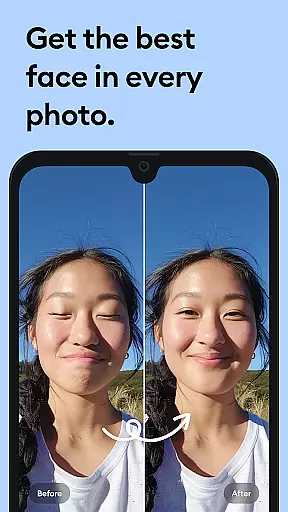


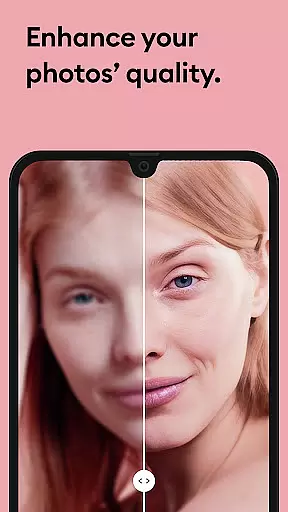

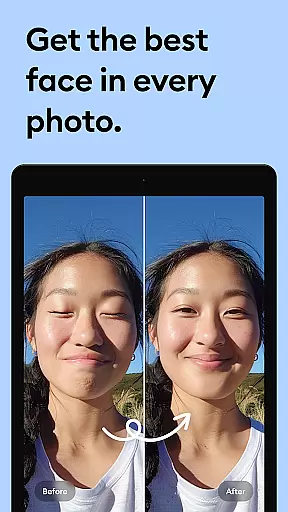
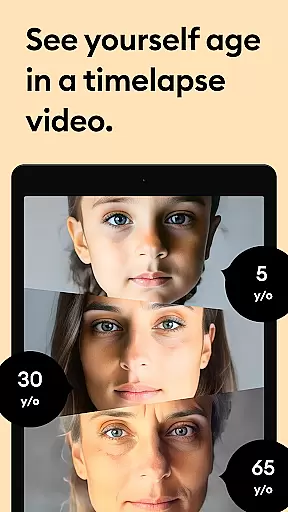



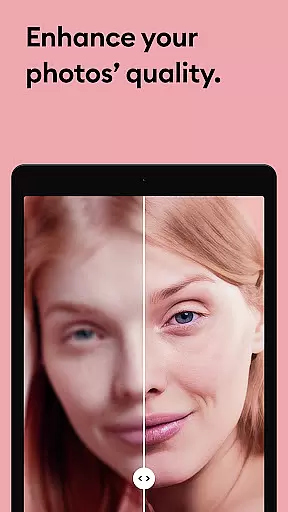

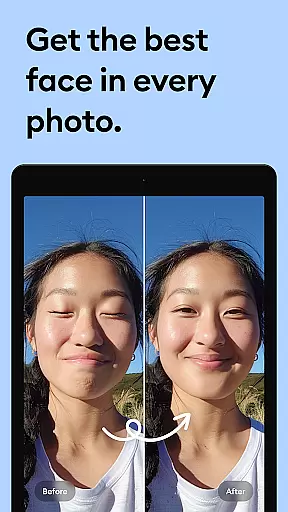
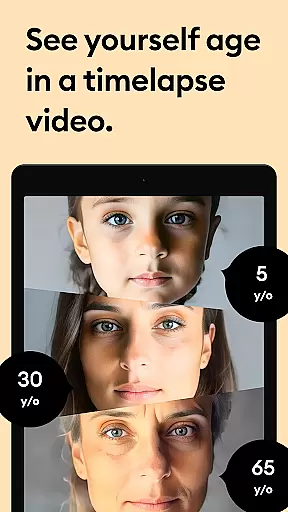



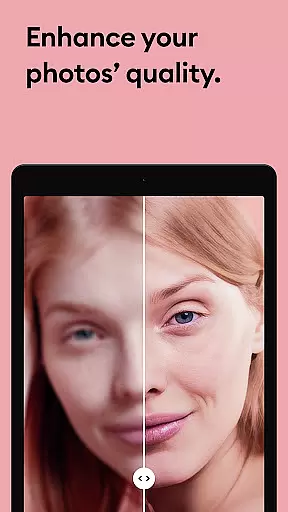

Remini is a powerful photography app that uses advanced Artificial Intelligence to enhance and restore photos. The core functionality allows users to convert old, blurry, or damaged images into high-definition photos with just one tap. This AI-powered photo enhancer not only revitalizes old memories but also creates professional-looking portraits and selfies with impressive facial details.
Beyond simple enhancement, Remini offers specialized features such as repairing scratches, sharpening out-of-focus pictures, and increasing pixel quality in low-resolution photos. With support for multiple languages and over 100 million photos revitalized, it stands as one of the most popular photo editor apps globally. Whether you're restoring vintage family photos or enhancing modern images, Remini provides an accessible solution for all users.
Remini distinguishes itself through its robust feature set tailored for photo restoration and enhancement. The app's primary feature is its state-of-the-art AI technology, which unblurs and restores any image while adding stunning clarity. Users can transform portrait photos, selfies, and group pictures into HD-quality images with remarkable detail.
In addition to basic enhancements, Remini includes tools for repairing severely damaged photos, clearing vintage images, and sharpening blurry shots. The app also supports increasing pixel count in low-quality images, making it versatile for various use cases. Continuous updates ensure the AI model improves over time, delivering increasingly accurate results. With unlimited access available via subscription, users can enjoy these premium features without restrictions.
Real-time capture and preview functionality is essential for photography apps like Remini. This feature allows users to see the potential outcome of their photo enhancements before finalizing them.
Remini employs advanced AI algorithms that provide instant previews of image enhancements. Users can witness the transformation of their old, blurry, or pixelated photos into high-definition images in real time. This immediate feedback loop empowers users to make informed decisions about their photo edits.
The benefit of real-time capture and preview is the ability to experiment with different enhancement options without committing to a final version. Users can adjust settings, compare results, and choose the best possible outcome for their photos. This interactive process enhances user engagement and satisfaction.
Ultimately, this feature ensures that users achieve the desired quality in their photos while saving time and effort. The real-time preview capability sets Remini apart by offering a seamless and intuitive editing experience.
AI beauty and enhancement naturalness refers to the app's ability to improve photo quality while maintaining a realistic appearance. For Remini, this means enhancing images without making them look overly processed or artificial.
Using state-of-the-art artificial intelligence, Remini restores old, damaged, or low-quality photos with remarkable authenticity. The AI focuses on preserving natural textures and details, ensuring that enhanced images retain their original charm and character.
Users benefit from this feature by receiving professionally-looking photos that still feel genuine and true to life. Whether it's restoring family portraits or reviving vintage photographs, Reminiu2019s AI ensures that every enhancement looks subtle and lifelike.
This approach not only improves visual appeal but also respects the emotional value of memories captured in photos. By prioritizing naturalness, Remini delivers an unparalleled user experience that combines technology with heartfelt nostalgia.
Advanced AI technology
User-friendly interface
Wide language support
Fast processing speed
Impressive restoration quality
Paid subscription required
Limited free features
Occasional processing delays
High system requirements
No offline functionality

Remote control of the phone camera from your Wear OS smartwatch
 3.70
3.70
How would you look like with a differently shaped nose, chin or lips?
3.90
Shooting photos and records video easily and efficient with professional Camera
4.30
What celebrity do you look like? Celebs will find your celebrity match!
4.10
Collage your moments in one tap: 1000+ layouts, filters, stickers, and texts.
4.90
Hair color changer, AI haircut app, fun hair editor and buzz cut filter for all!
3.80
Unblur, enhance & restore photos with powerful AI photo enhancer tools.
4.60
Remote control the phone camera shutter from your smartwatch and take a picture
1.60
Your Family Calendar + Photos. Manage your Skylight Calendar and Skylight Frame.
4.40
Perfect body tune & face app - photo retouch, makeup, slim body & beautify face.
4.80
Cartoon and artistic effects for your photos and videos
4.70
See your baby AI baby face generator AI baby maker Face generator babymaker fun!
4.70
Virtual makeup, hair filters & body tuner—edit from face to full body!
4.20
Create & Edit with AI: AI Remove, Enhance, Retouch, Filter
4.10
Transform Photos: Edit, Beautify and Craft Memories & Make Collages!
4.10
How old age camera Gender Swap App Face Shape Hairstyle App Hair Styler App fun!
4.00
Professional quality photo edits with the new Snapseed.
4.00
Create amazing frames with up to five photos. Rounded corners, effects and more!
3.60
Superimpose one photo on top of another using the original Superimpose app!
3.20


User Reviews