
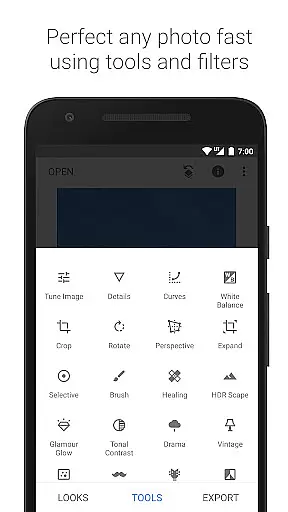
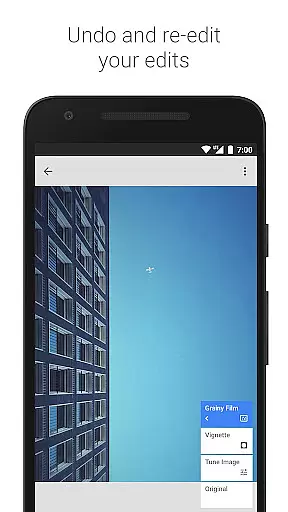
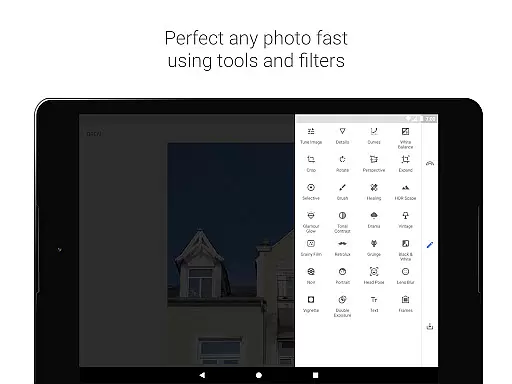
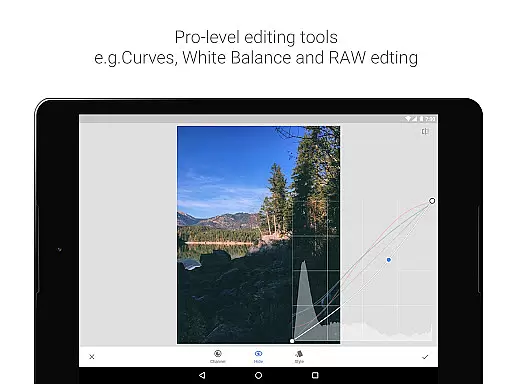
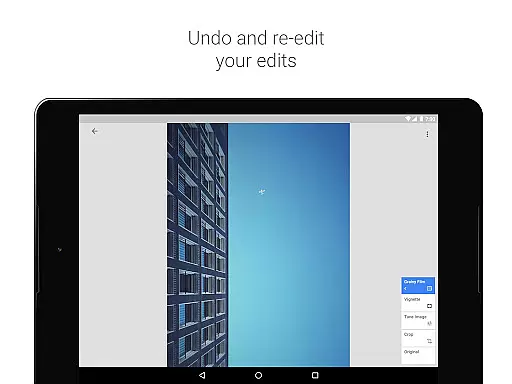
Snapseed is a comprehensive photo editing application developed by Google, offering professional-grade tools for both amateur and expert photographers. With 29 advanced tools and filters, it supports editing of JPG and RAW files while enabling users to save personalized editing styles for future use. The app provides precise control over image adjustments, selective filter brushes, and features like healing, HDR, and perspective correction.
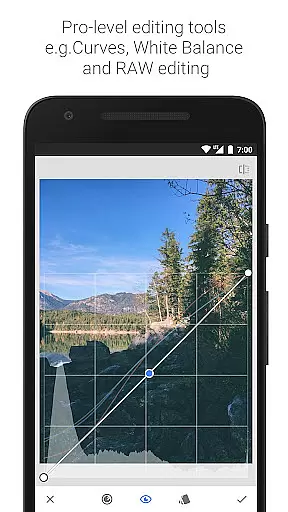
One of Snapseed's standout capabilities is its ability to handle RAW DNG files non-destructively, allowing users to tweak exposure, white balance, and other parameters with exceptional accuracy. Its intuitive interface includes functionalities such as cropping, rotating, and adding creative effects like lens blur or vintage film styles. These features make it ideal for enhancing photos for social media, professional portfolios, or personal projects.
The app’s detailed retouching options, including brush tools, structure enhancement, and facial adjustments, ensure that every element of an image can be perfected. Whether you're looking to correct minor imperfections or apply complex artistic effects, Snapseed delivers the tools necessary to achieve professional results on mobile devices.
Snapseed stands out with its extensive range of 29 tools and filters designed for precision photo editing. It includes advanced features such as 'RAW Develop,' which allows users to edit RAW DNG files without losing quality, and 'Selective Filter Brush,' enabling pinpoint enhancements. Tools like 'Healing' help remove unwanted objects seamlessly, while 'Perspective' corrects skewed lines in architectural shots.
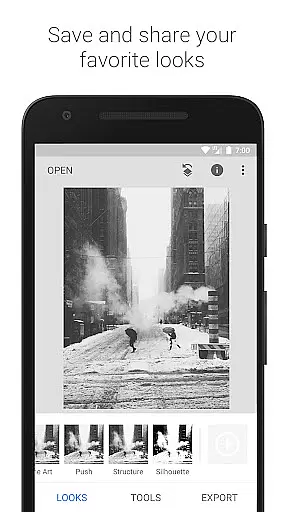
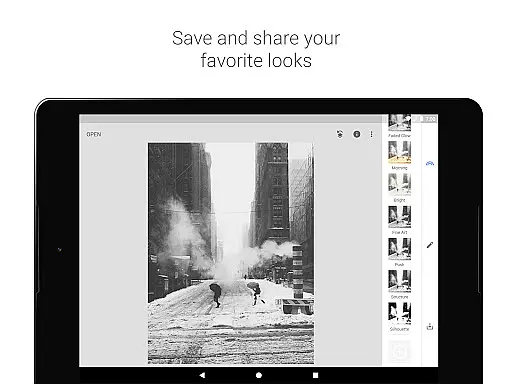
Another key feature is the ability to save custom 'Looks'—preset styles that can be applied to new photos instantly. This functionality streamlines workflows for users who frequently apply similar edits. Additionally, Snapseed offers creative filters like 'Glamour Glow,' 'HDR Scape,' and 'Double Exposure,' which add artistic flair to images. Each tool provides granular control, ensuring users can fine-tune every aspect of their edits.
The app also includes robust facial enhancement tools, such as 'Face Enhance' and 'Face Pose,' which adjust lighting, smooth skin, or correct poses based on 3D models. Combined with classic darkroom-inspired effects like 'Black & White' and 'Vintage,' these features cater to diverse editing needs. Snapseed’s versatility makes it suitable for everything from basic corrections to intricate artistic transformations.
Snapseed offers a powerful real-time capture and preview feature that allows photographers to see adjustments as they are made. This immediate feedback is crucial for making precise edits without guesswork.
The application supports opening both JPG and RAW files, providing flexibility in handling different image formats. This ensures that users can work with high-quality images directly from their cameras and make non-destructive edits.
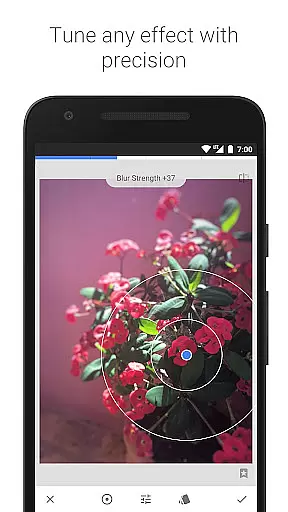
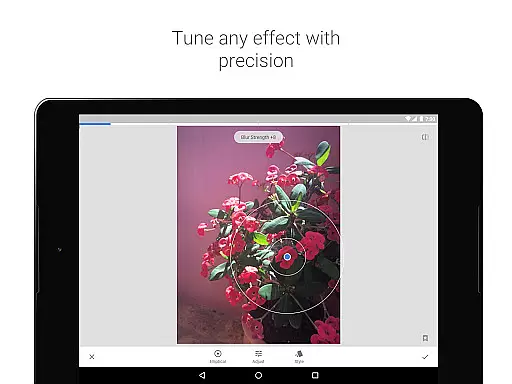
With selective filter brushes and control points, Snapseed enables users to apply enhancements exactly where needed. This level of precision ensures that every part of the image can be perfected according to the photographer's vision.
Ultimately, this real-time functionality empowers users to experiment freely, knowing they can adjust settings until the desired effect is achieved, thus enhancing both creativity and efficiency in photo editing.
Snapseed incorporates advanced AI beauty and enhancement features that elevate photo editing to new levels of naturalness. These tools go beyond simple filters, offering realistic improvements that respect the original image's integrity.
Among its 29 tools and filters, features like Healing and Vignette allow for subtle yet impactful modifications. The Healing tool removes unwanted elements seamlessly, while Vignette adds a professional touch by softly darkening corners.
Furthermore, Snapseedu2019s Glamour Glow and Face Enhance options provide nuanced enhancements for portraits. These tools add a fine glow or focus on facial features, ensuring edits look authentic rather than over-processed.
By prioritizing natural results, Snapseed ensures that edited photos retain their original charm and character, appealing to both amateur and professional photographers who value genuine aesthetics.
User-friendly interface
Advanced editing tools
Supports RAW files
Customizable presets
Precise control options
Steep learning curve
Overwhelming for beginners
Limited video support
No real-time collaboration
Occasional lag on older devices

Photo Album Watch Face shows your favorite pictures as a Watchface.
 1.90
1.90
Search, tag and rate your way to an organized image gallery
4.40
Natural Beauty, Selfie Retouch
4.30
Photo editor: AI filters, photo enhancer, pic collage maker, AI art generator.
4.80
Be your best in every shot! Fix, edit and retouch your face in selfies & photos.
3.70
Transform photos into videos! Create realistic or anime-style images easily!
4.50
A unique animation app. Powerful, easy to use, and lots of fun.
4.30
Solocator stamps photos you take with GPS location, Compass Direction, Date/Time
3.80
Try an anime version, cartoon yourself, and generate AI hug or aging videos!
3.70
Find time and duration of different sunlight phases at any location
4.90
Fit multiple photos on one post. Create carousels & scroll layouts for Instagram
4.50
Luminar: Photo Editor - easy picture editing with AI
4.20
A light meter for true photographers.
4.20
Catch sunlight, sunrise sunset times and sun phases with the AR sun tracker.
4.10
Photobooth mini FULL app will allow you to add more fun to your parties
4.00
live datamoshing
4.00
Turn photos into cartoons & avatars! - Photo Editor, Cartoon Face!
3.90
Astrophotography with your smartphone, photo live stacking and much more!
3.90
GCamera allows all GCam features on all phone models! Better photos with GCamera
3.30


User Reviews