
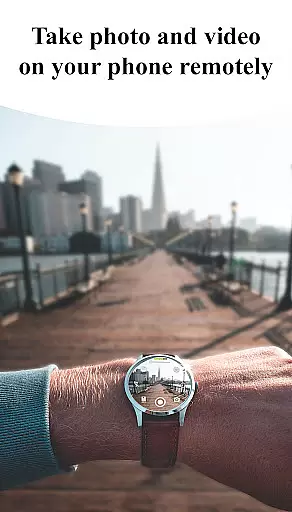
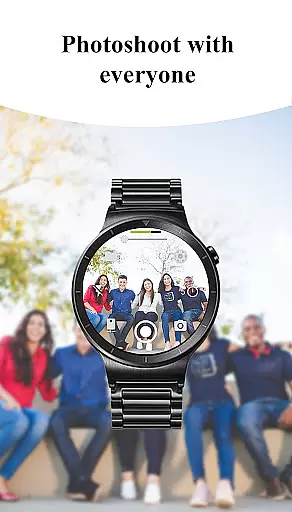
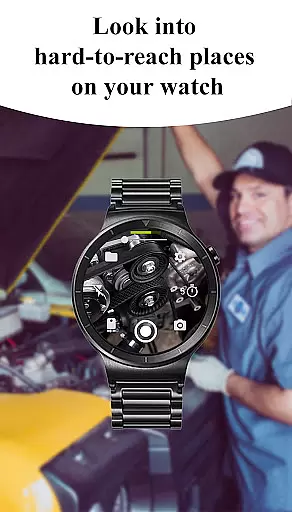
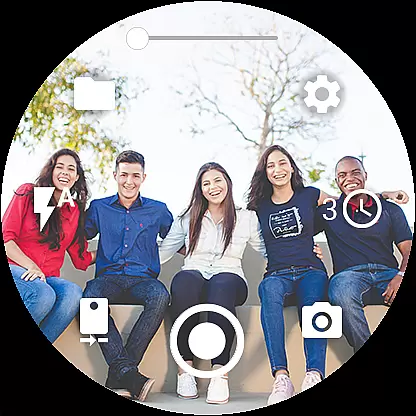
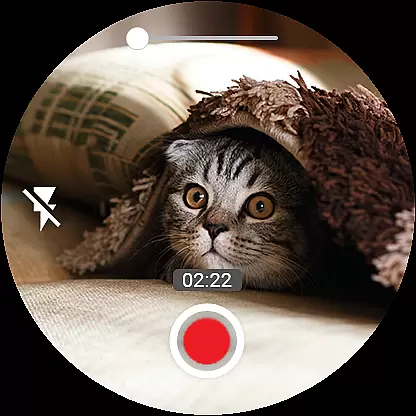

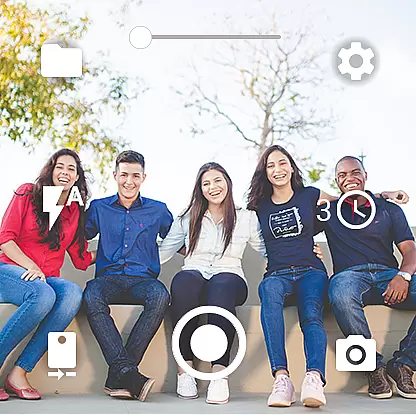
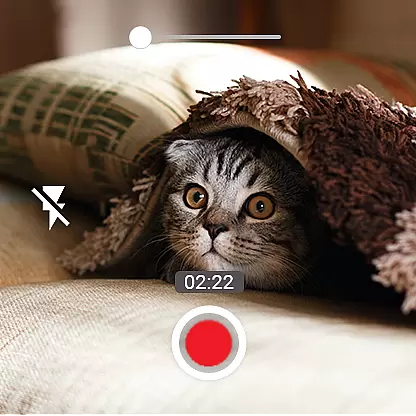
Camera Control for Wear OS is a powerful photography app that allows users to remotely control their phone's camera directly from a Wear OS smartwatch. With this app, you can capture photos, record videos, and even create timelapse sessions effortlessly. It supports advanced camera modes such as Bokeh, HDR, Night, and Auto, ensuring enhanced image quality based on your device's compatibility.
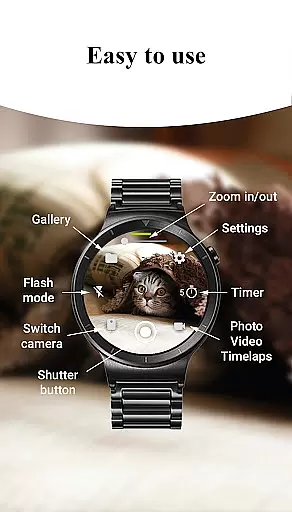
The app also offers convenient features like timer setup, flash and flashlight control, quick camera switching, and zoom control. These functionalities provide versatile photography options, whether you're shooting with the front or rear camera. Additionally, Camera Control for Wear OS supports wide-angle photography, high-framerate video recording, and stunning 4K resolution on compatible devices, making it an ideal tool for both casual and professional photographers.
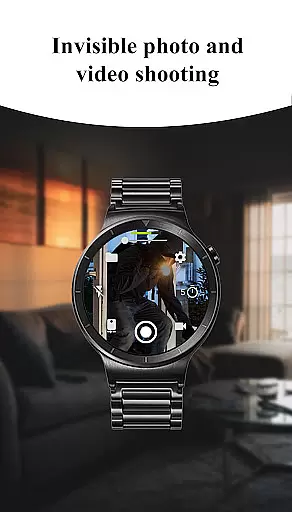
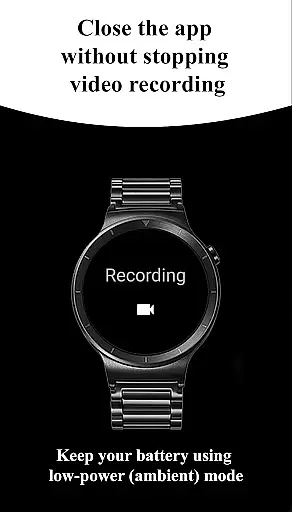
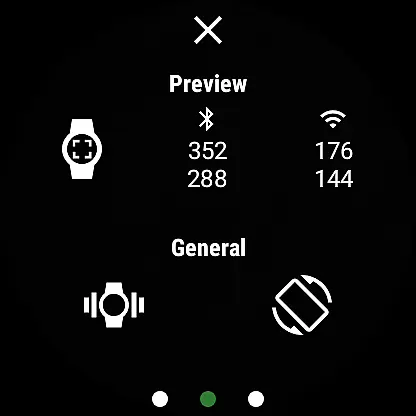
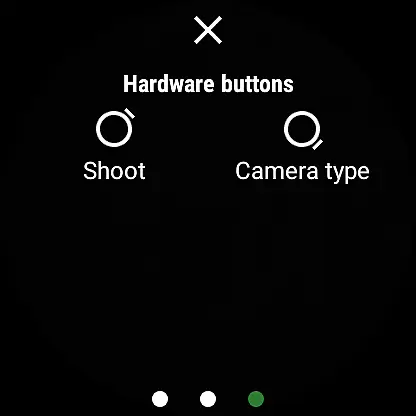
Designed for convenience, this app enables users to take photos and videos even when their phone screen is off or locked. The wireless connectivity via Bluetooth and Wi-Fi ensures seamless control, while gesture and button controls allow for intuitive operation. Whether you're exploring scenic landscapes or capturing special moments, Camera Control for Wear OS enhances your photography experience by offering precision and flexibility right from your wrist.
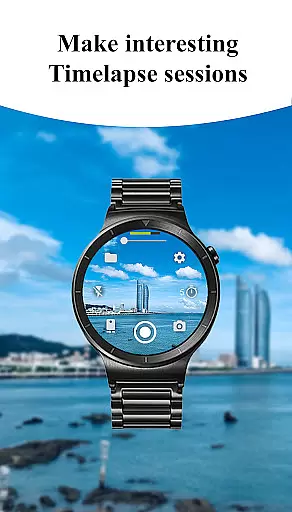
Camera Control for Wear OS stands out with its comprehensive set of features tailored for photography enthusiasts. One of its key highlights is the inclusion of three shooting modes: photo capture, video recording, and timelapse creation. Each mode is designed to give users effortless control over their phone's camera functions, allowing them to explore creative possibilities without needing to touch their phone.
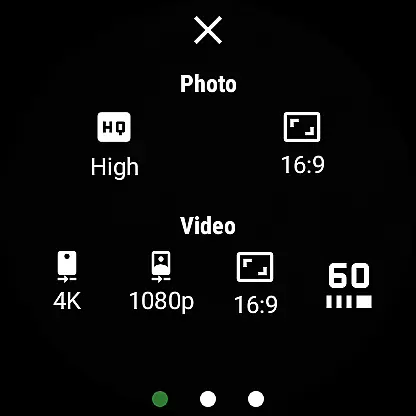
In addition to basic shooting modes, the app provides advanced camera settings such as Bokeh, HDR, Night, and Auto modes, which significantly enhance image quality depending on lighting conditions and device capabilities. Users can also adjust photo and video quality settings, control zoom levels, and choose between different aspect ratios (4:3 and 16:9). For those seeking professional-grade footage, the app supports high-framerate video recording at 30 or 60 frames per second and stunning 4K resolution on supported devices.
Other notable features include geotagging, camera orientation lock, and screen-off capture functionality. These tools ensure that users can document locations, maintain consistent framing, and continue shooting even when their phone is locked. With additional options like wireless connectivity, automatic image rotation, and gesture-based controls, Camera Control for Wear OS delivers a seamless and intuitive photography experience tailored for smartwatch users.
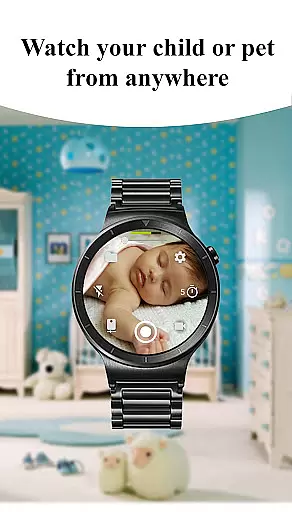
Real-time capture and preview functionality is essential for ensuring that users can take photos or record videos with precision directly from their Wear OS smartwatch. This app offers an intuitive interface that allows you to control your phone's camera, providing a seamless experience as you capture moments.
The Camera Control for Wear OS app enables users to access multiple shooting modes including photo, video, and timelapse directly from the watch interface. With real-time previews, users can frame their shots accurately, ensuring they capture exactly what they envision without needing to look at their phone.
Advanced features such as timer setup, flash control, and quick camera switching further enhance the real-time capture experience. These options give users the flexibility to adjust settings on-the-fly, making it easier than ever to get the perfect shot from their wrist.
Ultimately, this feature empowers users by giving them full control over their phoneu2019s camera capabilities right from their smartwatch. Whether capturing spontaneous moments or setting up a planned shot, the real-time feedback ensures that users never miss an opportunity to document life's precious moments.
AI beauty and enhancement features are becoming increasingly popular in photography apps, offering users the ability to refine and beautify images instantly. The Camera Control for Wear OS app incorporates advanced AI algorithms to ensure enhancements appear natural while preserving the original essence of the photo.
This app provides various filters and effects that leverage AI technology to optimize image quality. From smoothing skin tones to enhancing colors, these tools work harmoniously to create stunning yet authentic-looking photographs. Users will appreciate how these enhancements maintain the integrity of the subject matter without appearing overly processed.
In addition to basic beautification, the app also supports more sophisticated adjustments like bokeh effect, HDR, night mode, and auto-mode optimizations. Each of these features uses AI to analyze and improve different aspects of the image dynamically, resulting in professional-grade photos every time.
By integrating AI-driven enhancements, Camera Control for Wear OS not only simplifies the process of taking beautiful photos but also ensures that each picture reflects a natural aesthetic. This balance between technology and authenticity makes the app stand out, offering users unparalleled convenience and quality in mobile photography.
Intuitive interface
Advanced camera modes
Wireless connectivity
Timelapse functionality
Screen-off capture
Limited device support
Complex setup process
Battery consumption
Occasional connectivity issues
Premium feature costs

Long exposure camera with computational photography
 2.60
2.60
Add Watermark - Sign your pictures with a text or logo. Effective, quick, easy!
4.50
Create AI Photos, Improve and restore quality of blurry, old or damaged pics.
4.20
Fit multiple photos on one post. Create carousels & scroll layouts for Instagram
4.50
Hair color changer, AI haircut app, fun hair editor and buzz cut filter for all!
3.80
live datamoshing
4.00
Snap photos remotely using your Garmin watch as the camera trigger
4.1
PhotoSync Bundle Add-On License. Enables all features and services in PhotoSync.
4.60
Solocator stamps photos you take with GPS location, Compass Direction, Date/Time
3.80
Your personal guide to the sun and moon. Plan ahead, visualize and predict!
4.70
Enhance, upscale, and transform your images — on your device, without limits
4.70
Light-weight Media Gallery app for Android made with Jetpack Compose
4.60
Cut and paste photo editor & eraser to customize photos easy and swap faces fun
4.50
Photo Exif Editor allows to view, add and modify EXIF data of multiple photos
4.50
Movie camera, supports pro recording settings for filming. Try it and be amazed!
4.50
Professional photography on your mobile phone
4.20
Pet Camera
3.70
Professional video recording application with manual controls for filmmakers!
2.80
Over 800 film simulation recipes for Fujifilm. Black Friday Offer!
4.1


User Reviews