
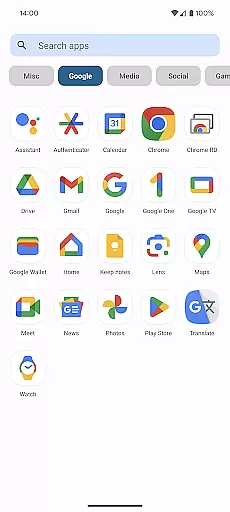
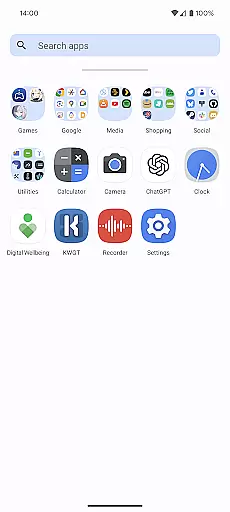
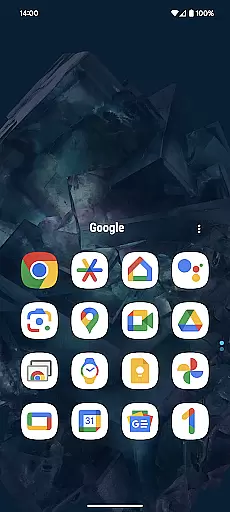
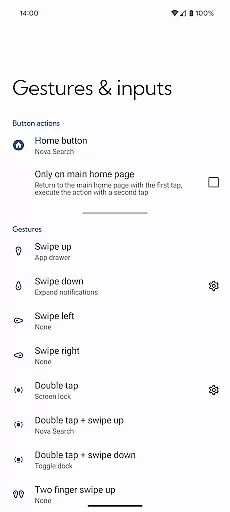
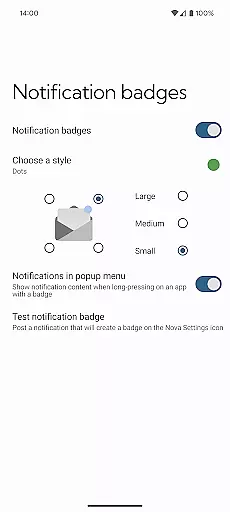
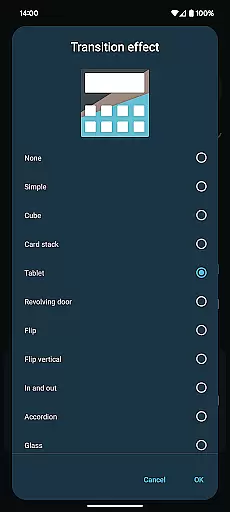
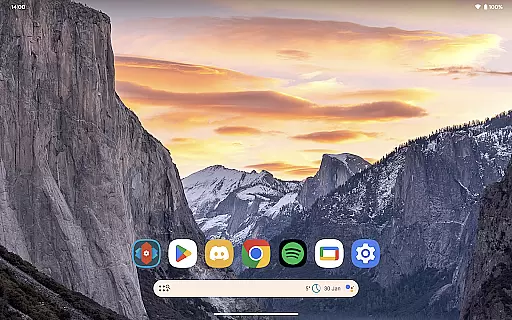
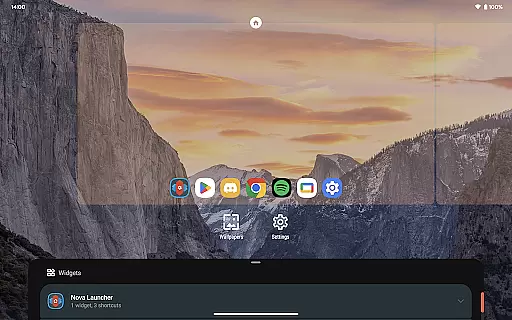
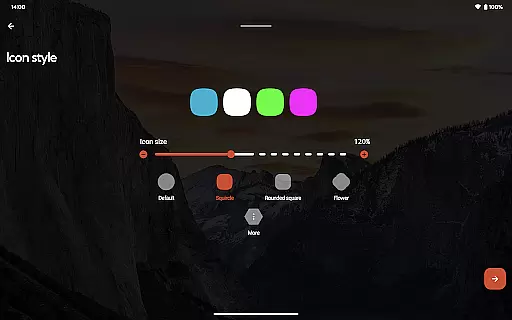
Nova Launcher Prime is a premium upgrade that unlocks the full potential of Nova Launcher, one of the most customizable home screen replacements for Android devices. Designed to enhance productivity and personalization, this app offers advanced features such as custom gestures, app drawer organization, and icon swipe actions.
With Nova Launcher Prime, users can create a highly tailored mobile experience. The app allows you to organize apps into custom tabs or folders within the app drawer, hide unwanted apps, and use gestures like swiping and pinching on the home screen to perform specific actions. These features make it an ideal choice for power users who want complete control over their device's interface while maintaining a clean and organized layout.
Nova Launcher Prime stands out with its extensive customization options. The app introduces gesture controls that let users execute commands through intuitive actions like swiping, pinching, or double-tapping on the home screen. This functionality transforms how users interact with their devices, offering a seamless way to access frequently used features without cluttering the screen.
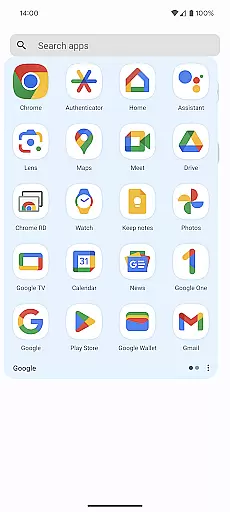
Another key feature is the ability to organize apps in the app drawer using custom tabs or folders. Users can also hide apps they don't want to appear in the drawer, ensuring privacy and reducing visual noise. Additionally, the custom icon swipe gestures allow users to assign actions to vertical swipes on individual icons, maximizing efficiency without sacrificing space. These innovations provide both aesthetic and functional benefits, making Nova Launcher Prime a top choice for those seeking a personalized Android experience.
Nova Launcher Prime offers an extensive range of customization options that allow users to tailor their Android home screen experience precisely to their liking. This includes the ability to create custom gestures, which can be used to execute commands such as launching apps, opening settings, or conducting searches directly from the home screen.
Moreover, with features like app drawer groups, users can organize their installed applications into custom tabs or folders, streamlining access and decluttering their digital space. The option to hide apps adds another layer of personalization, enabling a more curated presentation of available apps without the need for uninstallation.
For those seeking to maximize productivity, Nova Launcher Prime provides custom icon swipe gestures. Users can swipe up or down on icons to activate additional functions, effectively enhancing efficiency while maintaining a clean home screen aesthetic. These comprehensive customization capabilities ensure that each user's interface is not only visually distinctive but also functionally optimized for their individual needs.
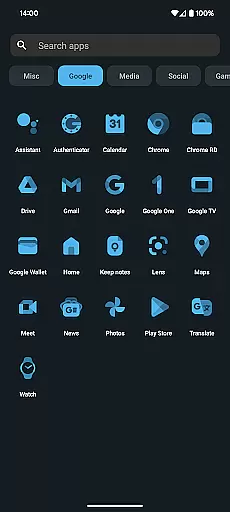
Theme compatibility in Nova Launcher Prime ensures that users can seamlessly integrate various visual themes across their home screen and app drawer, creating a cohesive and personalized look. By supporting a wide array of third-party icon packs, including popular designs like OneYou Icon Pack by PashaPuma Design, Nova Launcher allows for deep aesthetic modifications that cater to diverse tastes and preferences.
In addition to icon packs, Nova Launcher Prime facilitates the application of custom themes that alter the overall appearance of the user interface. This includes changing the style and color of widgets, folders, and labels, ensuring that all visual elements align with the chosen theme. Such flexibility in theming empowers users to craft a unique mobile environment that reflects their personality or mood.
The assurance of theme compatibility extends beyond mere aesthetics; it guarantees that functional aspects such as notification badges and scrolling effects remain consistent and visually appealing across different themes. This attention to detail in maintaining operational harmony while allowing extensive visual customization underscores Nova Launcher Prime's commitment to delivering both beauty and usability in personalizing the Android experience.
Highly customizable
Intuitive gesture controls
Efficient app drawer management
Enhances productivity
Privacy-focused features
Requires separate Nova Launcher
Paid upgrade
Complex for beginners
Limited iOS compatibility
No built-in widgets

Capture moments that pass like a storm, second by second.
 4.0
4.0
A retro cartoon style watch face and a punch right in the face of the copyright
4.60
Realistic animated snow on your wrist, with 10 images landscapes to choose from
4.00
Themes - Widget & Wallpaper: Customize home screen, icon changer w unique themes
4.30
Ultimate widget creator. Design custom widgets for a truly unique home screen!
3.90
Ultimate Gallery Lock App - Hide Pictures, Videos and Lock Apps Instantly!
4.60
Vibrant Adaptive Icons with Material You and Enhanced Monet Colors.
4.50
Enjoy a variety of amazing live wallpapers and colorful EDGE lighting borders!
4.80
Install amazing sticker packs: endless styles, always cool.
4.70
Winter's Journey: digital watch face for Galaxy Watch & Wear OS
4.80
Vertically oriented rectangular icons
4.70
Personalize your phone with stunning HD and 4K wallpapers!
4.70
Try creating your own keyboard with "Keyboard theme for android" app now!
4.50 4.50
4.50
Art & Emoji Keyboard with Cool Fonts, Cute Themes and Custom Designs.
4.40
Transform your device in a game console
4.40
App Icon Changer & Shortcut Creator. Customize your icons without any watermarks
4.30
Adorable pets roam and play right on your phone screen!
3.30
Modern Glass Icon Pack with glossy icons, clean minimal theme & aesthetic style
4.5


User Reviews