
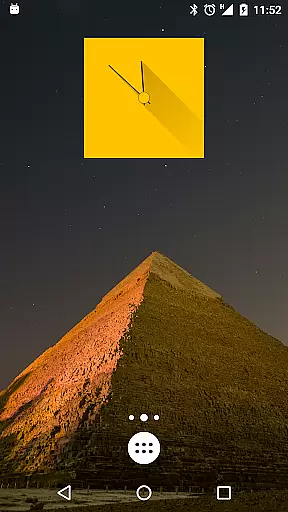
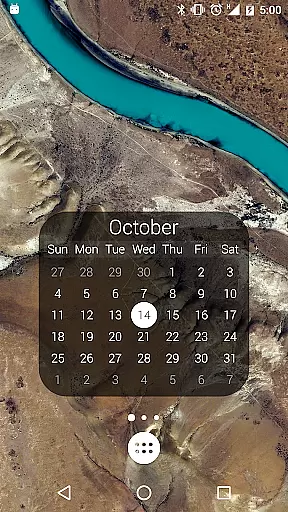
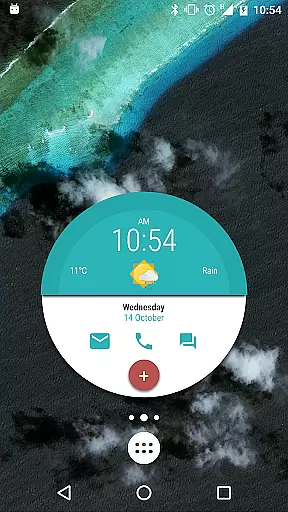
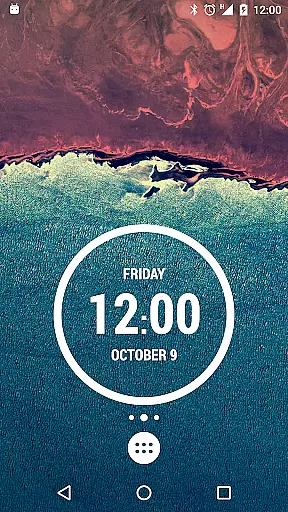
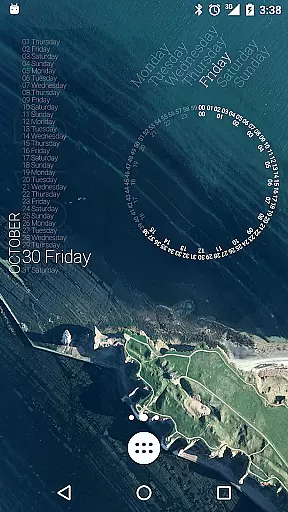
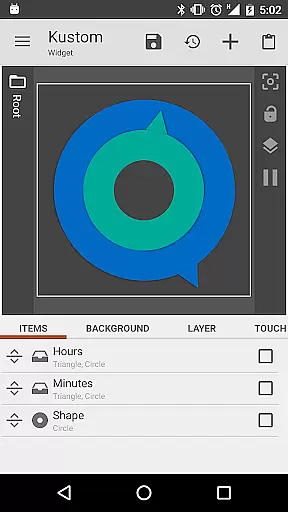
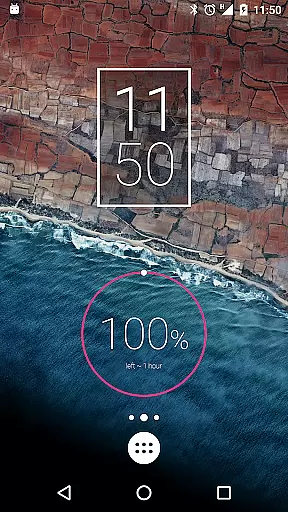
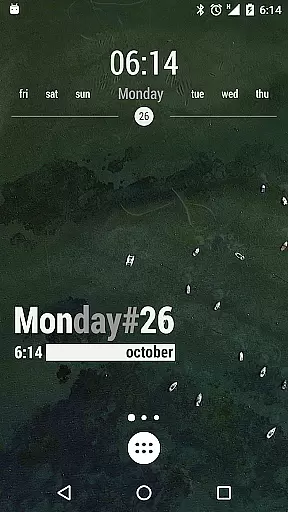
KWGT Kustom Widget Maker is the ultimate tool for personalizing your Android home screen. This powerful widget maker allows users to design custom widgets that display any data they need, exactly how they want it. With a robust WYSIWYG editor, you can create unique layouts with total control over text, shapes, images, and interactive elements.
The app supports advanced features like complex logic programming, dynamic data downloads, and Tasker integration, making it perfect for power users who demand more from their device's interface. Whether you're building aesthetic photo widgets or sophisticated system monitors, KWGT provides all the tools necessary to make your home screen a true masterpiece of personal expression.
KWGT stands out with its unparalleled customization capabilities. The app offers a full suite of design tools including custom fonts, color filters, gradient layers, and object effects like blur and saturation. Users can build widgets with interactive touch actions, launch apps, toggle settings, or trigger specific actions through hotspots.
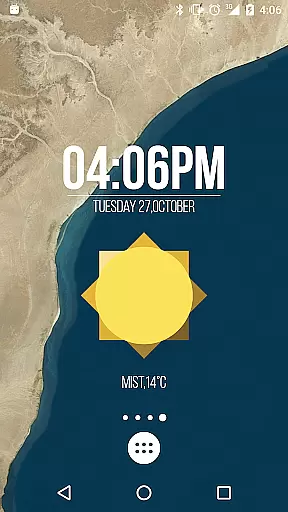
Beyond basic aesthetics, KWGT allows creation of data-rich widgets displaying weather information, battery meters, memory monitors, and even astronomy widgets showing sunrise and sunset times. The app also integrates seamlessly with Tasker, enabling advanced automation and dynamic content updates via HTTP, RSS, and XML parsing.
For those seeking additional functionality, KWGT Pro removes ads, unlocks importing presets from SD cards, and provides access to external skins while supporting the developer's continued innovation in home screen customization.
Customization is at the heart of KWGT Kustom Widget Maker, allowing users to break free from the monotony of preset widgets. With this powerful tool, you have the freedom to design widgets that reflect your personal style and needs.
The app offers a full-fledged WYSIWYG editor where your imagination is the only limit. You can control every aspect of your widget's appearance, from custom fonts, colors, and sizes to advanced effects like 3D transformations and shadows. This level of detail ensures that each widget is not just functional but also aesthetically pleasing.
Beyond static elements, KWGT supports interactive widgets. Whether it's launching apps, toggling settings, or triggering specific actions, the touch functionality adds a dynamic layer to your home screen, making it not only personalized but also highly efficient.
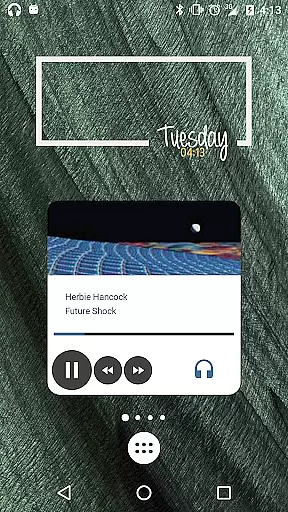
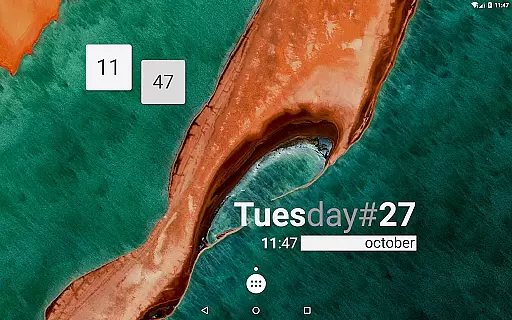
Users benefit from an endless array of possibilities, ranging from aesthetic photo widgets and data-rich weather displays to sophisticated system monitors. KWGT truly transforms an Android home screen into a bastion of personal expression and utility.
Theme compatibility in KWGT Kustom Widget Maker ensures that the widgets you create will seamlessly integrate with your deviceu2019s existing aesthetics. The ability to match widgets with your current theme results in a cohesive and professional-looking home screen.
KWGT allows for the use of scalable vector graphics (SVG) and various image formats such as PNG, JPG, and WEBP, which means that no matter what theme you are using, you can incorporate images and shapes that align perfectly with your visual style. This flexibility extends to applying color filters, gradients, and overlay effects, ensuring that every element blends harmoniously.
Moreover, the layering capability akin to professional photo editing software enables users to stack objects and apply effects like blur and saturation. This feature guarantees that even the most complex widget designs maintain their integrity within any theme context.
Ultimately, KWGT empowers users to craft widgets that are not only personalized in function but also in form, ensuring that they enhance rather than disrupt the thematic continuity of your deviceu2019s interface.
Highly customizable
Powerful WYSIWYG editor
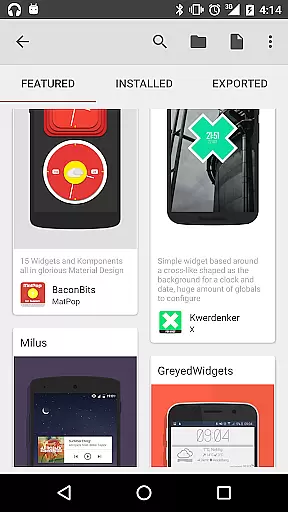
Extensive widget options
Advanced logic programming
Active community support
Steep learning curve
Pro version costs extra
Requires technical knowledge
Some features are complex
Occasional performance issues

Fingerprint Lock Screen & Live Animations with 4K Wallpapers as Live Wallpaper
 4.40
4.40
Transform your phone with Launcher iOS 26 - Smooth & elegant iOS experience
4.50
Art & Emoji Keyboard with Cool Fonts, Cute Themes and Custom Designs.
4.40
Add cute Shimeji pets to screen, interact with them and relax with cute motions
4.60
More than 3000+ themes and 9000+ wallpapers for everybody!
4.10
Run multiple accounts of the same app on a single device
4.10
300+ Stunning and well-designed widgets inspired by NOTHING.
4.70
Struggling to find apps? Use this app to locate and open any app on your phone!
2.20
set a new experience for the Android mobile phone
4.20
Shimeji adds cute animated characters to your screen, lively and fun.
4.70
Want to make your phone more special than ever?
4.60
Choose your keyboard with RGB colors effect, themes, fonts, emojis.
4.60 4.50
4.50
Romantic Kiss Stickers App. Start romantic messaging now!
4.30
Wear Os Watch Face - Seasonal - Animated Snow Effect - 9 Animals
4.20
Organize and manage your photos and videos effortlessly with Photo Gallery
4.20
Transfer your live wallpapers from Windows to Android using Wallpaper Engine!
4.00
Adorable pets roam and play right on your phone screen!
3.30
Custom edge gestures for volume control, brightness, apps, and shortcuts.
4.5


User Reviews