

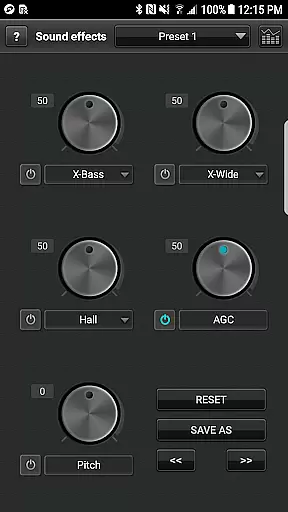
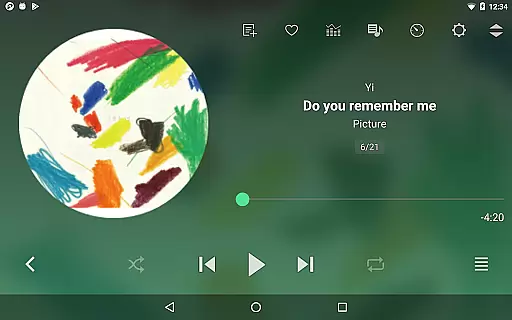
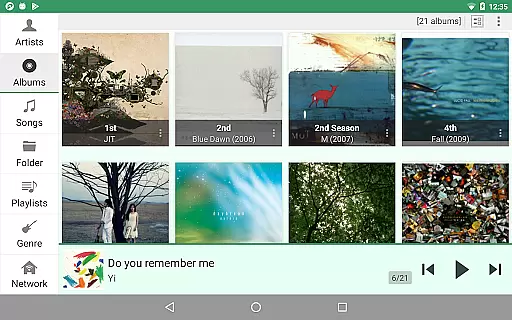
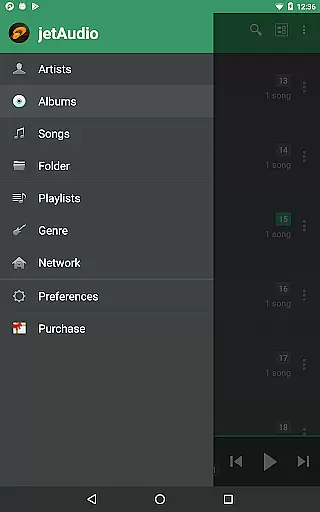
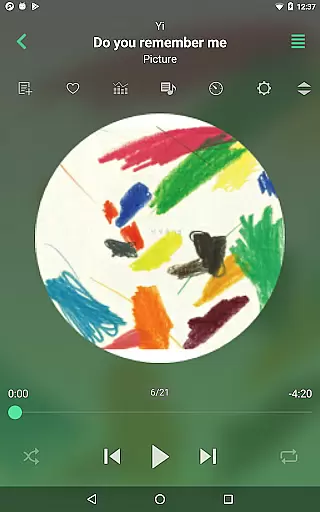
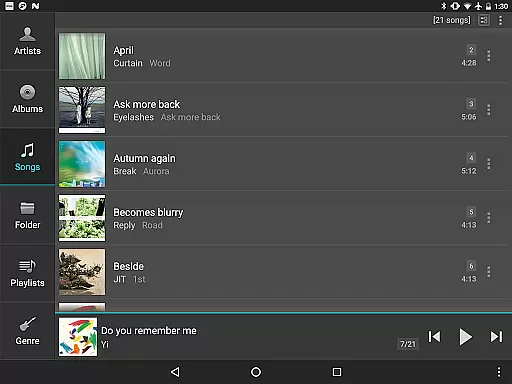
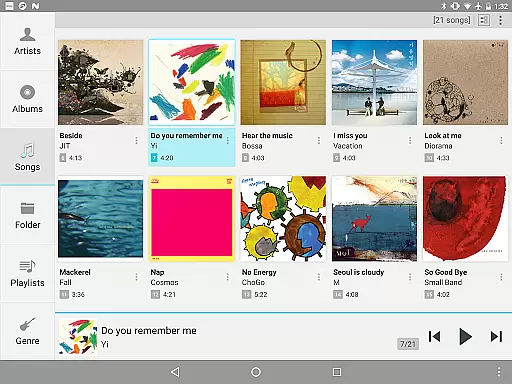
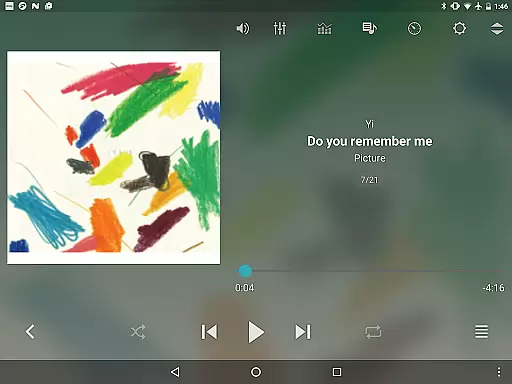
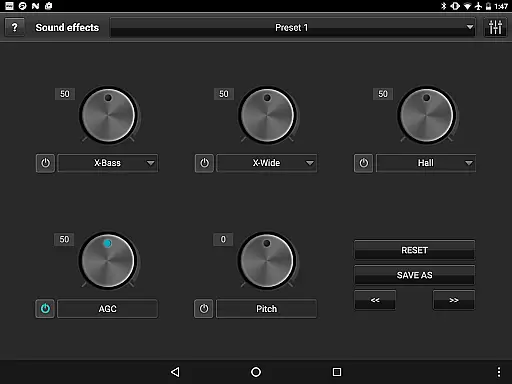
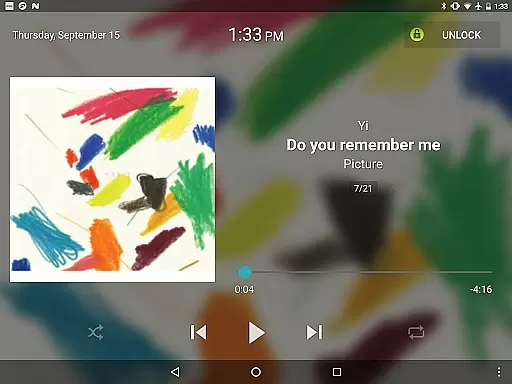
jetAudio+ Hi-Res Music Player is a premier audio solution for Android users, offering an extensive range of features to enhance your listening experience. This app supports virtually all digital music file formats and provides high-quality sound reproduction with advanced effects like Wide, Reverb, and X-Bass.
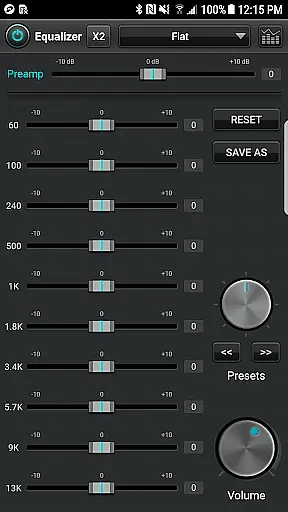
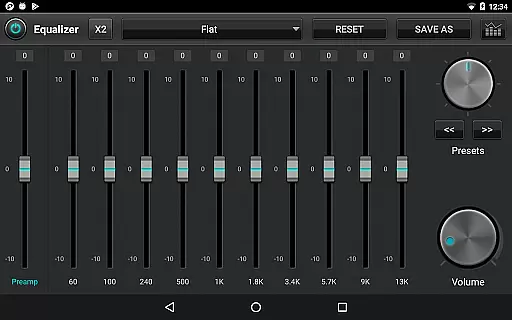
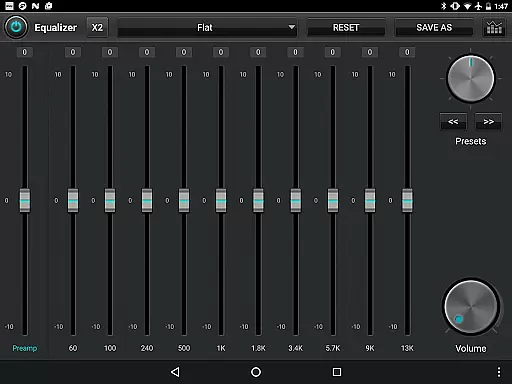
With its 32 equalizer presets, jetAudio caters to diverse musical tastes and allows audiophiles to customize their sound using a graphic equalizer. The Plus version extends this customization further with a 20-band graphic equalizer and additional functionalities such as pitch shifting and precise playback speed control.
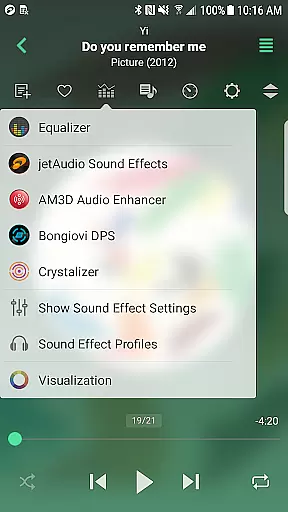
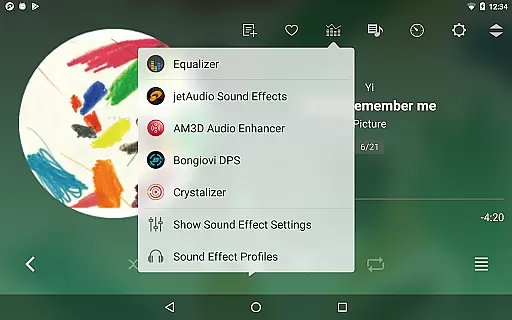
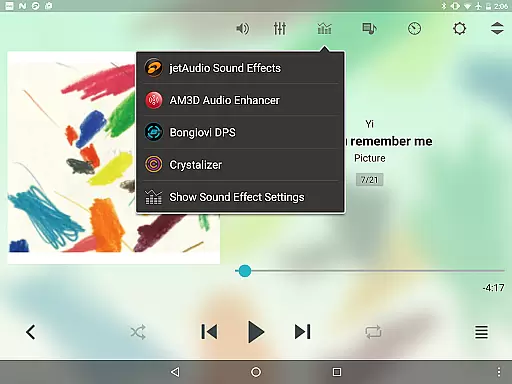
One of the standout features of jetAudio+ is its ability to play almost any type of digital music file, including high-resolution formats. It offers a suite of sound enhancements and effects, including AM3D Audio Enhancer and Bongiovi DPS, which can be acquired through in-app purchases.
The Plus version boasts exclusive features like a 20-band graphic equalizer, tag editing for various formats, and MIDI playback using the jetAudio WaveTable MIDI synthesizer engine. Both Basic and Plus versions support streaming from local network shared folders and cloud services like Google Drive and Dropbox.
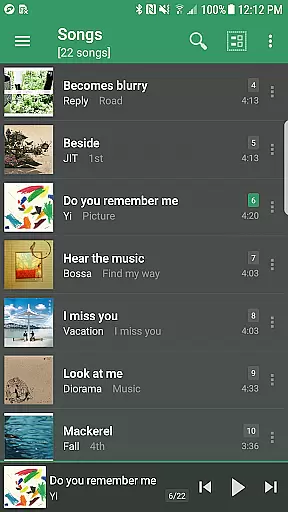
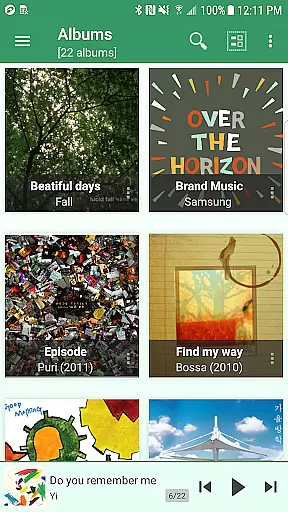
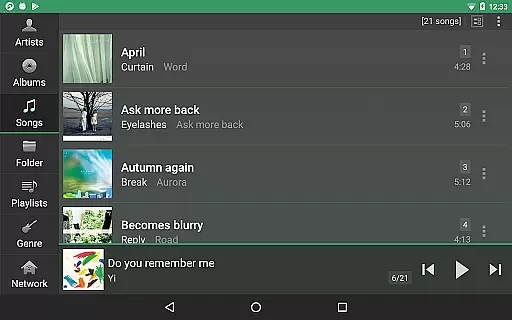
jetAudio+ Hi-Res Music Player offers an extensive music library that supports a wide range of audio formats including MP3, WAV, FLAC, and OGG. This ensures users have access to high-quality sound across various file types.
The application's commitment to copyright authenticity is evident through its support for licensed Sound Effects & Visualization plugins like AM3D Audio Enhancer and Bongiovi DPS. These partnerships with recognized companies reinforce the legitimacy of the content provided.
Users can also stream music from cloud services such as Google Drive and Dropbox, enhancing the size and variety of the accessible music library while ensuring that all media is legally stored and shared.
With in-app purchases for additional sound effects, jetAudio+ provides a model that respects copyright laws, allowing users to expand their experience with confidence in the authenticity of their purchases.
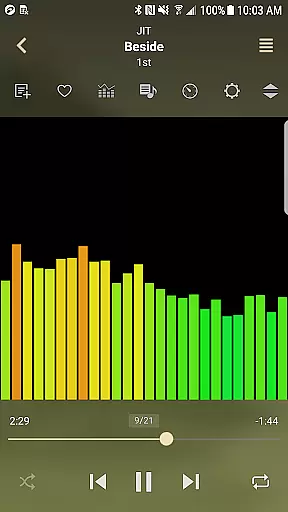
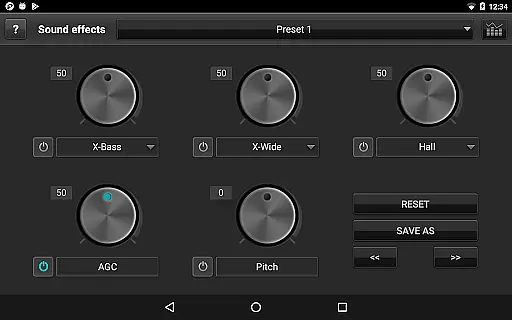
One of jetAudio+ Hi-Res Music Player's standout features is its superior audio quality options. The app includes advanced playback functions such as 20-band graphic equalizer, X-Wide, Reverb, and X-Bass sound effects which allow for a customized listening experience.
Playback speed control and pitch shifter features enable users to adjust their music to their exact preferences without loss of sound quality. This level of precision in audio adjustment sets jetAudio+ apart from other music players.
In addition to adjustable sound settings, the app offers AGC (automatic gain control) to maintain consistent volume levels between tracks, providing uninterrupted listening pleasure.
For audiophiles who demand the best in sound fidelity, jetAudio+ delivers high-resolution audio playback that captures every detail of the original recording, making it the ideal choice for discerning listeners.
High-quality sound
Wide format support
Customizable EQ
Cloud streaming
Advanced playback controls
Paid version required for full features
In-app purchases for plugins
Advertisements in free version
Complex interface for beginners
Some features may not work on all devices

Simply convert wav to mp3. Clear. Reliable. Safe.
 4.2
4.2
Your HD audio recorder on the go for music, meetings, ambience, animal sounds…
4.30
A synth that really lets you shape your sounds!
4.50
DJ Music Mixer Pro is a real DJ controllers and DJ Music Studio to remix DJ.
4.40
Record, Mix & Master with all n-Track effects, 64-bit audio and Stem Separation.
4.70
Unleash your creativity! Turn simple prompts into full fledged songs.
4.70
Offline Music Player & MP3 Player.Powerful equalizer, Lyrics, Themes, Tag Editor
4.80
The Minimalistic Premium Music Player. Handmade with passion for music
2.20
Master Salsa Rhythm quickly and with a lot of fun!
4.30
Voice recorder - Audio recorder. Best recorder for recording
4.90
Walkout Song DJ is the most intuitive app to manage your sports music.
4.70
Pay Once, no monthly payment
4.60
Enhance the sound quality of your devices, listen to what you want
4.50
Manage your Sonos system directly from your home-screen!
4.40
Ringtone Maker is free app create ringtone from music files or your recording.
4.40
A sleek, no-frills player designed for true music lovers.
4.20
The original SP-1200 experience on your iPad
4.20
PowerAudio is a powerful offline music player.
4.20
The only true audiophile music player with Hi-Fi audio rendering and DSP engine
3.90


User Reviews