
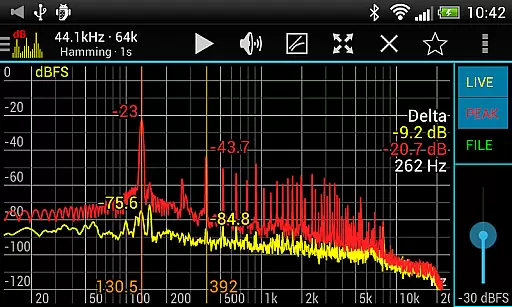
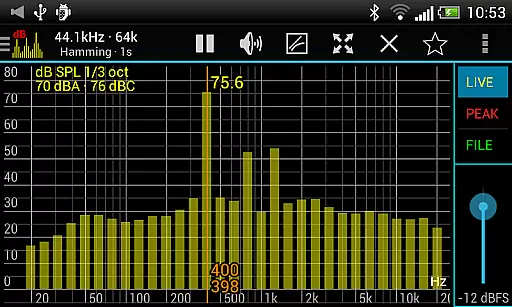
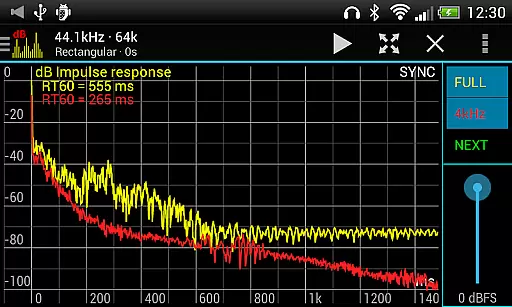
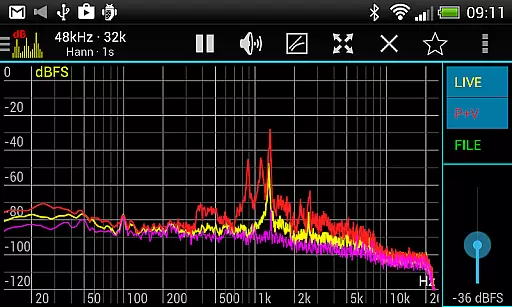
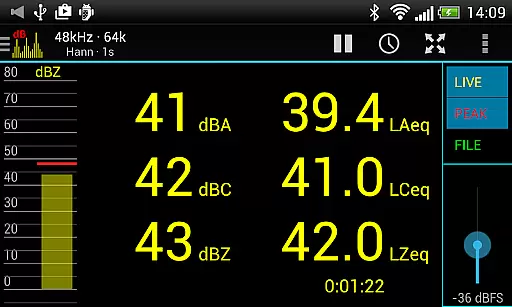
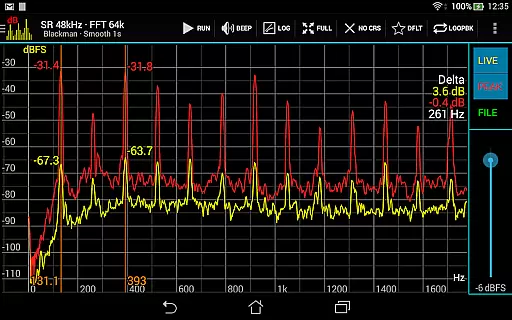
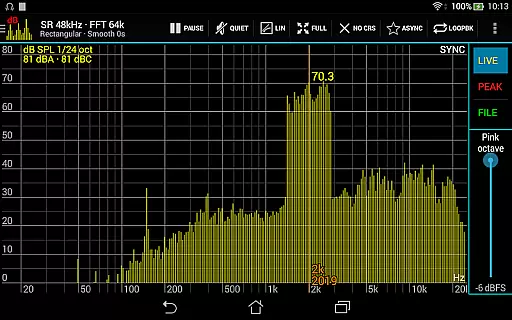
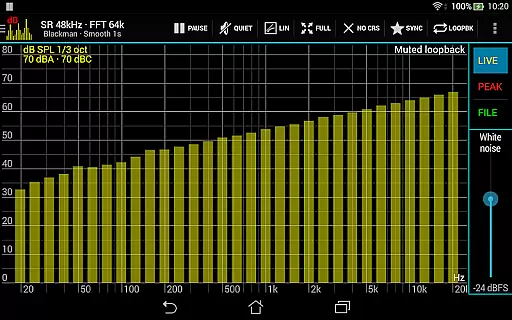
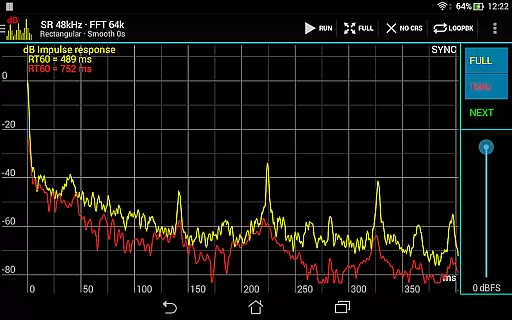
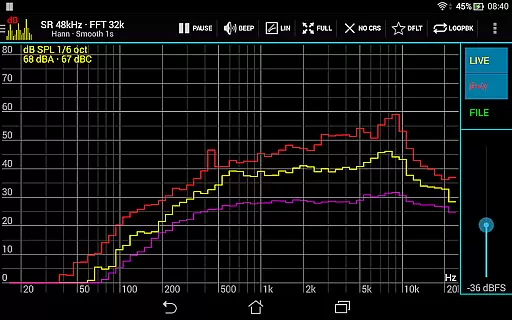
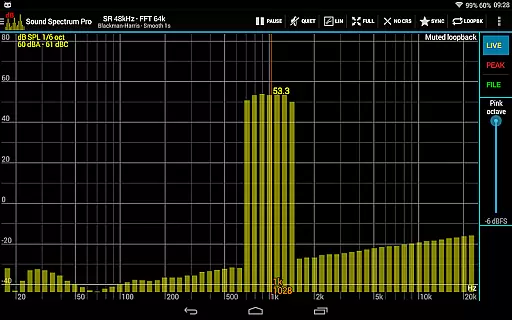
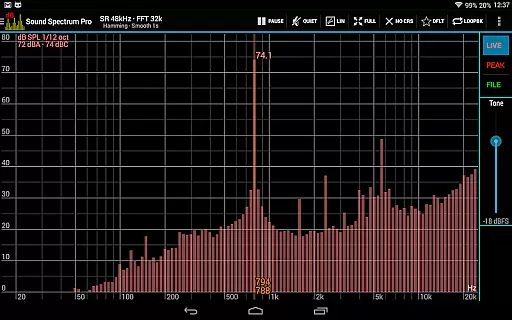
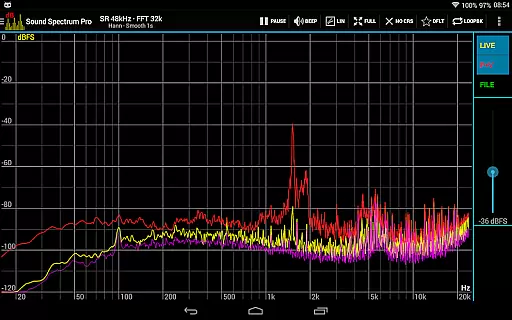
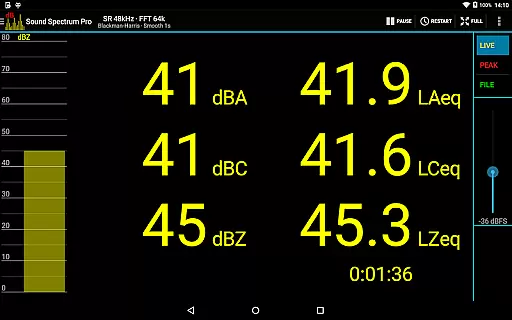
Sound Spectrum Pro is a comprehensive audio analysis tool designed for both professionals and enthusiasts in the music and audio industry. This app provides advanced real-time audio spectrum analysis through its powerful RTA and FFT functionalities, making it an essential utility for sound engineers, musicians, and audiophiles.
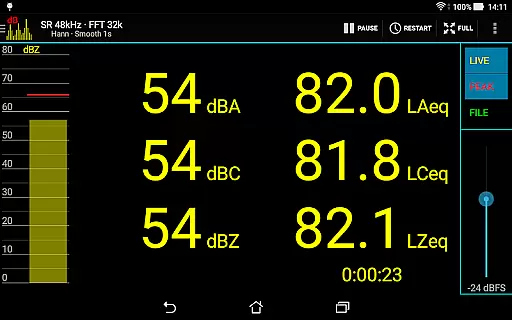
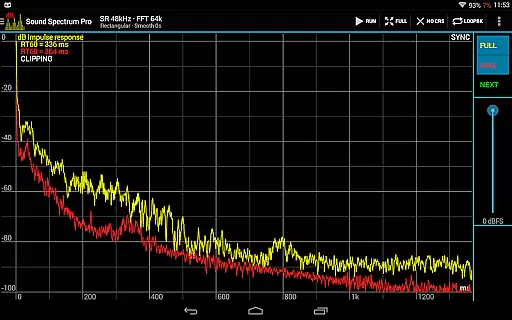
The app features precise sound pressure level measurements including dBA, dBC, and dBZ, along with Noise Criterion and Noise Rating capabilities. It also offers equivalent continuous sound level monitoring (LAeq, LCeq, LZeq) and impulse response measurement with RT60 calculation. With its intuitive interface and smooth real-time display, users can easily navigate various on-screen controls to analyze audio signals effectively.
Whether you're calibrating audio equipment, conducting acoustic measurements, or simply exploring sound properties, Sound Spectrum Pro delivers professional-grade tools in a user-friendly package. The inclusion of signal generators, file load/save capabilities, and full calibration support ensures accurate and reliable sound analysis across different applications.
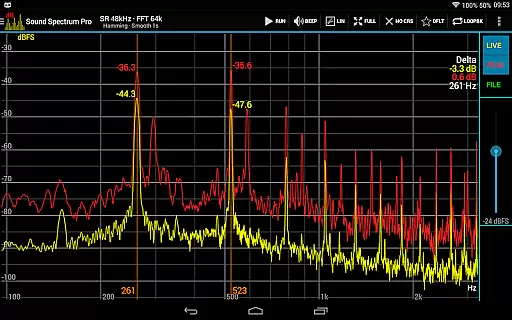
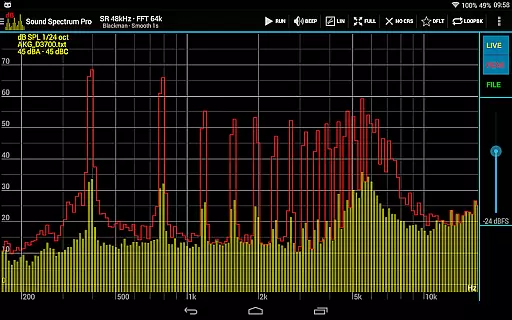
Sound Spectrum Pro stands out with its extensive feature set tailored for detailed audio analysis. The app includes both FFT amplitude display and RTA octave band analysis, ranging from full octave down to 1/24 octave resolution. Its lightning-fast FFT processing supports sizes from 16k to 1M, providing exceptional frequency resolution as low as 0.01Hz with downsampling.
Users can benefit from multiple window functions, logarithmic or linear frequency axis options, and adjustable peak/valley hold with decay settings. The app's sophisticated measurement tools include cursors for precise frequency selection, highest peak display, and adjustable exponential smoothing. Additionally, the large font SPL + LEQ meter makes it easy to read measurements even in challenging environments.
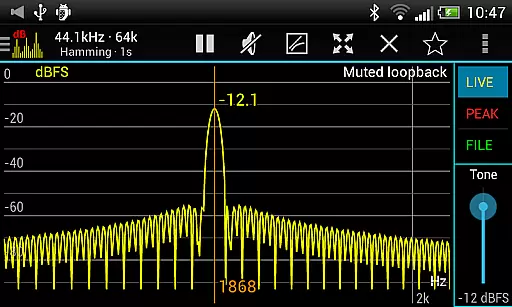
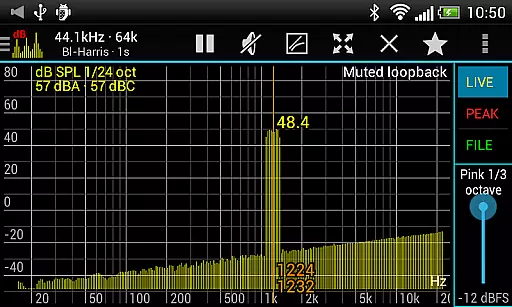
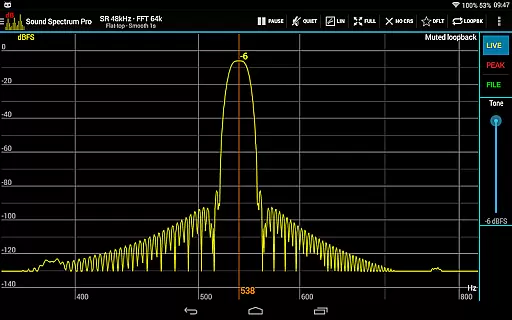
For those requiring signal generation capabilities, Sound Spectrum Pro offers various options including tone, white noise, pink noise, and frequency sweep generators. The synchronous measurement mode enables clean and fast spectrum analysis while the loopback mode allows testing of signal generators and window functions. With sharing and printing capabilities for screenshots and no ads to interrupt workflow, this app provides a complete solution for professional audio analysis.
Sound Spectrum Pro offers a comprehensive suite of audio analysis tools that cater to both casual listeners and professional audio engineers. With its extensive feature set, the app provides users access to a wide array of functionalities which can be considered as part of a vast music library in terms of audio measurement and generation.
The application includes real-time analyzers (RTA), Fast Fourier Transform (FFT) driven amplitude displays, and various signal generators. These features allow for an in-depth examination of sound properties and behaviors, ensuring that any content created or analyzed adheres to high-quality standards akin to maintaining a rich and authentic music library.
Users benefit from precise control over sound metrics such as Sound Pressure Level (SPL) in dBA, dBC, dBZ, Noise Criterion, and more. This precision ensures that all generated sounds are not only varied but also respect copyright laws by enabling original creations rather than copying existing works.
Furthermore, the ability to calibrate equipment and use loopback modes for testing guarantees that whatever audio output is produced will meet rigorous quality checks, reinforcing the authenticity and legal compliance of the user's audio work.
One of the standout features of Sound Spectrum Pro is its superior audio quality options, which are essential for anyone involved in professional audio production or sound engineering. The app supports lightning-fast FFT with sizes ranging from 16k to 1M, delivering unparalleled frequency resolution down to 0.01Hz with downsampling.
This level of detail allows users to conduct thorough analyses of their audio signals, ensuring that every aspect of the sound is captured accurately. Whether it's through octave band RTA measurements or equivalent continuous sound level readings like LAeq and LCeq, users have at their disposal tools that guarantee top-notch audio fidelity.
In addition to advanced analytical capabilities, the app provides multiple window functions, logarithmic or linear frequency axis adjustments, and peak/valley hold functions with adjustable decay. Such features contribute significantly to achieving desired audio outcomes without compromising on quality.
Moreover, the inclusion of signal generators for tones, sweeps, and noise types further enhances the creative possibilities within the app while maintaining high audio standards throughout any project lifecycle.
Comprehensive audio analysis
Real-time spectrum display
Professional calibration tools
Multiple signal generators
User-friendly interface
Complex for beginners
High device requirements
No cloud sync
Limited free features
Occasional performance issues

Your song collections with lyrics and chords on Android smartphones and tablets.
 4.80
4.80
The alternative folder based music player.
4.20
Super Sound Editor, Song Maker & Mixer, Vocal Remover, Voice Recorder & Changer!
4.60
Unleash your creativity! Turn simple prompts into full fledged songs.
4.70
No wifi music app. Mp3 offline. Tuner radio, young radio music. Music downloader
4.20
Help you quickly get started with Shokz headphones
4.40
The original SP-1200 experience on your iPad
4.20
Powerful 10-Band equalizer pro with sound booster improves Android audio quality
4.30
Offline Tunes, Unlimited Vibes
3.90
Tune in to the greatest hits on UK Radio | The home of Capital, Smooth & Heart.
4.90
Taal player that lets you sing any Indian & Western song with Tabla & Tanpura
4.60
AI Music Maker: Generate And Compose AI Tunes & AI Songs & AI Music & AI Melody!
4.60
Guzheng Master supports many playing techniques as an acoustic Guzheng
4.50
Formerly known as Spotistats! View your top tracks, artists, albums and more!
4.40
Ringtone Maker is free app create ringtone from music files or your recording.
4.40
Equalizer, Bass Booster and Volume Booster (Eq & Bass) improve sound quality
4.30
Time Trainer: accurate metronome w tools to help you develop your internal time!
4.20
Control your MIDI USB or Bluetooth devices in app and avoid some trampling
3.30
MilkDrop for Android TV
3.00


User Reviews