
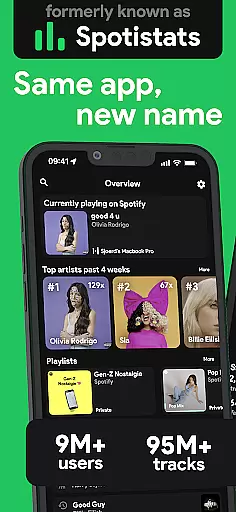
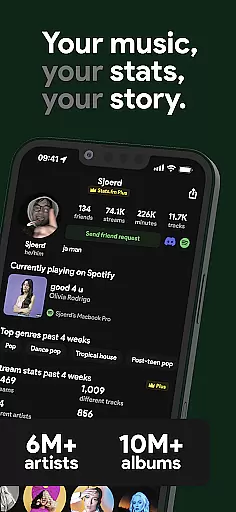
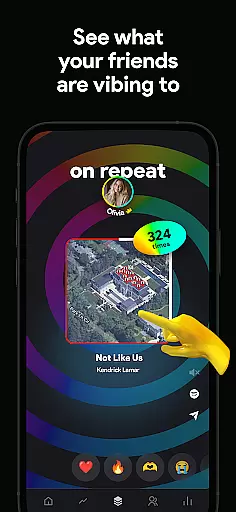
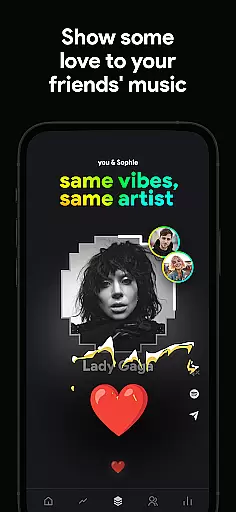
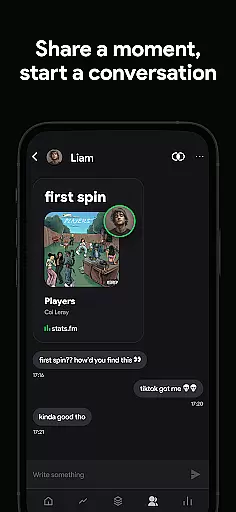
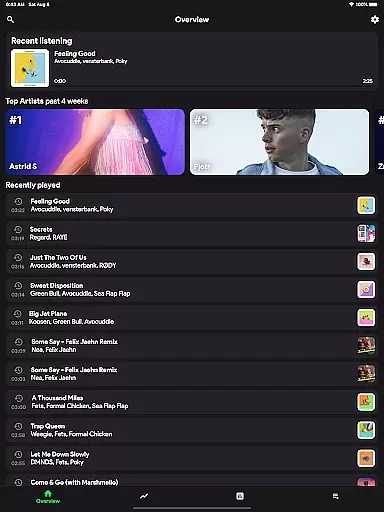
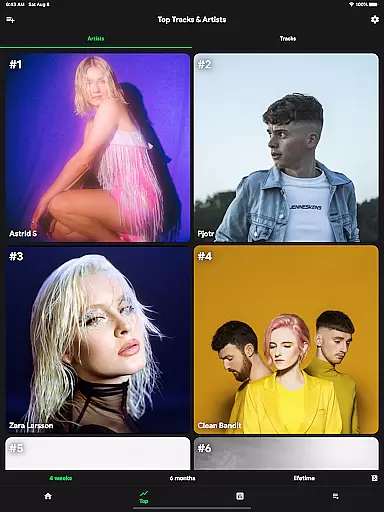
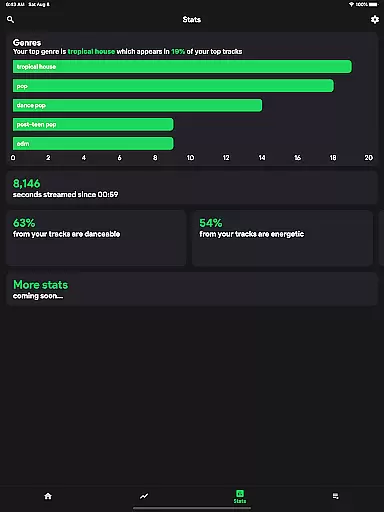
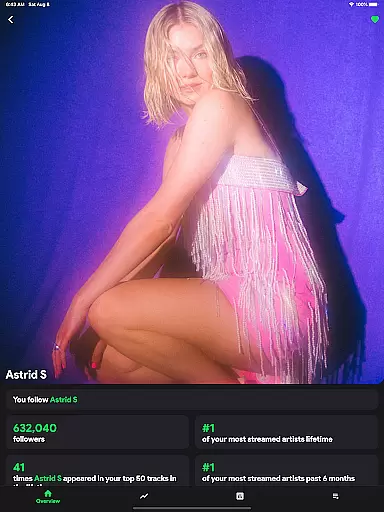
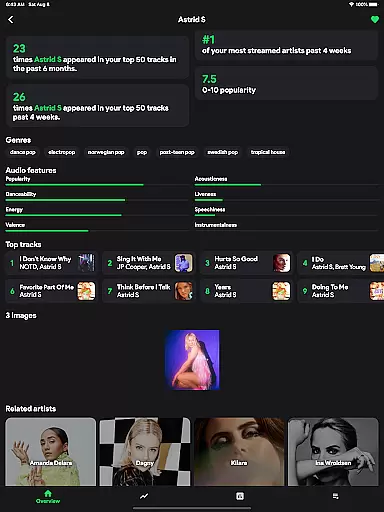
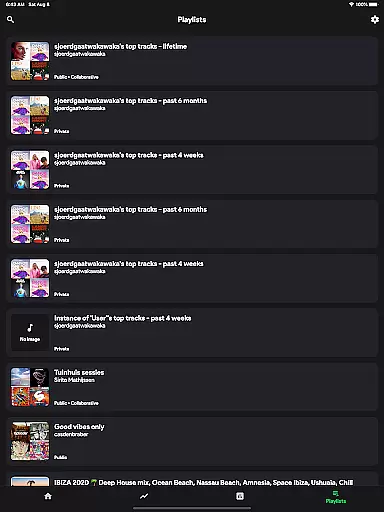
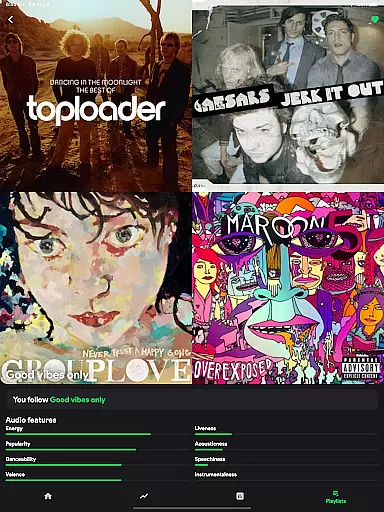
stats.fm for Spotify is a comprehensive music analytics app that provides users with detailed insights into their listening habits. With over 10 million users globally, the app offers statistics on tracks, albums, and artists, allowing users to explore their most listened songs and artists across various periods.
The app goes beyond Spotify Wrapped by offering real-time stats throughout the year. Users can view playcounts, streaming durations, and even analyze their favorite genres. The Plus feature enables tracking of individual song plays, making it an indispensable tool for music enthusiasts who want to understand their listening behavior in-depth.
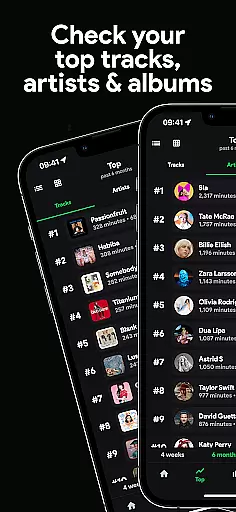
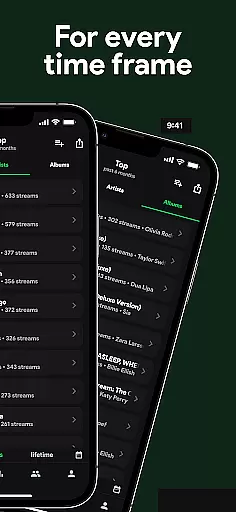
One of the standout features of stats.fm is its ability to display comprehensive listening history in one place. Users can access top tracks, artists, albums, and genres, along with detailed breakdowns of when and how much they listen. The app also provides unique insights such as listening clocks and music characteristics like energy and danceability.
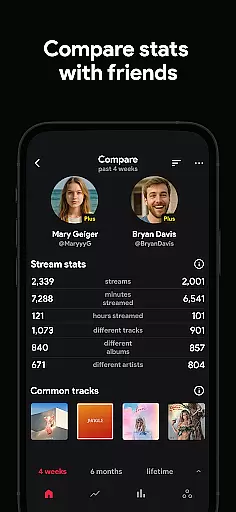
Beyond personal stats, users can compare their musical tastes with friends. The app allows searching and adding friends to see how your music preferences stack up. Additionally, detailed analytics about songs, artists, or playlists include playcounts, popularity metrics on Spotify, and even top listeners within the community.
stats.fm for Spotify offers an extensive music library that includes over 100 million stats about tracks, 14 million albums, and 6 million artists. This vast collection ensures that users have access to a wide range of music from various genres and eras.
The app provides detailed insights into your most listened songs and artists, allowing you to explore your musical preferences in depth. With such comprehensive data, users can uncover trends and patterns in their listening habits that they may not have been aware of before.
Regarding copyright authenticity, stats.fm respects intellectual property rights by working within the framework provided by Spotify. As stated in their terms, they are not affiliated with Spotify but use its platform to deliver valuable statistics to users who want more from their streaming experience.
By offering this rich dataset legally and ethically, stats.fm supports both the artists' work and the user's curiosity without infringing on any legal boundaries set forth by music licensing agreements.
While stats.fm does not directly provide audio files or alter playback quality, it enhances the listening experience through detailed analytics on song popularity and listener engagement across different types of music content available on Spotify.
Users can discover how lively, energetic, danceable, or instrumental their favorite tracks are thanks to advanced categorization features embedded within the appu2019s interface. These insights help listeners understand why certain songs resonate with them personally while also introducing new potential favorites based on similar characteristics.
Moreover, stats.fm allows for personalized journeys where one can view lifetime streaming histories alongside top tracks per artist/album which adds another layer of interaction beyond just sound itselfu2014making each session potentially richer than the last as knowledge grows alongside taste refinement.
This approach indirectly influences perceived audio quality since informed choices often lead to better selections; thus enhancing overall satisfaction derived from using Spotify as a primary source for digital music consumption.
User-friendly interface
Comprehensive music stats
Real-time analytics
Social comparison features
Detailed genre breakdowns
Premium features locked
Requires Spotify account
Occasional sync delays
Limited free tier
Third-party integration risks

Over 100 million tracks available for high quality streaming and download
 4.60
4.60
Performance-Synthesizer & Multi-Track-Sequencer, polyphonic + multi timbral!
4.70
A synth that really lets you shape your sounds!
4.50
Walkout Song DJ is the most intuitive app to manage your sports music.
4.70
Bass Booster Pro takes auto-equalizing to the next level!
4.30
Offline Music Player&MP3 Player with themes, equalizer, lyrics, music play mode
4.60
Learn the notes on the guitar fretboard fast with this easy and fun app
4.60
Responsive piano with great sounds, graphics, and songs
4.80
Offline Tunes, Unlimited Vibes
3.90
Gorgeous UI, Powerful music Search and Equalizer, the great choice for you!
4.70
Super Sound Editor, Song Maker & Mixer, Vocal Remover, Voice Recorder & Changer!
4.60
Fun & Easy Voice Changer – Record, Edit & Add Hilarious Effects!
4.50
Help you quickly get started with Shokz headphones
4.40
Learn and play 2M+ music tabs & chords on guitar, ukulele, bass, and more
4.30
Network/Cloud Streaming, Visualization, Graphic Equalizer and Sound Effects.
4.20
No wifi music app. Mp3 offline. Tuner radio, young radio music. Music downloader
4.20
VB-AUDIO Software / VBAN-Receptor allows listening to any VBAN Streams
4.10
Turn your Android phone into a professional audio analyser with up to 120 bands.
4.00
Make music anywhere. Turn your device into an instrument.
4.3


User Reviews