
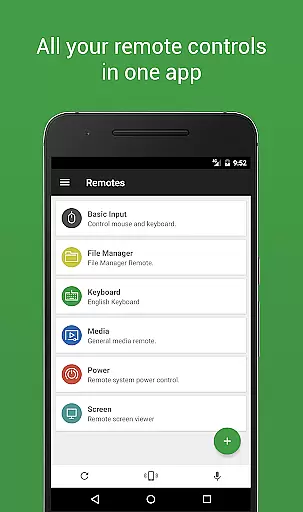
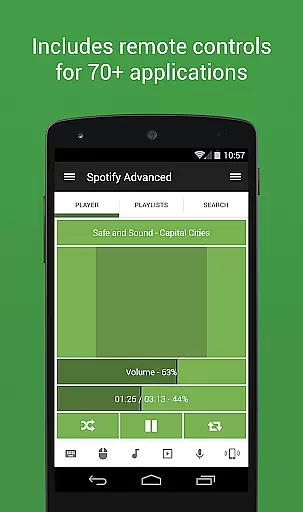

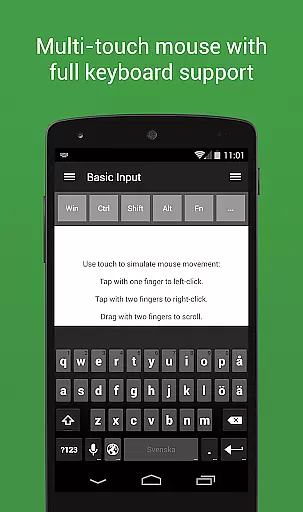
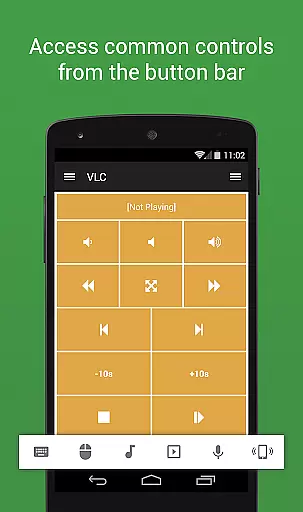
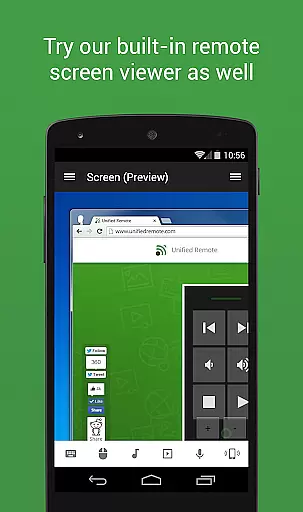
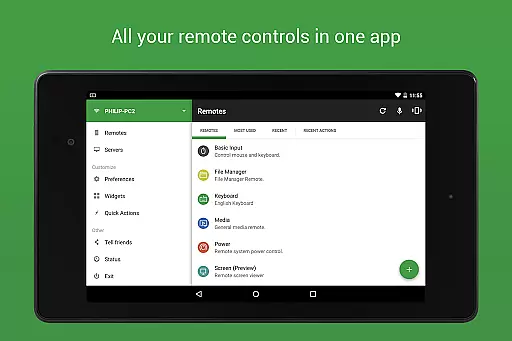
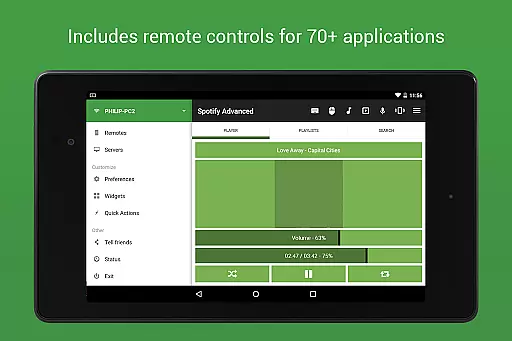
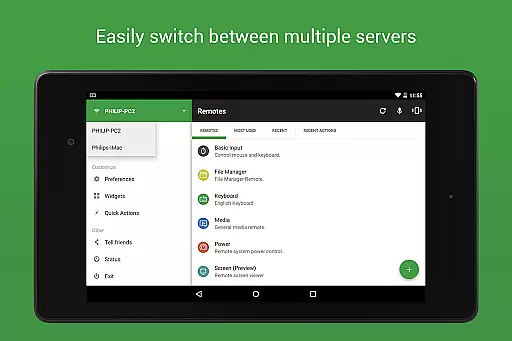
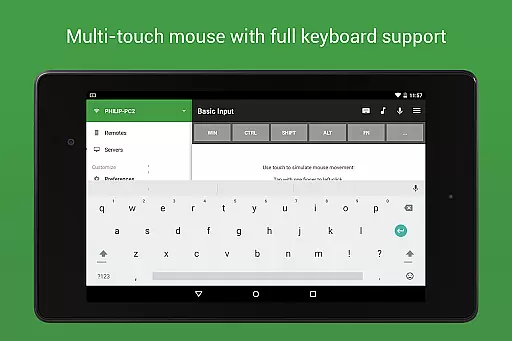
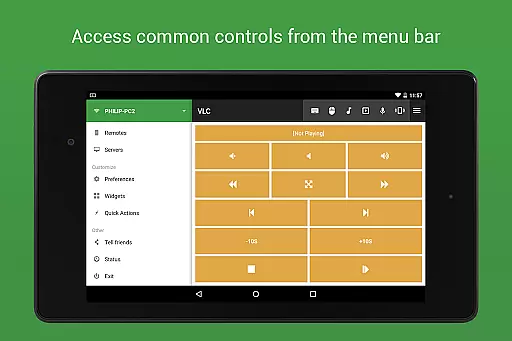
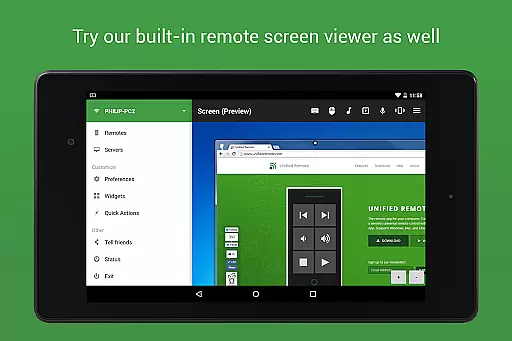
Unified Remote Full is the ultimate remote control solution for your computer, turning your mobile device into a versatile WiFi or Bluetooth universal remote. Compatible with Windows PC, Mac, and Linux systems, this app offers an extensive range of functionalities that cater to various needs. With support for over 90 programs, it includes essential features such as mouse and keyboard control, media player management, presentation handling, screen mirroring, power control, file manager access, terminal operations, and much more.
This app stands out by offering advanced security measures like server password protection and encryption, ensuring your remote activities are secure. Its user-friendly interface allows for easy setup and automatic server detection, making it accessible even for less tech-savvy users. Whether you're looking to enhance your home entertainment system or streamline your workflow, Unified Remote Full provides a comprehensive toolset that can significantly improve your digital experience.
Unified Remote Full boasts an impressive array of features designed to provide users with unparalleled control over their devices. One of its standout capabilities is the support for both single and multi-touch mouse control, allowing for precise navigation and interaction. The inclusion of Wake On LAN functionality enables users to effortlessly start their servers, while the availability of light and dark color themes ensures comfortable use in any environment.
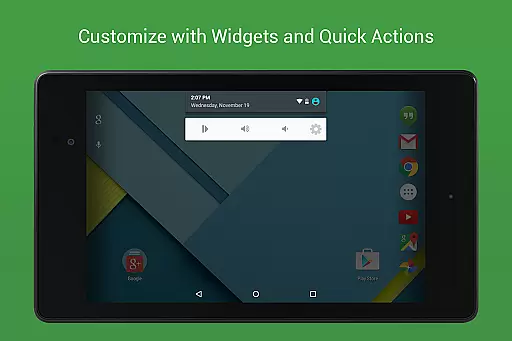
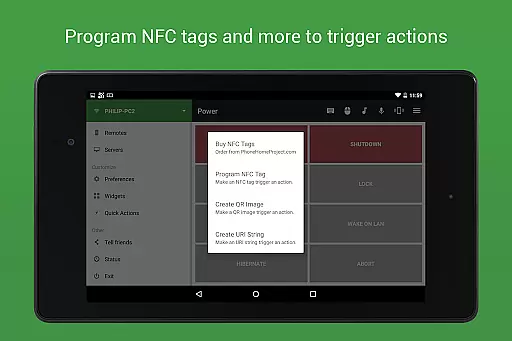
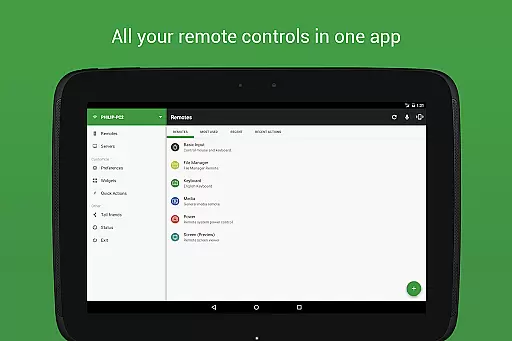
Additionally, the app supports a wide variety of remotes, including floating remotes that can be used over other apps, custom remotes tailored to specific needs, and widgets for quick actions. Voice commands, IR actions, NFC actions, and compatibility with Android Wear further expand its utility, making it an indispensable tool for controlling not only computers but also other devices like Raspberry Pi and Arduino Yún. With 90+ remotes available, users can manage everything from music and video playback to presentations and browser navigation with ease.
Unified Remote Full excels in delivering precise and effective core functionalities that transform your device into a universal remote control for Windows, Mac, and Linux systems. The app supports over 90 programs, including essential tools like mouse and keyboard control, media players, presentations, and power management.
The application ensures accurate server detection, which simplifies the process of finding servers on your network. With added security features such as server password protection and encryption, users can confidently manage their devices without compromising safety. This attention to detail extends to its support for both single and multi-touch mouse controls, providing versatile options for different user preferences.
One of the standout features is the Wake On LAN capability, allowing users to start their servers effortlessly. Whether you're controlling a Raspberry Pi or an Arduino Yu00fan, Unified Remote Full offers a seamless experience with light and dark color themes to suit your visual comfort. These comprehensive features ensure that users have a reliable tool at their disposal, enhancing productivity and convenience.
The interface of Unified Remote Full is designed to be simple and intuitive, ensuring that even first-time users can navigate and utilize its features with ease. The setup process for both the server and app is straightforward, making it accessible for users of all technical backgrounds. This ease of use is further enhanced by automatic server detection, which streamlines the connection process within your network.
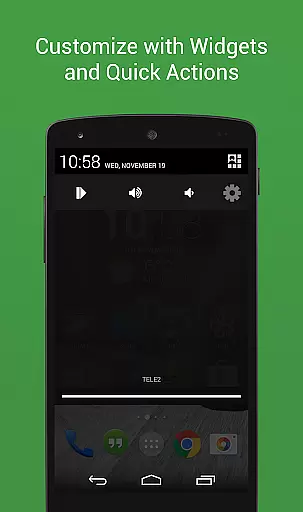
With 18 free remotes and additional premium options, the app provides a wide array of functionalities without overwhelming the user. Floating remotes allow for multitasking by enabling control over other apps simultaneously, while custom remotes offer personalized configurations tailored to individual needs. Widgets and quick actions add another layer of accessibility, letting users perform tasks swiftly.
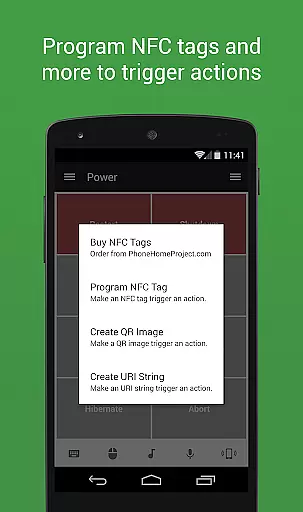
Voice commands and NFC actions exemplify the app's commitment to modern, user-friendly interfaces. By integrating these advanced yet easy-to-use features, Unified Remote Full ensures that users can operate their devices efficiently and intuitively, ultimately enhancing their overall experience.
User-friendly interface
Extensive remote support
Advanced security features
Versatile device compatibility
Comprehensive feature set
Requires server installation
Premium version cost
Complex setup for beginners
Limited free remotes
Occasional connectivity issues

A powerful, easy-to-use flight computer on your phone or tablet!
 3.80
3.80
A convenient photo, video, and file recovery tool.
4.00
HD Camera captures every special moment.
4.60
Family Locator, Share location, StayConnect with your family in real time
3.90
Canon PRINT is a companion app for your Canon printer.
4.60
Smart and comfortable browsing experience.
3.80
Undelete and recover your lost or deleted files with DiskDigger!
3.40
NFC Tools can read and write NFC tags.
4.70
Your personal health butler
3.60
Navigate with Ease and Style
4.90
Enjoy smooth gameplay with Game Booster
4.90
Monitor car performance in real time and troubleshoot malfunctions.
4.80
Remote Play with FSR upscaling, low latency & full controller support
4.80 4.50
4.50 4.50
4.50
Signal Strength, Mobile, Wifi, Speed Test, Bad Signals, Cellular, 5G, LTE, 4G
4.20
Amateur Radio app for APRS: Track friends, exchange messages, get tactical info.
3.90
Unleash gamepad precision for ultimate mobile gaming dominance.
3.90
Transfer Files, APK from Phone to Watch & Install.
4.5


User Reviews