
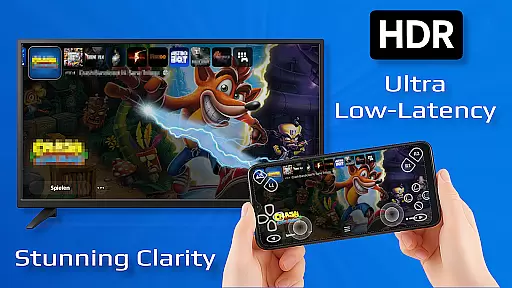
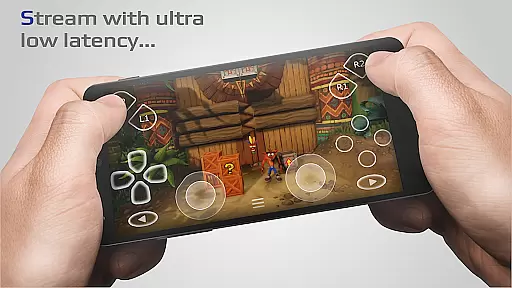
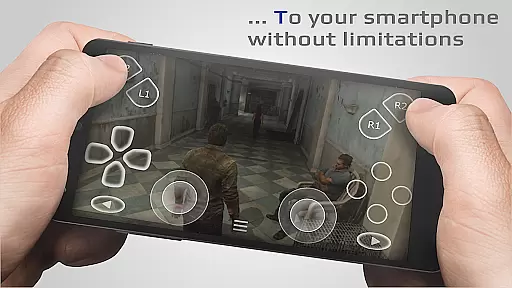
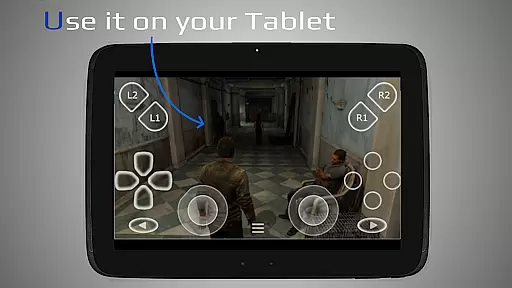
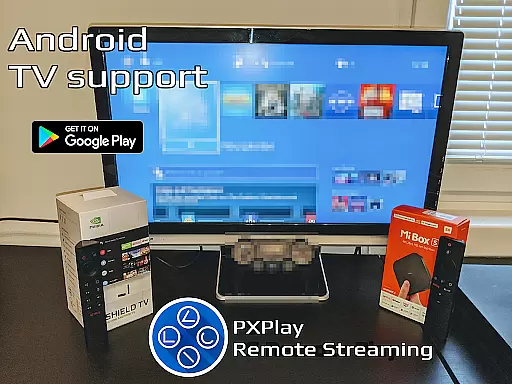
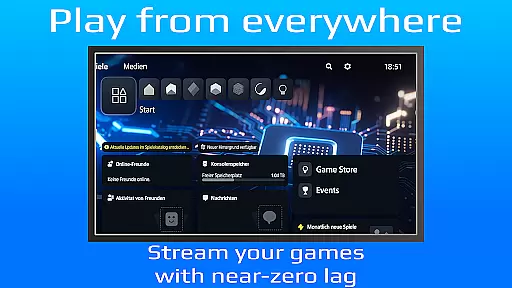
PXPlay is a powerful remote control application designed for gaming enthusiasts who want to access their gaming devices from anywhere. The app offers an optimized streaming experience with minimal latency, making it ideal for remote gameplay. PXPlay supports third-party controllers and mobile data connections, ensuring flexibility across various Android devices. Whether you're using an Android TV or a smartphone, PXPlay provides seamless integration with features like gamepad button mapping, customizable onscreen layouts, and Picture-In-Picture mode.
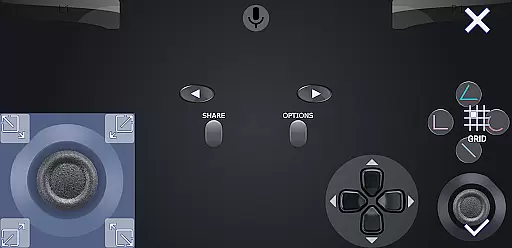
One of the standout capabilities of PXPlay is its ability to function as a virtual controller, allowing users to interact with their gaming device without physical hardware. Supporting firmware versions from 5.05 onwards, PXPlay ensures compatibility with a wide range of systems. To achieve optimal performance, it's recommended to use a dual-core CPU, at least 2GB of RAM, and connect via a 5GHz WiFi network. With these specifications, PXPlay delivers a reliable and high-quality remote gaming experience.
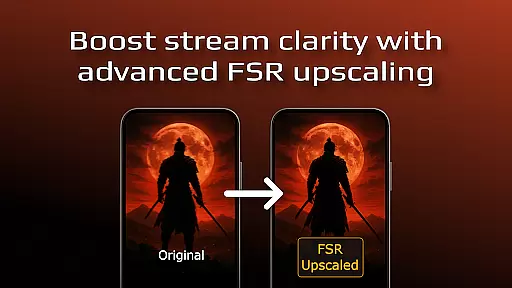
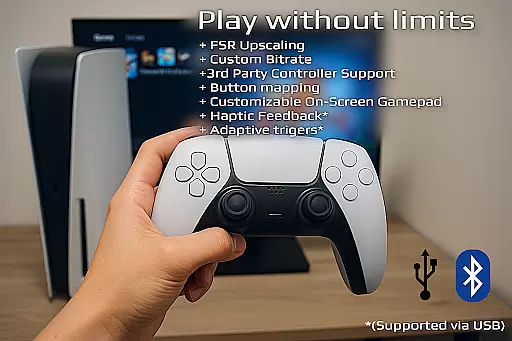
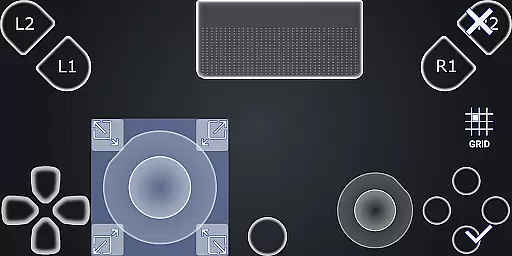
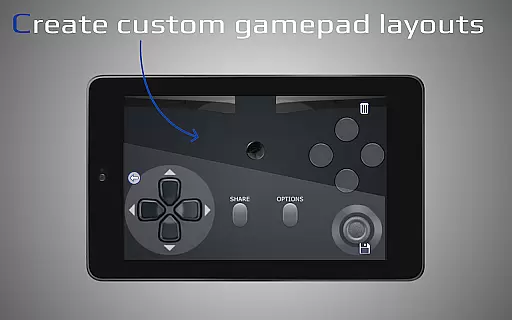
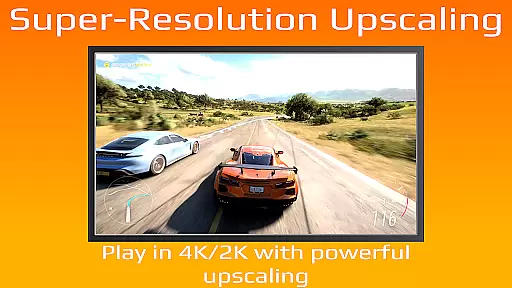
PXPlay stands out with its comprehensive feature set tailored for gamers. A key highlight is the support for FSR upscaling and sharpening, which enhances video quality during streaming sessions. This ensures that even on less-than-ideal networks, users can enjoy clear and smooth visuals. Additionally, the app allows full customization of the onscreen gamepad layout, giving players the freedom to adjust controls according to their preferences.
The app also supports advanced functionalities such as multi-profile registration and rooted device compatibility. These features cater to power users who need more control over their setup. Furthermore, PXPlay integrates modern Android capabilities like Picture-In-Picture mode and Multi-Window support, enabling multitasking while gaming. For those looking to capture their gameplay, PXPlay permits screen recording through third-party apps. Overall, PXPlay combines versatility, performance, and customization to create a top-tier remote gaming solution.
PXPlay excels in delivering core functionalities that are both accurate and effective, ensuring users can remotely control their gaming devices with minimal latency. The app supports third-party controllers across all Android devices, enhancing its versatility and user accessibility.
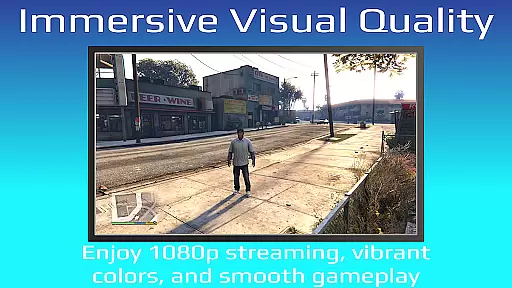
One of the standout features is the support for FSR upscaling and sharpening, which significantly enhances video quality during streaming sessions. This ensures that users experience crisp and clear visuals, making remote gameplay almost indistinguishable from local play.
The app also allows for customization of onscreen gamepad layouts and supports gamepad button mapping, providing a tailored experience to fit individual preferences. These features collectively ensure that PXPlay meets the diverse needs of gamers who require precision and adaptability in their control schemes.
By supporting older firmware versions from 5.05 and newer, PXPlay guarantees compatibility with a wide range of devices. This backward compatibility ensures that users with different system configurations can still enjoy an optimal streaming experience without needing to upgrade their hardware immediately.
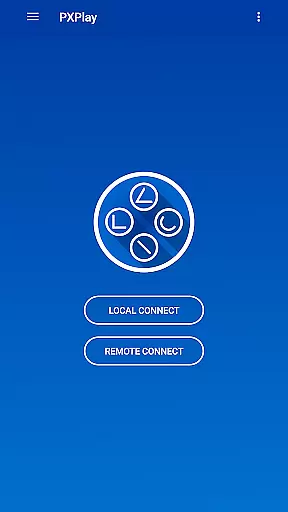
PXPlay offers an interface that balances simplicity with intuitiveness, making it accessible even for users who may not be tech-savvy. The easy connection setup process allows users to quickly start streaming from their gaming devices with low latency, removing barriers to entry for new users.
With Picture-In-Picture mode and Multi-Window support, available on Android 8.0 and 7.0 respectively, PXPlay provides flexible viewing options that enhance multitasking capabilities. These features allow users to manage multiple tasks simultaneously without interrupting their gaming sessions.
The app's design includes clear instructions and intuitive navigation paths, reducing the learning curve typically associated with complex applications. Users can effortlessly switch between different profiles and customize settings according to their preferences, ensuring a personalized yet straightforward user experience.
Furthermore, PXPlayu2019s support for mobile data connections adds another layer of convenience, enabling users to stream games or use the virtual controller feature regardless of their internet connection type. This flexibility underscores the app's commitment to providing an intuitive and hassle-free interface.
Low-latency streaming
Third-party controller support
Customizable gamepad layout
Picture-In-Picture mode
Multi-profile registration
Requires stable internet
Firmware compatibility issues
Mobile data usage charges
No offline functionality
Complex setup for beginners

This app unlocks the Pro features of the Central for DayZ app
 3.60
3.60
Use your phone as a webcam on your computer over WiFi or USB.
4.40
Navigate with Ease and Style
4.90
Making emulation easy for everyone!
4.30
The Ultimate Bluetooth Keyboard & Mouse. Securely control your PC, Mac, and more
4.50
Mirror your screen to Fire TV - Super fast and simple
4.40
The Ultimate Flex Drivers Utility App - Convenient Tapping & Block Filters
4.70
Download any file easily and quickly with Downloader
4.0
Mobile Security with Scam Protection | Malware & Virus Cleaner | Safe Browser
4.70
Powerful collection of electronics tools and reference.A must for any enthusiast
4.90
Best leveling tool for your Android device. Hang paintings like a pro.
4.90
Optimize your WiFi network, turn your phone into Wifi Analyzer
4.70
HD Camera captures every special moment.
4.60
Forza Tuning Calculator App for Forza Horizon 5, Motorsport and Earlier Titles
4.40
Clean up large files and similar photos, fast and easy to use
4.40
An easy-to-use calculator designed to save time calculating and bending conduit
4.30
PC precision for mobile gaming: dominate with keyboard and mouse!
4.30
VESC Tool can monitor and configure VESC-compatible devices over BLE and Wifi
4.20
Family Locator, Share location, StayConnect with your family in real time
3.90


User Reviews