
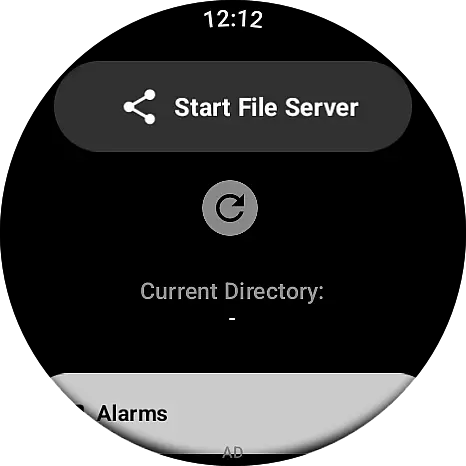
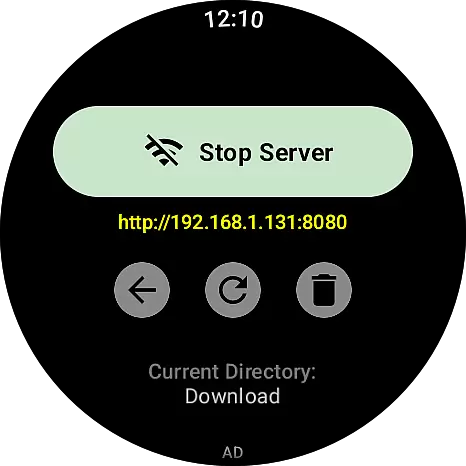
Wear APK Install is a powerful tool designed specifically for Wear OS smartwatches, enabling users to seamlessly transfer and install APK files directly on their devices. The app eliminates the need for complex sideloading methods by establishing a secure Wi-Fi server connection between the user's phone and smartwatch.
With an intuitive interface tailored for small screens, Wear APK Install offers effortless file transfers over a local Wi-Fi network, integrated file management, and one-tap installation of APKs using the native Wear OS Package Manager. This makes it an essential utility for power users and developers who wish to expand their smartwatch’s functionality beyond what is available on official app stores.
Whether you're looking to test new applications or customize your Wear OS experience, this app provides a fast, reliable, and user-friendly solution that unlocks the full potential of your device.
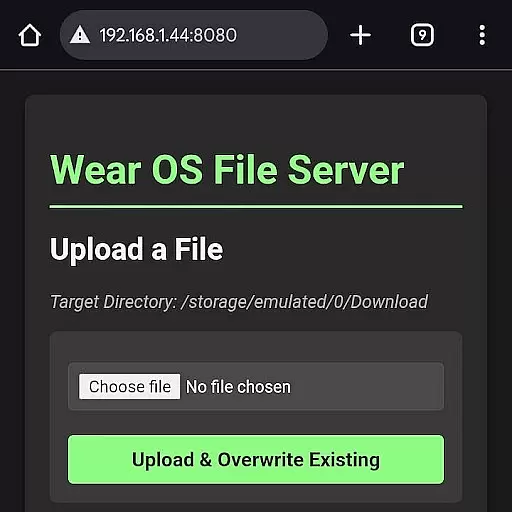
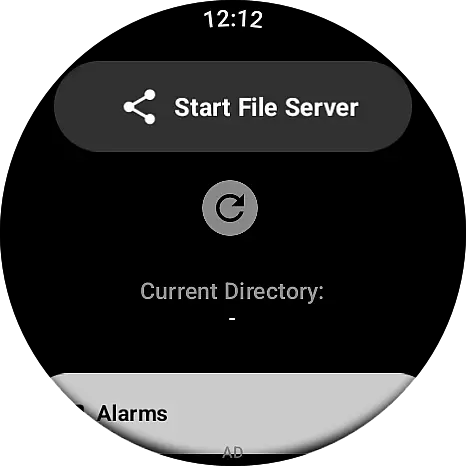
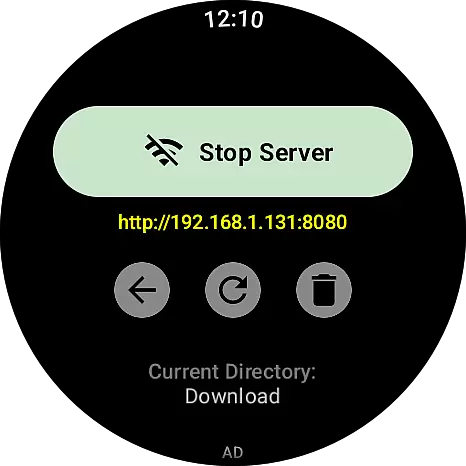
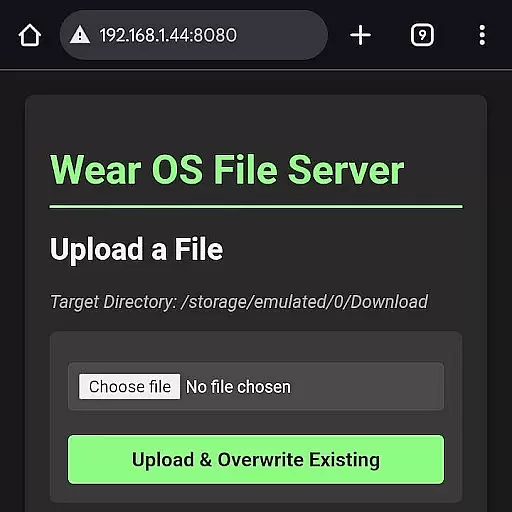
One of the standout features of Wear APK Install is its ability to simplify the process of transferring and installing APK files. By setting up a secure Wi-Fi server directly on the smartwatch, users can connect their phone's browser to the watch’s IP address and upload files instantly without the need for cables or complicated ADB commands.
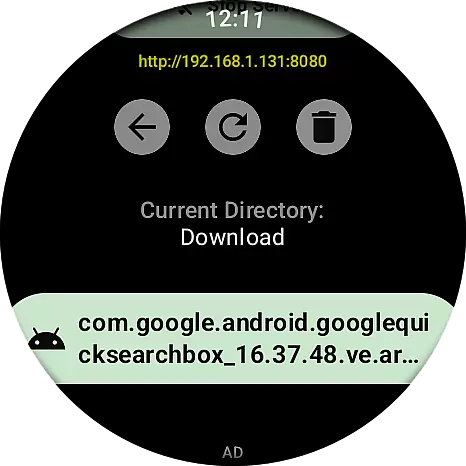
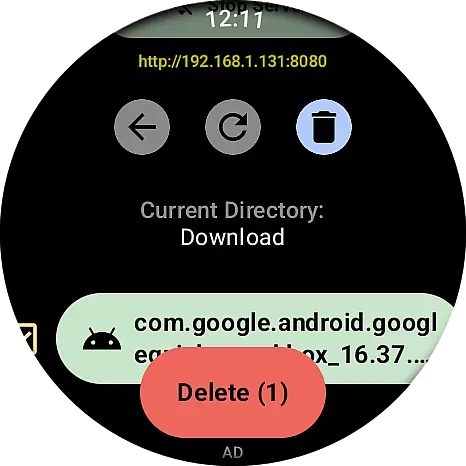
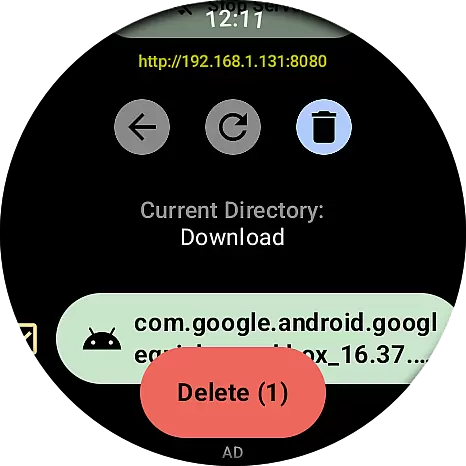
The app also includes an integrated file manager, allowing users to easily navigate and manage transferred files directly on their smartwatch. This feature ensures that users have complete control over their data while maintaining a clean and organized storage system.
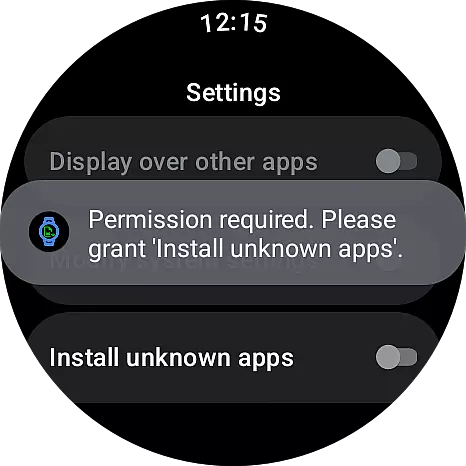
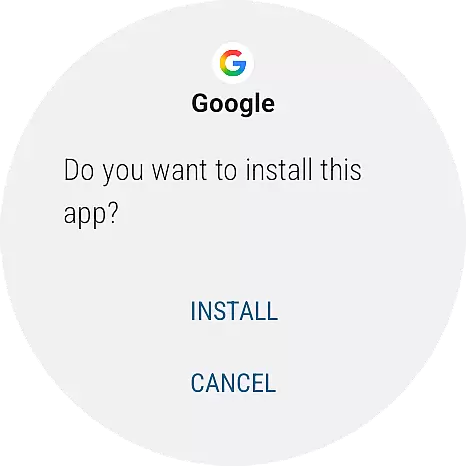
Additionally, Wear APK Install offers a streamlined user experience with a simple three-step process: launch the server on the watch, transfer files from the phone, and install them with a single tap. Its intuitive design and fast performance make it an indispensable tool for anyone looking to enhance their Wear OS experience.
When it comes to tools like Wear APK Install, the core function's accuracy and effectiveness are paramount. This app is designed to simplify the process of transferring and installing APK files directly onto a Wear OS smartwatch. The app establishes a secure Wi-Fi server connection between your phone and smartwatch, ensuring that file transfers are not only fast but also reliable.
The app's ability to set up a secure Wi-Fi server on the watch itself is one of its standout features. By doing so, it allows users to connect their phone's browser to the watch using a unique IP address. This seamless connection facilitates the quick transfer of APKs and other files over the local Wi-Fi network without the need for cumbersome cables or complex ADB commands.
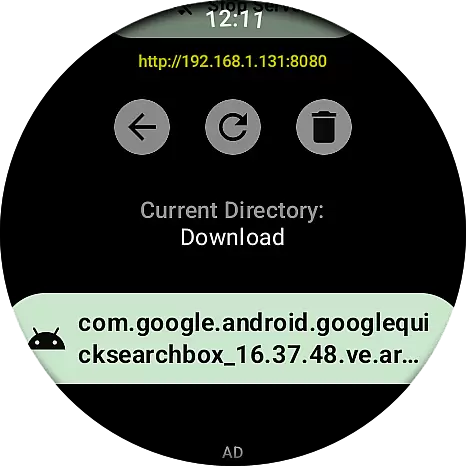
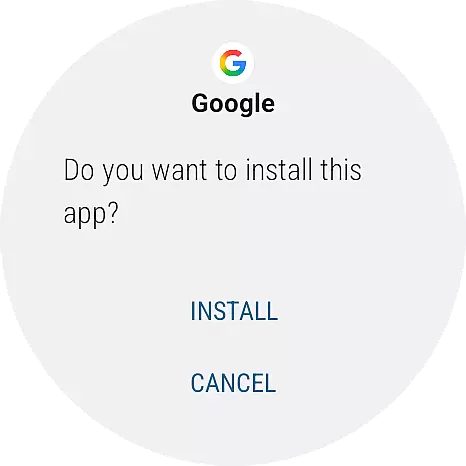
For users, this means an effortless and efficient way to manage apps on their smartwatches. With just a single tap, transferred APK files can be installed using the native Wear OS Package Manager. This intuitive user experience is specifically tailored for the small screen, making navigation and installation straightforward and hassle-free.
A tool is only as good as its interface, and Wear APK Install excels in providing a simple and intuitive user experience. Designed with the small screen in mind, the app offers a clean and fast interface that makes navigating through files and managing installations a breeze. Users can easily locate and install transferred APK files with minimal effort.
The app's design emphasizes ease of use, featuring an integrated file manager that lets users browse through their transferred files directly on the watch. This eliminates the need for external tools and streamlines the entire process. The intuitive layout ensures that even those who are not tech-savvy can efficiently manage their files and installations.
By focusing on a user-friendly design, Wear APK Install ensures that power users and developers can take full control of their smartwatches without any hassle. The simplicity of starting a Wi-Fi server on the watch, transferring files via a phone's browser, and completing the installation with a single tap underscores the app's commitment to providing an intuitive and efficient tool for sideloading applications on Wear OS devices.
Effortless file transfer
Secure Wi-Fi connection
Integrated file manager
One-tap installation
User-friendly interface
Limited to Wear OS
Requires Wi-Fi
No iOS support
Advanced setup needed
Not for beginners

A powerful, easy-to-use flight computer on your phone or tablet!
 3.80
3.80
Connect instantly to a fast, encrypted VPN with one tap
4.60
Complete kernel toolbox with features to manage and tweak your rooted device
4.30
VESC Tool can monitor and configure VESC-compatible devices over BLE and Wifi
4.20
Mirror your screen to Chromecast and Android TV - Super fast and simple
4.60
Bedrock Together: Join any bedrock server on Xbox/PS
4.80
Remote Play with FSR upscaling, low latency & full controller support
4.80
Button mapper, mouse toggle, sleep timer and a lot of another features
4.50
Screen recorder with audio to record high-quality videos and take screenshots.
4.40
Change your GPS location instantly. Simulate routes anywhere in the world.
4.90
Enjoy smooth gameplay with Game Booster
4.90
Extremely fast, secure, and protects your privacy
4.80
Small and simple app to Verify Root Access and BusyBox Install!
4.70 4.50
4.50
eXtended Permission Manager - a small app to manage permissions and AppOps
4.50
pdf merge, word to pdf, jpg to pdf, edit pdf, convert to pdf and much more!
4.20
Effortlessly run ADB commands directly on your device without a PC.
4.20
Create your own custom widget with endless possibilities
3.90
Save any video in HD - paste the link, download fast and watch offline.
4.1


User Reviews