
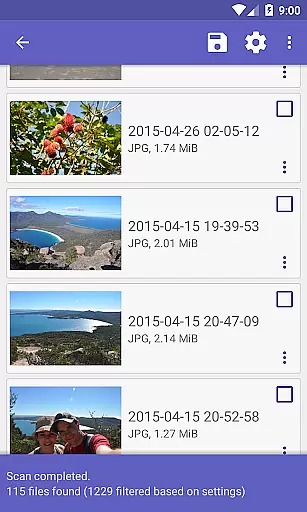
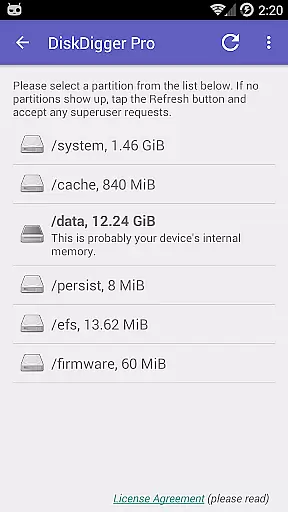
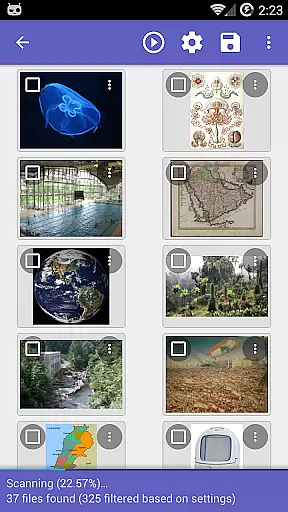
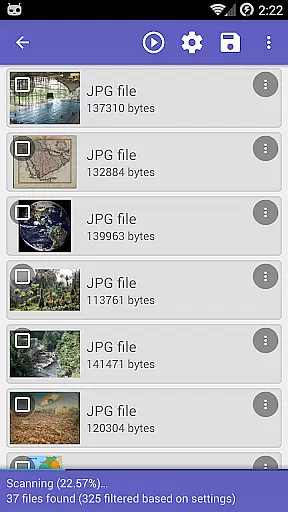
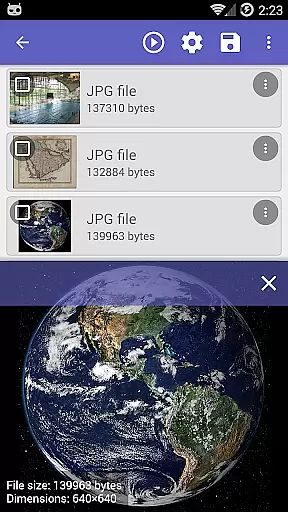
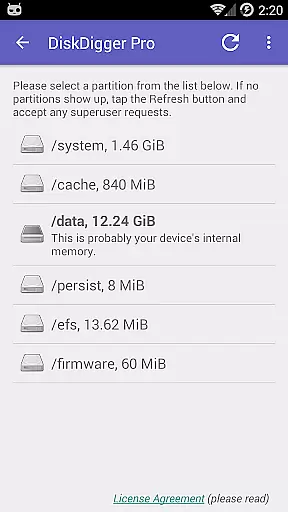
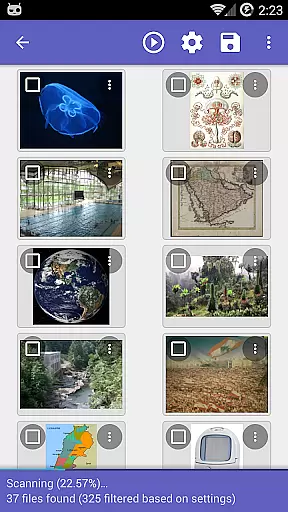
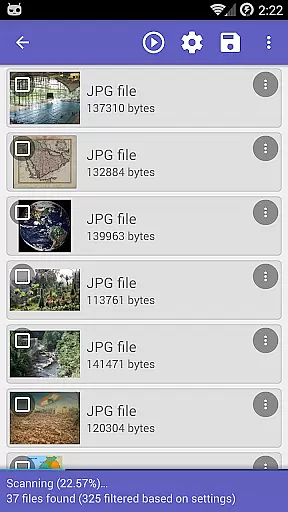
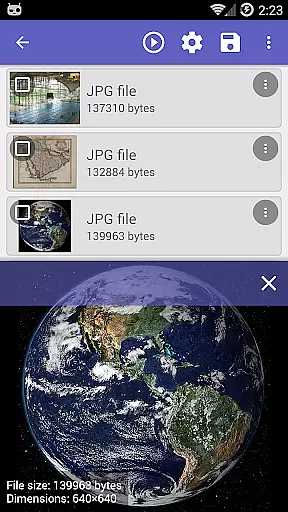
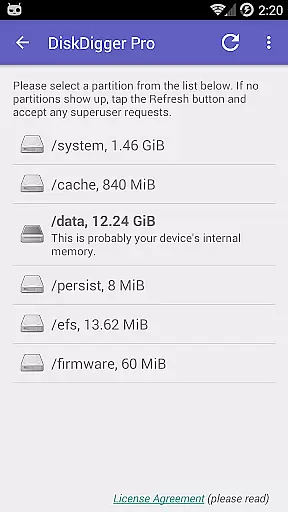
DiskDigger Pro file recovery is a powerful tool designed for rooted Android devices, enabling users to recover lost files including photos, documents, videos, and music. With its advanced scanning capabilities, the app can retrieve deleted files even from reformatted memory cards or internal storage.
While non-rooted devices have limited functionality, primarily recovering lower-resolution photos and videos, DiskDigger Pro offers comprehensive data recovery options for rooted devices. The app supports various file types and provides multiple upload and sharing options, making it an essential utility for anyone needing to restore lost data.
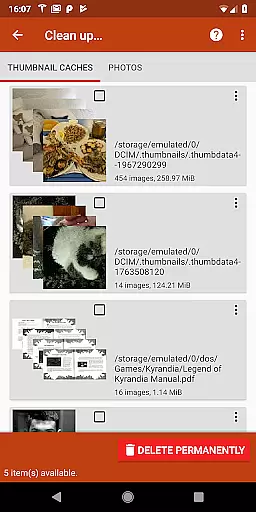
The app's standout feature is its ability to perform deep scans on rooted devices, retrieving a wide range of file types such as JPG, PNG, MP4, DOCX, PDF, and more. This makes it incredibly versatile for different recovery needs. Additionally, DiskDigger Pro allows users to permanently delete unwanted files through its 'Clean up' option, ensuring sensitive data remains unrecoverable.
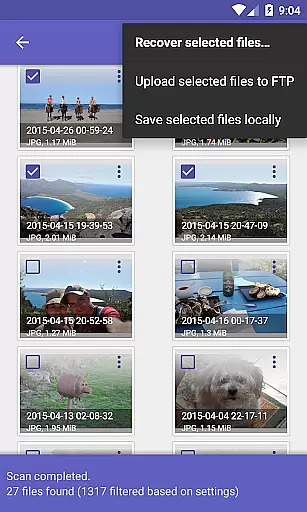
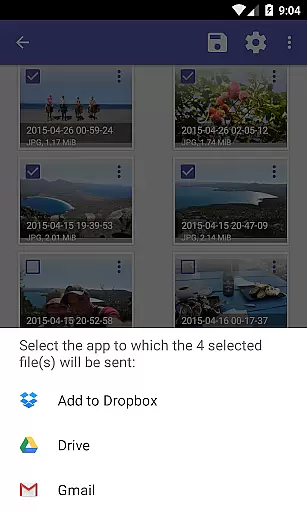
Another notable feature is the 'Wipe free space' function, which erases remaining free space to prevent future data recovery. Users can also upload recovered files directly to cloud services like Google Drive and Dropbox, or send them via email, FTP, or save locally. These features collectively enhance user control over data management and security.
DiskDigger Pro specializes in recovering lost files, including photos, documents, videos, and music from memory cards or internal storage. Its powerful data recovery capabilities ensure that even after accidental deletion or reformatting, your valuable data can be restored effectively.
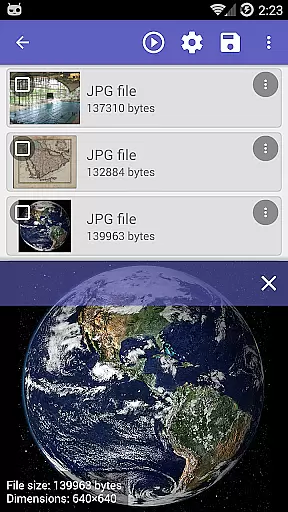
The app employs advanced scanning techniques to locate deleted files. For rooted devices, it offers comprehensive scanning of the entire internal memory, ensuring no file is left behind. This thoroughness highlights its commitment to accuracy and reliability in data recovery.
Users benefit from the ability to recover a wide range of file types, from common formats like JPG and MP4 to document types such as PDF and DOCX. This versatility ensures that DiskDigger Pro meets diverse recovery needs, enhancing user confidence in retrieving lost data.
The interface of DiskDigger Pro is designed for ease of use, allowing users to initiate scans and manage recovered files effortlessly. The straightforward navigation ensures that even those unfamiliar with data recovery tools can operate the app efficiently.
After completing a scan, users can easily tap the 'Clean up' button to remove unnecessary items permanently, streamlining the cleanup process. Additionally, features like 'Wipe free space' help maintain device security by erasing residual data traces.
With options to upload recovered files directly to cloud services like Google Drive or Dropbox, the app simplifies data management. These intuitive features enhance user engagement by providing seamless integration with popular platforms, making data recovery accessible and stress-free.
Powerful recovery capabilities
Supports multiple file formats
Direct cloud integration
User-friendly interface
Secure deletion options
Limited on non-rooted devices
Rooting requirement for full features
Complex for beginners
No guaranteed recovery
Experimental cleanup feature

 4.50
4.50
Complete kernel toolbox with features to manage and tweak your rooted device
4.30
Head tracking for PC sim games such as MSFS 2024 or Elite:Dangerous. No headset!
4.50
Use your phone as a webcam on your computer over WiFi or USB.
4.40
Safely recover deleted photos, videos, and files with a single easy tap.
3.70
Universal TV remote control all TVs, Roku, LG, Samsung, Fire, Vizio, Sony, TCL.
4.40
Detect hidden spy camera with advanced scanning {{ Premium version }}
4.00
Making emulation easy for everyone!
4.30
Remote Play with FSR upscaling, low latency & full controller support
4.80
WiFi Signal Strength Meter help you detect WiFi Signal Strength in real time.
4.80
FV File Manager Pro, Fast and powerful file manager for Android
4.60 4.50
4.50
Button mapper, mouse toggle, sleep timer and a lot of another features
4.50
Just swipe the edge to do something!
4.40
PC precision for mobile gaming: dominate with keyboard and mouse!
4.30
Remote for Roku, Fire TV, Samsung TV, LG TV, Android TV, Chromecast and VIZIO TV
4.20
1-Click close all background apps on Android TV
3.90
Smart and comfortable browsing experience.
3.80
Unlock your Essential Key. Create custom shortcuts to your favorite apps!
4.3


User Reviews