
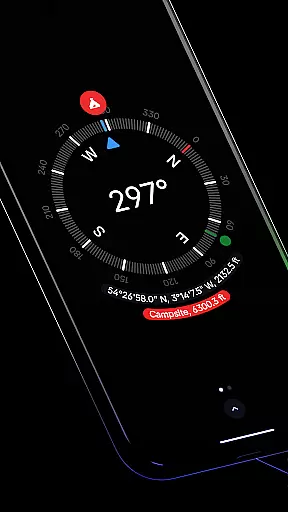
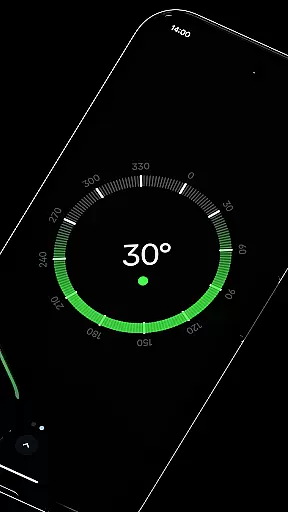
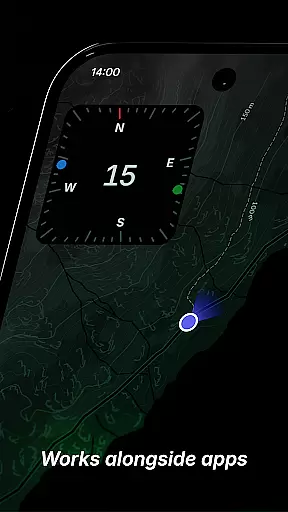
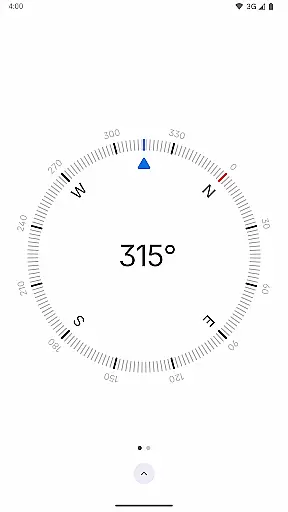
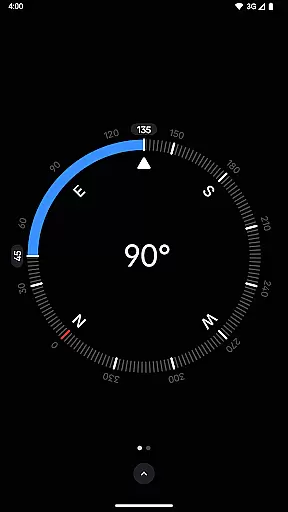
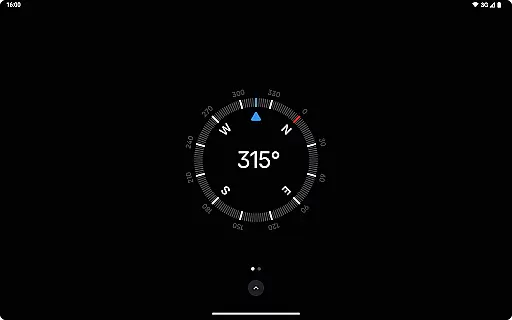
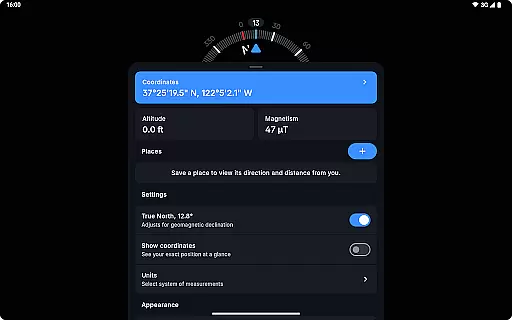
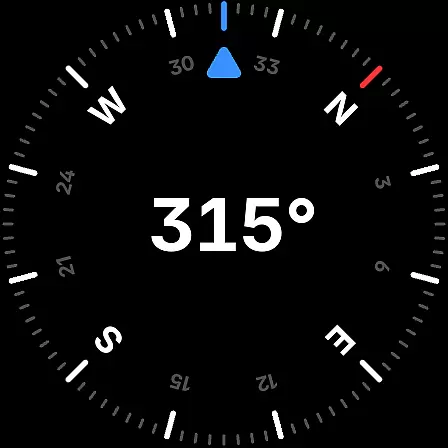
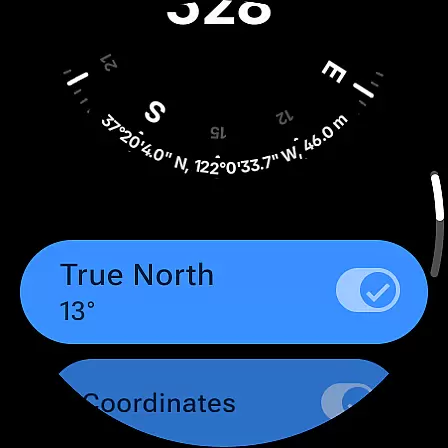
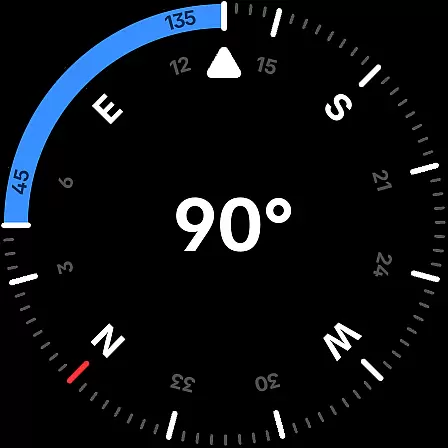
Compass is a sleek and minimalistic navigation app that combines simplicity with elegance, offering users precise direction and multiple practical features. Designed for both Android phones and select Wear OS smartwatches, this app provides an intuitive dark-themed interface for ease of use in various environments. Its accurate geomagnetic declination adjustments ensure reliable navigation aligned with true north, while additional tools like altitude display, bubble level, and angle measurement enhance its utility.
Beyond basic navigation, Compass supports advanced functionalities such as saving locations, docking the compass to the screen edge during multitasking, and switching between different units for angles, distances, and coordinates. With personalization options including dynamic colors, red screen filters for nighttime use, and high-contrast displays, it caters to diverse user preferences. The app also respects privacy by functioning offline without trackers or ads, making it ideal for explorers, hikers, DIY enthusiasts, and professionals alike.
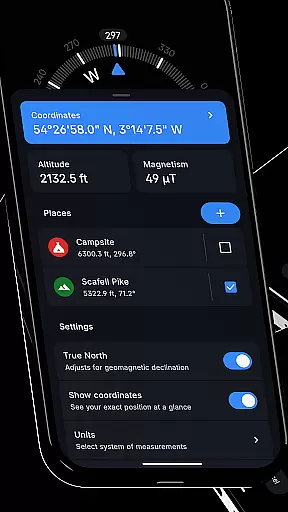
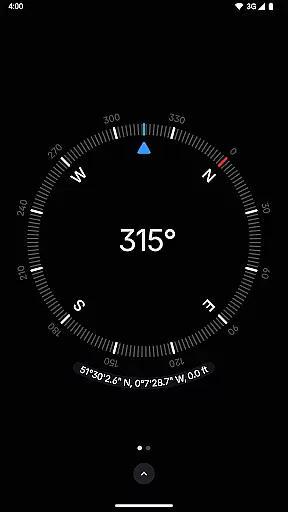
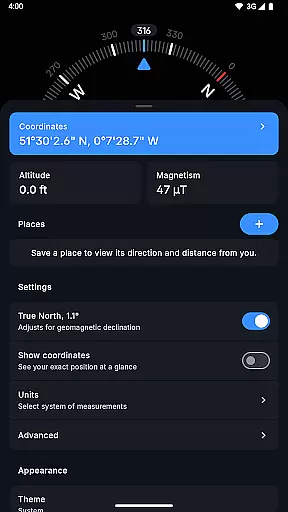
Compass stands out with its comprehensive set of features designed to meet both casual and professional navigation needs. One of its core strengths is the ability to display exact location coordinates in multiple formats (DMS, DDM, DD, UTM, MGRS, OLC), along with altitude readings. Users can save specific places to track their direction and distance relative to these points, ensuring efficient route planning. Additionally, the app includes a unique docking feature that keeps the compass visible while using other apps, enhancing multitasking capabilities.
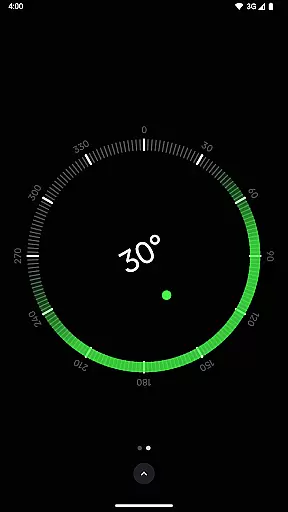
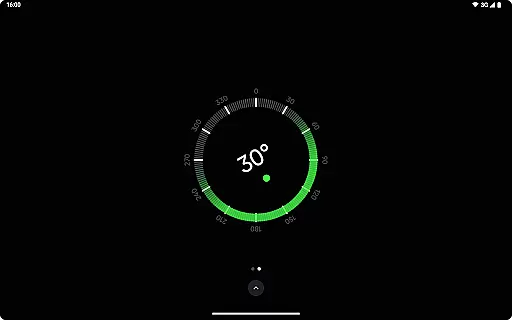
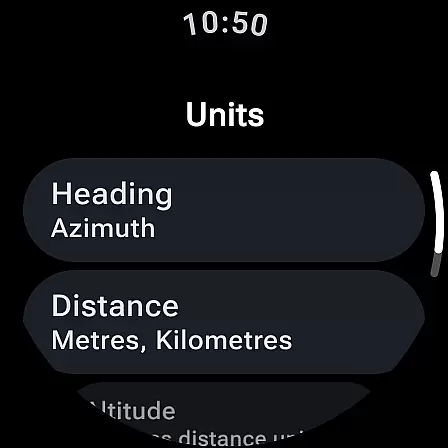
Advanced functionalities further elevate the user experience. For instance, the integrated bubble level allows users to check surface alignment easily, while the magnetic field magnitude display helps detect anomalies caused by nearby objects. Customization options abound, from switching themes between dark and light modes to adjusting units for angles (Azimuth or Quadrant Bearing) and distances (Metric, Imperial, Nautical Miles). Privacy-conscious design ensures no internet connection or analytics are required, and rich haptic feedback adds a tactile dimension to navigation. These thoughtful features make Compass not just functional but also highly adaptable to individual workflows.
Compass stands out for its precision and reliability in delivering navigation data. The app provides users with exact location coordinates, including altitude, in multiple formats such as DMS, DDM, DD, UTM, MGRS, and OLC (Plus Codes). This versatility ensures that users can access geographic information in the format most useful to them, whether they are hikers, travelers, or professionals requiring specific data presentations.
The application's ability to adjust for geomagnetic declination by aligning with true north enhances its navigational accuracy. This feature is crucial for explorers who depend on precise bearings in their journeys. Additionally, the integrated bubble level and angle difference measurement tools offer practical utilities for carpenters and DIY enthusiasts, ensuring surfaces and angles are accurately measured.
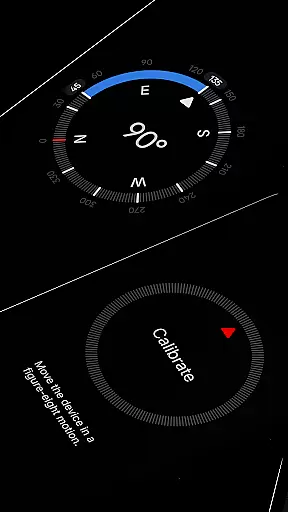
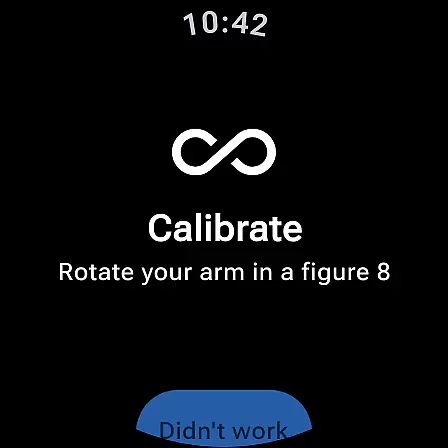
Compass also includes a calibration guide that guarantees accurate readings every time it's used. This attention to detail in maintaining functional integrity underlines the app's commitment to providing an effective navigation tool. Users benefit from consistent performance that supports a wide range of activities, from casual exploration to professional applications.
The interface design of Compass emphasizes simplicity and ease of use without compromising functionality. Featuring a modern, dark-themed display, the app offers a clear and intuitive visual experience that ensures users can navigate effortlessly. The option to switch between dark and light themes further enhances usability by adapting to different lighting conditions and user preferences.
Customization options extend to dynamic colours, allowing the app's appearance to match the device's wallpaper using Android 12's feature. This personalization aspect not only improves aesthetic appeal but also creates a more engaging user experience. Furthermore, the red screen filter option aids visibility at night by reducing screen brightness, demonstrating thoughtful design considerations for various environments.
Compass maintains an uncluttered layout while offering advanced features like rich haptic feedback and high contrast display settings. These elements contribute to an intuitive interaction model, enabling users to focus on their tasks without distraction. By combining sleek aesthetics with practical functionalities, Compass delivers an interface that is both simple to operate and rich in features.
User-friendly interface
Accurate navigation tools
Offline functionality
No ads or trackers
Customizable settings
Limited Wear OS support
Redundant for casual users
Requires calibration
High contrast only
No voice guidance

A convenient photo, video, and file recovery tool.
 4.00
4.00
Save any video in HD - paste the link, download fast and watch offline.
4.4
Optimize your WiFi network, turn your phone into Wifi Analyzer
4.70
MS-DOS in your pocket. Play old DOS games anywhere you are ;)
4.10
Detect hidden spy camera with advanced scanning {{ Premium version }}
4.00
With videos, electrical calculators, and built-in ebook, Ugly’s has your answer.
4.50
Remote Play with FSR upscaling, low latency & full controller support
4.80
Fun lie-detection pranks for friends and parties.
3.80
Enjoy a smooth mobile reading experience!
3.60
Enjoy smooth gameplay with Game Booster
4.90
Easily install aab(Android App Bundle) files on your Android device with our app
4.80
WiFi Signal Strength Meter help you detect WiFi Signal Strength in real time.
4.80
Learn the vast amount of system information about device and monitor it's state
4.70
ADB support Android 4.X-Android 13(Support wireless pair mode).No root required!
4.70
Quickly switch to an encrypted DNS server on Android TV
4.50
Quickly check the frequency of the Earth
4.30
App that Recover your pictures, videos or files after you delete them.
4.20
View detailed information about your Nissan Leaf the dealer never shows you.
4.10
Download any file easily and quickly with Downloader
4.4


User Reviews